Digi TX54 Single LTE Advanced Pro Cat 12 Transportation Router (FirstNet) (TX54-A146)
Digi TX54 Single LTE Advanced Pro Cat 12 Transportation Router (FirstNet) (TX54-A146) Price on RequestRequest a quote for volume pricing, availability and lead time.
Back to products
Grandstream GWN7001 Multi-WAN Gigabit VPN Router (GWN7001)
Grandstream GWN7001 Multi-WAN Gigabit VPN Router (GWN7001) Price on RequestRequest a quote for volume pricing, availability and lead time.

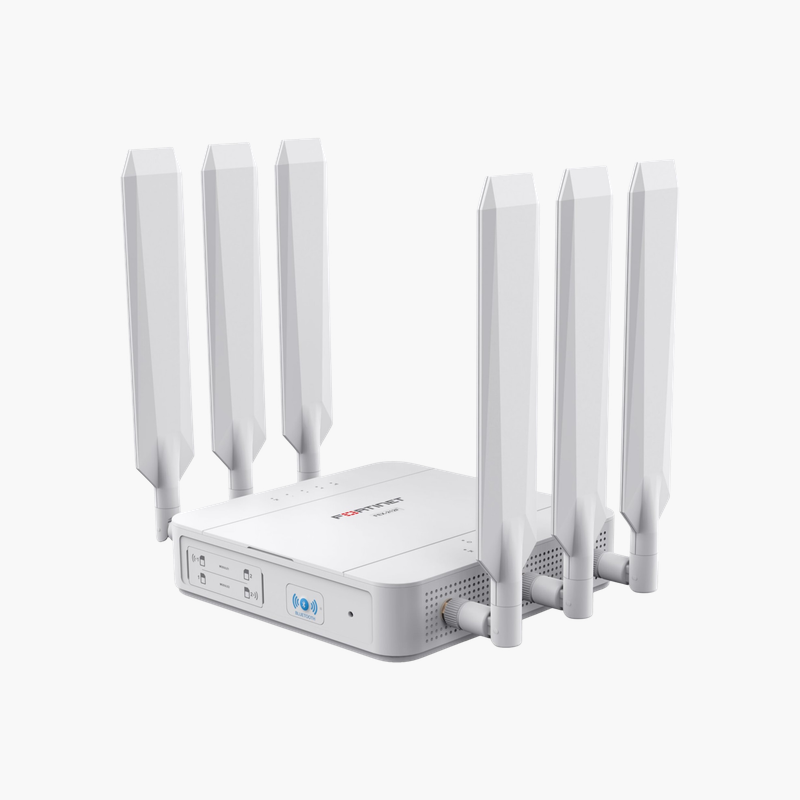
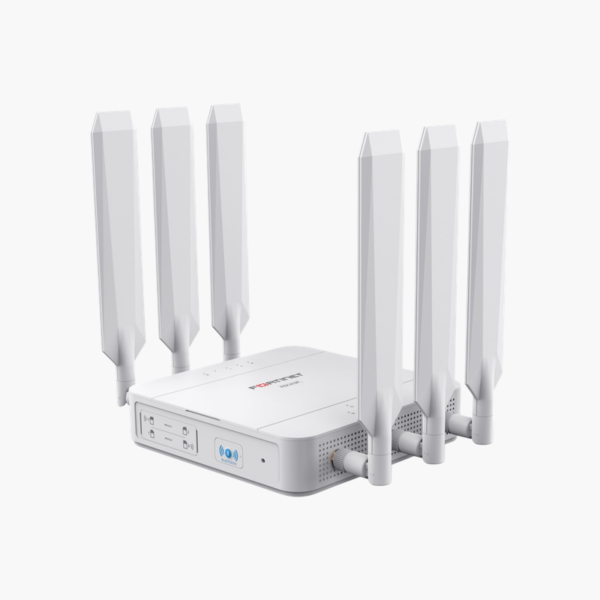
Fortinet FortiExtender 511F 5G Cellular Extender (FEX-511F) – 5G/LTE cellular (dual SIM), 5G sub-6 GHz / LTE

SKU: FEX-511F
  • 30-Day Hassle Free Returns
  • Secure Payment Options

Price on RequestRequest a quote for volume pricing, availability and lead time.

Key Value Highlights

  • 5G sub-6 GHz / LTE connectivity – Cellular WAN for primary, backup or mobile internet.
  • 5G/LTE cellular (dual SIM) – Matches fast internet plans and multi-WAN failover.
  • Gigabit Ethernet – Wired connections for PCs, NAS, switches and consoles.
  • Dual SIM – Adds flexibility for setup and management.
  • Managed by FortiGate or FortiExtender Cloud – Adds flexibility for setup and management.

Description

The Fortinet FortiExtender 511F 5G Cellular Extender is a cellular gateway that provides 5G sub-6 GHz / LTE connectivity. Its ports include 5G/LTE cellular (dual SIM) and Gigabit Ethernet. It is built for branch offices, vehicles and sites that need cellular internet. Dual SIM and managed by FortiGate or FortiExtender Cloud add flexibility.

Keep sites and vehicles online.

Keep Sites and Vehicles Online with Cellular WAN

Wired broadband takes weeks to install at new sites, fails without warning and is not available in vehicles or remote locations.

The Fortinet FortiExtender 511F 5G Cellular Extender uses 5G sub-6 GHz / LTE cellular connectivity for primary or failover internet, and dual SIM.

Connectivity and Ports

Cellular: 5G sub-6 GHz / LTE. WAN: 5G/LTE cellular (dual SIM). LAN: Gigabit Ethernet.

Management and Features

Dual SIM and Managed by FortiGate or FortiExtender Cloud.

Setup Instructions

How to Set Up the Fortinet FortiExtender 511F 5G Cellular Extender

  1. Insert an activated SIM card (or configure eSIM where supported).
  2. Mount the device and connect the antennas, power or PoE.
  3. Connect the LAN port to your network or switch.
  4. Register the device in its cloud management platform and confirm the cellular connection.

Overview

BrandFortinet
ModelFortiExtender 511F 5G Cellular Extender
Product TypeCellular Gateway
Cellular5G sub-6 GHz / LTE
WAN5G/LTE cellular (dual SIM)
LANGigabit Ethernet
FeaturesDual SIM; Managed by FortiGate or FortiExtender Cloud
Use CaseCellular primary/failover WAN
CategoryRouters
ManagementApp / web interface / cloud
SecurityFirewall and VPN features
Network StandardIEEE 802.3 Ethernet
Part NumberFEX-511F
ConditionBrand New
In the BoxRouter, power adapter (where applicable), quick start guide

Frequently Asked Questions

Find answers to common questions about this product.

Customer Reviews

Reviews

There are no reviews yet.

Be the first to review “Fortinet FortiExtender 511F 5G Cellular Extender (FEX-511F) – 5G/LTE cellular (dual SIM), 5G sub-6 GHz / LTE”

Your email address will not be published. Required fields are marked *