HP 63 Black Original Ink Cartridge (F6U62AN) – For DeskJet, ENVY, and OfficeJet Printers
HP 63 Black Original Ink Cartridge (F6U62AN) – For DeskJet, ENVY, and OfficeJet Printers Price on RequestRequest a quote for volume pricing, availability and lead time.
Back to products
HP 134A Black Original Toner Cartridge (W1340A) – For LaserJet M209 and MFP M234 Series
HP 134A Black Original Toner Cartridge (W1340A) – For LaserJet M209 and MFP M234 Series Price on RequestRequest a quote for volume pricing, availability and lead time.

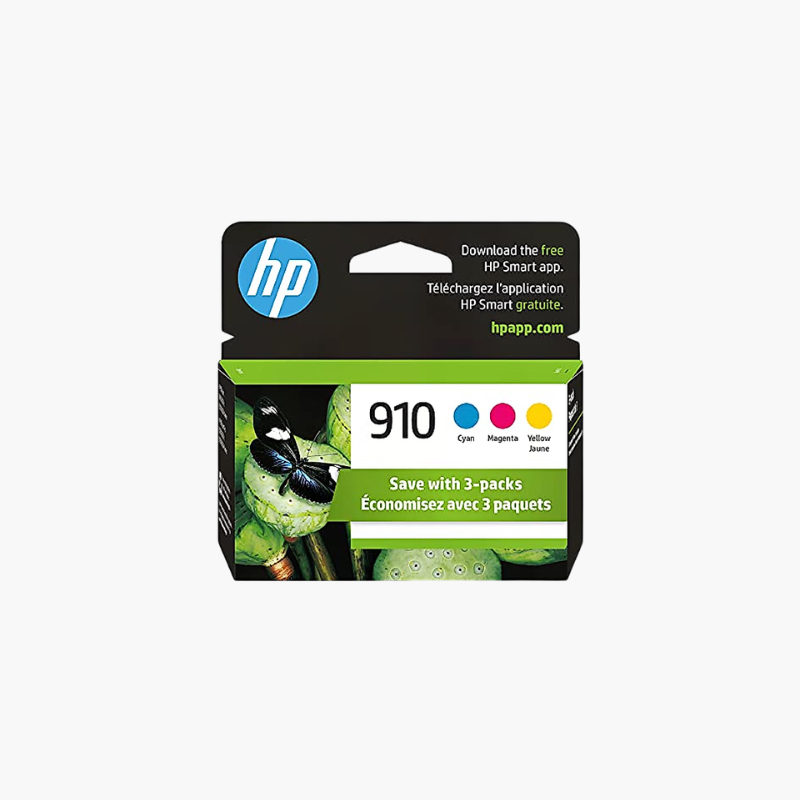
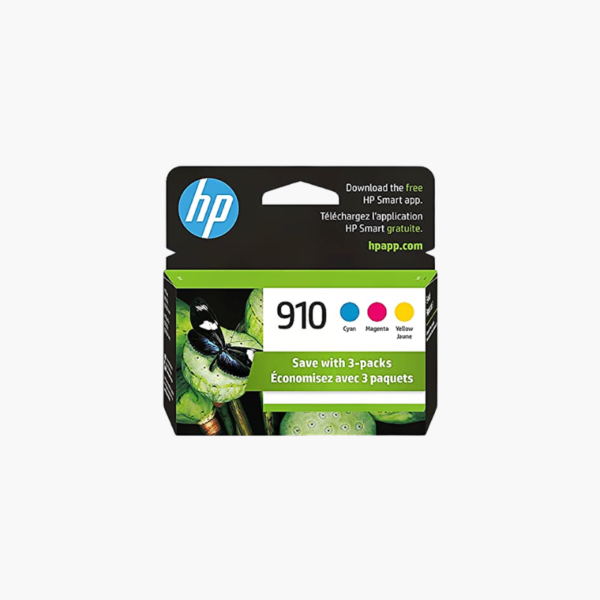
HP 910 Cyan, Magenta, Yellow Original Ink Cartridges 3-Pack (3YN97AN) – For OfficeJet 8010, 8020 and Pro 8020, 8030

SKU: HP-3YN97AN
  • 30-Day Hassle Free Returns
  • Secure Payment Options

Price on RequestRequest a quote for volume pricing, availability and lead time.

Key Value Highlights

  • Three colors in one pack – Replaces cyan, magenta, and yellow together.
  • About 315 pages per cartridge – Covers regular color document printing.
  • Pigment inks – Resist water and fading on office documents.
  • Individual cartridges – Each color is replaced only when it is empty.

Description

The HP 910 Cyan, Magenta, Yellow Original Ink Cartridges 3-Pack (3YN97AN) is a color replacement set for HP OfficeJet 8010 and 8020 series and HP OfficeJet Pro 8020 and 8030 series printers. Each cartridge prints about 315 pages and uses pigment ink for durable color business documents.

Deep-Dive Story & Problem/Solution

Color Runs Out Unevenly and Stops Office Printing

OfficeJet printers use separate color cartridges, and many models will not print when one of them is empty. Offices without spares lose time waiting for a single color to arrive.

This 3-pack keeps all three colors on hand. Pigment-based inks produce color charts, brochures, and marketing pages that resist smearing from water and highlighters.

Original HP cartridges communicate with the printer for accurate ink level alerts and work with HP ink recycling programs.

Compatible Printer Series

HP OfficeJet 8010, 8020 series and HP OfficeJet Pro 8020, 8030 series, including models such as the OfficeJet Pro 8025 and 8035.

Standard and XL Options

For higher volumes, HP 910XL color cartridges print about 825 pages each and fit the same slots.

Setup Instructions

How to Install HP 910 Color Cartridges

  1. Turn on the printer and open the front cartridge access door.
  2. Push the used cartridge inward to release it, then pull it out of its slot.
  3. Unpack the new cartridge and insert it into the slot marked with the matching color.
  4. Close the door and print a test page to confirm color output.

Overview

ModelHP 910 CMY 3-Pack (3YN97AN)
Product TypeOriginal ink cartridges
ColorsCyan, magenta, yellow
Ink TypePigment-based
Page YieldApprox. 315 pages per cartridge
Yield TypeStandard
Print TechnologyHP Thermal Inkjet
Compatible OfficeJet Series8010, 8020
Compatible OfficeJet Pro Series8020, 8030
Pack Quantity3 cartridges
Black CartridgeNot included
Cartridge FamilyHP 910
StorageSealed, at room temperature
MaintenancePrint a test page after installation

Frequently Asked Questions

Find answers to common questions about this product.

Customer Reviews

Reviews

There are no reviews yet.

Be the first to review “HP 910 Cyan, Magenta, Yellow Original Ink Cartridges 3-Pack (3YN97AN) – For OfficeJet 8010, 8020 and Pro 8020, 8030”

Your email address will not be published. Required fields are marked *