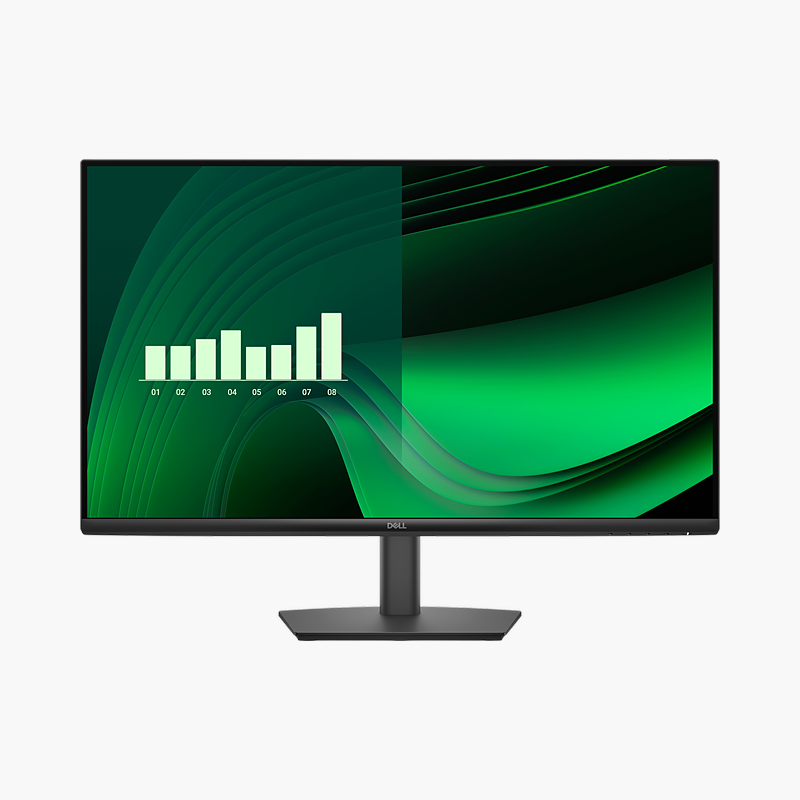
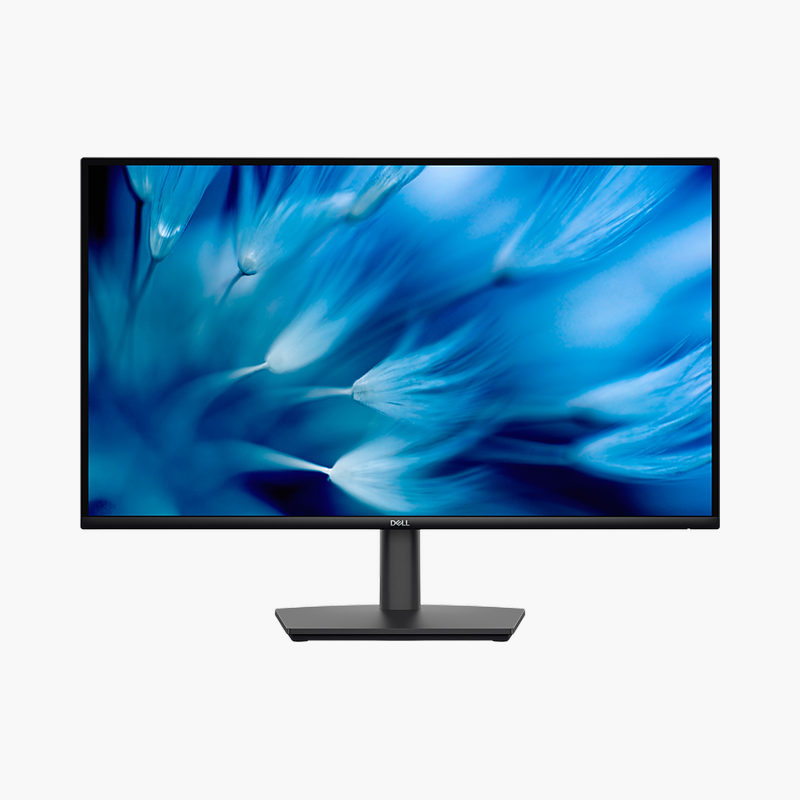
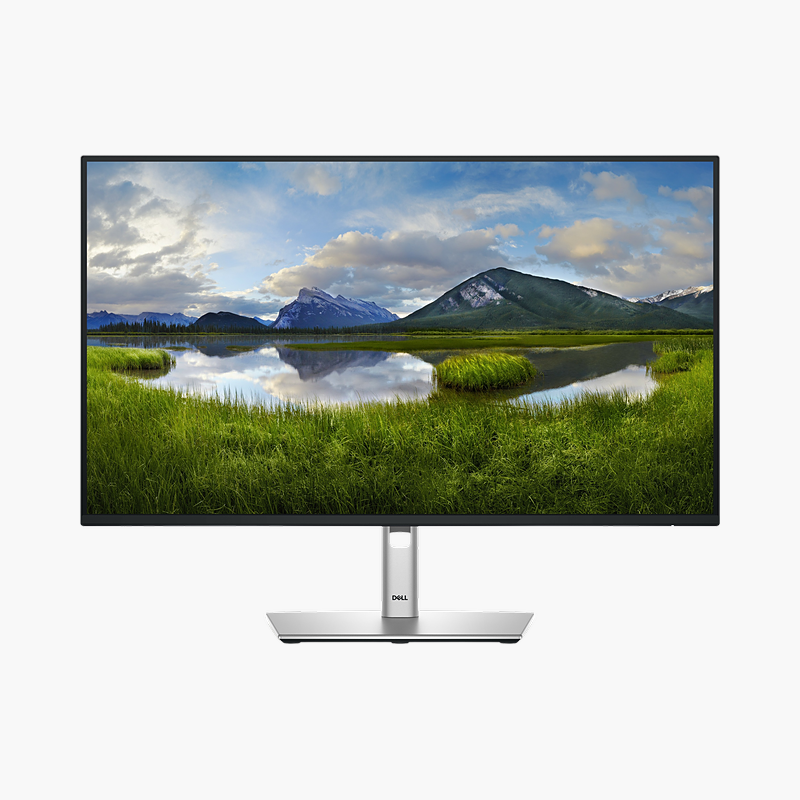
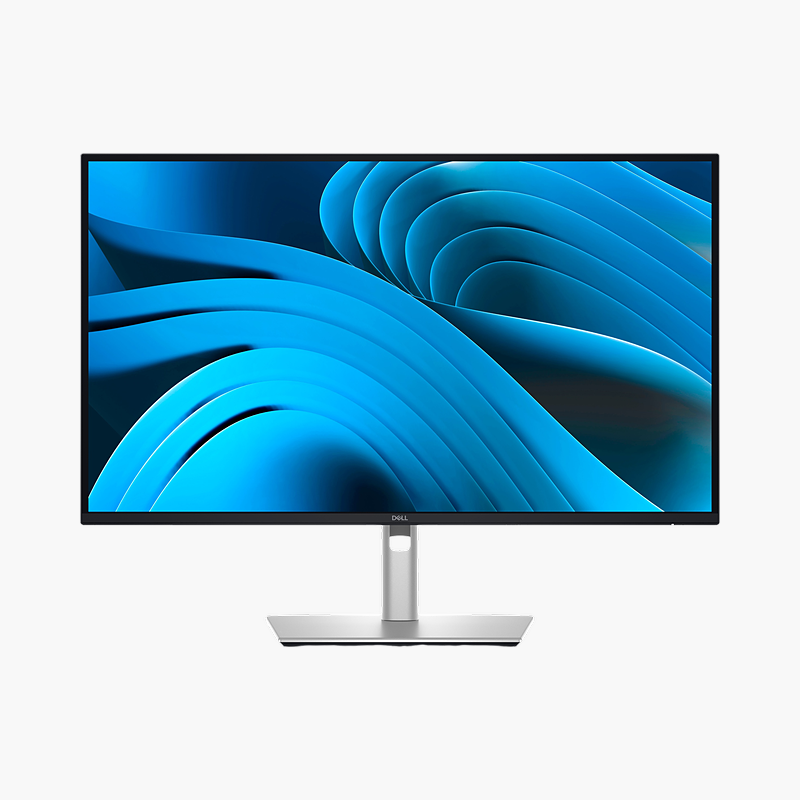
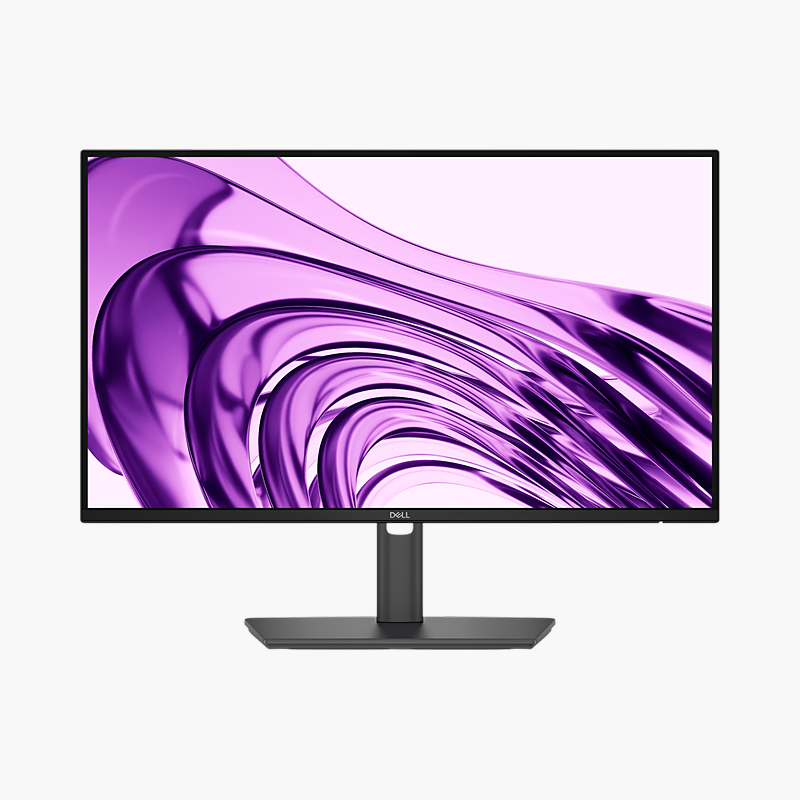
HP Series 5 524sf 23.8" Full HD IPS Monitor (94C17AA)
HP Series 5 524sf 23.8" Full HD IPS Monitor (94C17AA) – 100Hz, HDMI, VGA Price on RequestRequest a quote for volume pricing, availability and lead time.
Back to products

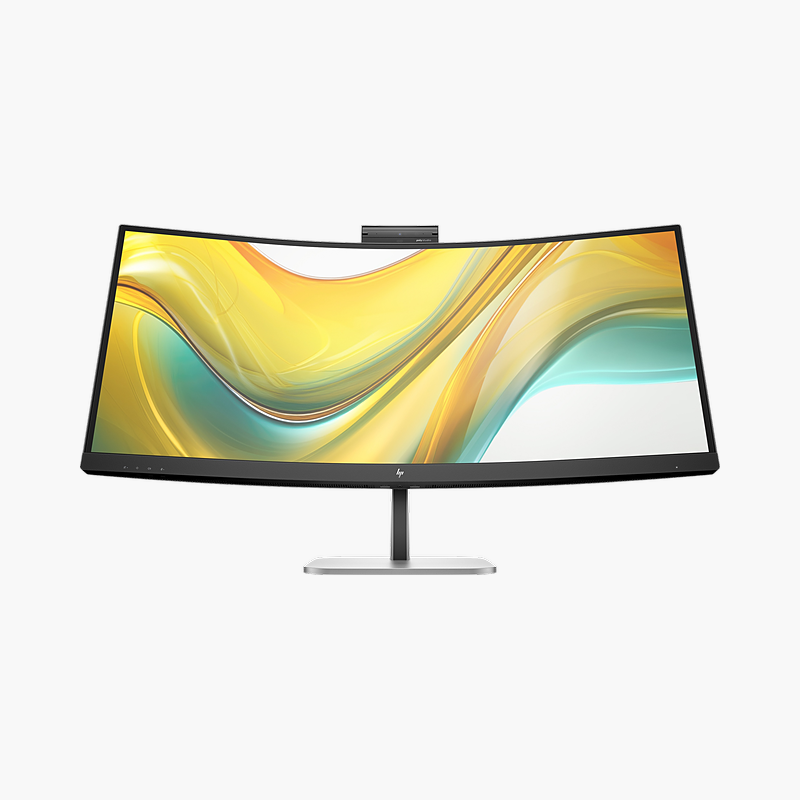
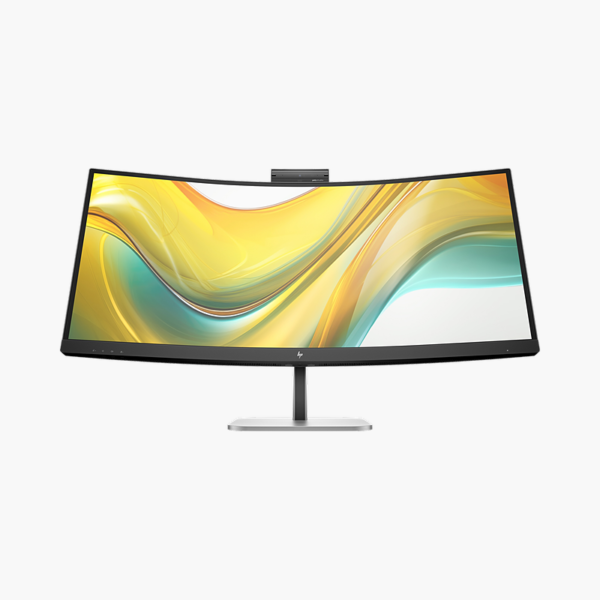
HP Series 5 Pro 534pm 34″ WQHD VA Curved Video Conferencing Monitor (9E0Z2UT#ABA) – 100Hz, 100W USB-C, 5MP Webcam, RJ45

SKU: 9E0Z2UT#ABA
  • 30-Day Hassle Free Returns
  • Secure Payment Options

Price on RequestRequest a quote for volume pricing, availability and lead time.

Key Value Highlights

  • 34″ WQHD VA panel (3440 x 1440) – Ultrawide workspace that replaces a dual-monitor setup without a bezel in the middle.
  • USB-C with 100W power delivery – One cable carries video, data and laptop charging, plus Gigabit Ethernet through the built-in RJ45 port.
  • 5MP webcam – Video calls without a separate webcam; built-in speakers and microphones complete the setup.
  • 100Hz refresh rate – Smoother scrolling and cursor movement than a 60Hz office display.
  • Height, tilt and swivel stand – Set the screen at eye level to reduce neck and shoulder strain.

Description

The HP Series 5 Pro 534pm is a 34″ WQHD VA curved video conferencing monitor with a 100Hz refresh rate, 100W USB-C power delivery and a 5MP webcam. It is built for professionals who multitask across wide spreadsheets and join video calls, giving a clear, comfortable screen and a single-cable connection to your laptop.

Meet face-to-face without extra gear.

A Conferencing Setup Built Into the Screen

Laptop webcams sit low and pick up poor angles, small speakers sound thin, and adding a separate webcam, speakerphone and dock fills the desk with cables and gadgets that all need setting up.

The HP Series 5 Pro 534pm builds the 5MP webcam into the top of the 34″ screen at eye level and adds 4x 3W speakers. One USB-C cable carries video, data, Ethernet and up to 100W of charging, so a laptop docks in seconds.

Clear Picture and Sound for Every Call

The camera is positioned at eye level so colleagues see you face-on, and built-in audio removes the need for a separate speaker for everyday calls.

A Full Workspace Between Meetings

Outside calls, the WQHD VA panel with 100Hz refresh gives room for documents, spreadsheets and browser windows, and the height, tilt and swivel stand adjusts to your posture.

Setup Instructions

How to Set Up the HP Series 5 Pro 534pm

  1. Unbox the monitor, attach the stand and place it on a stable desk.
  2. Connect your PC or laptop with the USB-C/Thunderbolt cable for one-cable video, data and charging, then connect the power cable.
  3. Power on, open the on-screen menu and set the resolution to 3440 x 1440 at 100Hz in your operating system’s display settings.
  4. Adjust the stand so the screen and webcam sit at eye level, then select the monitor’s camera, microphone and speakers in your video-call app.

Overview

BrandHP
Model Number9E0Z2UT#ABA
Product LineHP Series 5 Pro Conferencing
Screen Size34″
Resolution3440 x 1440 (WQHD, 21:9)
Panel TypeVA, curved 1500R
Refresh Rate100Hz
Webcam5MP webcam
USB-C Power Delivery100W (USB-C)
Video InputsUSB-C (DP Alt Mode), HDMI 2.0, DisplayPort 1.4
Brightness400 nits
Contrast Ratio4000:1 (static)
Response Time5 ms (GtG)
ConditionBrand New
In the BoxMonitor, stand, power cable and video/USB connection cable(s)

Frequently Asked Questions

Find answers to common questions about this product.

Customer Reviews

Reviews

There are no reviews yet.

Be the first to review “HP Series 5 Pro 534pm 34″ WQHD VA Curved Video Conferencing Monitor (9E0Z2UT#ABA) – 100Hz, 100W USB-C, 5MP Webcam, RJ45”

Your email address will not be published. Required fields are marked *