















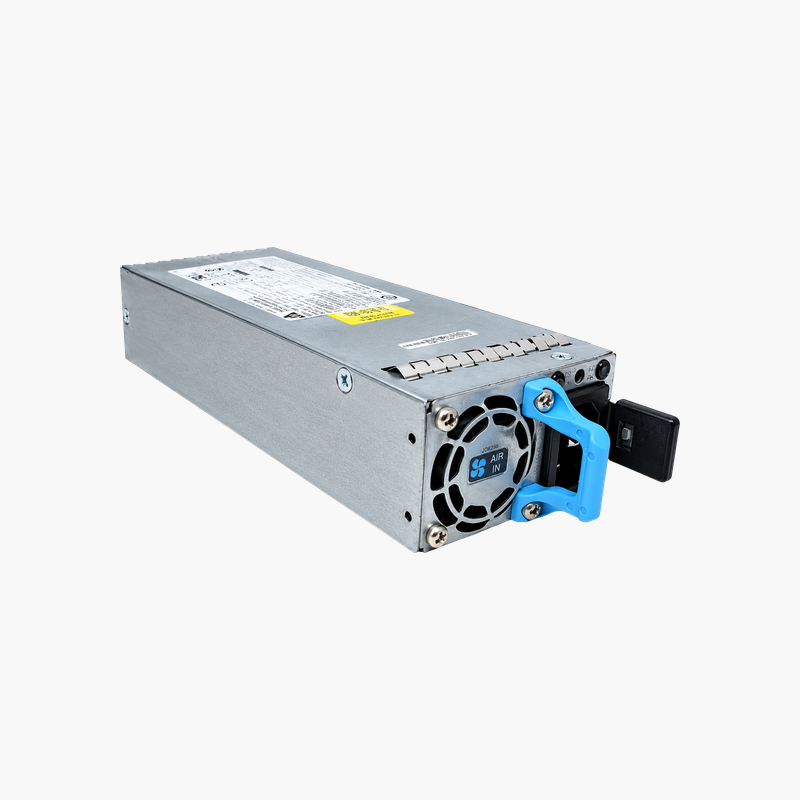
Keep Juniper EX3400 switches redundant with the matched 150W AFI supply.
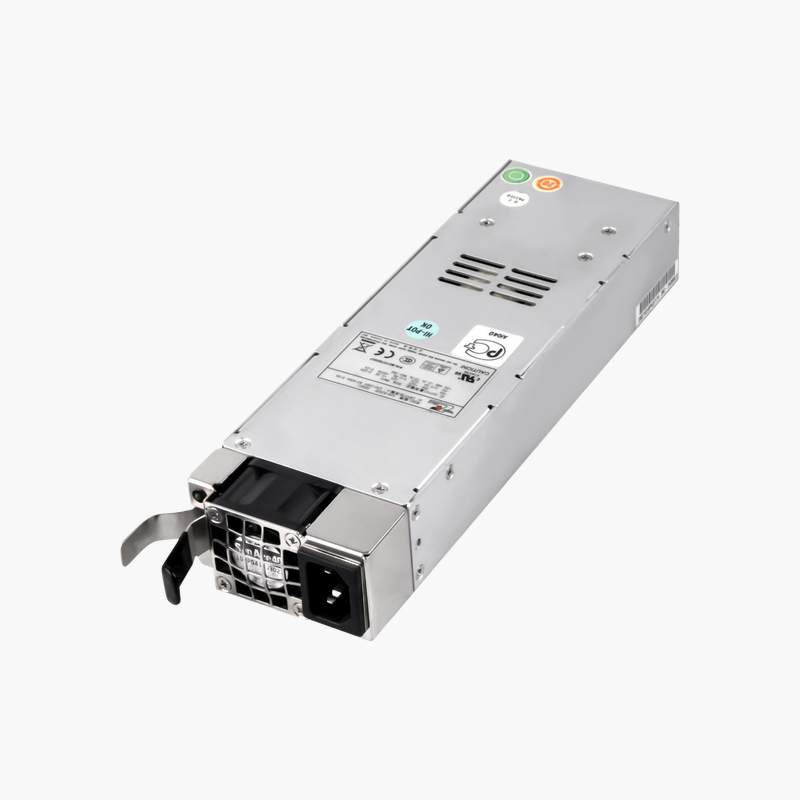
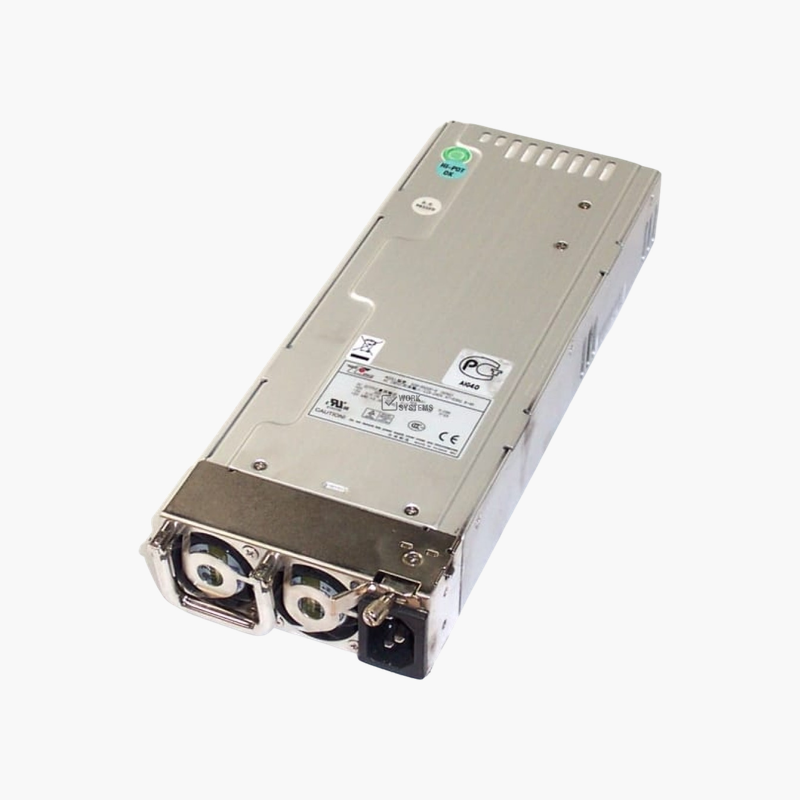
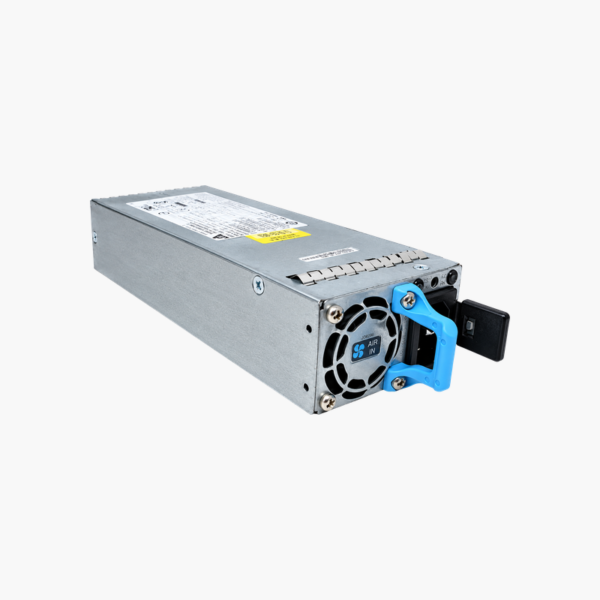
The Juniper JPSU-150-AC-AFI is a 150W AC hot-swappable power supply for Juniper EX3400 non-PoE switches. It uses AFI (airflow in, back-to-front) cooling and accepts 100–240V AC input. It suits network engineers maintaining redundant power on EX3400 access and aggregation switches.
Why Juniper Airflow Codes Matter
Juniper power supplies are marked AFO (airflow out, front-to-back) or AFI (airflow in, back-to-front). The PSU airflow must match the switch’s fan modules, or the components will push air against each other.
The JPSU-150-AC-AFI is the AFI version for EX3400 switches configured for back-to-front cooling, typically where the switch ports face the rear of the rack.
Redundant, Hot-Swap Operation
EX3400 switches support two power supplies. With both installed, either can carry the switch, and a failed unit can be replaced without interrupting traffic.
Right-Sized for Non-PoE Models
The 150W rating suits non-PoE EX3400 models. PoE models need higher-capacity supplies to provide power to connected devices.
Setup Instructions
How to Replace the Juniper JPSU-150-AC-AFI
- Confirm the part number is listed as supported for your Juniper EX3400 switch, and confirm the fan modules use AFI (back-to-front) airflow.
- If the device has a second working power supply, leave it running; otherwise schedule a maintenance window and power the device down.
- Disconnect the AC or DC cord from the failed unit, release the latch and slide it out, then slide the new module into the empty bay until it locks.
- Connect the power cord, check that the PSU status LED turns green, and confirm in the device CLI or management interface that the supply reports OK.








Reviews
There are no reviews yet.