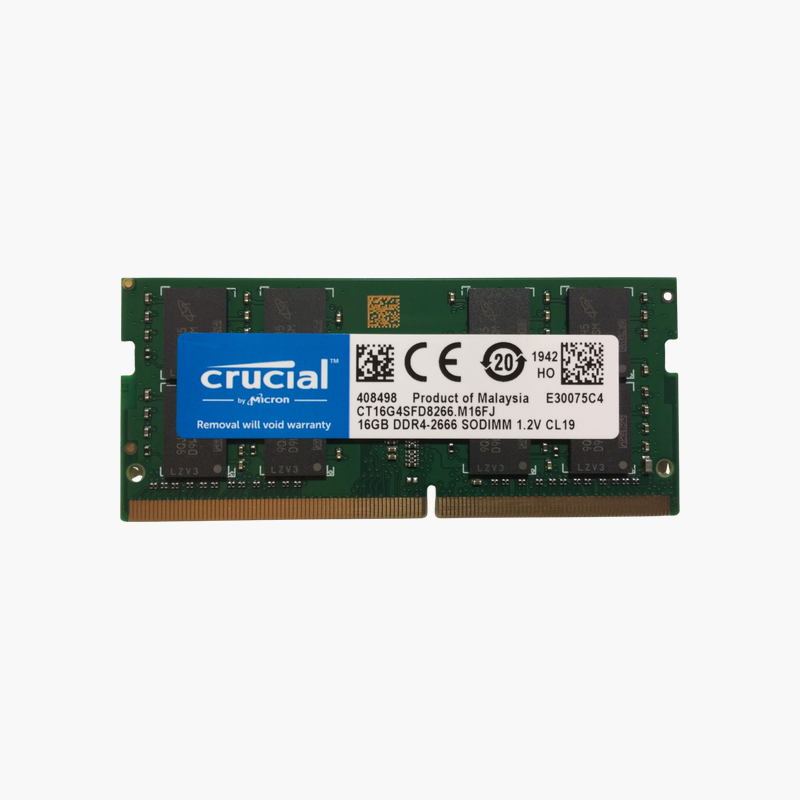
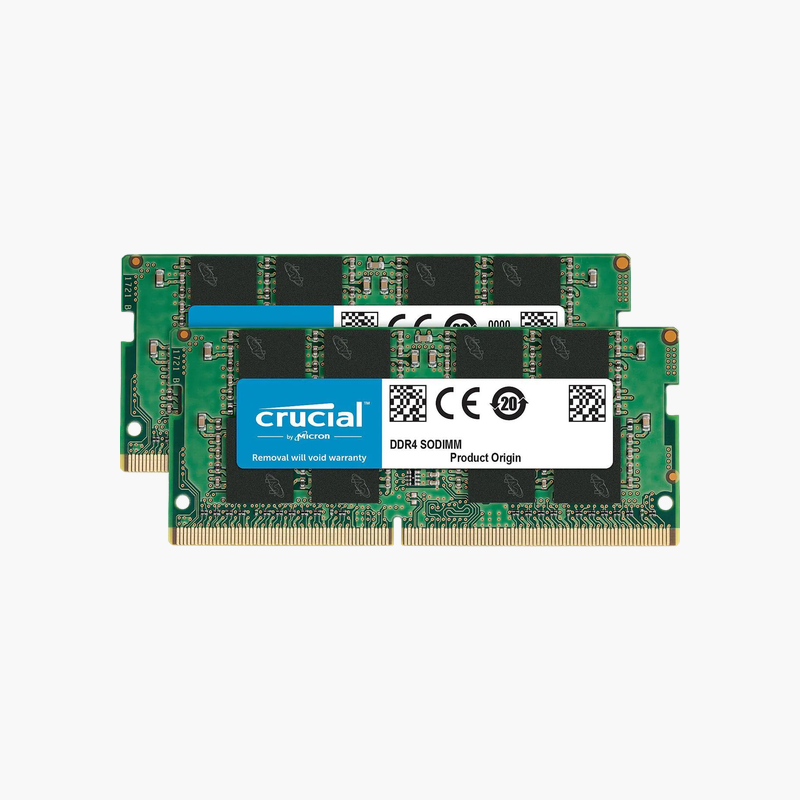
Kingston FURY Impact 64GB (2 x 32GB) DDR4-3200 Laptop Memory (SO-DIMM) Kit (KF432S20IBK2/64)
Kingston FURY Impact 64GB (2 x 32GB) DDR4-3200 Laptop Memory (SO-DIMM) Kit (KF432S20IBK2/64) – CL20, PC4-25600 Price on RequestRequest a quote for volume pricing, availability and lead time.
Back to products
Micron 16GB DDR5 Memory Module (MDRA448QKBC1)
Micron 16GB DDR5 Memory Module (MDRA448QKBC1) – 1Rx8 Price on RequestRequest a quote for volume pricing, availability and lead time.

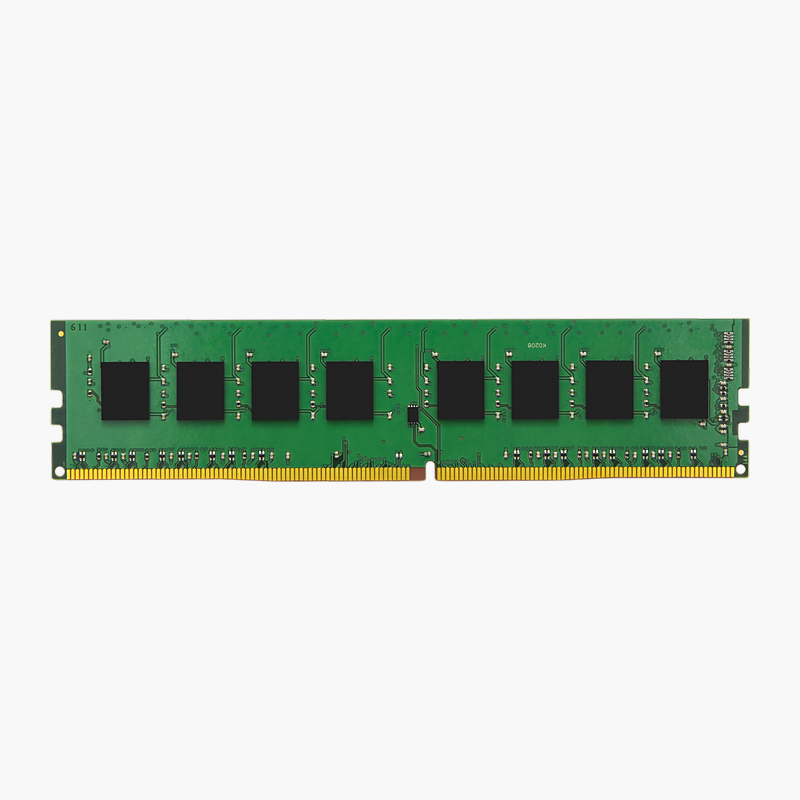
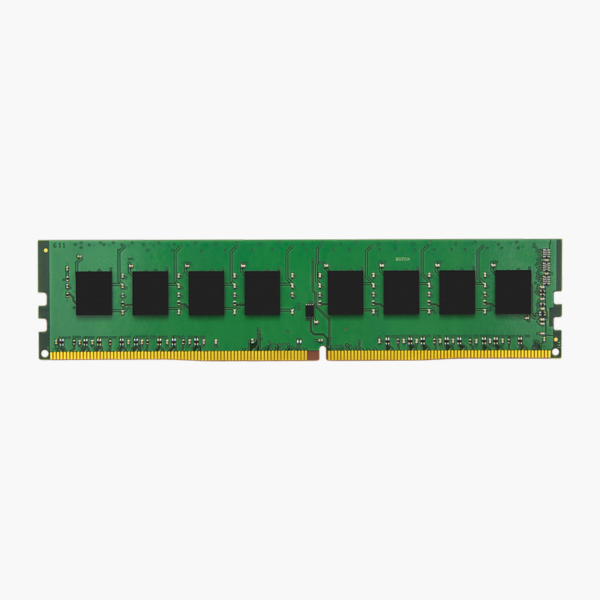
Kingston 8GB DDR4-3200 Desktop Memory (KCP432NS6/8) – 1Rx16, CL22, PC4-25600

SKU: KCP432NS6/8
  • 30-Day Hassle Free Returns
  • Secure Payment Options

Price on RequestRequest a quote for volume pricing, availability and lead time.

Key Value Highlights

  • 8GB capacity – More memory for multitasking and larger files.
  • DDR4-3200 (PC4-25600) – Matches the speed your platform supports for stable operation.
  • 288-pin UDIMM – Fits standard desktop DIMM slots.
  • CL22 latency – Standard timings for broad platform compatibility.
  • 1Rx16 organisation – Rank and chip width matter when matching existing server memory.

Description

The Kingston 8GB DDR4-3200 desktop module is designed for desktop PCs and gaming builds. It adds capacity and bandwidth for smoother multitasking, gaming and faster app switching. Speed is rated at 3200 MT/s with CL22 timings. Installation takes only a few minutes.

More speed, smoother multitasking.

Faster Multitasking for Your Desktop

Running out of memory makes games stutter and apps slow down, especially when browsers, streaming software and creative tools run together.

This 8GB DDR4-3200 module adds capacity and bandwidth for smoother multitasking with standard settings.

Specifications That Match Your System

Key specs: DDR4, 3200 MT/s, PC4-25600, 288-pin, UDIMM, 1Rx16, CL22, 1.2V. Match the memory type, form factor and speed your system supports.

Stable, Tested Performance

Each module is tested for stable operation at its rated speed and timings.

Setup Instructions

How to Install the Memory

  1. Shut down the PC, unplug the power cable and touch a grounded metal surface.
  2. Check your motherboard manual for the recommended slots (usually A2 and B2 for two modules).
  3. Open the slot clips, align the notch and press each module down until it clicks.
  4. Power on and confirm the capacity in BIOS.

Overview

BrandKingston
Product LineKingston
Capacity8GB
Kit Configuration1 x 8GB
Memory TypeDDR4
Speed3200 MT/s
PC RatingPC4-25600
Form FactorUDIMM
Pin Count288-pin
ECCNo
BufferingUnbuffered
Rank1Rx16
Part NumberKCP432NS6/8
ConditionBrand New
In the Box1 x 8GB memory module

Frequently Asked Questions

Find answers to common questions about this product.

Customer Reviews

Reviews

There are no reviews yet.

Be the first to review “Kingston 8GB DDR4-3200 Desktop Memory (KCP432NS6/8) – 1Rx16, CL22, PC4-25600”

Your email address will not be published. Required fields are marked *