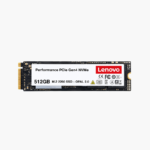
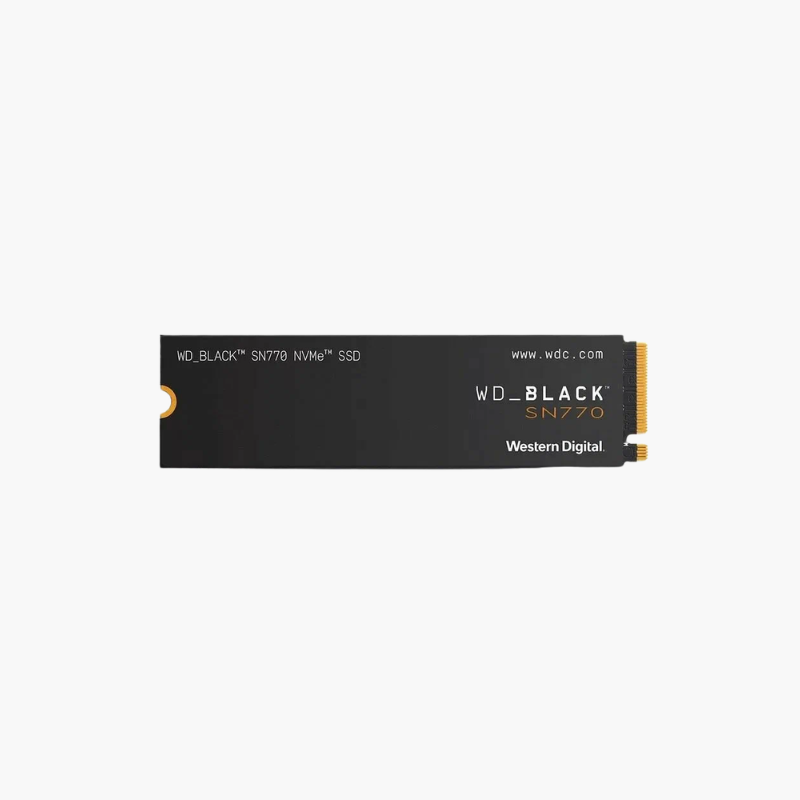
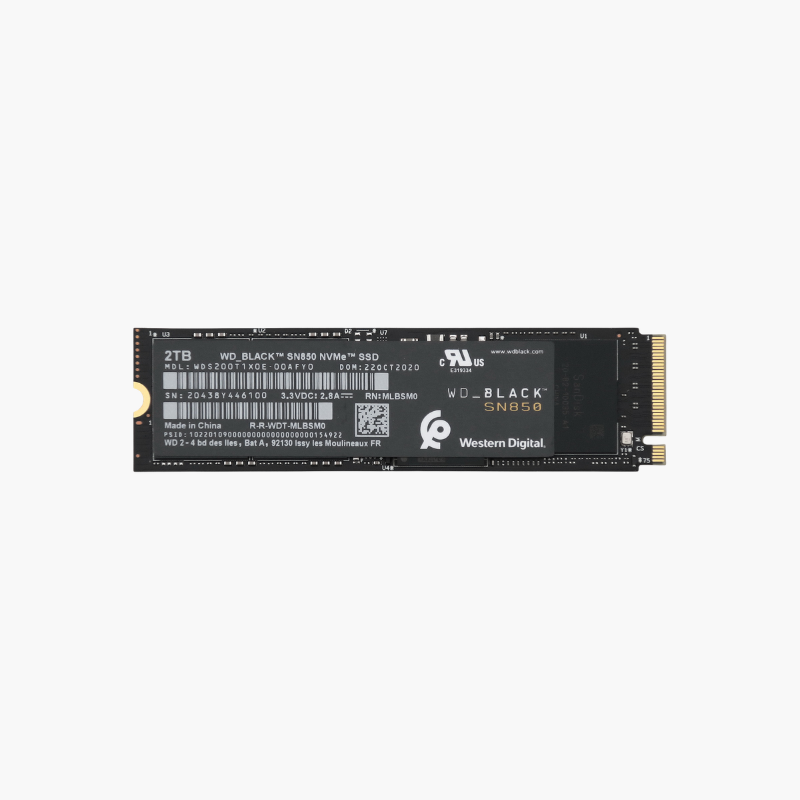
Lenovo ThinkPad 512GB PCIe Gen4 NVMe OPAL M.2 2280 SSD (4XB1D04756) – Self-Encrypting
Lenovo ThinkPad 512GB PCIe Gen4 NVMe OPAL M.2 2280 SSD (4XB1D04756) – Self-Encrypting Price on RequestRequest a quote for volume pricing, availability and lead time.
Back to products
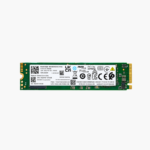
Lenovo 512GB M.2 2280 PCIe 3.0 x4 NVMe SSD (02HM119) – Genuine Lenovo FRU
Lenovo 512GB M.2 2280 PCIe 3.0 x4 NVMe SSD (02HM119) – Genuine Lenovo FRU Price on RequestRequest a quote for volume pricing, availability and lead time.

Lenovo 1TB M.2 2280 PCIe Gen3 x4 NVMe Internal SSD (4XB0W79582) – Lenovo Option Part

SKU: 4XB0W79582
  • 30-Day Hassle Free Returns
  • Secure Payment Options

Price on RequestRequest a quote for volume pricing, availability and lead time.

Key Value Highlights

  • 1TB NVMe capacity – Room for the OS, apps, project files and datasets.
  • PCIe Gen3 x4 NVMe – Several times faster than SATA SSDs and hard drives.
  • Lenovo-validated option – Tested for compatibility with supported Lenovo systems.
  • M.2 2280 form factor – Fits standard M.2 slots in Lenovo laptops and desktops.
  • Low power draw – Suited to mobile business laptops.

Description

A Lenovo-validated 1TB NVMe upgrade for business laptops and desktops.

The Lenovo 4XB0W79582 is a 1TB M.2 2280 PCIe Gen3 x4 NVMe SSD sold as a Lenovo option part. It is validated for supported ThinkPad, ThinkCentre and ThinkStation systems, giving businesses a reliable way to add capacity or replace drives with fast NVMe storage.

Upgrading Lenovo Business Systems the Right Way

Business users quickly fill 256GB and 512GB drives with apps, local files and data. Third-party drives can work, but IT teams often prefer validated parts to avoid compatibility and support issues.

The 4XB0W79582 adds 1TB of NVMe storage with Lenovo validation, simplifying fleet upgrades and replacements while delivering fast, responsive performance.

Fast NVMe Performance for Productivity

PCIe Gen3 x4 NVMe cuts boot and app loading times and makes large files open quickly compared with SATA SSDs and hard drives.

Validated for Lenovo Systems

As a Lenovo option part, the drive is tested for supported systems and receives firmware updates through Lenovo’s support tools.

Setup Instructions

How to Install the Lenovo 4XB0W79582 1TB SSD

  1. Back up data and shut down the system; disable the internal battery in BIOS for ThinkPads that require it.
  2. Remove the bottom cover or side panel and locate the M.2 2280 slot.
  3. Insert the SSD, secure it with the screw and refit any thermal pad or bracket.
  4. Install or restore the OS, or initialize the drive in Disk Management as secondary storage.

Overview

Part Number4XB0W79582
BrandLenovo
Capacity1TB
Drive TypeInternal NVMe Solid State Drive
Form FactorM.2 2280
InterfacePCIe Gen3 x4, NVMe
NAND Type3D NAND
ValidationLenovo-validated option part
CompatibilitySupported ThinkPad, ThinkCentre, ThinkStation systems
PowerLow-power design
Use CaseBusiness laptops, desktops, workstations
InstallationInternal M.2 slot, screw-mounted
Operating Temperature0°C to 70°C
SoftwareLenovo Vantage firmware updates
NoiseSilent (no moving parts)
ConditionBrand New

Frequently Asked Questions

Find answers to common questions about this product.

Customer Reviews

Reviews

There are no reviews yet.

Be the first to review “Lenovo 1TB M.2 2280 PCIe Gen3 x4 NVMe Internal SSD (4XB0W79582) – Lenovo Option Part”

Your email address will not be published. Required fields are marked *