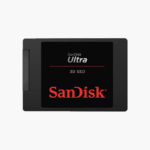
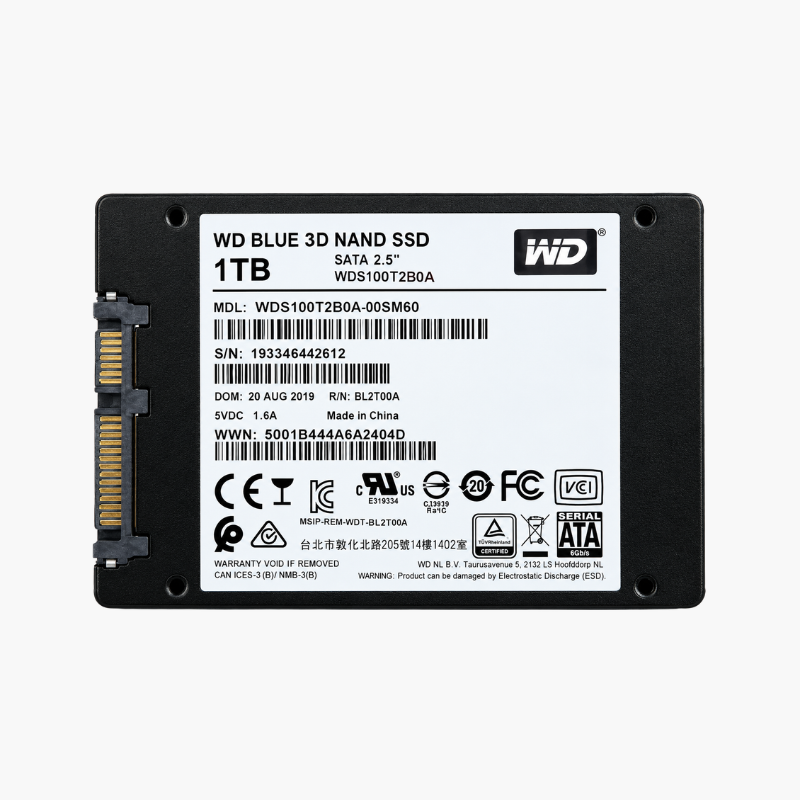
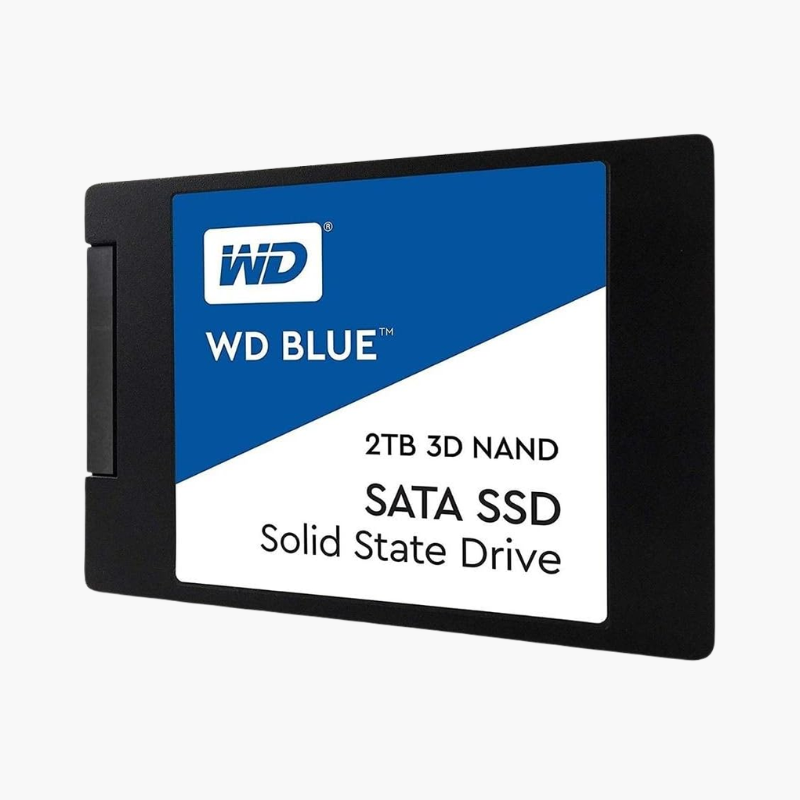
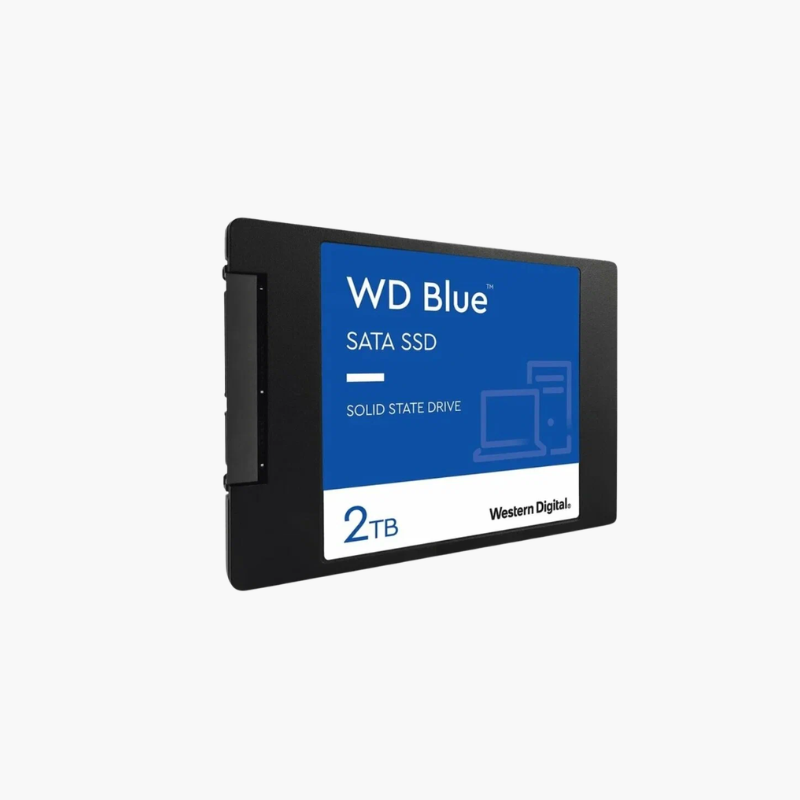
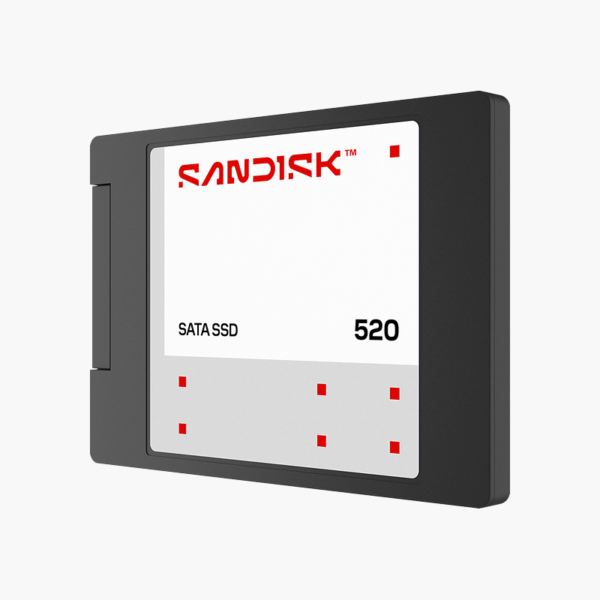
SanDisk 320 SATA SSD 250GB SATA 2.5-inch Internal SSD (SDSS31250GBB) – SATA 6Gb/s, 2.5″ (7mm)

SKU: SDSS31250GBB
  • 30-Day Hassle Free Returns
  • Secure Payment Options

Price on RequestRequest a quote for volume pricing, availability and lead time.

Key Value Highlights

  • SATA 6Gb/s interface – Works in almost any desktop or laptop with a SATA connection – ideal for upgrading from a hard drive.
  • SSD-class speed – Boots and loads apps several times faster than a mechanical hard drive.
  • 250GB capacity – Space for the OS, apps and files in one drive.
  • 2.5″ (7mm) – Standard 2.5-inch size fits laptops and desktop drive bays.
  • 3D NAND – Silent, shock-resistant flash storage with no moving parts.

Description

The SanDisk 320 SATA SSD 250GB (SDSS31250GBB) is a 2.5″ (7mm) SATA 6Gb/s solid state drive. It is a cost-effective upgrade for laptops and desktops still running on hard drives, and a reliable drive for everyday storage. It is a practical choice for both new builds and upgrades.

Faster storage you notice from the first boot.

Why Replacing a Hard Drive With a SATA SSD Transforms an Old PC

Most slow PCs are held back by their storage, not their processor. Hard drives have to physically move a read head across spinning platters, so booting, opening apps and searching files take seconds instead of milliseconds.

The SanDisk 320 SATA SSD 250GB replaces that mechanical drive with flash memory over the same SATA connection. Boot times, app launches and file searches drop dramatically, and the drive runs silently with no moving parts to wear out or break if dropped.

Drop-In Compatibility

The 2.5″ (7mm) form factor and SATA 6Gb/s interface work with older and current systems alike, so it can replace a hard drive or an older SSD without changing anything else.

Reliable Everyday Storage

Flash storage handles shocks and vibration better than hard drives, which matters most in laptops. Keep firmware updated with the manufacturer’s SSD tool for best reliability.

Setup Instructions

How to Install the SanDisk 320 SATA SSD 250GB

  1. Back up your data, or clone your existing drive to the SSD using cloning software.
  2. Power down and unplug the computer (remove the laptop battery if possible).
  3. Mount the SSD in a drive bay or laptop caddy and connect SATA data and power cables.
  4. Boot from the cloned drive, or install your OS and initialise the drive in Disk Management.

Overview

BrandSanDisk
Model NumberSDSS31250GBB
Product Line320 SATA SSD
Product TypeSATA 2.5-inch Internal SSD
Capacity250GB
Form Factor2.5″ (7mm)
InterfaceSATA 6Gb/s
NAND Type3D NAND
Best ForLaptop and desktop upgrades, everyday storage
Moving PartsNone (solid-state)
MaintenanceNo routine maintenance; keep firmware updated
Operating SystemsWindows, macOS, Linux (platform dependent)
Shock ResistanceHigher than mechanical drives
ConditionBrand New
In the Box1x SanDisk 320 SATA SSD 250GB

Frequently Asked Questions

Find answers to common questions about this product.

Customer Reviews

Reviews

There are no reviews yet.

Be the first to review “SanDisk 320 SATA SSD 250GB SATA 2.5-inch Internal SSD (SDSS31250GBB) – SATA 6Gb/s, 2.5″ (7mm)”

Your email address will not be published. Required fields are marked *