Data center capacity built for density, efficiency, and 24/7 reliability.
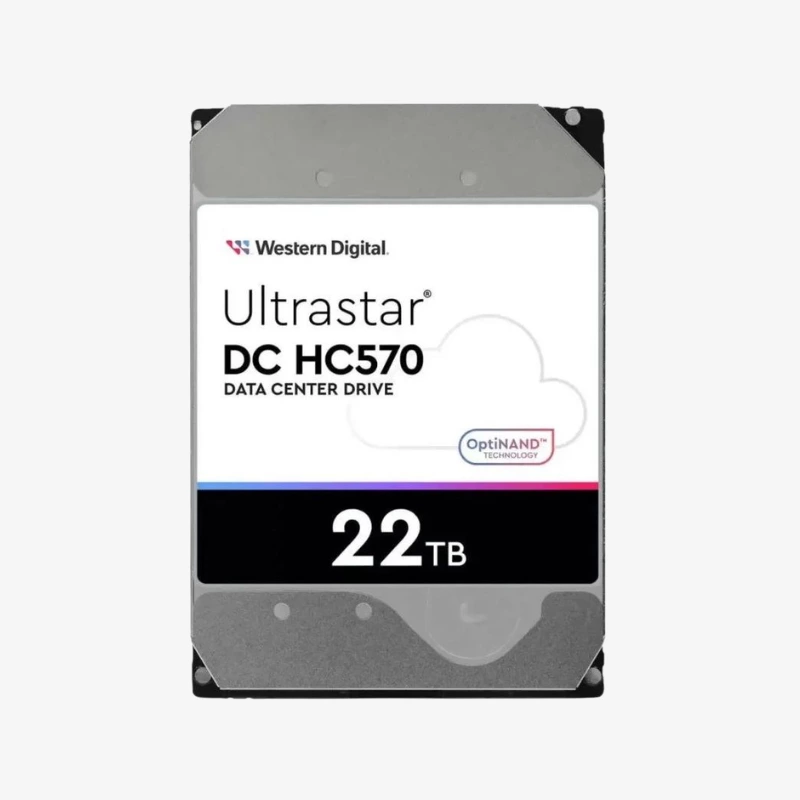
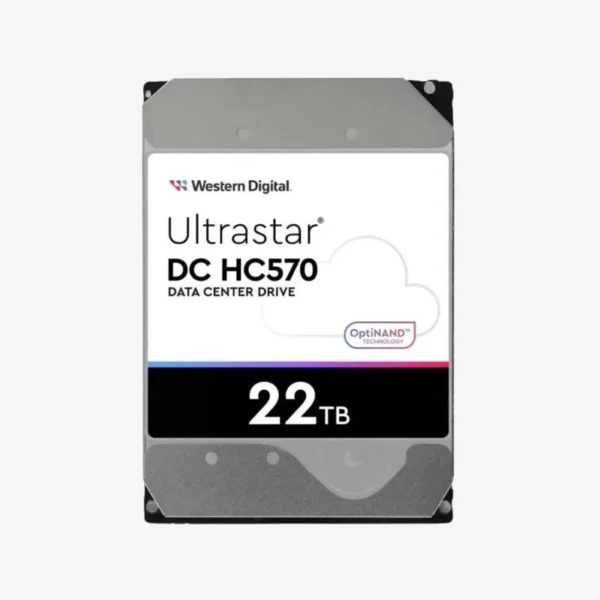
The Western Digital Ultrastar DC HC570 22TB (WUH722222ALE6L4) is a 3.5-inch 7200 RPM SATA data center hard drive for cloud, hyperscale, and enterprise storage. Built on a HelioSeal platform and rated for 550TB/year workloads, it gives IT teams, integrators, and resellers high-capacity storage that drops into standard SATA servers and arrays.
How the Ultrastar DC HC570 22TB Lowers the Cost of Storing Data at Scale
In a data center, the cost of storage is not just the price of the drive. It is power, cooling, rack space, and how many terabytes each slot delivers. Higher-capacity drives reduce the number of chassis, controllers, and watts needed for the same amount of data, which is why capacity per slot drives purchasing decisions for cloud and enterprise storage.
The Ultrastar DC HC570 22TB is built for that math. Its HelioSeal helium-sealed design reduces internal drag, which cuts power per terabyte, and it is rated for 550TB/year workloads in 24/7 operation. Western Digital’s OptiNAND technology adds an integrated flash device that improves capacity, performance, and reliability, while ArmorCache helps protect write-cache data during unexpected power loss.
The WUH722222ALE6L4 uses CMR recording, so it behaves the way standard servers, RAID controllers, and storage software expect. That makes it a straightforward choice for expanding existing arrays, refreshing older drives, or building new high-capacity storage pools without special zoned-storage software.
Built for 24/7 Data Center Workloads
With a 550TB/year workload rating, the Ultrastar DC HC570 is specified for continuous operation in storage servers, JBODs, and scale-out clusters. Its energy-assisted PMR (ePMR) recording with CMR enables 22TB in a standard 3.5-inch drive.
HelioSeal Efficiency and Density
Helium is far less dense than air, so the platters spin with less resistance and the drive generates less heat. That allows more platters per drive and lowers watts per terabyte, an advantage that compounds across hundreds or thousands of drives in a rack or data hall.
How It Works / Setup Instructions
How to Install the Ultrastar DC HC570 22TB
- Check your server, JBOD, or storage system compatibility list and confirm a free 3.5-inch SATA bay or carrier.
- Mount the drive in the hot-swap carrier with the correct screws and insert it into the bay.
- Verify detection in your server management interface, HBA, or storage OS.
- Add the drive to a new or existing array, or assign it as a replacement or hot spare.




















Reviews
There are no reviews yet.