















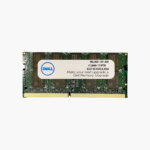

Turn a single-stick Dell DDR5 desktop into a dual-channel system.
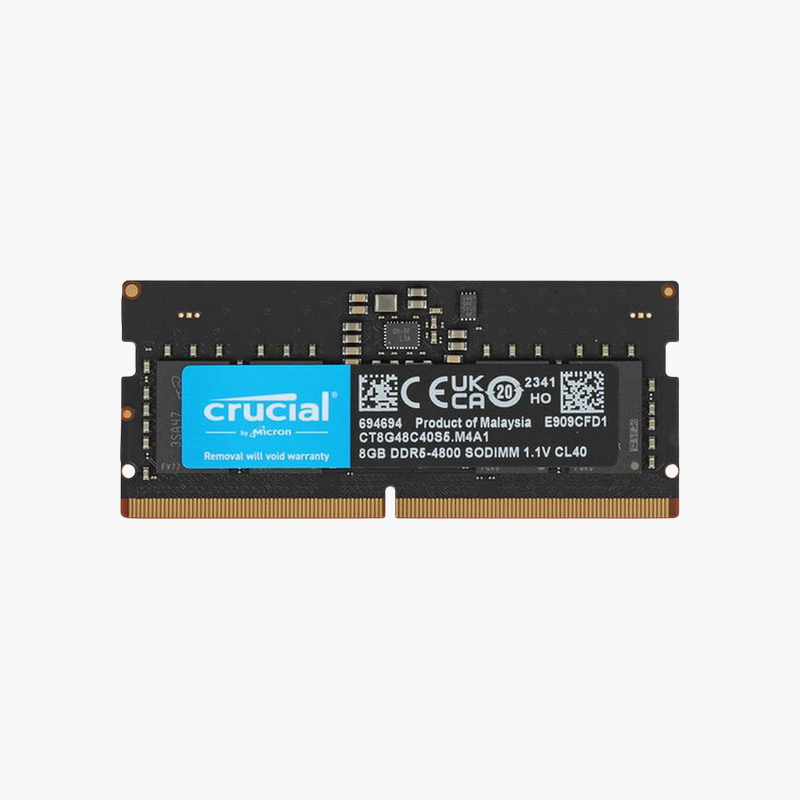
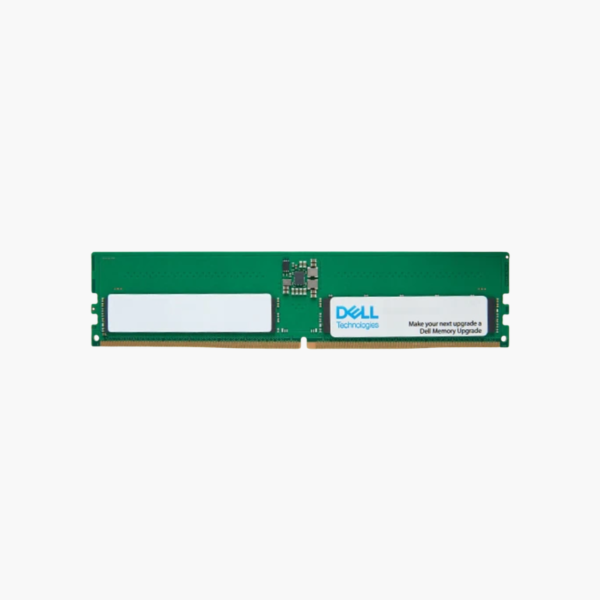
The Dell AC774045 (SNPGDGT0C/8G) is an 8GB DDR5-5600 UDIMM for Dell desktops such as OptiPlex tower and SFF, Precision tower, and XPS systems. Adding it to an existing 8GB module enables dual-channel memory, improving office multitasking and integrated graphics performance in business deployments.
Single-Module Desktops Leave Bandwidth Unused
Many entry configurations of DDR5 Dell desktops ship with one 8GB module. That leaves only one memory channel active and limits total memory to 8GB, which Windows 11 and modern browsers fill quickly.
Installing this module alongside the original gives 16GB in dual channel. Bandwidth doubles, which helps integrated Intel graphics drive multiple monitors and keeps apps responsive.
The module runs at up to 5600 MT/s at 1.1V and automatically matches the speed your Dell desktop supports.
Dell-Listed Part for Managed Fleets
Using the Dell part number keeps desktops aligned with Dell’s configuration documentation and simplifies ordering across sites.
DDR5 Efficiency
On-module power management and on-die ECC are part of the DDR5 standard, supporting stable operation at higher speeds than DDR4.
How to Install Dell DDR5 Desktop Memory
- Shut down the desktop, unplug the power cable, and press the power button to discharge residual power.
- Remove the side panel or cover and locate the memory slots; check the Owner’s Manual for the slot to use for dual channel.
- Align the notch and press the module firmly until the latches close.
- Close the case, power on, and allow extra time on first boot for DDR5 memory training, then confirm 16GB in BIOS or Task Manager.



Reviews
There are no reviews yet.