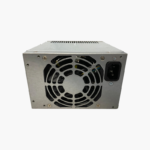
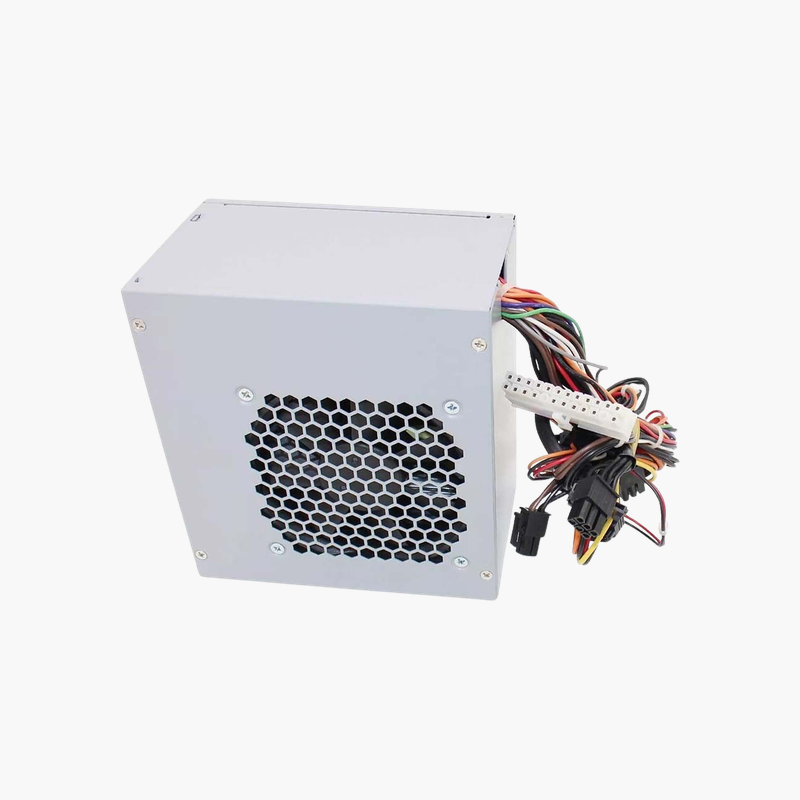
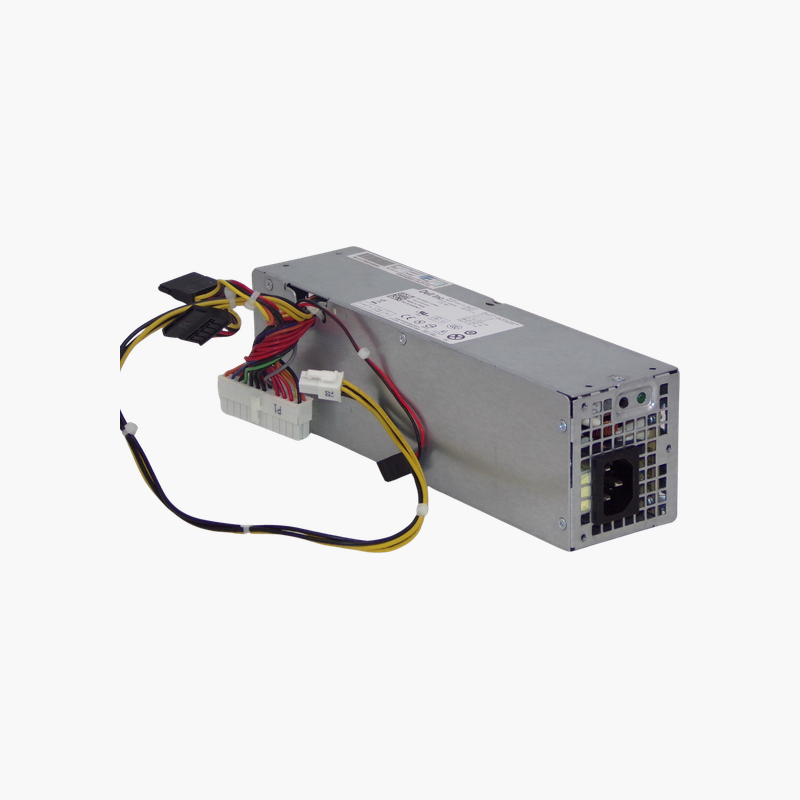
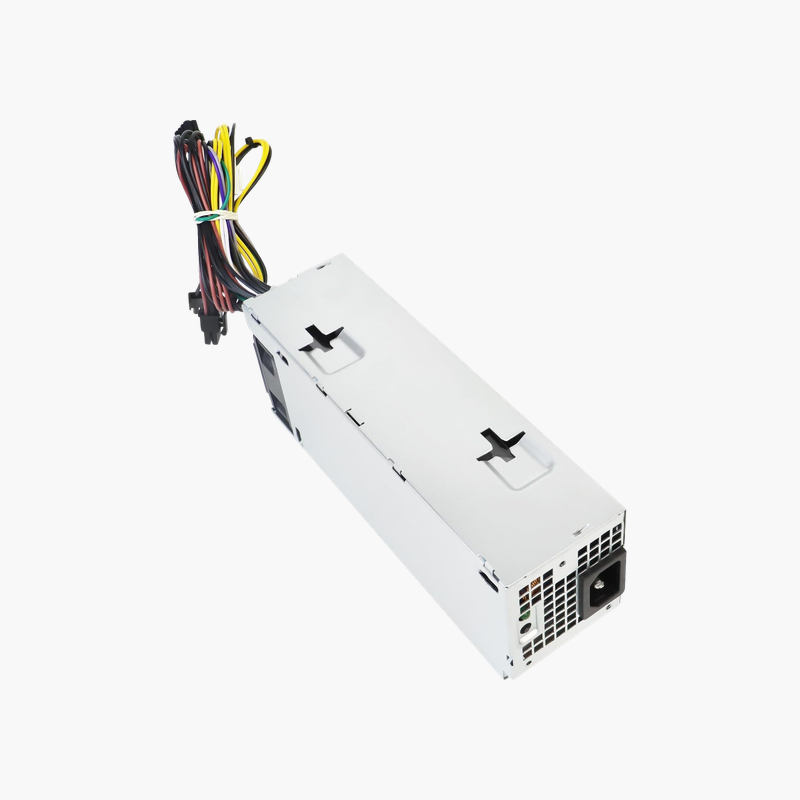
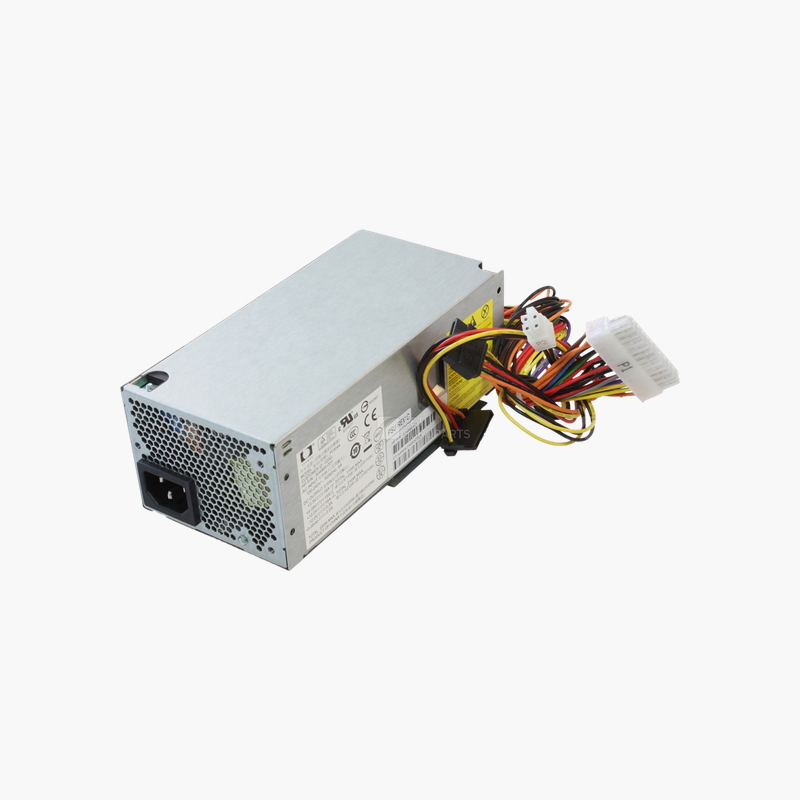
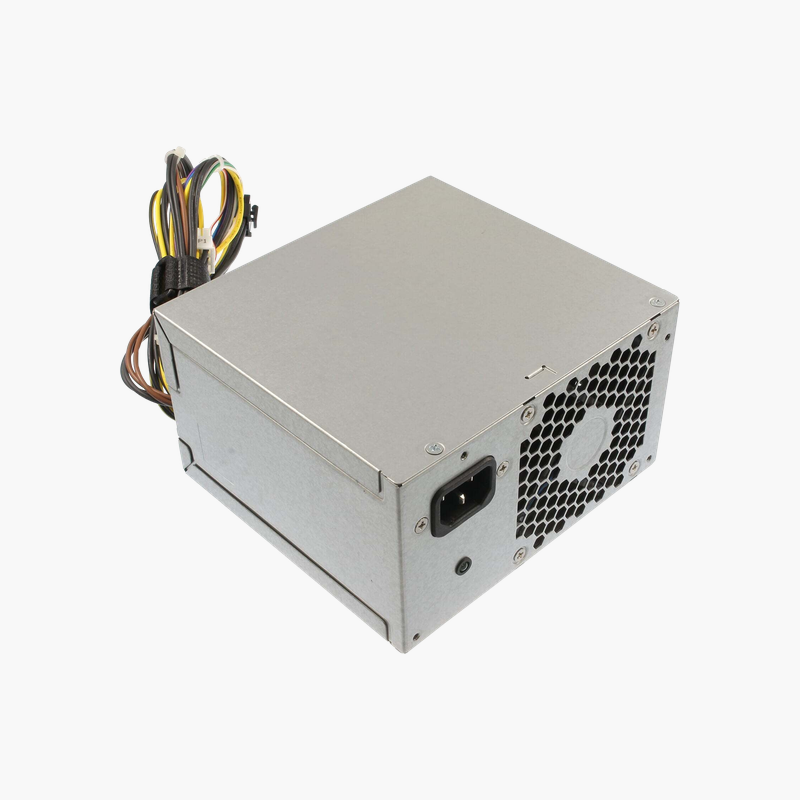
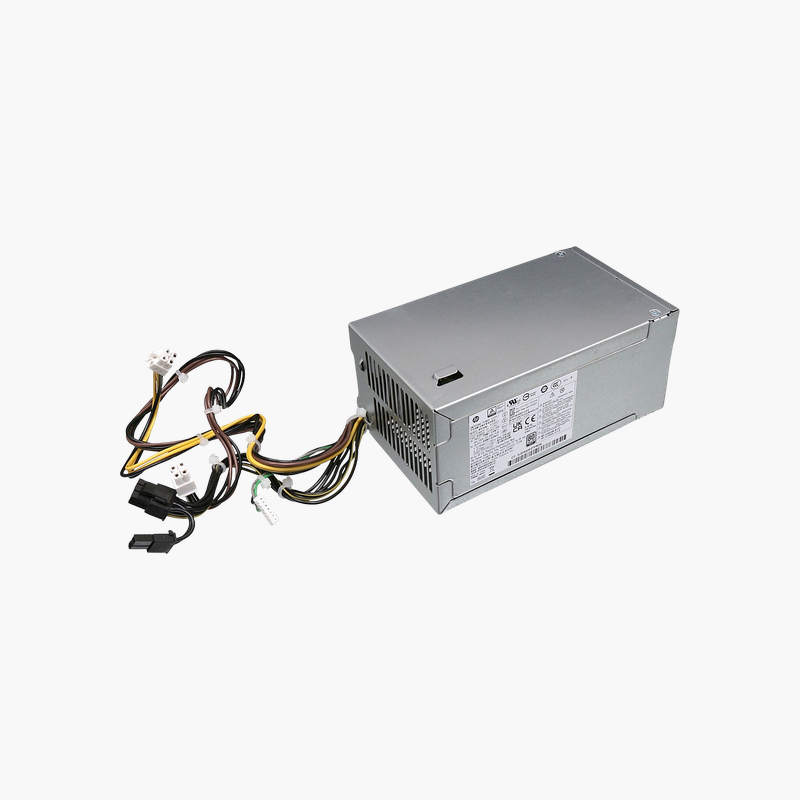
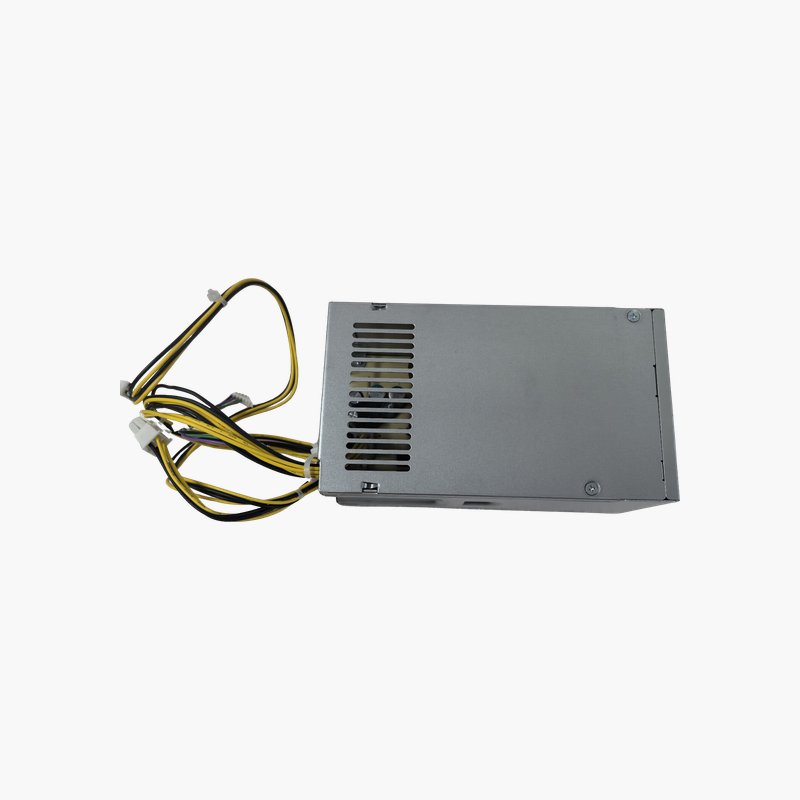
HP 613764-001 / 611483-001 320W Power Supply — For HP Compaq Elite 8200, Pro 6200, 6000, 8000 Desktops
HP 613764-001 / 611483-001 320W Power Supply — For HP Compaq Elite 8200, Pro 6200, 6000, 8000 Desktops Price on RequestRequest a quote for volume pricing, availability and lead time.
Back to products
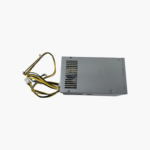
HP L70042-004 180W Replacement Computer Power Supply — For HP Pavilion and ProDesk Desktops
HP L70042-004 180W Replacement Computer Power Supply — For HP Pavilion and ProDesk Desktops Price on RequestRequest a quote for volume pricing, availability and lead time.

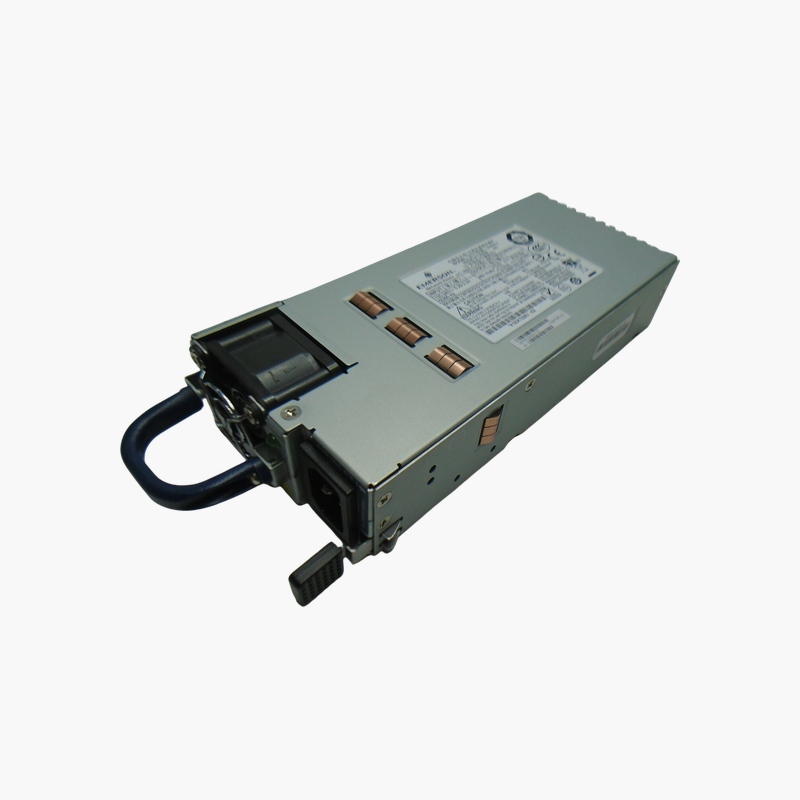
HP L70042-002 180W Power Supply — Replacement for HP M01-F1033wb Desktop

SKU: L70042-002
  • 30-Day Hassle Free Returns
  • Secure Payment Options

Price on RequestRequest a quote for volume pricing, availability and lead time.

Key Value Highlights

  • 180W output – Matches the original rating for the HP M01-F series desktop.
  • HP OEM connectors – Plugs directly into the HP motherboard and drives.
  • Compact internal design – Fits the slim M01 chassis.
  • 100–240V AC input – Universal input for home and office.

Description

Restore an HP M01-F1033wb desktop with its matched 180W supply.

The HP L70042-002 is a 180W internal power supply for the HP M01-F1033wb desktop and other HP M01-F series systems that list this part. It uses HP connectors and mounting and accepts 100–240V AC input. It suits home users and repair technicians replacing a failed power supply.

Fixing a Desktop That Will Not Power On

When an HP M01 desktop shows no lights, no fan movement and no response to the power button, the power supply is a common cause. Because HP uses proprietary connectors, a standard ATX supply cannot be used directly.

The L70042-002 is the matched HP part for the M01-F1033wb. It fits the slim chassis, connects directly to the HP motherboard and restores the system to normal operation.

Right-Sized for Efficient Hardware

The 180W rating matches the low power requirements of the M01-F series, with its efficient processors and integrated graphics. Right-sizing keeps the supply in an efficient operating range.

Simple Replacement

Mounting points, cable lengths and connectors match the original, so replacement takes only a screwdriver and a few minutes.

Setup Instructions

How to Replace the HP L70042-002

  1. Shut down the HP M01 desktop, unplug the AC cord and press the power button for a few seconds to drain residual power.
  2. Open the side panel, photograph the cable routing, then disconnect the power cables from the motherboard, drives and any graphics card.
  3. Remove the mounting screws or release latch, take out the old unit and install the replacement in the same position.
  4. Reconnect every cable, close the case, plug in the AC cord and power on to confirm the system boots and the fan spins.

Overview

Model NumberL70042-002
BrandHP
Product TypeInternal desktop power supply
Power Output180W
Input Voltage100–240V AC, 50/60 Hz
ConnectorsHP-specific motherboard and SATA power
Compatible SystemHP M01-F1033wb and compatible M01-F models
Form FactorHP compact internal PSU
CoolingIntegrated fan
ProtectionsOver-voltage, over-current, short-circuit
InstallationDirect OEM replacement
Use CaseHome and office desktop repair
Graphics SupportSlot-powered cards only
In the Box1x power supply
ConditionBrand New

Frequently Asked Questions

Find answers to common questions about this product.

Customer Reviews

Reviews

There are no reviews yet.

Be the first to review “HP L70042-002 180W Power Supply — Replacement for HP M01-F1033wb Desktop”

Your email address will not be published. Required fields are marked *