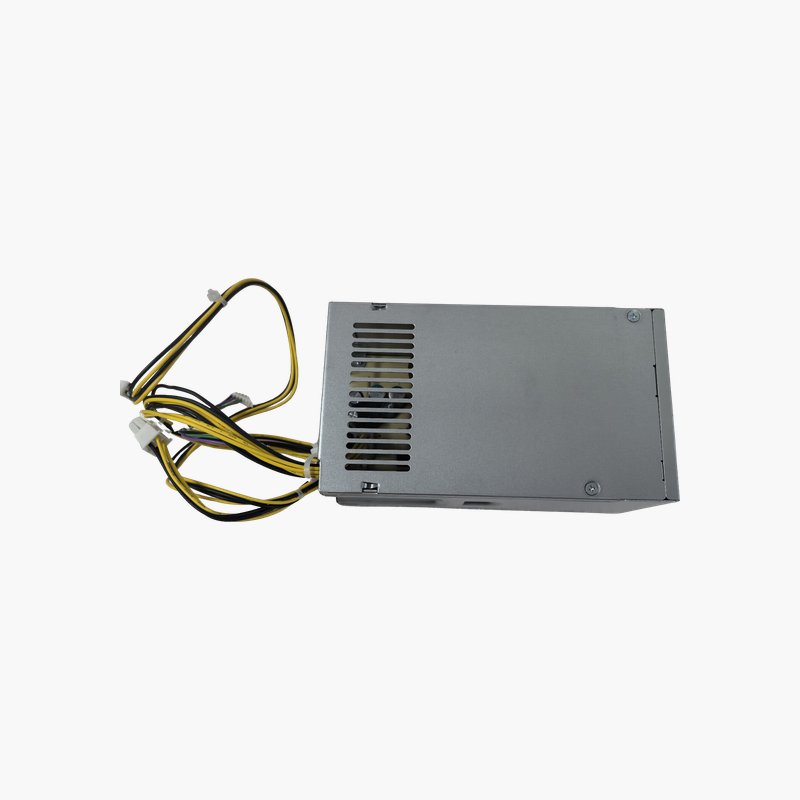
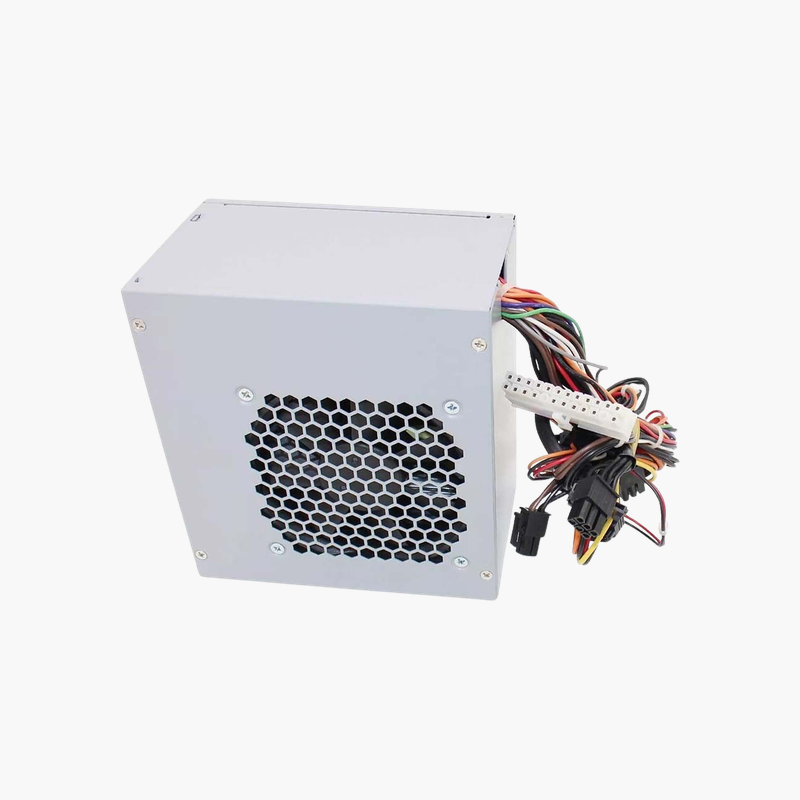
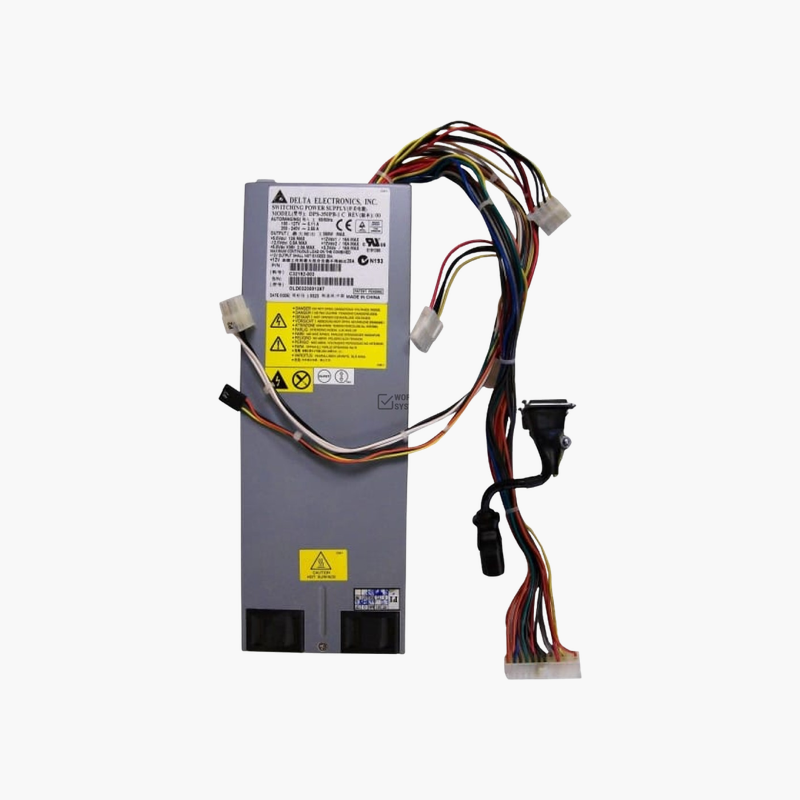
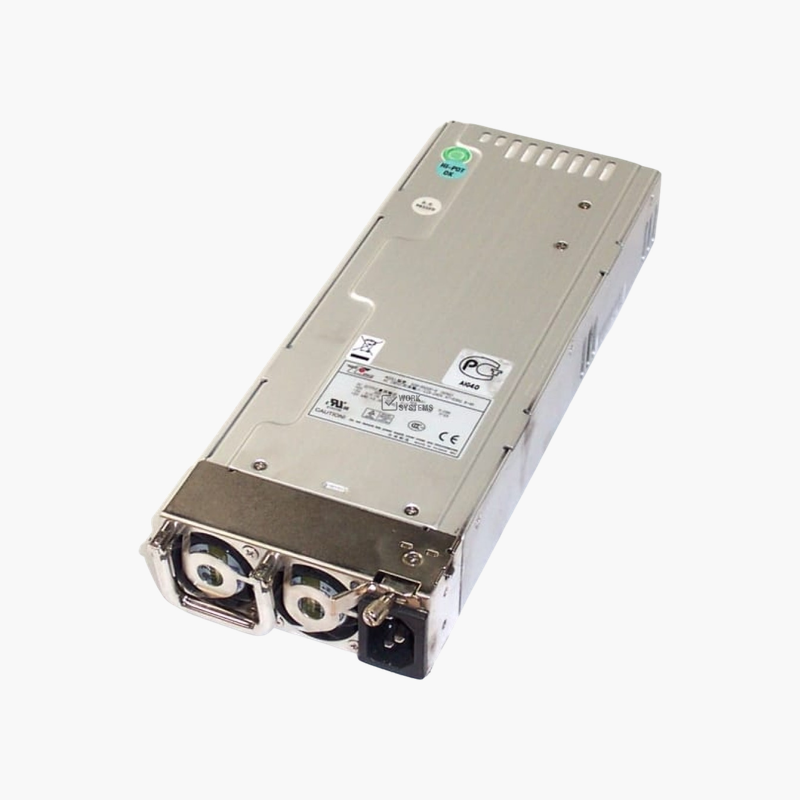
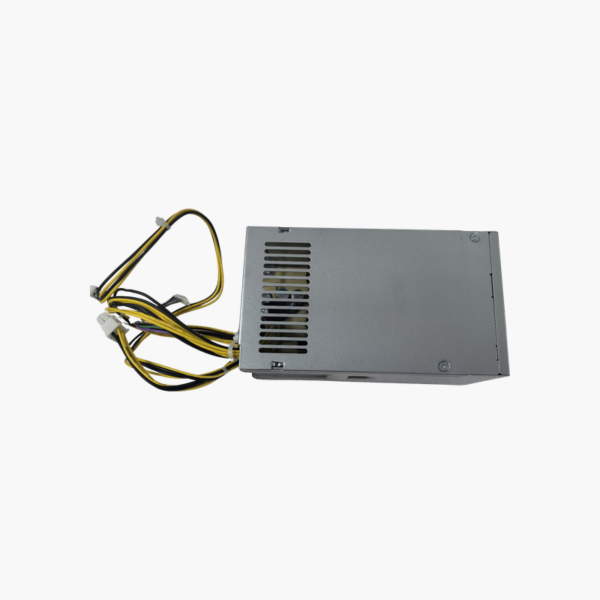
HP L70042-002 180W Power Supply — Replacement for HP M01-F1033wb Desktop
HP L70042-002 180W Power Supply — Replacement for HP M01-F1033wb Desktop Price on RequestRequest a quote for volume pricing, availability and lead time.
Back to products
HP L77487-001 500W Power Supply — For HP Z2 Tower G5 and Z2 Tower G8 Workstations
HP L77487-001 500W Power Supply — For HP Z2 Tower G5 and Z2 Tower G8 Workstations Price on RequestRequest a quote for volume pricing, availability and lead time.

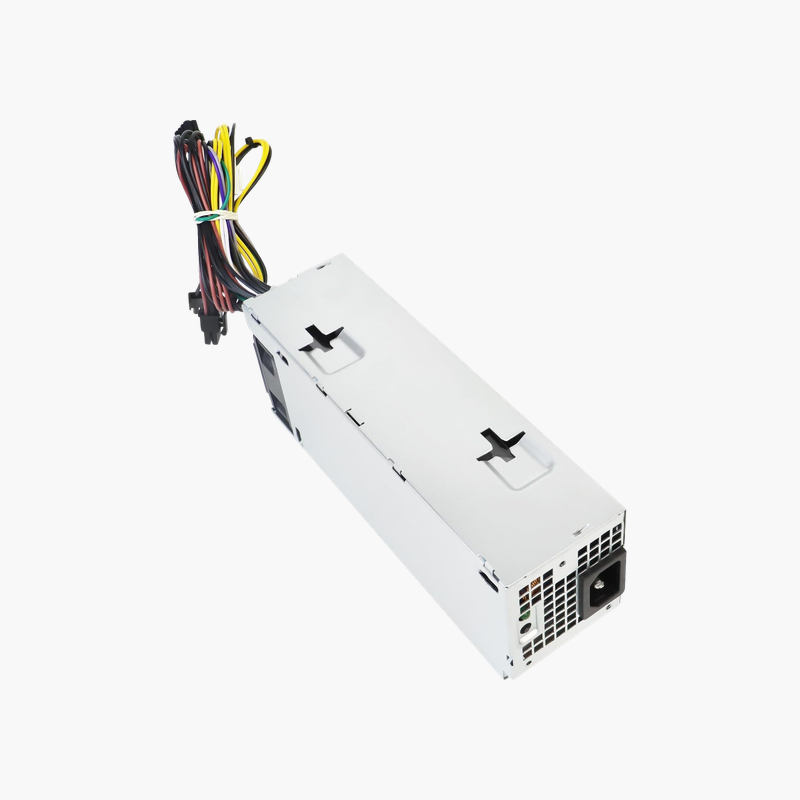
HP L70042-004 180W Replacement Computer Power Supply — For HP Pavilion and ProDesk Desktops

SKU: L70042-004
  • 30-Day Hassle Free Returns
  • Secure Payment Options

Price on RequestRequest a quote for volume pricing, availability and lead time.

Key Value Highlights

  • 180W output – Correct rating for HP desktops shipped with this supply.
  • HP OEM connectors – Direct plug-in to HP proprietary motherboard connectors.
  • Covers Pavilion and ProDesk models – Useful spare for home and business HP desktops.
  • 100–240V AC input – Universal input for any region.

Description

A matched 180W supply to get HP Pavilion and ProDesk desktops running again.

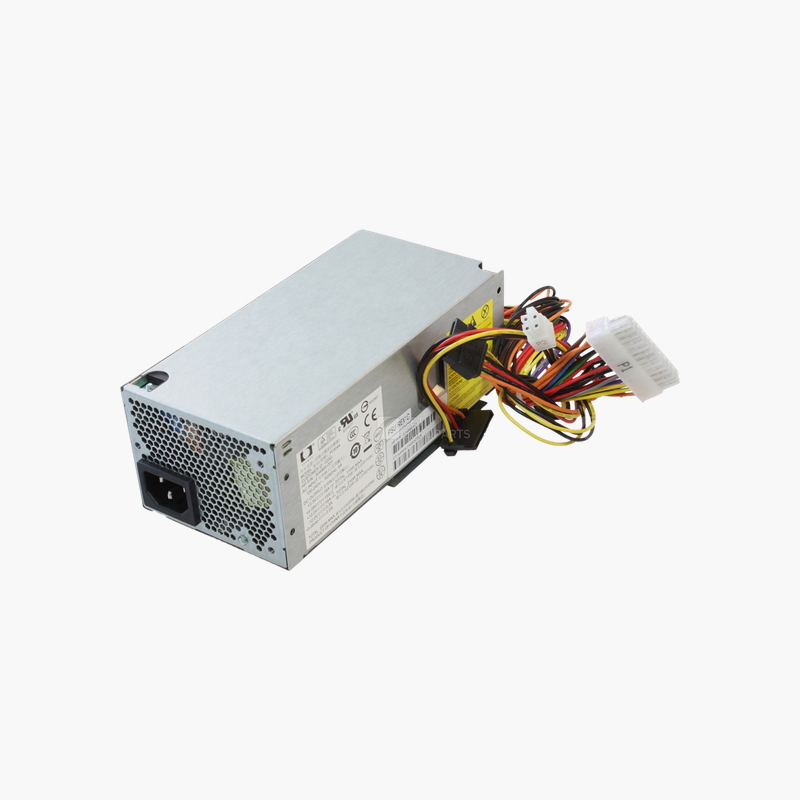
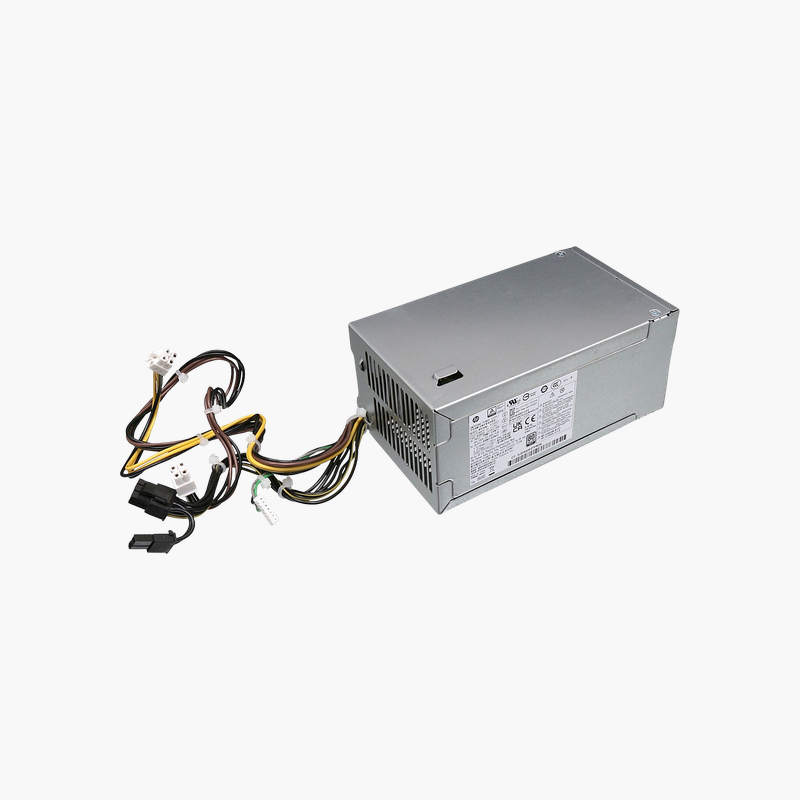
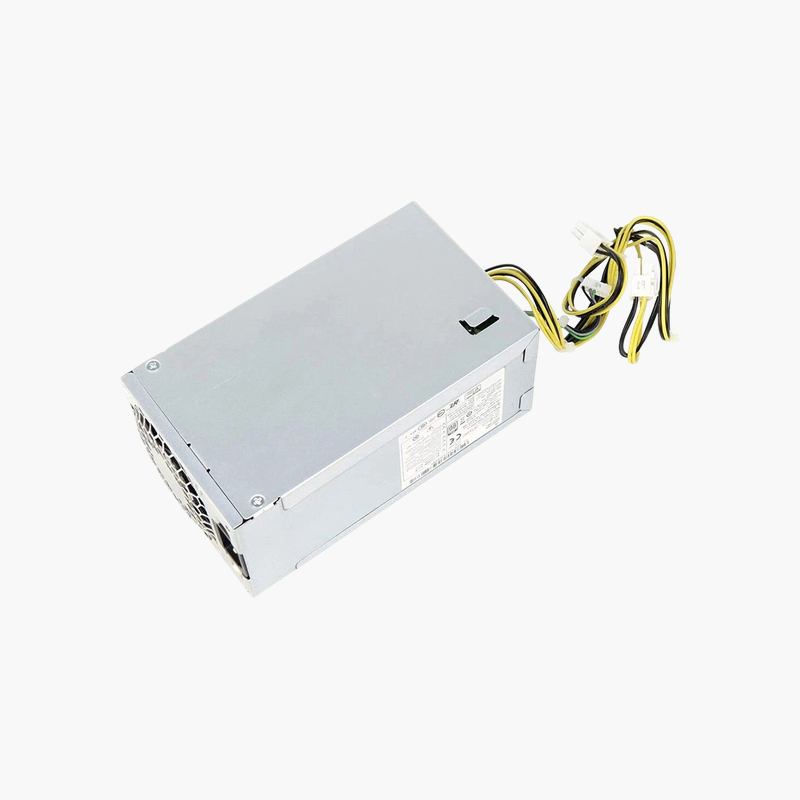
The HP L70042-004 is a 180W internal power supply for HP desktops including the Pavilion 590-p0xxx series and compatible ProDesk models that list this part. It uses HP connectors and mounting and accepts 100–240V AC input. It suits home users, offices and repair shops.

Why the Exact HP Spare Part Matters

HP desktops in this generation use proprietary power connectors and compact mounting. A generic supply may not plug into the motherboard or fit the case, which turns a quick repair into a long one.

The L70042-004 is the HP spare part made for these systems. Ordering by the exact part number on the failed unit avoids fit and connector problems.

Efficient 180W Design

A 180W output matches the low power requirements of these desktops, with integrated fan cooling and standard protections against over-voltage, over-current and short circuits.

One Spare for Several Models

The part is used across HP Pavilion and ProDesk desktops of the same generation, which simplifies spare parts for repair shops and IT departments.

Setup Instructions

How to Replace the HP L70042-004

  1. Shut down the HP desktop, unplug the AC cord and press the power button for a few seconds to drain residual power.
  2. Open the side panel, photograph the cable routing, then disconnect the power cables from the motherboard, drives and any graphics card.
  3. Remove the mounting screws or release latch, take out the old unit and install the replacement in the same position.
  4. Reconnect every cable, close the case, plug in the AC cord and power on to confirm the system boots and the fan spins.

Overview

Model NumberL70042-004
BrandHP
Product TypeInternal desktop power supply
Power Output180W
Input Voltage100–240V AC, 50/60 Hz
ConnectorsHP-specific motherboard and SATA power
Compatible SystemsHP Pavilion 590-p0xxx and compatible ProDesk desktops
Form FactorHP internal PSU
CoolingIntegrated fan
ProtectionsOver-voltage, over-current, short-circuit
InstallationDirect OEM replacement
Use CaseHome and office desktop repair
Graphics SupportSlot-powered cards only
In the Box1x power supply
ConditionBrand New

Frequently Asked Questions

Find answers to common questions about this product.

Customer Reviews

Reviews

There are no reviews yet.

Be the first to review “HP L70042-004 180W Replacement Computer Power Supply — For HP Pavilion and ProDesk Desktops”

Your email address will not be published. Required fields are marked *