















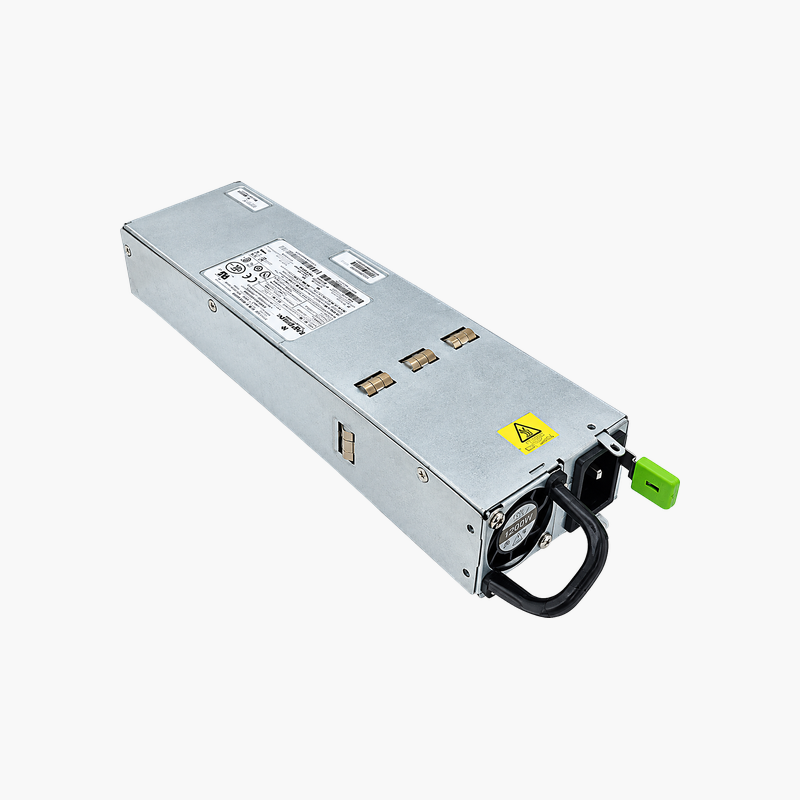
The front-to-back 1200W supply for Juniper EX4500 switches.
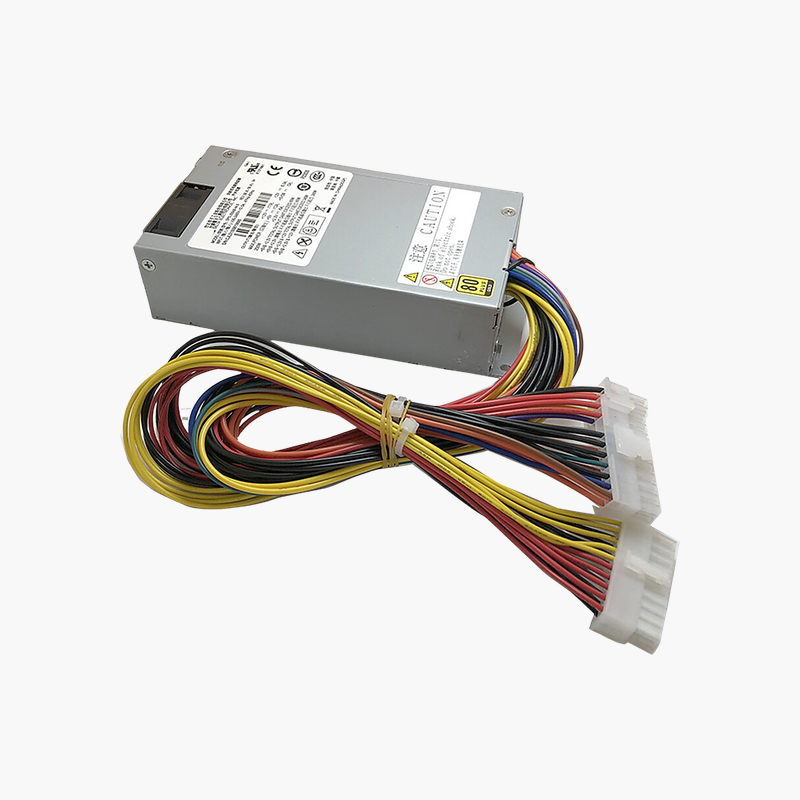
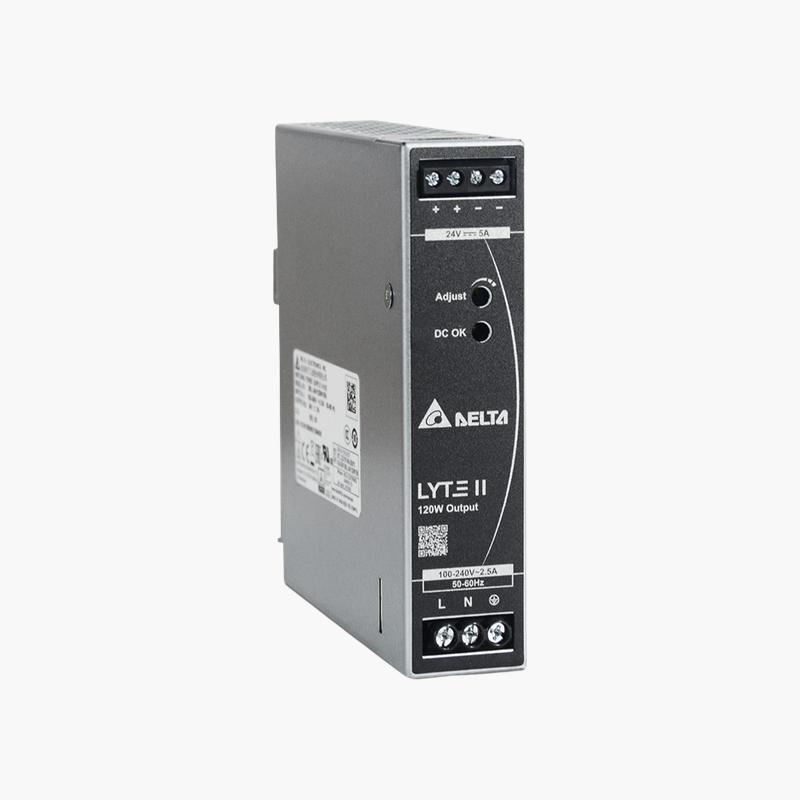
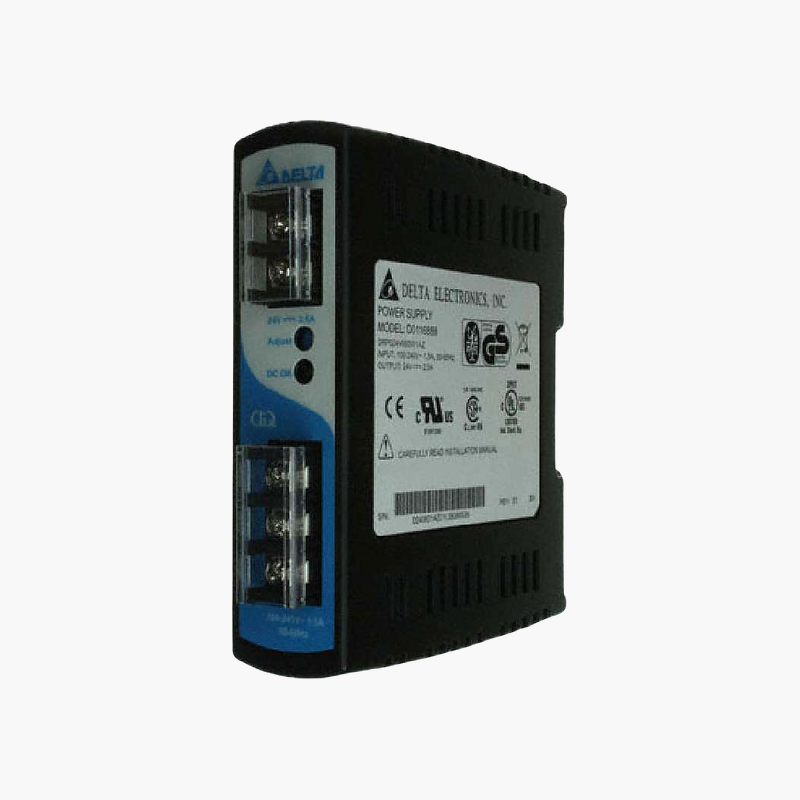
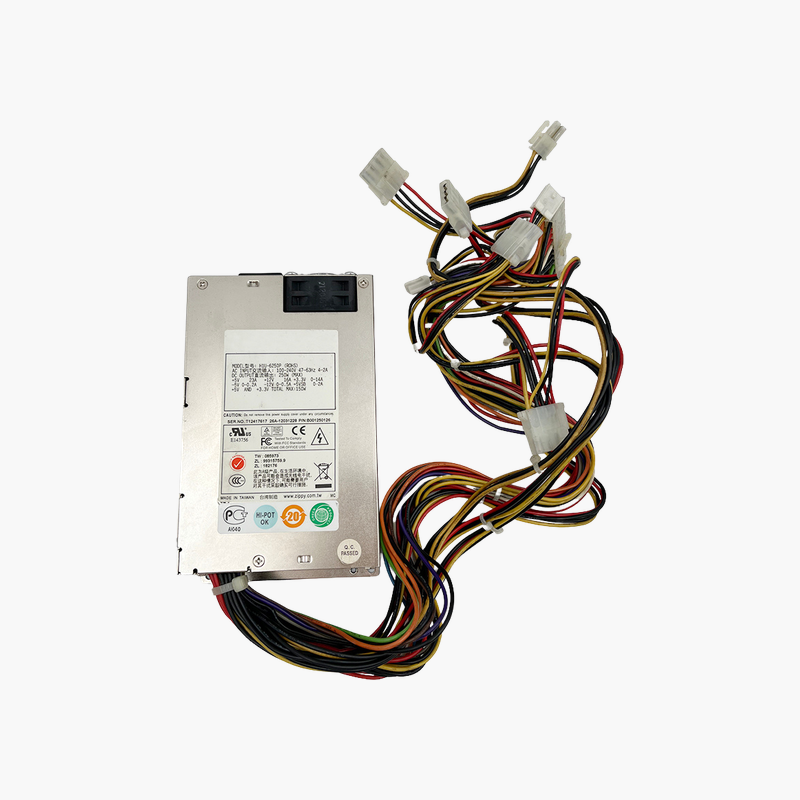
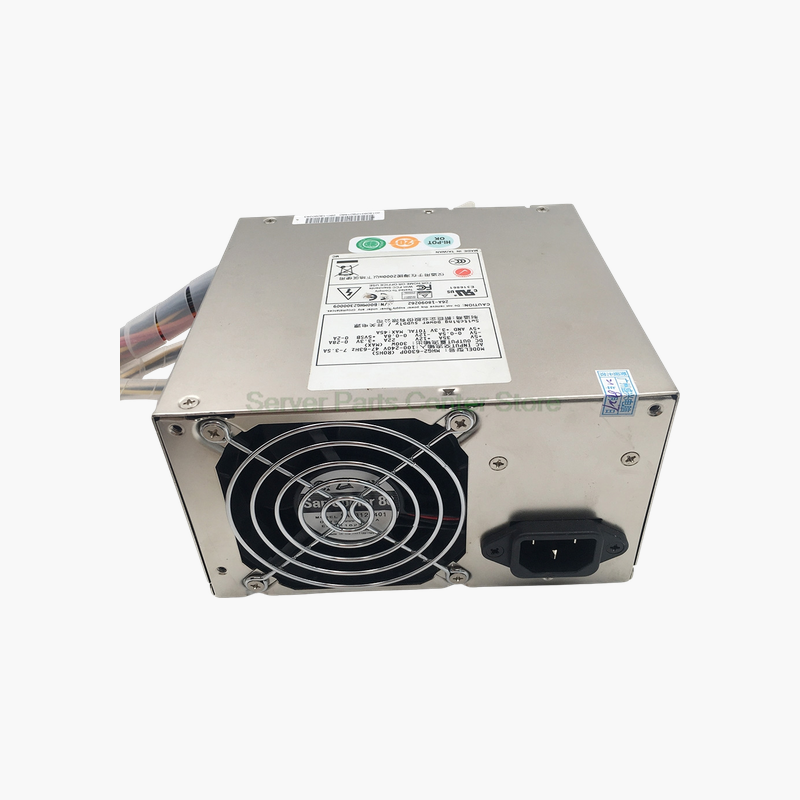
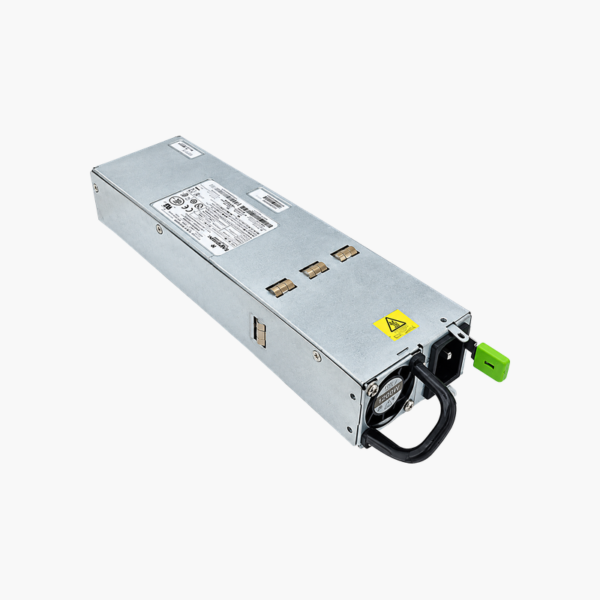
The Juniper EX4500-PWR1-AC-FB is a 1200W AC hot-swappable power supply for Juniper EX4500 switches with front-to-back airflow, including the EX4500-40F-FB-C and EX4500-40F-VC1-FB. It includes integrated fan cooling and supports redundant operation. It suits data center teams maintaining EX4500 10GbE top-of-rack and aggregation switches.
Keeping EX4500 10GbE Switches Powered and Cooled
The EX4500 is a high-density 10GbE switch, often used for top-of-rack and aggregation. Losing a power supply removes redundancy for every server connected to it.
The EX4500-PWR1-AC-FB restores that redundancy. Its front-to-back airflow matches the FB versions of the EX4500, so cooling remains consistent after replacement.
FB Airflow Matching
EX4500 switches come in front-to-back (FB) and back-to-front (BF) versions. This supply is the FB version; it must match the switch’s fan tray airflow.
Hot-Swap Replacement
With a redundant supply installed, the failed unit can be swapped while the switch keeps running. Junos reports the new supply’s status once inserted.
Setup Instructions
How to Replace the EX4500-PWR1-AC-FB
- Confirm the part number is listed as supported for your Juniper EX4500 switch, and confirm the switch model ends in -FB (front-to-back airflow).
- If the device has a second working power supply, leave it running; otherwise schedule a maintenance window and power the device down.
- Disconnect the AC or DC cord from the failed unit, release the latch and slide it out, then slide the new module into the empty bay until it locks.
- Connect the power cord, check that the PSU status LED turns green, and confirm in the device CLI or management interface that the supply reports OK.




Reviews
There are no reviews yet.