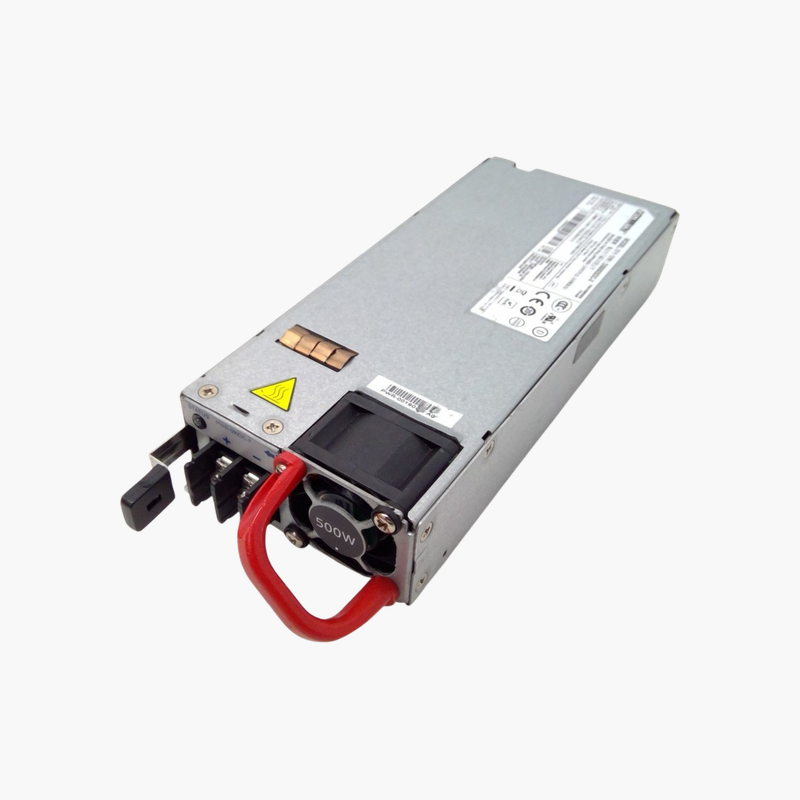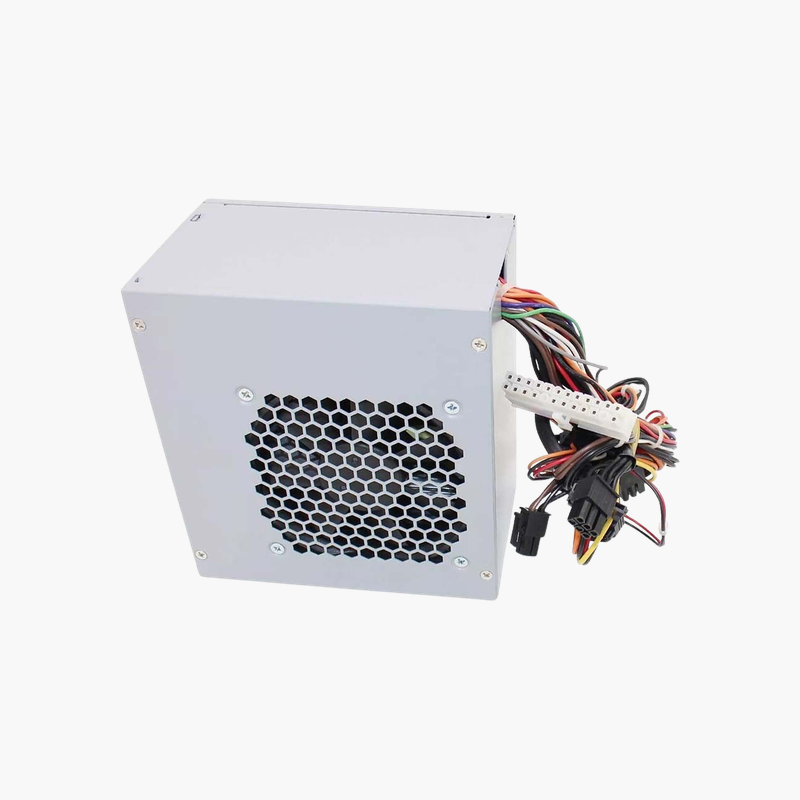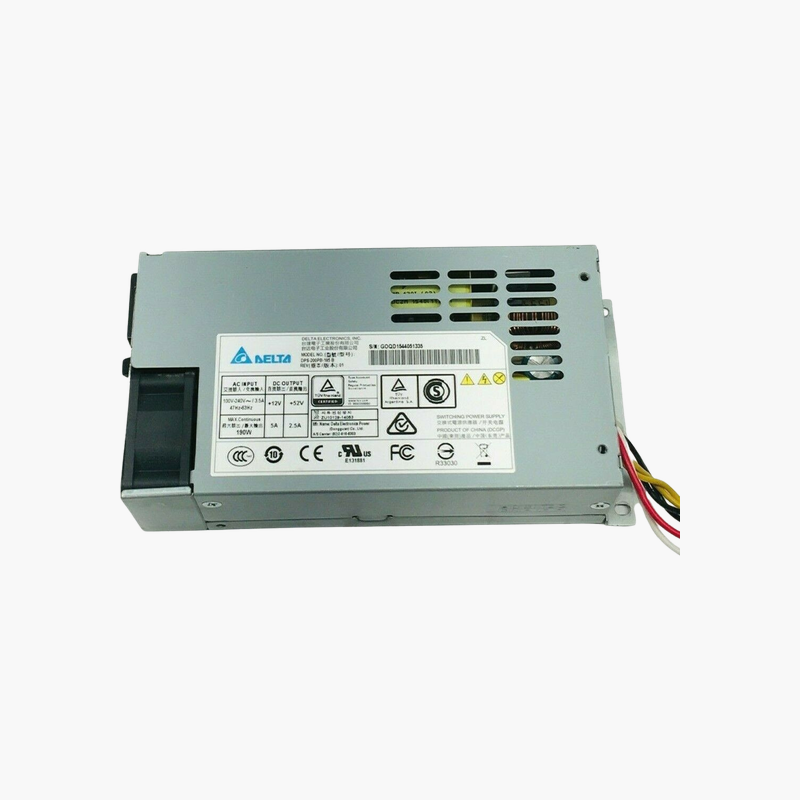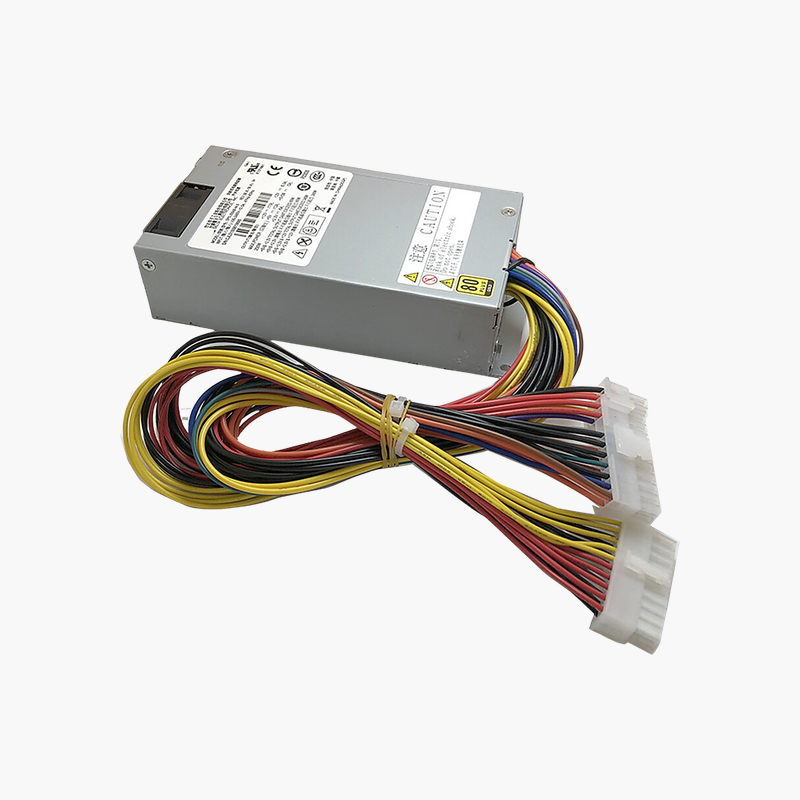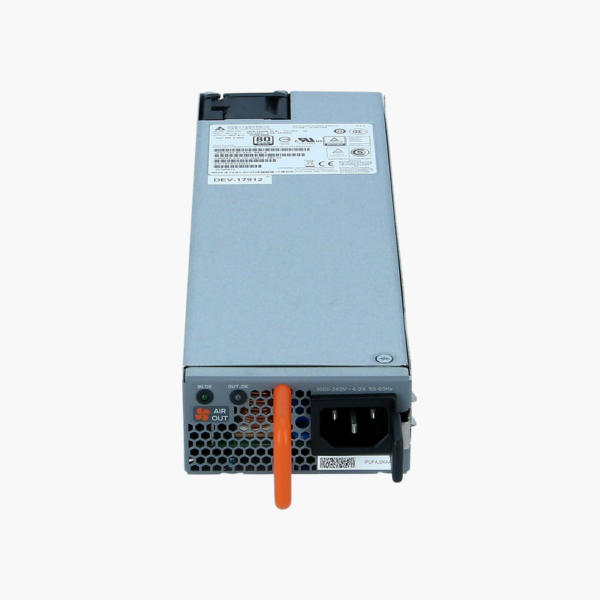
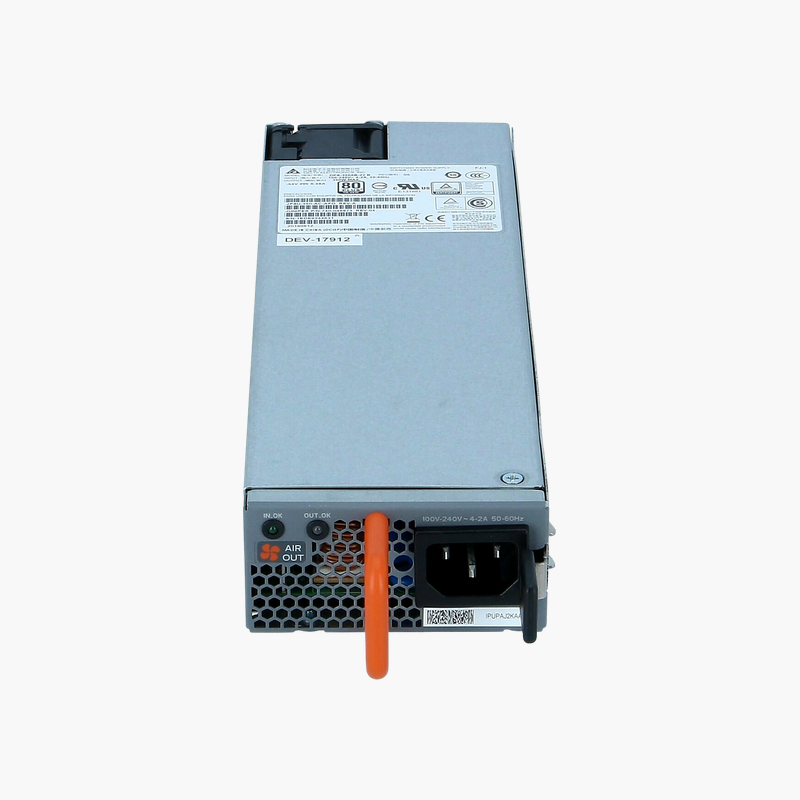
Juniper JPSU-650W-AC-AFI 650W AC Power Supply — Back-to-Front Airflow for EX4550 Switches
Juniper JPSU-650W-AC-AFI 650W AC Power Supply — Back-to-Front Airflow for EX4550 Switches Price on RequestRequest a quote for volume pricing, availability and lead time.
Back to products
Juniper EX4500-PWR1-AC-FB 1200W AC Power Supply — Front-to-Back Airflow for EX4500 Switches
Juniper EX4500-PWR1-AC-FB 1200W AC Power Supply — Front-to-Back Airflow for EX4500 Switches Price on RequestRequest a quote for volume pricing, availability and lead time.

Juniper JPSU-150-AC-AFO 150W AC Power Supply — Front-to-Back Airflow for EX3400 Switches

SKU: JPSU-150-AC-AFO
  • 30-Day Hassle Free Returns
  • Secure Payment Options

Price on RequestRequest a quote for volume pricing, availability and lead time.

Key Value Highlights

  • 150W AC output – Powers non-PoE Juniper EX3400 switches.
  • AFO airflow (front-to-back) – For EX3400 switches with front-to-back fan modules.
  • Hot-swappable – Fits the rear PSU slot and can be replaced while the switch runs.
  • Redundant operation – Pair two supplies for uninterrupted power.

Description

The front-to-back 150W supply for Juniper EX3400 switches.

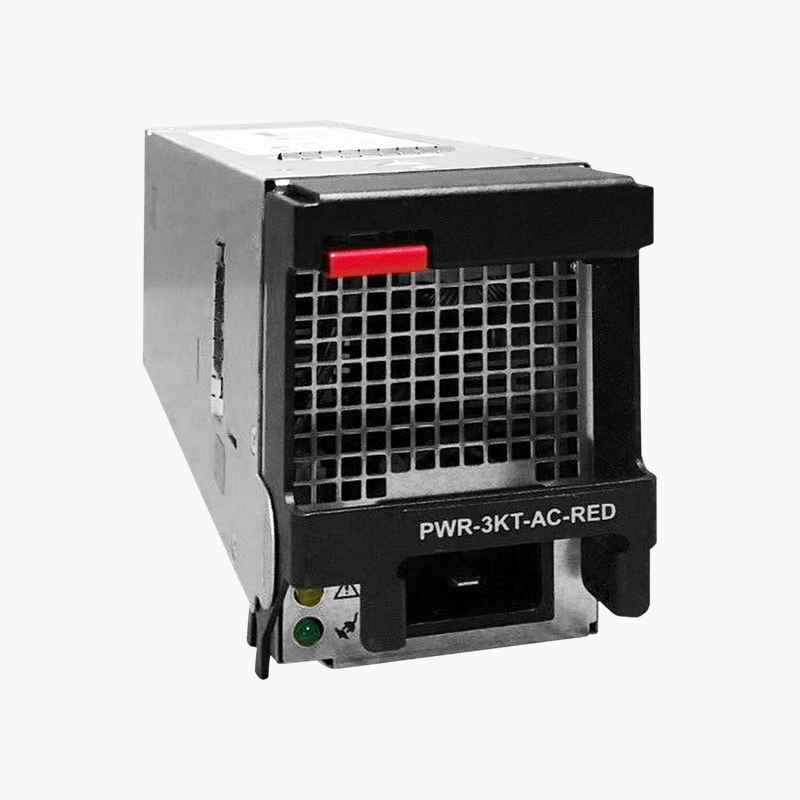
The Juniper JPSU-150-AC-AFO is a 150W AC hot-swappable power supply for Juniper EX3400 series switches. It uses AFO (front-to-back) airflow and fits the switch’s rear PSU slot. It suits network teams maintaining redundant power on EX3400 non-PoE access switches in campus and branch networks.

Matching Power and Airflow on the EX3400

The EX3400 is common in campus and branch networks, where it is usually mounted with the ports facing the front of the rack. In this layout, air should flow from the port side to the PSU side.

The JPSU-150-AC-AFO supports that front-to-back airflow. Paired with AFO fan modules, it keeps the switch cool, and a second supply adds redundancy so the switch stays online if one fails.

Hot-Swap in the Rear Slot

The supply slides into the rear PSU slot and latches in place. With a second supply installed, it can be replaced while the switch keeps running.

Sized for Non-PoE Models

The 150W rating suits non-PoE EX3400 models. PoE models need higher-capacity supplies to deliver power to connected devices.

Setup Instructions

How to Replace the Juniper JPSU-150-AC-AFO

  1. Confirm the part number is listed as supported for your Juniper EX3400 switch, and confirm the fan modules use AFO (front-to-back) airflow.
  2. If the device has a second working power supply, leave it running; otherwise schedule a maintenance window and power the device down.
  3. Disconnect the AC or DC cord from the failed unit, release the latch and slide it out, then slide the new module into the empty bay until it locks.
  4. Connect the power cord, check that the PSU status LED turns green, and confirm in the device CLI or management interface that the supply reports OK.

Overview

Model NumberJPSU-150-AC-AFO
BrandJuniper Networks
Product TypeHot-swappable AC power supply
Power Output150W
Input Voltage100–240V AC, 50/60 Hz
Airflow DirectionAFO (front-to-back)
Hot-SwappableYes, rear PSU slot
RedundancySupports 1+1 redundant configuration
Compatible SwitchesJuniper EX3400 series (non-PoE models)
PoE SupportNo (non-PoE models)
ConnectorIEC AC inlet
MonitoringStatus via Junos
Use CaseCampus and branch switch redundancy
In the Box1x power supply
ConditionBrand New

Frequently Asked Questions

Find answers to common questions about this product.

Customer Reviews

Reviews

There are no reviews yet.

Be the first to review “Juniper JPSU-150-AC-AFO 150W AC Power Supply — Front-to-Back Airflow for EX3400 Switches”

Your email address will not be published. Required fields are marked *