















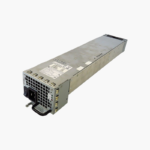
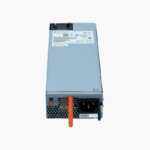
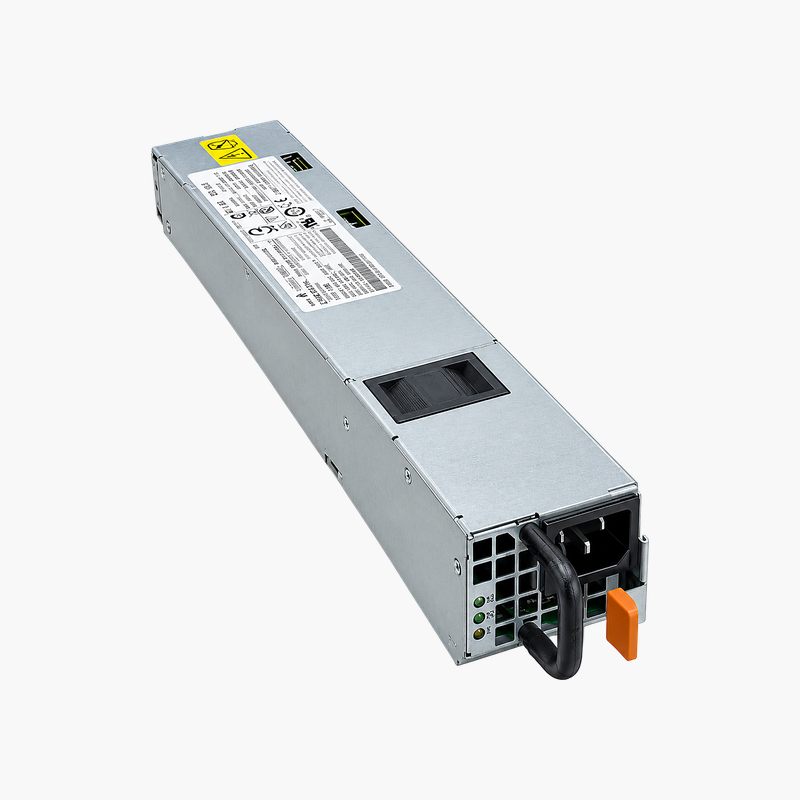
Matched 650W AFI power for Juniper EX4550 switches.
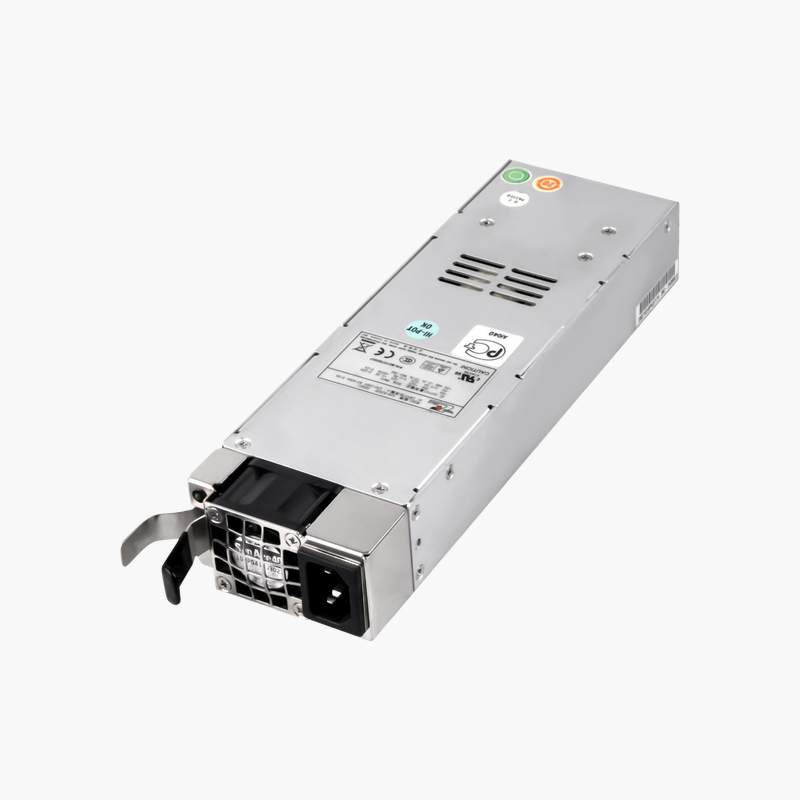
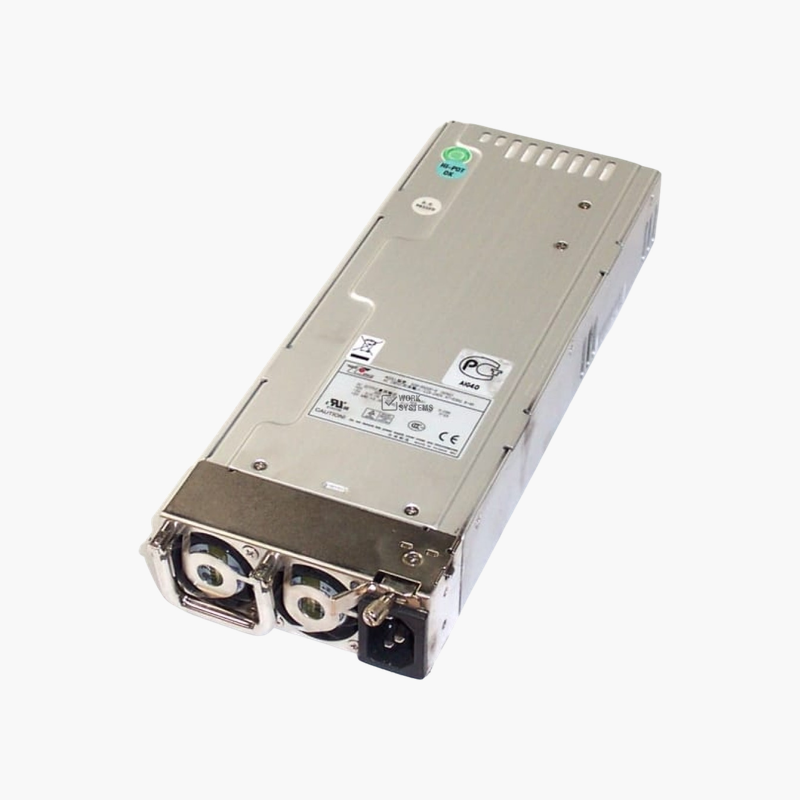
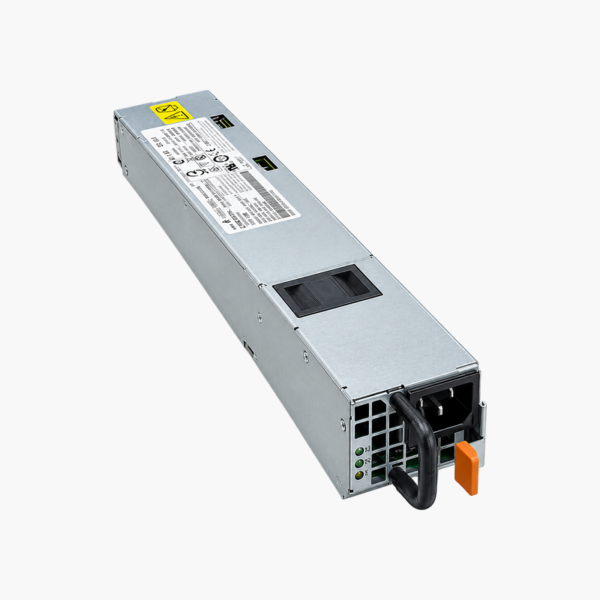
The Juniper JPSU-650W-AC-AFI is a 650W AC hot-pluggable power supply for Juniper EX4550 series switches. It uses AFI (back-to-front, PSU side to port side) airflow and accepts 100–240V AC input. It suits data center teams keeping EX4550 top-of-rack and aggregation switches redundant.
Keeping EX4550 Switches Cool and Redundant
EX4550 switches are often deployed at the top of the rack or in aggregation roles, where an outage affects many servers. Redundant power and correct airflow are both essential to keep them running.
The JPSU-650W-AC-AFI provides the rated power for the EX4550 and moves air from the PSU side to the port side. Matched to AFI fan modules, it keeps the switch’s cooling pattern correct.
Correct Airflow for Your Rack Layout
AFI supplies suit switches mounted with ports facing the hot aisle. Use AFO supplies for the opposite orientation, and never mix directions in one switch.
Hot-Plug Redundancy
With two supplies installed, either can power the switch. A failed unit can be replaced live, restoring redundancy without a maintenance window.
Setup Instructions
How to Replace the Juniper JPSU-650W-AC-AFI
- Confirm the part number is listed as supported for your Juniper EX4550 switch, and confirm the fan modules use AFI (back-to-front) airflow.
- If the device has a second working power supply, leave it running; otherwise schedule a maintenance window and power the device down.
- Disconnect the AC or DC cord from the failed unit, release the latch and slide it out, then slide the new module into the empty bay until it locks.
- Connect the power cord, check that the PSU status LED turns green, and confirm in the device CLI or management interface that the supply reports OK.






Reviews
There are no reviews yet.