















Simple, affordable AOS-CX access switching for growing businesses.
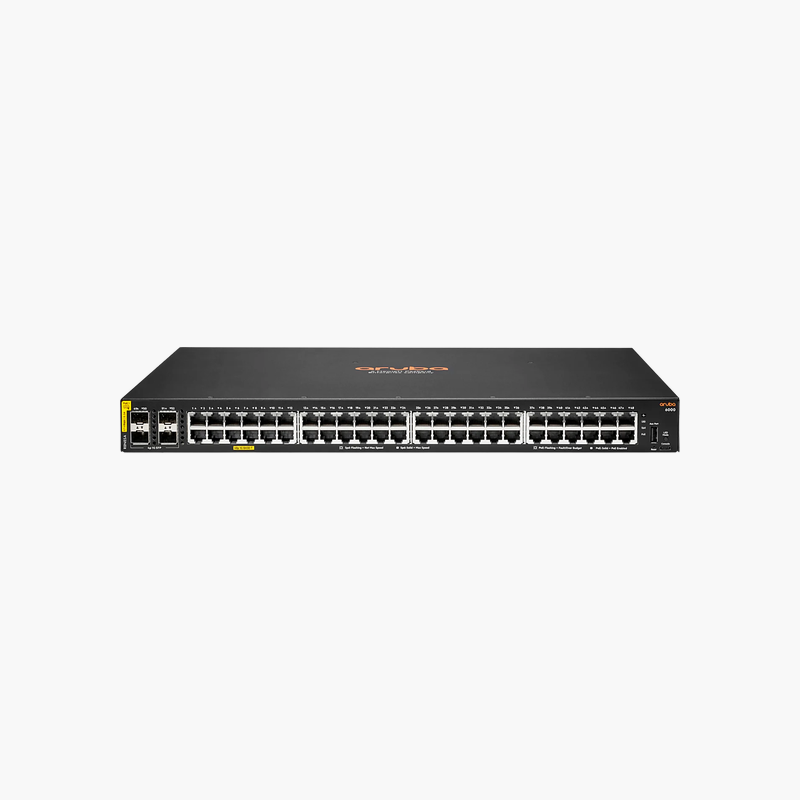
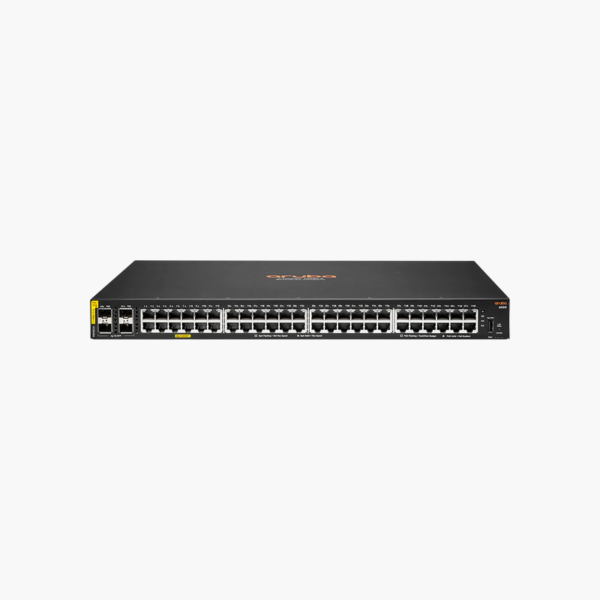
The HPE Aruba Networking CX 6000 48G 4SFP (R8N86A) is a 48-port Gigabit managed switch with four 1G SFP uplinks, running the AOS-CX operating system. It suits small and mid-sized businesses and branch offices that need dependable Layer 2 access with static routing at an entry-level price.
Why Entry-Level Networks Still Need a Modern Operating System
Low-cost managed switches often run limited firmware with few security updates and no path to automation. As the network grows, mixing these with enterprise switches creates inconsistent configuration and more troubleshooting time.
The CX 6000 runs AOS-CX, the same operating system as larger Aruba CX switches. VLANs, ACLs, QoS, 802.1X and static routing are configured the same way across the portfolio, and the switch can be managed by web GUI, CLI or Aruba NetEdit for multi-switch changes.
Hardware performance matches the port count: 104 Gbps switching capacity, 77.3 Mpps throughput and a 12.38 MB packet buffer keep traffic moving without drops, even when several users transfer large files at the same time.
48 Gigabit Ports with Fiber Uplinks
Forty-eight 10/100/1000 ports serve wired devices, while four 1G SFP ports connect the switch to a core switch or another closet over fiber. This non-PoE model is the right choice when phones and access points are powered elsewhere.
Low Power and Quiet Operation
The switch draws about 20.6W at idle and 44.2W at maximum, with side-to-side airflow and a bystander sound level of 24.6 dB, so it suits small comms rooms and offices as well as racks.
How to Set Up the HPE Aruba CX 6000 48G 4SFP
- Mount the 1RU switch in a 19-inch rack or on a shelf, keep side vents clear, and connect AC power.
- Connect a fiber or copper SFP uplink to your core switch and patch end devices to the RJ-45 ports.
- Connect through the USB-C console or browse to the web GUI, set the admin password, hostname and management IP.
- Create VLANs, ACLs and static routes, upgrade to the recommended AOS-CX release, and save the configuration.














Reviews
There are no reviews yet.