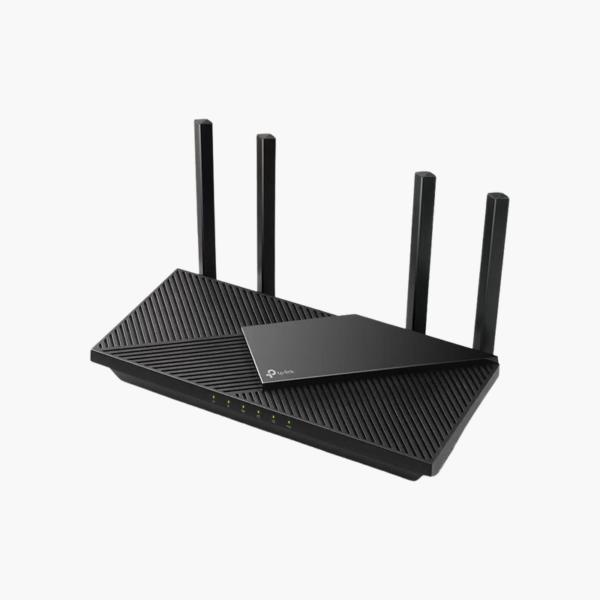
TP-Link Archer AXE75 AXE5400 Tri-Band WiFi 6E Gigabit Wireless Router – EasyMesh, 6 Antennas
TP-Link Archer AXE75 AXE5400 Tri-Band WiFi 6E Gigabit Wireless Router – EasyMesh, 6 Antennas Price on RequestRequest a quote for volume pricing, availability and lead time.
Back to products
TP-Link Archer BE230 BE3600 Dual-Band Wi-Fi 7 Router – 2x 2.5G Ports, USB 3.0, EasyMesh, HomeShield
TP-Link Archer BE230 BE3600 Dual-Band Wi-Fi 7 Router – 2x 2.5G Ports, USB 3.0, EasyMesh, HomeShield Price on RequestRequest a quote for volume pricing, availability and lead time.

TP-Link Archer AX55 Pro AX3000 Dual-Band Wi-Fi 6 Router – 2x 2.5G Ports, USB, EasyMesh, HomeShield

SKU: Archer AX55 Pro
  • 30-Day Hassle Free Returns
  • Secure Payment Options

Price on RequestRequest a quote for volume pricing, availability and lead time.

Key Value Highlights

  • Wi-Fi 6 AX3000, up to 3 Gbps – Faster Wi-Fi for streaming, gaming and video calls across your home or office.
  • 1 x 2.5G WAN port, 1 x 2.5G LAN port, 3 x Gigabit LAN ports and a USB 2.0 port – Wired connections for PCs, consoles, NAS and smart TVs.
  • Two 2.5 Gbps ports – Multi-gig internet and a fast wired link to a NAS or PC.
  • 160 MHz on 5 GHz – Up to 2402 Mbps for compatible Wi-Fi 6 devices.
  • EasyMesh and HomeShield – Whole-home mesh expansion and built-in security tools.

Description

Wi-Fi 6 speed and coverage for homes with multi-gig internet plans.

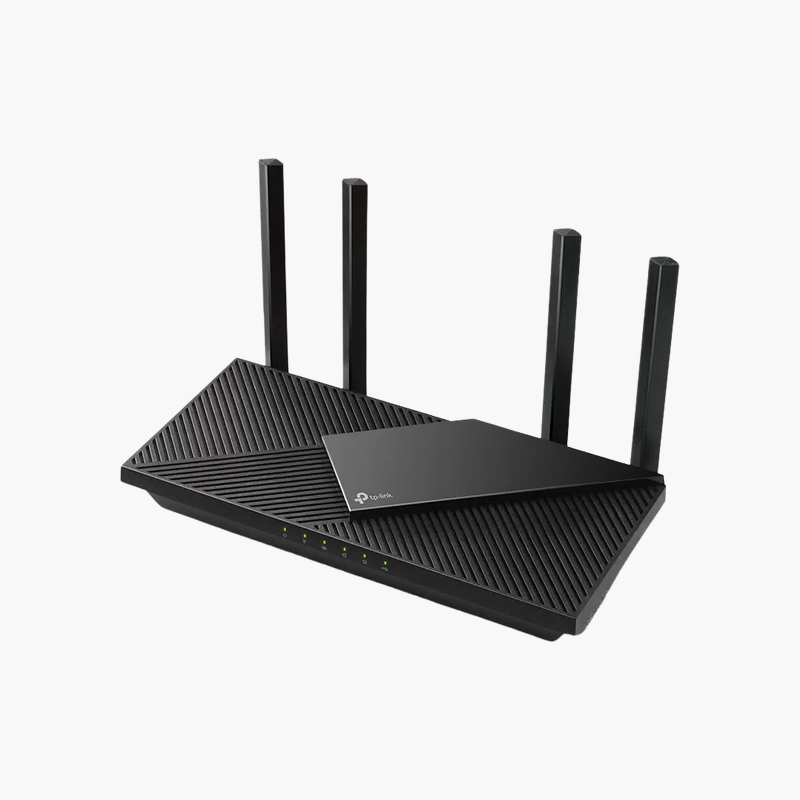
The TP-Link Archer AX55 Pro is a Wi-Fi 6 AX3000 router with wireless speeds up to 3 Gbps, and it provides 1 x 2.5G WAN port, 1 x 2.5G LAN port, 3 x Gigabit LAN ports and a USB 2.0 port. It suits homes with multi-gig internet plans.

Why Older Routers Slow Down a Busy Network

Most homes and small offices now run dozens of connected devices: phones, laptops, TVs, cameras and smart speakers. Older routers share airtime inefficiently, so every new device slows the rest, and walls or floors leave weak spots.

The Archer AX55 Pro uses Wi-Fi 6 technology to move more data to more devices at once. OFDMA and MU-MIMO let the router serve many devices in the same transmission, cutting latency for video calls and gaming.

TP-Link HomeShield, WPA3 encryption and a guest network help keep the network protected without extra hardware.

Wired Ports for Fast, Stable Connections

The Archer AX55 Pro provides 1 x 2.5G WAN port, 1 x 2.5G LAN port, 3 x Gigabit LAN ports and a USB 2.0 port. Wired connections give consoles, desktops, NAS drives and TVs the most consistent speed and free up wireless airtime for mobile devices.

Coverage and Expansion

For larger spaces, the Archer AX55 Pro can be paired with compatible extenders or mesh points to extend coverage under one network name.

How to Set Up the TP-Link Archer AX55 Pro

  1. Connect the router WAN/internet port to your modem or ONT with an Ethernet cable, and power on the router.
  2. Connect to the default Wi-Fi network or a LAN port, then open the setup app or web interface shown on the router label.
  3. Follow the setup wizard to detect your internet connection, set a new Wi-Fi name and password, and create an admin password.
  4. Update the firmware, enable the guest network and security features, and position the router centrally and off the floor for best coverage.

Overview

Model NumberArcher AX55 Pro
Device TypeDual-Band Wi-Fi 6 Router
Wi-Fi Standard DetailsWi-Fi 6 (802.11ax, HE160)
Wi-Fi SpeedAX3000: 2402 Mbps (5 GHz) + 574 Mbps (2.4 GHz)
WAN Port1 x 2.5 Gbps
LAN Ports1 x 2.5 Gbps + 3 x 1 Gbps
USB1 x USB 2.0
Antennas4 fixed, beamforming
MeshEasyMesh compatible
SecurityHomeShield, WPA3
ManagementTether app, web interface
Bands2.4 GHz and 5 GHz
PowerExternal adapter

Frequently Asked Questions

Find answers to common questions about this product.

Customer Reviews

Reviews

There are no reviews yet.

Be the first to review “TP-Link Archer AX55 Pro AX3000 Dual-Band Wi-Fi 6 Router – 2x 2.5G Ports, USB, EasyMesh, HomeShield”

Your email address will not be published. Required fields are marked *