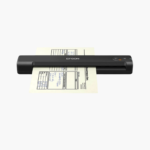
Epson WorkForce ES-50 Portable Sheet-Fed Document Scanner – USB Powered, 600 dpi
Epson WorkForce ES-50 Portable Sheet-Fed Document Scanner – USB Powered, 600 dpi Price on RequestRequest a quote for volume pricing, availability and lead time.
Back to products
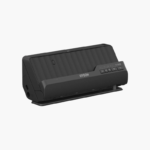
Epson WorkForce ES-C220 Compact Duplex Desktop Document Scanner – 30 ppm, 20-Sheet ADF, USB-C
Epson WorkForce ES-C220 Compact Duplex Desktop Document Scanner – 30 ppm, 20-Sheet ADF, USB-C Price on RequestRequest a quote for volume pricing, availability and lead time.

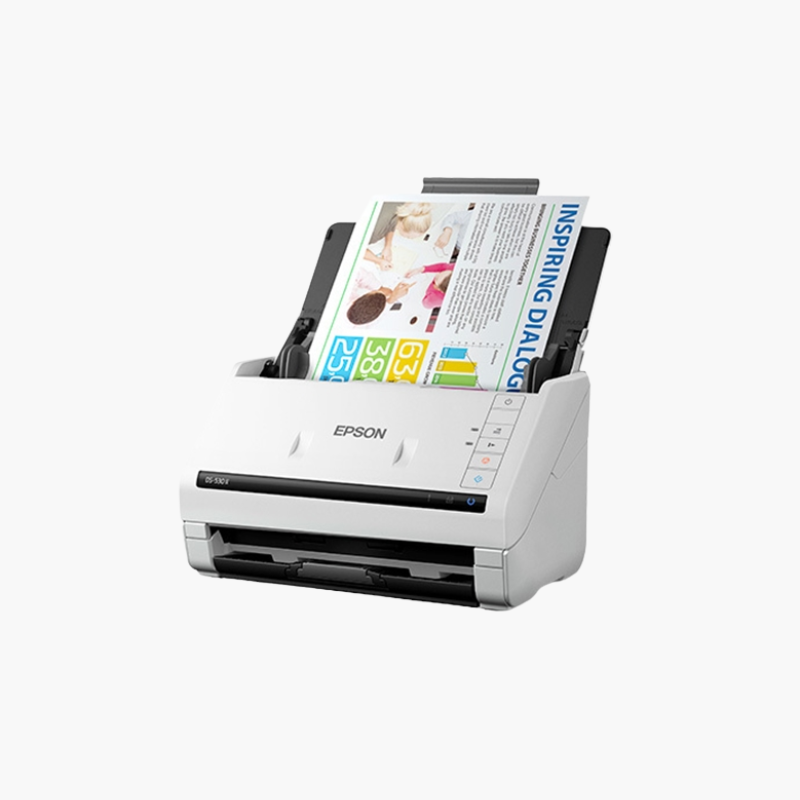
Epson DS-530 II Color Duplex Document Scanner – 35 ppm, 50-Sheet ADF, USB 3.0

SKU: EPSON-DS-530-II
  • 30-Day Hassle Free Returns
  • Secure Payment Options

Price on RequestRequest a quote for volume pricing, availability and lead time.

Key Value Highlights

  • 35 ppm / 70 ipm scanning – Handles two-sided business documents in one pass.
  • TWAIN and ISIS drivers – Integrates with document management systems.
  • 50-sheet auto document feeder – Processes batches without supervision.
  • 5,500-sheet peak daily duty cycle – Supports heavier departmental use.
  • USB 3.0 – Provides fast transfer to the workstation.

Description

The Epson DS-530 II is a color duplex document scanner for business workgroups that scan into document management software. It scans up to 35 pages or 70 images per minute, feeds 50 sheets per batch, connects over USB 3.0, and includes both TWAIN and ISIS drivers for PC and Mac.

Deep-Dive Story & Problem/Solution

Business Software Needs a Scanner It Can Control Directly

Accounting, records, and case management systems often require ISIS or TWAIN drivers to capture documents straight into a workflow. Consumer scanners without those drivers force staff to scan to a folder and import files by hand.

The DS-530 II ships with both driver types, so scanning can start from inside the business application. A peak duty cycle of 5,500 sheets a day covers busy desks.

Slow Speed Mode and double-feed detection skip help with delicate, folded, or stapled-and-removed pages that would otherwise jam.

Wide Media Range

The feeder accepts paper from 27 to 413 g/m2, plastic cards, and long documents, so mixed batches rarely need sorting first.

Optional Network Sharing

An optional network interface unit lets several users share the scanner over Ethernet.

Setup Instructions

How to Set Up the Epson DS-530 II

  1. Connect the power adapter and USB 3.0 cable.
  2. Install Epson Scan 2 and the TWAIN or ISIS driver required by your software.
  3. Load documents face down and adjust the edge guides.
  4. Start a scan from the application or the scanner button.

Overview

ModelEpson DS-530 II
Scanner TypeSheet-fed duplex document scanner
Scan SpeedUp to 35 ppm / 70 ipm
Duplex ScanningSingle-pass duplex
Optical Resolution600 dpi
ADF Capacity50 sheets
Peak Daily Duty Cycle5, 500 sheets
Media Weight27 to 413 g/m2
InterfaceUSB 3.0
DriversTWAIN, ISIS
NetworkOptional network interface unit
Operating SystemsWindows, macOS
WeightApprox. 3.7 kg
MaintenanceClean rollers and glass; replace roller kit when due

Frequently Asked Questions

Find answers to common questions about this product.

Customer Reviews

Reviews

There are no reviews yet.

Be the first to review “Epson DS-530 II Color Duplex Document Scanner – 35 ppm, 50-Sheet ADF, USB 3.0”

Your email address will not be published. Required fields are marked *