Epson DS-530 II Color Duplex Document Scanner – 35 ppm, 50-Sheet ADF, USB 3.0
Epson DS-530 II Color Duplex Document Scanner – 35 ppm, 50-Sheet ADF, USB 3.0 Price on RequestRequest a quote for volume pricing, availability and lead time.
Back to products
Epson WorkForce ES-500W II Wireless Duplex Desktop Document Scanner – 35 ppm, 50-Sheet ADF
Epson WorkForce ES-500W II Wireless Duplex Desktop Document Scanner – 35 ppm, 50-Sheet ADF Price on RequestRequest a quote for volume pricing, availability and lead time.

Epson WorkForce ES-C220 Compact Duplex Desktop Document Scanner – 30 ppm, 20-Sheet ADF, USB-C

SKU: EPSON-WORKFORCE-ES-C220
  • 30-Day Hassle Free Returns
  • Secure Payment Options

Price on RequestRequest a quote for volume pricing, availability and lead time.

Key Value Highlights

  • Space-saving upright design – Takes little room on a crowded desk.
  • 30 ppm / 60 ipm scanning – Scans two-sided documents in one pass.
  • 20-sheet auto document feeder – Handles everyday batches of paperwork.
  • Two feed paths – Switches to a straight path for cards and thick documents.

Description

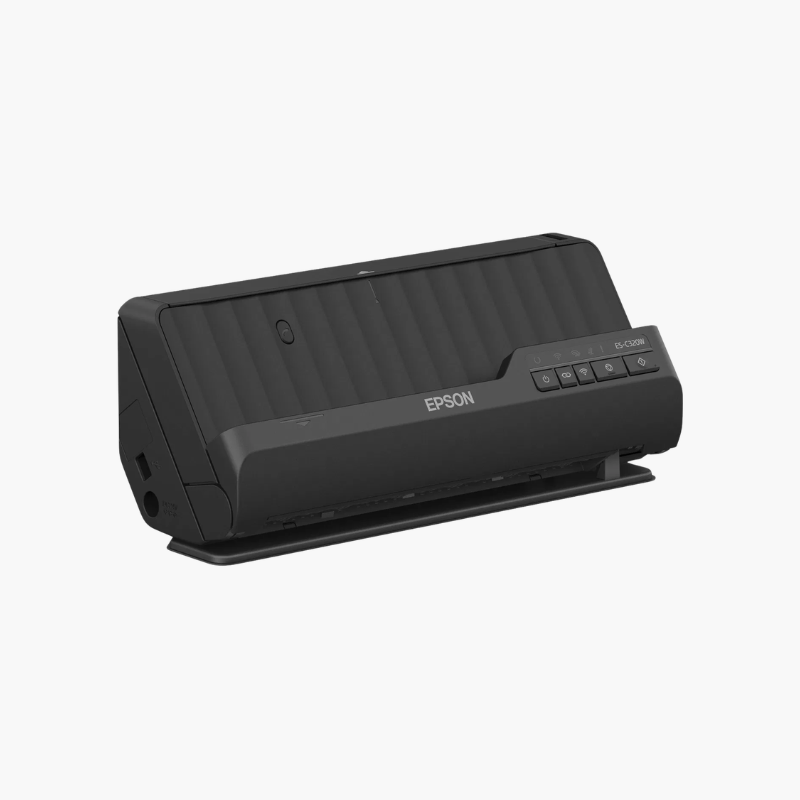
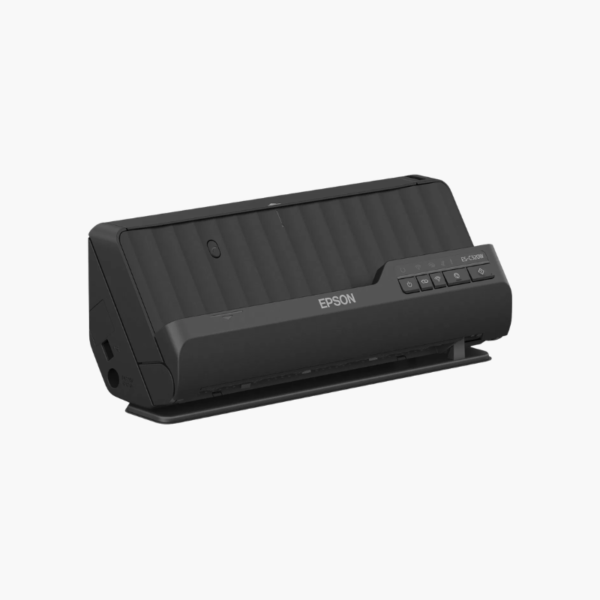
The Epson WorkForce ES-C220 is a compact duplex desktop document scanner for home offices and small desks. It scans up to 30 pages or 60 images per minute, feeds 20 sheets at a time, and uses a space-saving design with a straight path option for ID cards, passports, and thicker originals.

Deep-Dive Story & Problem/Solution

Small Desks Have No Room for a Full-Size Scanner

Home offices and front counters often have only a few spare inches beside the keyboard. Traditional desktop scanners need space in front and behind for input and output trays.

The ES-C220 feeds and ejects paper at the top in its upright position, so it works within its own footprint of about 11.7 x 4.1 x 4.9 inches. Tilting it switches to a straight path for cards and booklets.

Epson ScanSmart software previews scans, creates searchable PDFs, and sends files to email or cloud storage in a few steps.

Everyday Document Capture

Single-pass duplex scanning at up to 600 dpi covers bills, forms, receipts, and contracts, with automatic crop and deskew.

Simple Connection

The scanner connects to Windows or Mac computers by USB and weighs about 3.85 lbs, making it easy to move between desks.

Setup Instructions

How to Set Up the Epson ES-C220

  1. Connect the power adapter and USB cable to the computer.
  2. Install Epson ScanSmart and the scanner driver.
  3. Open the input tray and load up to 20 sheets face down.
  4. Press the scan button and save the file from ScanSmart.

Overview

ModelEpson WorkForce ES-C220
Scanner TypeCompact sheet-fed duplex document scanner
Scan SpeedUp to 30 ppm / 60 ipm
Duplex ScanningSingle-pass duplex
Optical Resolution600 dpi
ADF Capacity20 sheets
Paper PathsU-turn path and straight path
InterfaceUSB (Type-C port)
SoftwareEpson ScanSmart
DriversTWAIN
Operating SystemsWindows, macOS
Dimensions11.7 x 4.1 x 4.9 inches
Weight3.85 lbs
MaintenanceClean glass and rollers; replace rollers when due

Frequently Asked Questions

Find answers to common questions about this product.

Customer Reviews

Reviews

There are no reviews yet.

Be the first to review “Epson WorkForce ES-C220 Compact Duplex Desktop Document Scanner – 30 ppm, 20-Sheet ADF, USB-C”

Your email address will not be published. Required fields are marked *