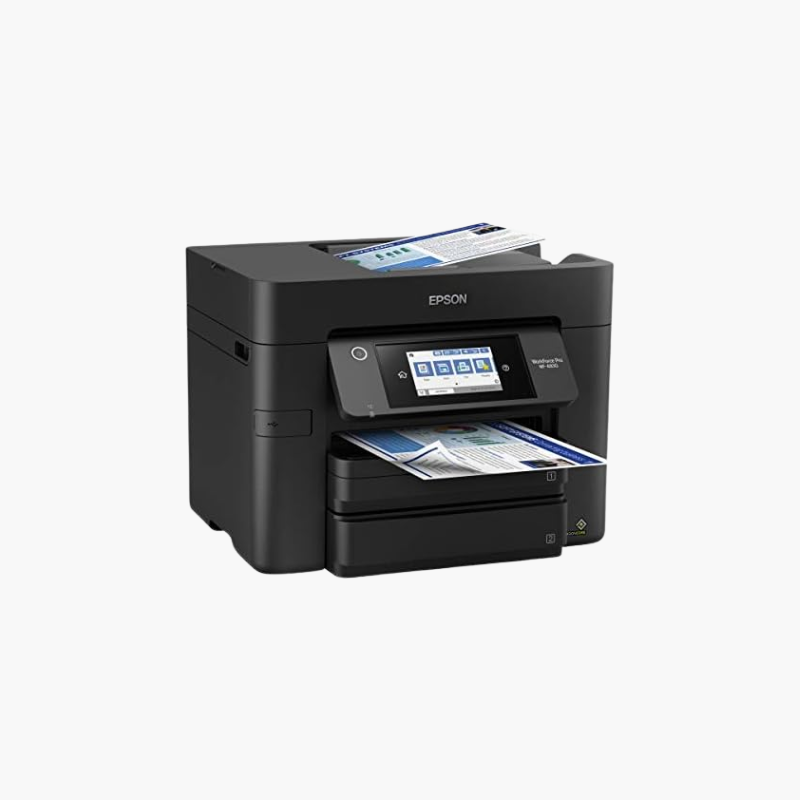
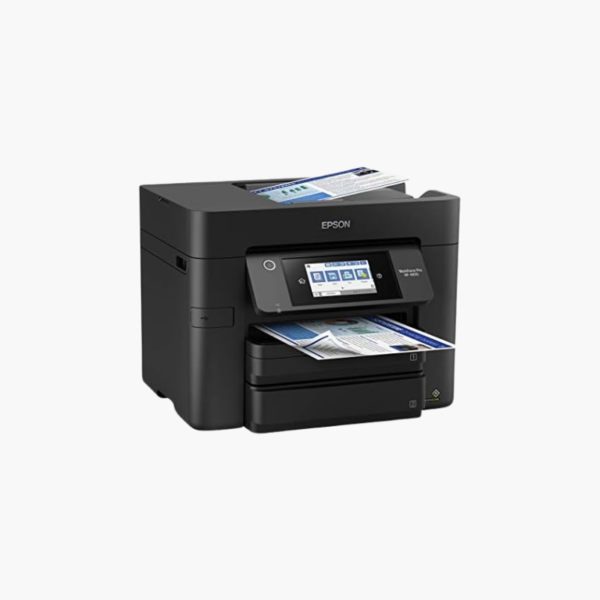
Epson WorkForce Pro WF-4830 Wireless All-in-One Printer – Auto 2-Sided Print, Copy, Scan and Fax, 500-Sheet Capacity

SKU: EPSON-WORKFORCE-PRO-WF-4830
  • 30-Day Hassle Free Returns
  • Secure Payment Options

Price on RequestRequest a quote for volume pricing, availability and lead time.

Key Value Highlights

  • Automatic 2-sided print, copy, scan, and fax – Processes double-sided documents end to end.
  • Two 250-sheet trays (500 sheets) – Keep two paper types loaded and cut refills.
  • Legal-size paper handling – Supports contracts and forms.
  • PrecisionCore Heat-Free printing – Delivers fast output with no warm-up.
  • App-based and email mobile printing – Lets staff print from anywhere.

Description

The Epson WorkForce Pro WF-4830 is a wireless color inkjet all-in-one for small offices and home offices that handle double-sided and legal-size documents. It offers automatic two-sided printing and scanning, copy and fax, and 500 sheets of capacity across two trays.

Deep-Dive Story & Problem/Solution

Small Offices Lose Time Feeding Paper and Flipping Originals

Single-tray printers force a choice between letter and legal paper, and one-sided feeders make every double-sided contract a two-step scan. Both interruptions recur many times a day.

The WF-4830 provides two 250-sheet trays, so different sizes or stocks stay loaded. Its document feeder scans both sides automatically, and printing, copying, and faxing are two-sided as well.

PrecisionCore Heat-Free technology starts printing without warm-up, and DURABrite Ultra pigment ink in Epson 822 cartridges produces crisp, durable business documents.

True Duplex Workflow

Scan, copy, or fax a stack of double-sided pages in one pass through the feeder and receive two-sided prints in order.

High Capacity and Easy Control

A color touchscreen manages jobs, while Wi-Fi, Ethernet, and the Epson Smart Panel app support shared and mobile use.

Setup Instructions

How to Set Up the Epson WorkForce Pro WF-4830

  1. Remove packing materials and connect the power cord.
  2. Install the four 822 ink cartridges and wait for initialization.
  3. Load letter paper in Tray 1 and legal or alternate paper in Tray 2.
  4. Connect to the network and attach a phone line for fax.

Overview

ModelEpson WorkForce Pro WF-4830
FunctionsPrint, copy, scan, fax
Print TechnologyPrecisionCore Heat-Free inkjet
InkEpson 822 / 822XL DURABrite Ultra
Paper Input2 x 250-sheet trays (500 sheets)
Duplex PrintingAutomatic
Duplex ScanningAutomatic
Document FeederAutomatic document feeder
Maximum Paper Size8.5 x 14 inches (legal)
ConnectivityWi-Fi, Ethernet, USB
Mobile PrintingApp-based and email printing, Epson Smart Panel
Control PanelColor touchscreen
In the BoxPrinter, ink cartridges, power cord, setup guide
MaintenanceReplace individual cartridges; run head cleaning as needed

Frequently Asked Questions

Find answers to common questions about this product.

Customer Reviews

Reviews

There are no reviews yet.

Be the first to review “Epson WorkForce Pro WF-4830 Wireless All-in-One Printer – Auto 2-Sided Print, Copy, Scan and Fax, 500-Sheet Capacity”

Your email address will not be published. Required fields are marked *