HP OfficeJet Pro 9110b Wireless Color Inkjet Printer – 22 ppm, Auto Duplex, 250-Sheet Tray
HP OfficeJet Pro 9110b Wireless Color Inkjet Printer – 22 ppm, Auto Duplex, 250-Sheet Tray Price on RequestRequest a quote for volume pricing, availability and lead time.
Back to products
HP OfficeJet Pro 8135e Wireless Color Inkjet All-in-One Printer – Print, Scan, Copy, Fax, ADF, Auto Duplex
HP OfficeJet Pro 8135e Wireless Color Inkjet All-in-One Printer – Print, Scan, Copy, Fax, ADF, Auto Duplex Price on RequestRequest a quote for volume pricing, availability and lead time.

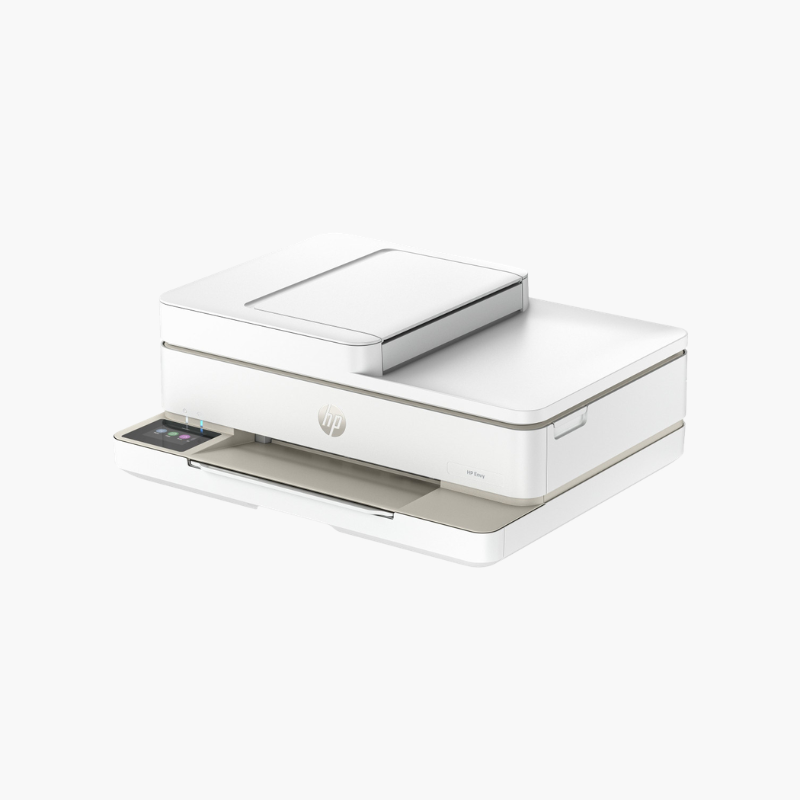
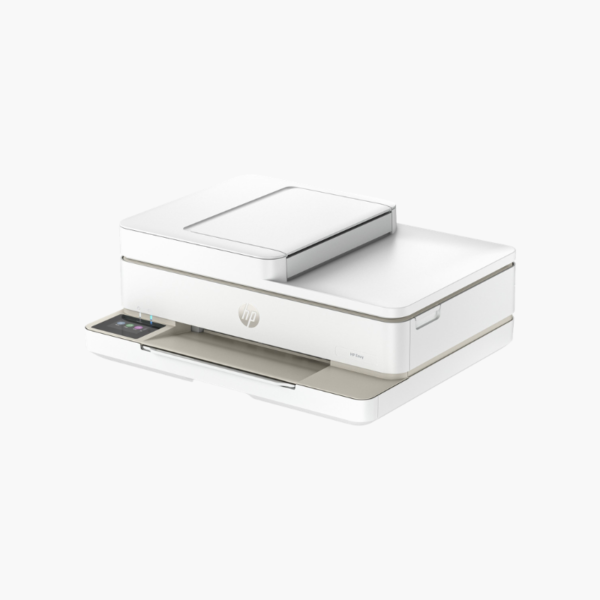
HP ENVY 6155e Wireless Color Inkjet All-in-One Printer – Print, Scan, Copy, Auto Duplex, Mobile Printing

SKU: HP-ENVY-6155E
  • 30-Day Hassle Free Returns
  • Secure Payment Options

Price on RequestRequest a quote for volume pricing, availability and lead time.

Key Value Highlights

  • Print, scan, and copy – Covers everyday home tasks in one compact device.
  • Automatic two-sided printing – Saves paper on schoolwork and documents.
  • Up to 10 ppm black (ISO) – Suits light home printing.
  • Wi-Fi with HP Smart app – Prints and scans from phones and tablets.
  • 4800 x 1200 dpi color resolution – Produces vivid photos and graphics.

Description

The HP ENVY 6155e is a wireless color inkjet all-in-one for families and students who print occasionally. It prints, scans, and copies, supports automatic two-sided printing, and is set up and controlled from a phone through the HP Smart app.

Deep-Dive Story & Problem/Solution

Occasional Home Printing Should Be Simple, Not a Project

Households that print a few pages a week want a printer that connects once and then stays out of the way. Complicated setup, dropped Wi-Fi, and confusing panels are the usual sources of frustration.

The ENVY 6155e is set up through the HP Smart app, which walks through Wi-Fi connection, cartridge installation, and alignment. The same app prints, scans, and copies from a phone.

It prints up to 10 ppm in black with color resolution up to 4800 x 1200 dpi, and automatic duplex is included, which is unusual at this level.

Everyday Printing, Scanning, and Copying

A 1200 dpi optical flatbed scanner handles homework, forms, and photos. Borderless photo printing is supported.

Compact and Mobile-First

The low-profile body fits on a shelf. Dual-band Wi-Fi with self-healing keeps it connected, and mobile fax is available through the app.

Setup Instructions

How to Set Up the HP ENVY 6155e

  1. Remove packing tape and power on.
  2. Install the black and tri-color cartridges and load paper.
  3. Open the HP Smart app and add the printer.
  4. Print the alignment page and scan it to finish setup.

Overview

ModelHP ENVY 6155e
FunctionsPrint, scan, copy, mobile fax via app
Print TechnologyHP Thermal Inkjet
Print SpeedUp to 10 ppm black (ISO)
Color Print ResolutionUp to 4800 x 1200 dpi
Scan Resolution1200 dpi optical
Scanner TypeFlatbed
Duplex PrintingAutomatic
ConnectivityDual-band Wi-Fi, USB
Mobile PrintingHP Smart app, Apple AirPrint, Mopria
InkHP 67 black and tri-color (XL available)
Number of Cartridges2
Maximum Paper Size8.5 x 14 inches (legal)
In the BoxPrinter, setup cartridges, power cord, setup guide
MaintenanceReplace cartridges as needed; keep scanner glass clean

Frequently Asked Questions

Find answers to common questions about this product.

Customer Reviews

Reviews

There are no reviews yet.

Be the first to review “HP ENVY 6155e Wireless Color Inkjet All-in-One Printer – Print, Scan, Copy, Auto Duplex, Mobile Printing”

Your email address will not be published. Required fields are marked *