















Rebuild redundant power in Intel SC5100 and SC5200 server chassis.
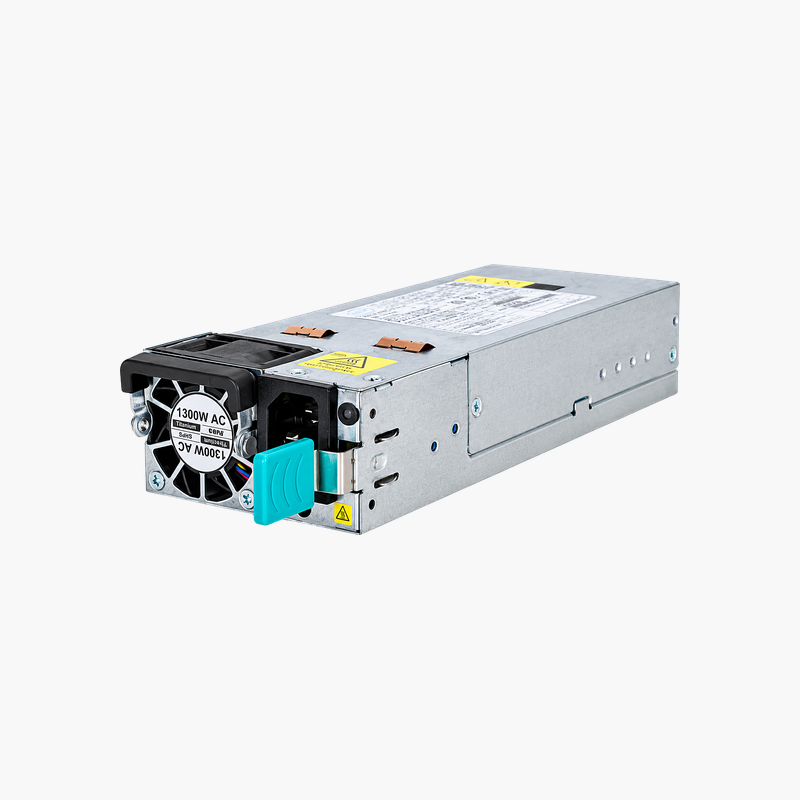
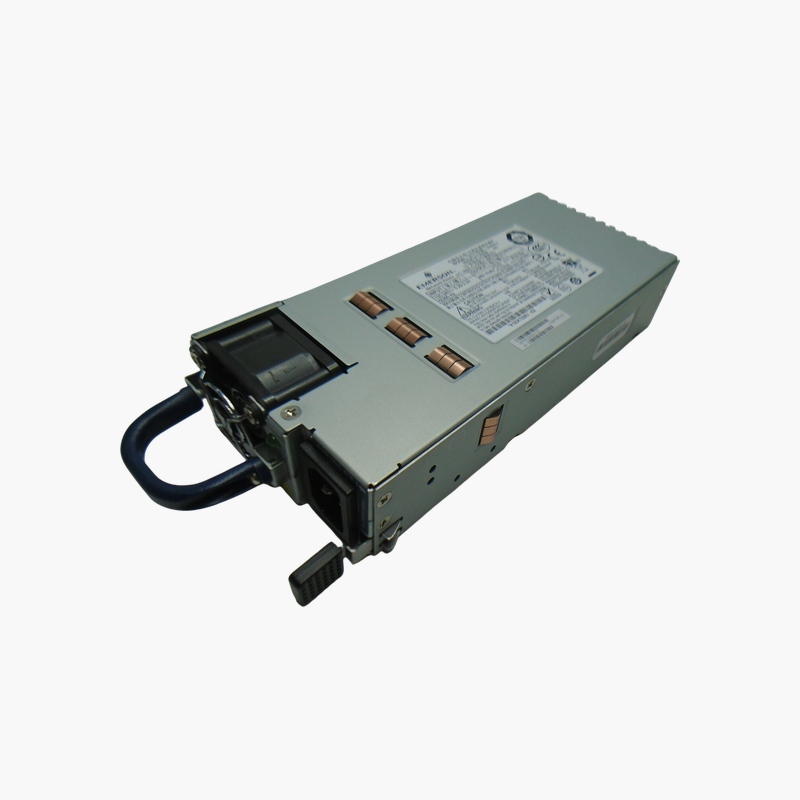
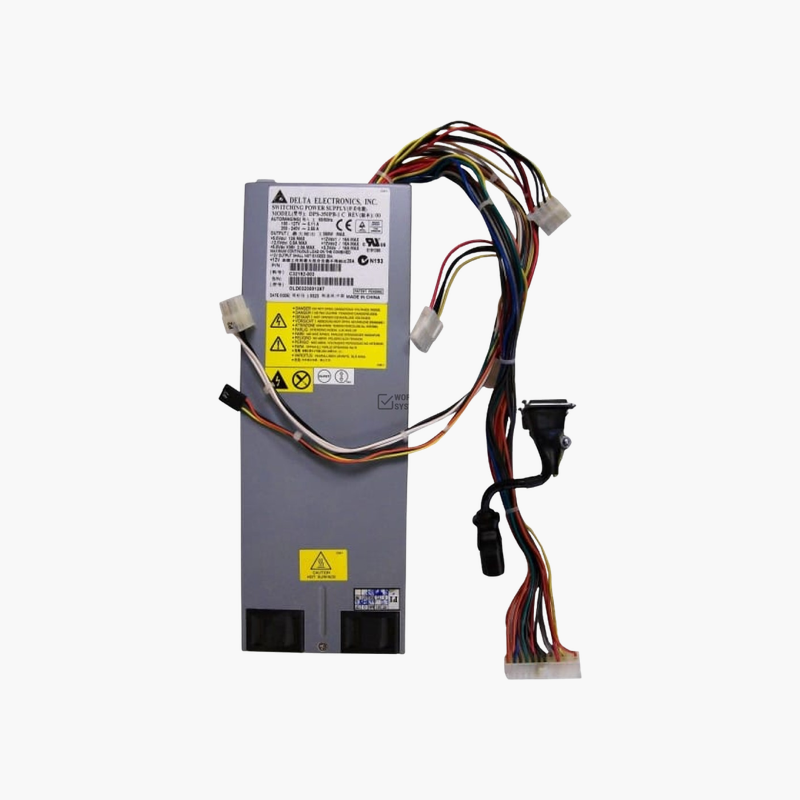
The Intel FHD2PSCAGE2P1 is a 2+1 redundant power supply cage for Intel SC5100 and SC5200 server chassis. It holds two or three hot-swap 350W modules (Delta DPS-350MB A type), supporting up to about 650W of redundant output. It suits IT teams restoring or upgrading power redundancy in these pedestal servers.
How a 2+1 Power Cage Protects Uptime
In a 2+1 design, two modules carry the server load and a third provides redundancy. If any one module fails, the remaining two keep the server running and the failed one can be swapped live.
The FHD2PSCAGE2P1 is the cage that makes this work in SC5100 and SC5200 chassis. It distributes power from the modules to the system and handles load sharing, so replacing a damaged cage restores the chassis’ full redundant capability.
Hot-Swap Module Bays
Each module slides into its own bay and can be removed while the server is running, provided the remaining modules cover the load. Module LEDs show status at a glance.
Flexible Configuration
Install two modules for non-redundant operation or three for 2+1 redundancy. With 350W modules, the cage supports up to roughly 650W of redundant output for the chassis.
Setup Instructions
How to Install the FHD2PSCAGE2P1 Cage
- Shut down the server, unplug all power cords and remove the side panel to access the power bay.
- Remove the existing modules, disconnect the cage’s output cables from the board and drives, and unscrew the old cage.
- Mount the FHD2PSCAGE2P1, reconnect the output cables to the motherboard and drive backplane, then insert two or three modules until they latch.
- Connect AC cords to each module, power on and confirm every module LED shows normal operation and no alarm sounds.






Reviews
There are no reviews yet.