TP-Link Omada SL2428P 24-Port 10/100Mbps + 4-Port Gigabit Smart Switch with 24-Port PoE+ (SL2428P) – 250W PoE
TP-Link Omada SL2428P 24-Port 10/100Mbps + 4-Port Gigabit Smart Switch with 24-Port PoE+ (SL2428P) – 250W PoE Price on RequestRequest a quote for volume pricing, availability and lead time.
Back to products
TP-Link Omada SX3032F 32-Port 10G SFP+ L2+ Managed Aggregation Switch (SX3032F)
TP-Link Omada SX3032F 32-Port 10G SFP+ L2+ Managed Aggregation Switch (SX3032F) Price on RequestRequest a quote for volume pricing, availability and lead time.

TP-Link Omada SX3016F 16-Port 10G SFP+ L2+ Managed Aggregation Switch (SX3016F)

SKU: SX3016F
  • 30-Day Hassle Free Returns
  • Secure Payment Options

Price on RequestRequest a quote for volume pricing, availability and lead time.

Key Value Highlights

  • 16x 10G SFP+ – 10G bandwidth for servers, storage and high-speed network backbones.
  • L2+ features with static routing – Inter-VLAN routing, ACLs and advanced QoS for business networks.
  • 19-inch rackmount design – Installs cleanly in standard network racks and cabinets.
  • 320 Gbps switching capacity – Adds flexibility for deployment and management.
  • Omada SDN management – Adds flexibility for deployment and management.

Description

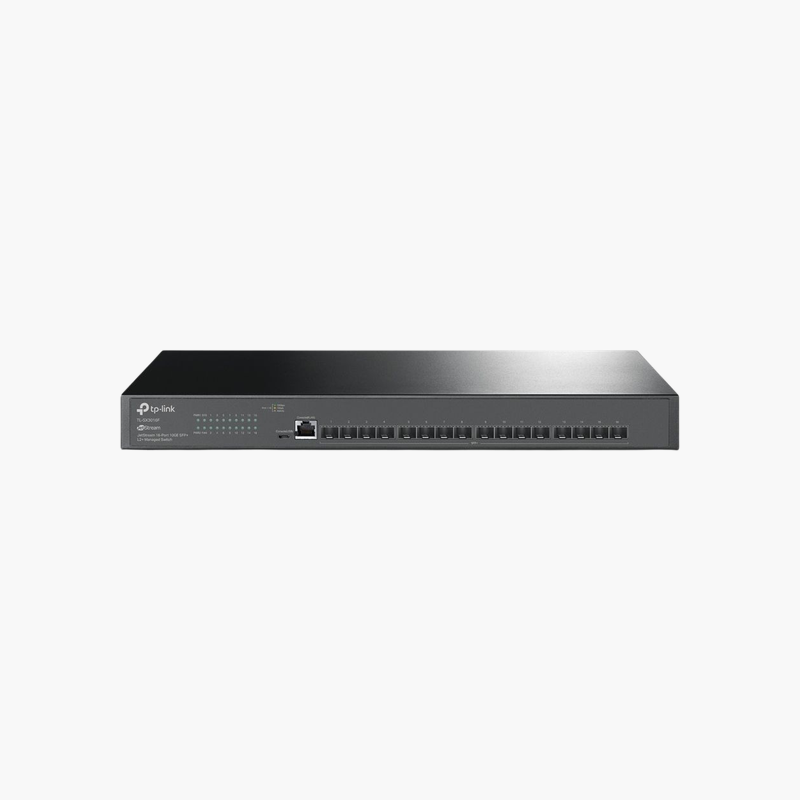
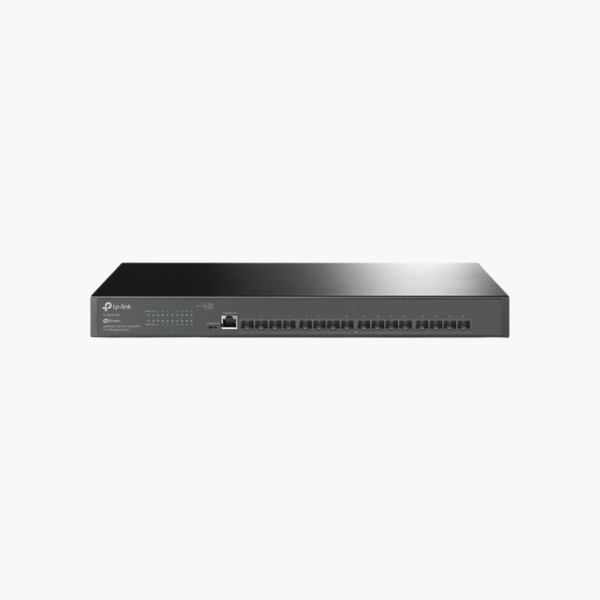
The TP-Link Omada SX3016F 16-Port 10G SFP+ L2+ Managed Aggregation Switch is an L2+ managed switch with 16x 10G SFP+. It is built for server rooms, storage networks and high-speed backbones. Management features help segment and prioritise network traffic. It installs in minutes.

Expand your network the simple way.

High-Bandwidth Switching for Demanding Networks

Gigabit links quickly become bottlenecks when servers, NAS and backup jobs move large files at the same time.

The TP-Link Omada SX3016F 16-Port 10G SFP+ L2+ Managed Aggregation Switch provides 16x 10G SFP+, giving storage, virtualisation and backbone links the bandwidth they need.

Ports and Performance

Ports: 16x 10G SFP+. SFP/SFP+ ports require compatible transceivers or DAC cables.

Management and Installation

Inter-VLAN routing, ACLs and advanced QoS for business networks. Installs cleanly in standard network racks and cabinets. 320 Gbps switching capacity and Omada SDN management.

Setup Instructions

How to Set Up the TP-Link Omada SX3016F 16-Port 10G SFP+ L2+ Managed Aggregation Switch

  1. Mount the switch and connect power.
  2. Connect an uplink port to your router or core switch.
  3. Open the cloud dashboard or app and adopt or log in to the switch, then update the firmware.
  4. Create VLANs and QoS rules, then connect your devices.

Overview

BrandTP-Link
ModelOmada SX3016F 16-Port 10G SFP+ L2+ Managed Aggregation Switch
Product TypeL2+ Managed Switch
ManagementL2+ Managed
Ports16x 10G SFP+
Port SpeedUp to 10 Gbps
Mounting19-inch rackmount
Features320 Gbps switching capacity; Omada SDN management
Use CaseServer rooms, storage networks and high-speed backbones
CategoryNetworking Switches
Plug and PlayNo (configurable)
Network StandardIEEE 802.3 Ethernet
Part NumberSX3016F
ConditionBrand New
In the BoxSwitch, power cord or adapter, rack-mount kit, quick installation guide

Frequently Asked Questions

Find answers to common questions about this product.

Customer Reviews

Reviews

There are no reviews yet.

Be the first to review “TP-Link Omada SX3016F 16-Port 10G SFP+ L2+ Managed Aggregation Switch (SX3016F)”

Your email address will not be published. Required fields are marked *