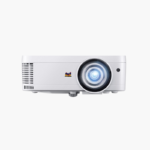
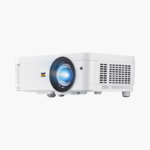
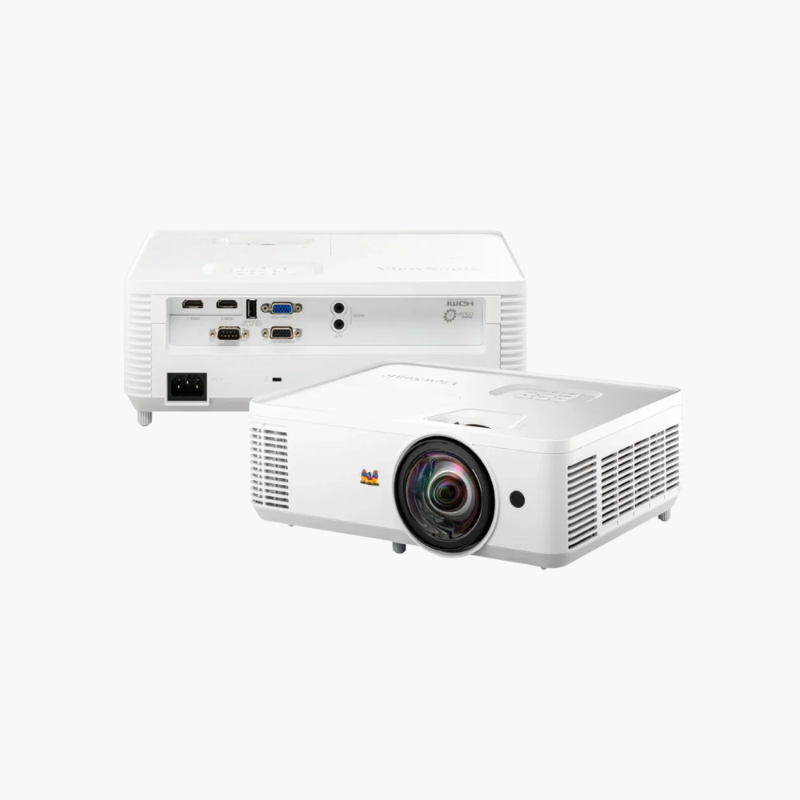
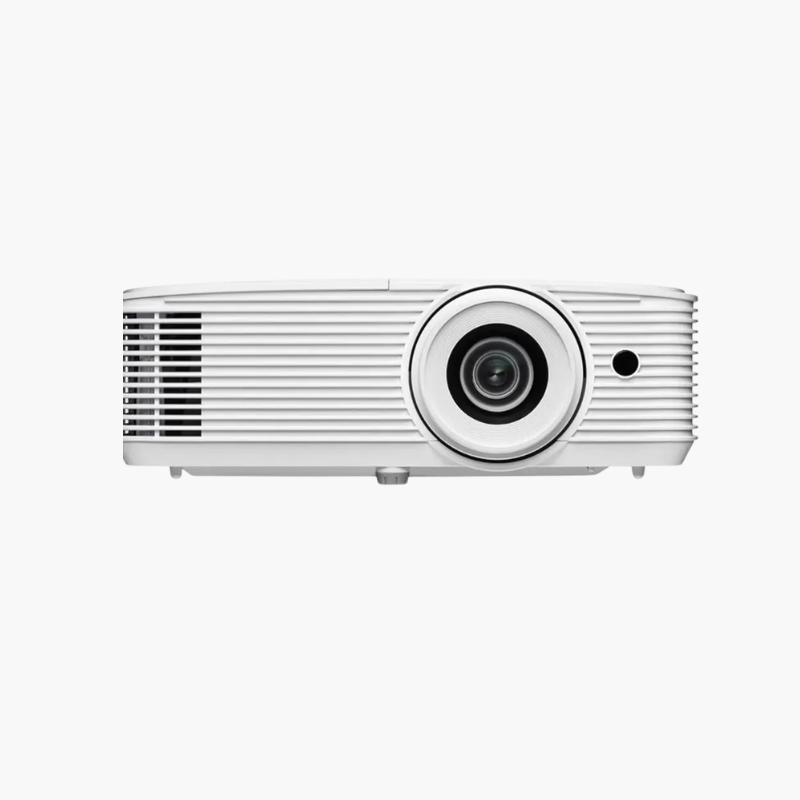
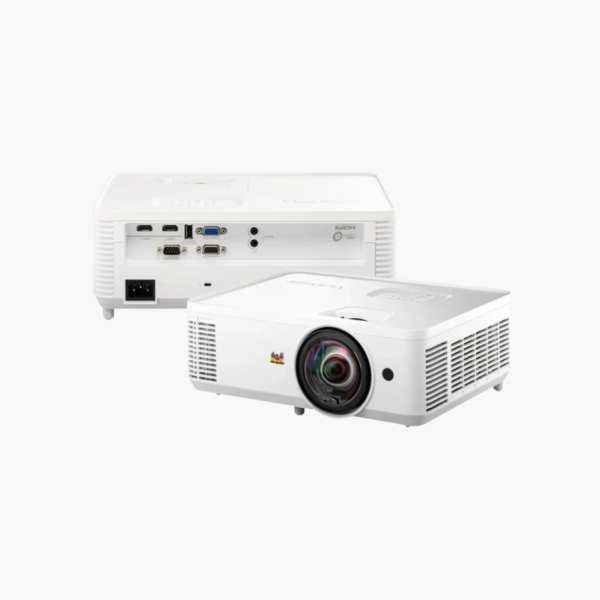
ViewSonic PS501W WXGA Short Throw Projector – 3600 ANSI Lumens, 0.49 Throw Ratio, 1280×800, HDMI

SKU: VIEWSONIC-PS501W
  • 30-Day Hassle Free Returns
  • Secure Payment Options

Price on RequestRequest a quote for volume pricing, availability and lead time.

Key Value Highlights

  • 0.49 short throw ratio – Fills a 100-inch widescreen from about 3.5 feet.
  • WXGA 1280 x 800 – Displays widescreen laptop content without letterboxing.
  • 3,600 ANSI lumens – Stays readable in lit classrooms and huddle rooms.
  • 15,000-hour SuperEco lamp life – Lowers lamp spend over the life of the projector.
  • 16ms input lag – Keeps interactive whiteboard and pointer movement responsive.

Description

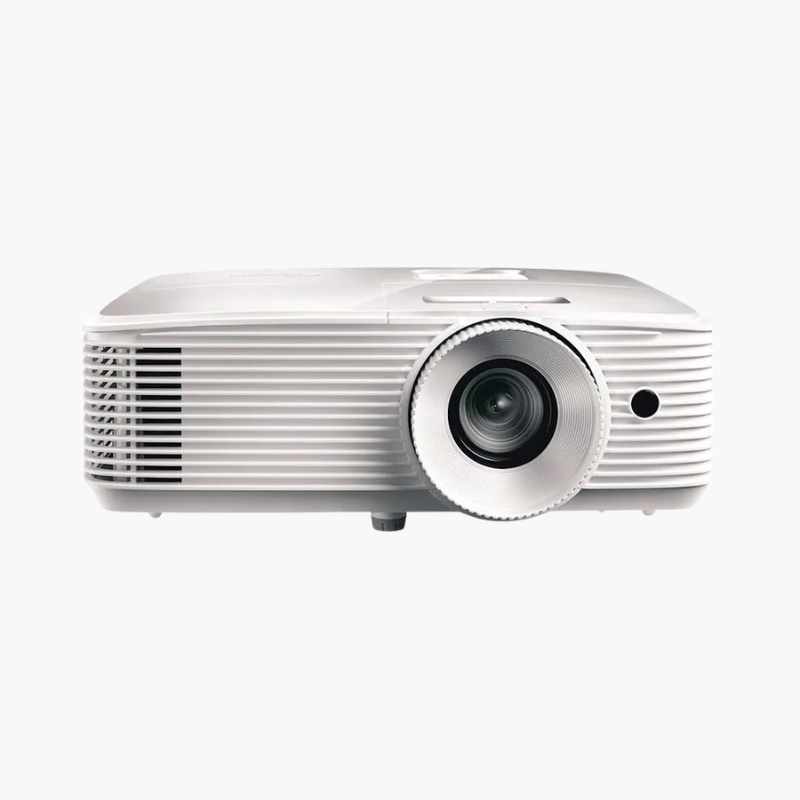
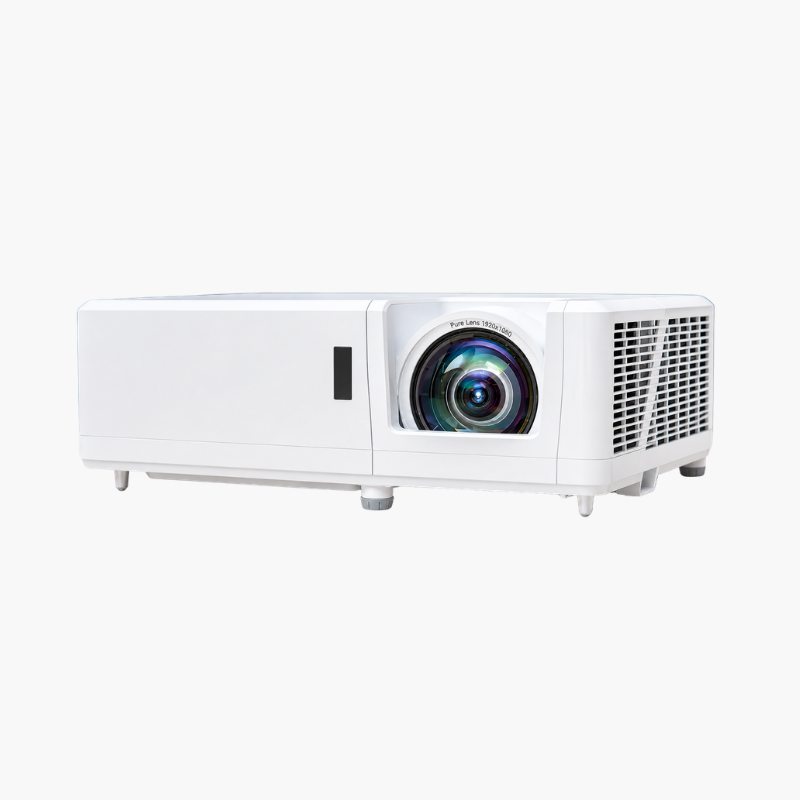
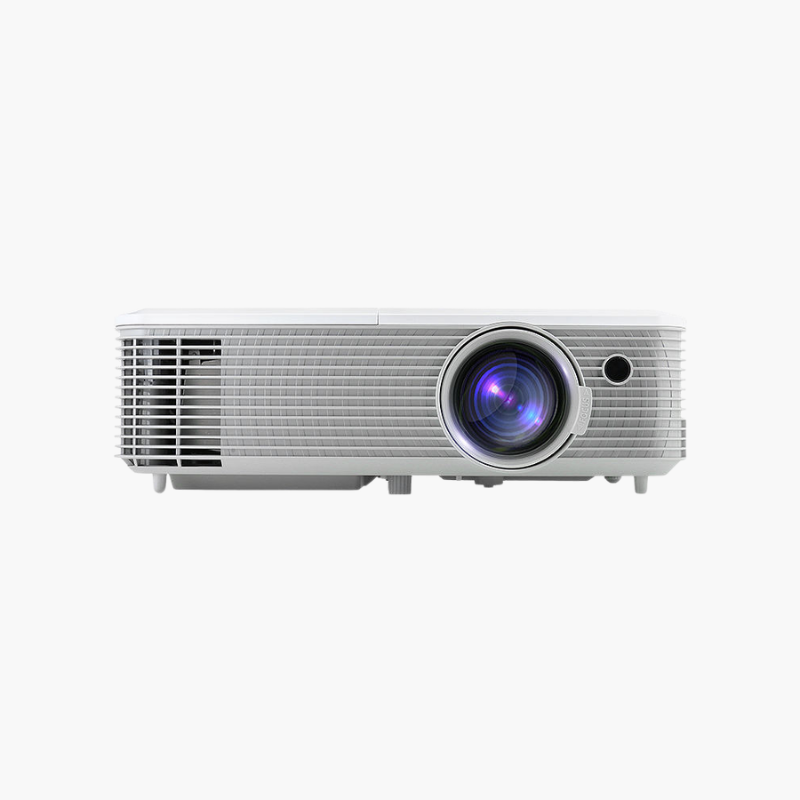
The ViewSonic PS501W is a WXGA short throw DLP projector delivering 3,600 ANSI lumens for classrooms and small meeting rooms. A 0.49 throw ratio projects 100 inches from about 3.5 feet, and HDMI plus dual VGA inputs support both modern and older laptops.

Deep-Dive Story & Problem/Solution

Widescreen Laptops Look Wrong on Old 4:3 Projectors

Nearly every current laptop outputs a widescreen image. On an XGA projector that picture is squeezed or bordered with black bars, wasting screen area and shrinking text. Combine that with a rear-of-room mount and presenters are also standing in the light.

The PS501W fixes both with native 1280 x 800 resolution and a 0.49 short throw lens. A 100-inch 16:10 image takes roughly 3.5 feet, so the projector hangs just in front of the board.

Its 200W lamp provides 3,600 ANSI lumens and a 22,000:1 contrast ratio. Lamp life is 6,000 hours in normal mode and up to 15,000 in SuperEco, and fan noise is 31dB (27dB Eco).

Shadow-Free Widescreen Teaching

Supported image sizes run from 60 to 300 inches. Vertical keystone of about ±32 degrees corrects steep mounting angles.

Practical Connectivity for Schools

HDMI 1.4, two VGA inputs, composite video, monitor out, a 5V/1.5A USB power port for wireless dongles, and RS-232 are included, along with a 2W speaker.

Setup Instructions

How to Set Up the ViewSonic PS501W

  1. Mount or place the projector about 3.5 feet from a 100-inch 16:10 screen.
  2. Connect a laptop via HDMI or VGA; power a wireless adapter from the USB port if needed.
  3. Focus and apply vertical keystone to square the image.
  4. Select SuperEco mode when maximum brightness is not needed.

Overview

ModelViewSonic PS501W
Projector TypeShort throw education DLP projector
Native Resolution1280 x 800 (WXGA, 16:10)
Brightness3, 600 ANSI lumens
Contrast Ratio22, 000:1
Light Source200W lamp; 6, 000 hours normal / 15, 000 hours SuperEco
Throw Ratio0.49:1 (fixed short throw lens)
Keystone CorrectionVertical, approx. ±32 degrees
Image Size60 to 300 inches diagonal
Input Lag16ms
InputsHDMI 1.4, 2x VGA, composite, audio in
Outputs and ControlMonitor out, audio out, USB power (5V/1.5A), RS-232
Built-in Speaker2W
Audible Noise31dB normal / 27dB Eco
Dimensions and Weight11.5 x 9.3 x 4.5 inches; 5.73 lbs
MaintenanceReplace lamp module at end of life; keep vents clear of dust

Frequently Asked Questions

Find answers to common questions about this product.

Customer Reviews

Reviews

There are no reviews yet.

Be the first to review “ViewSonic PS501W WXGA Short Throw Projector – 3600 ANSI Lumens, 0.49 Throw Ratio, 1280×800, HDMI”

Your email address will not be published. Required fields are marked *