

















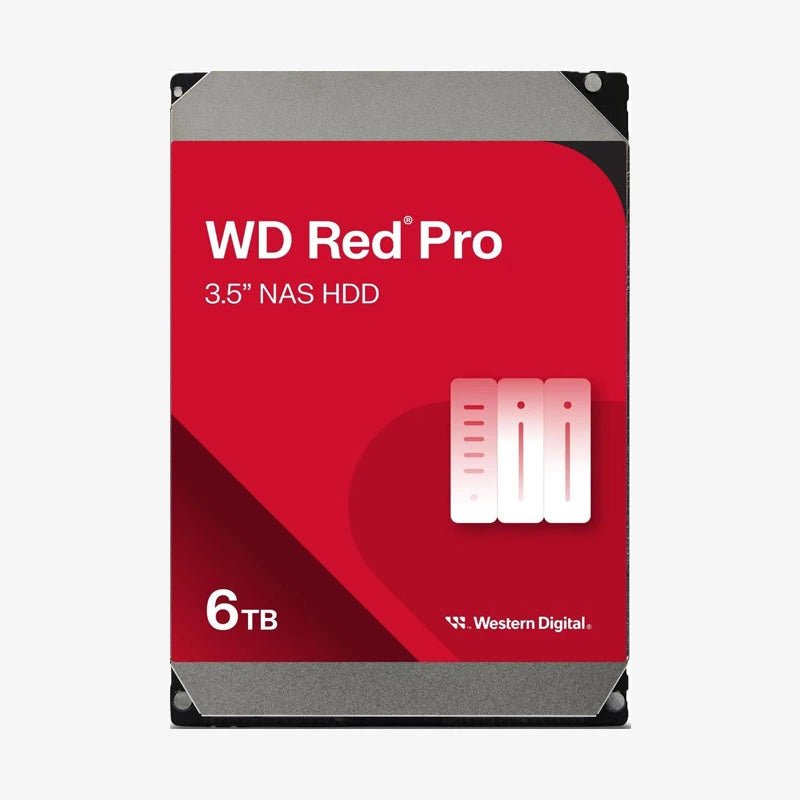

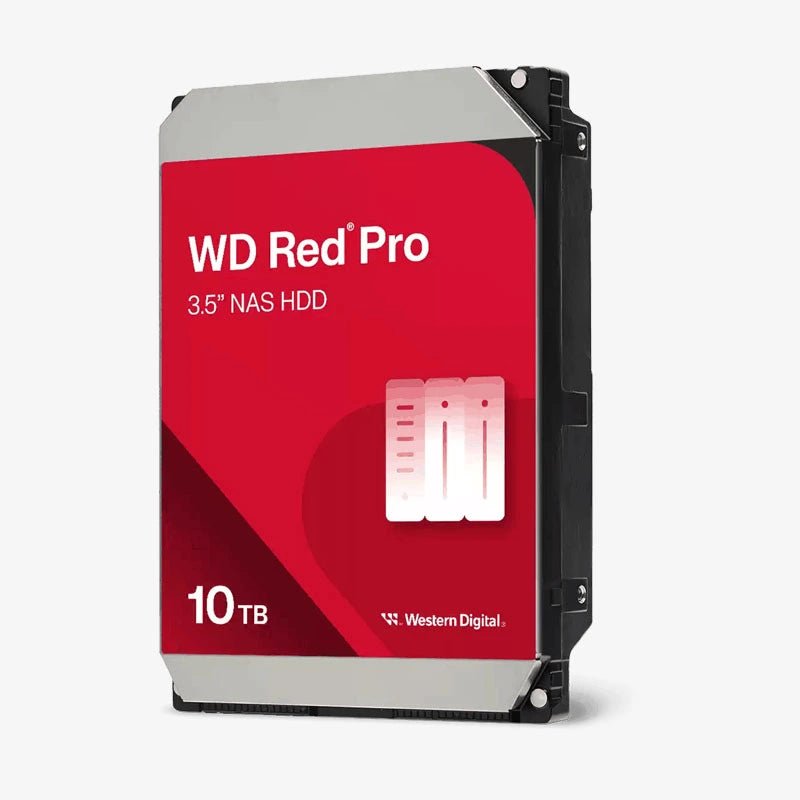
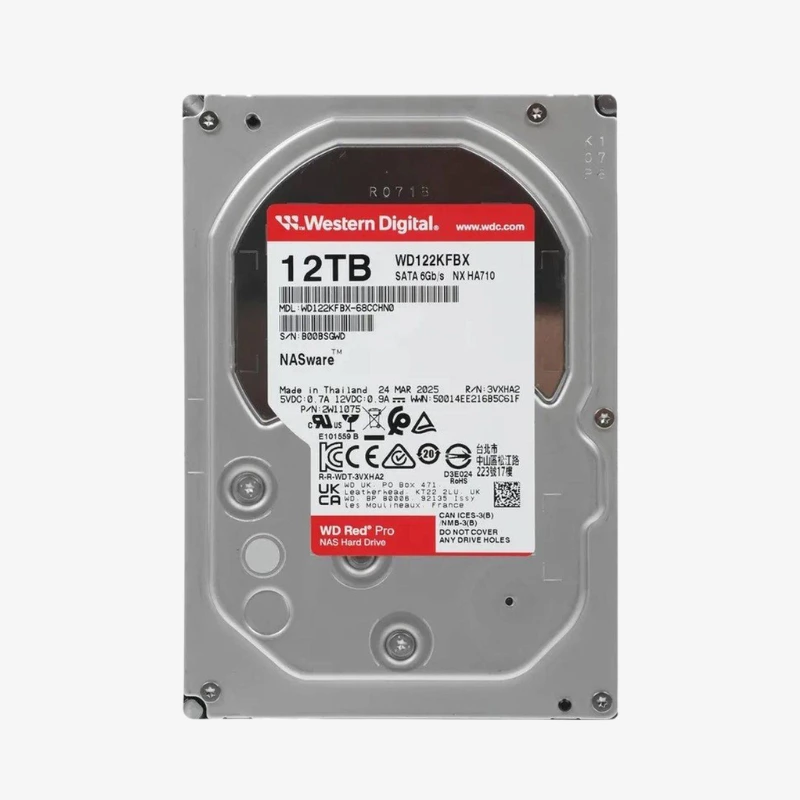
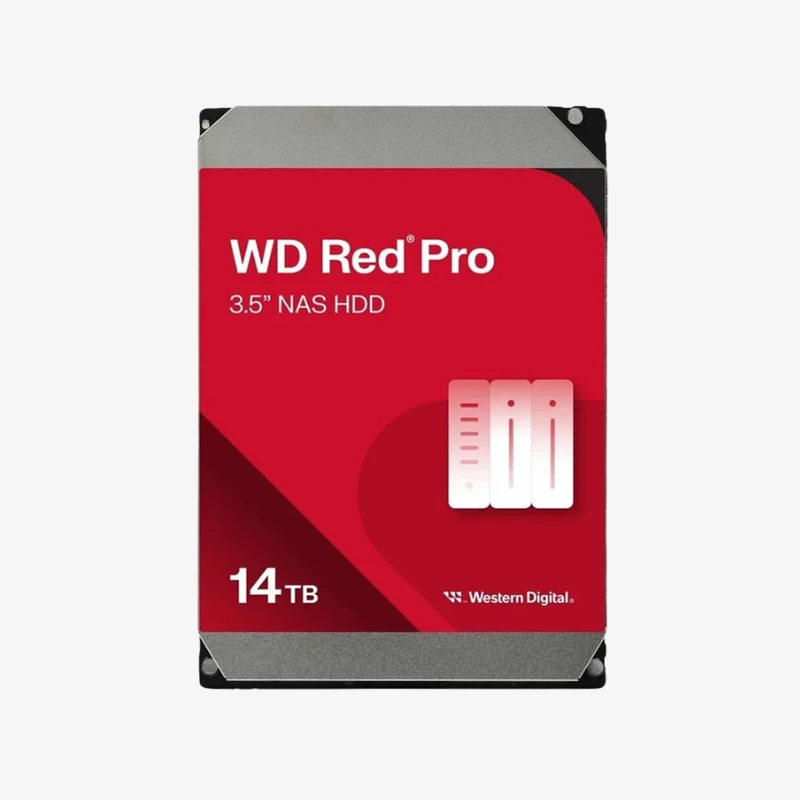
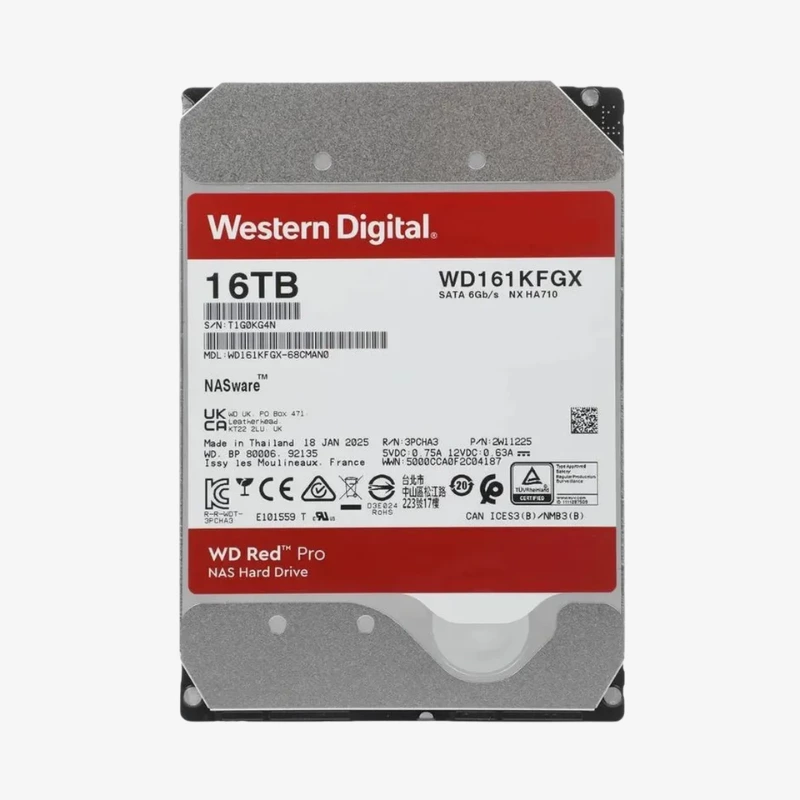
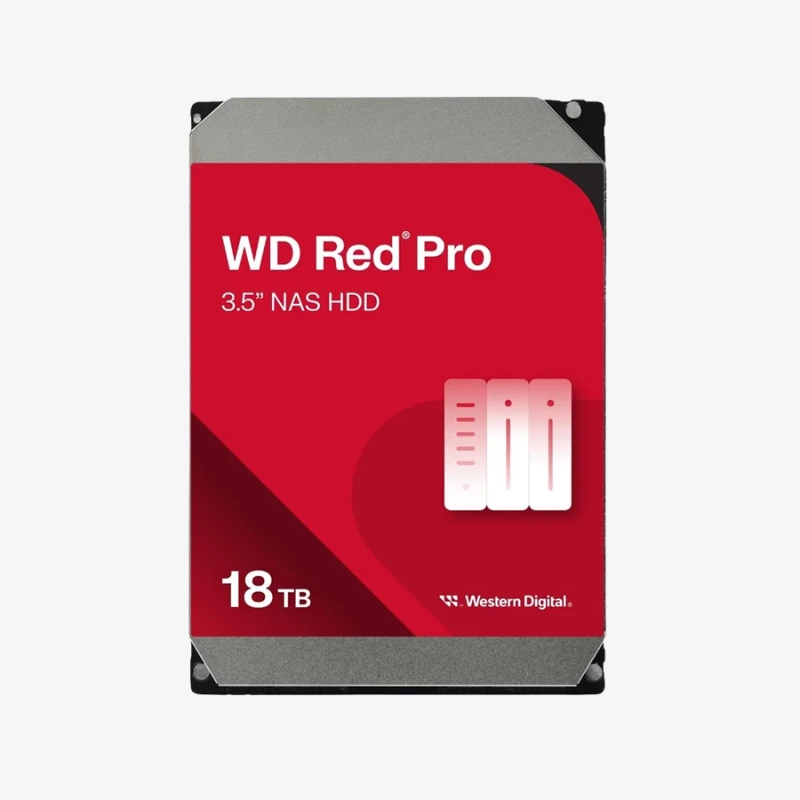
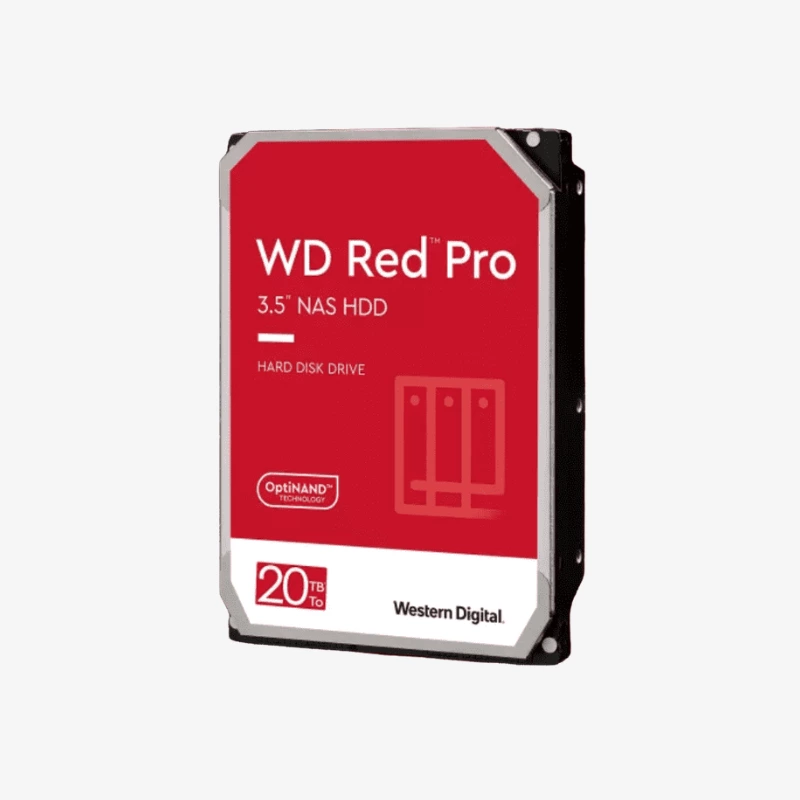
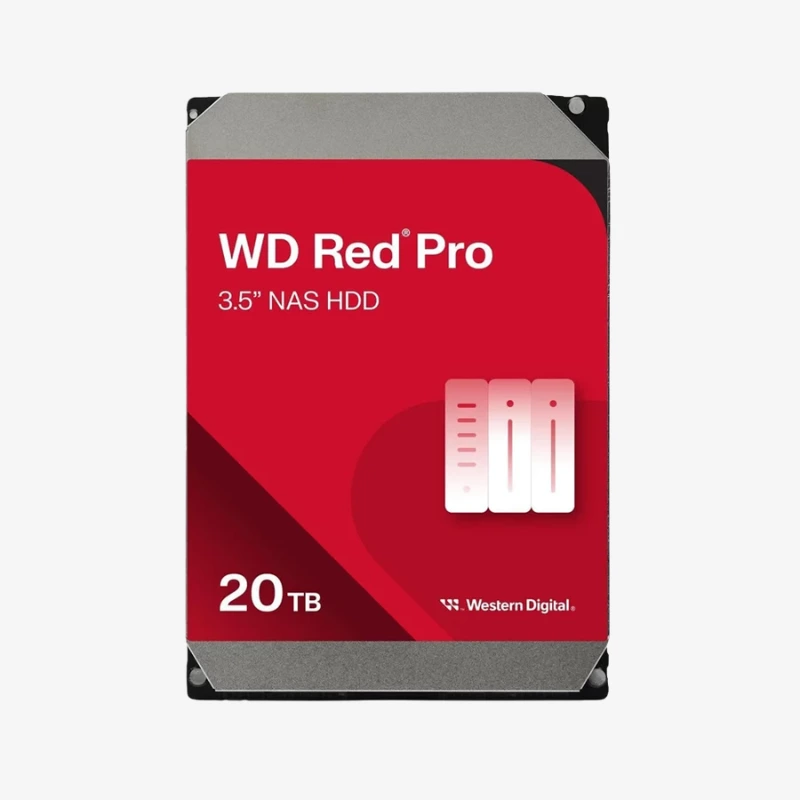
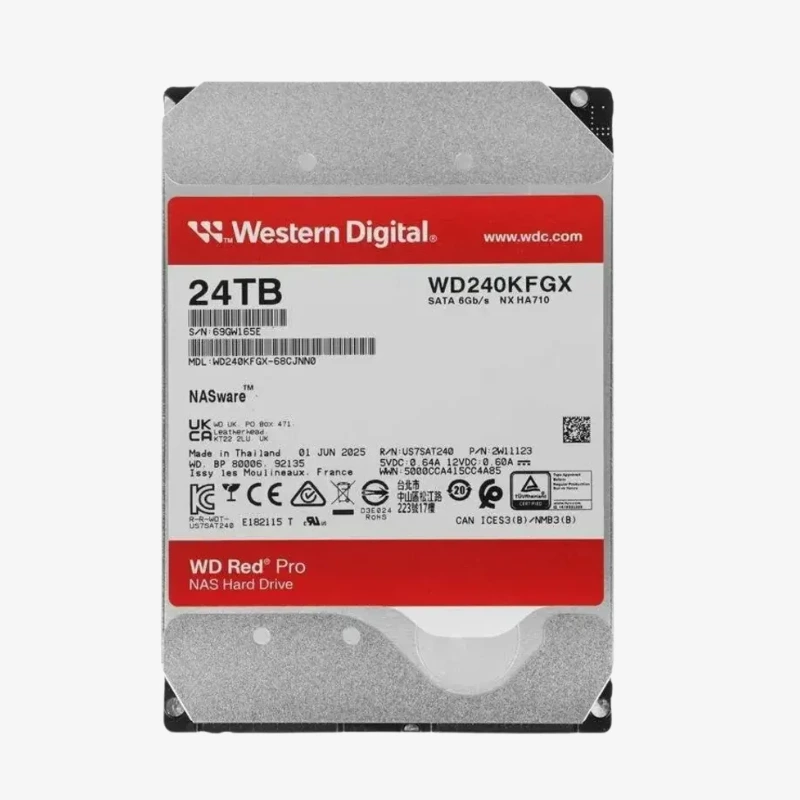
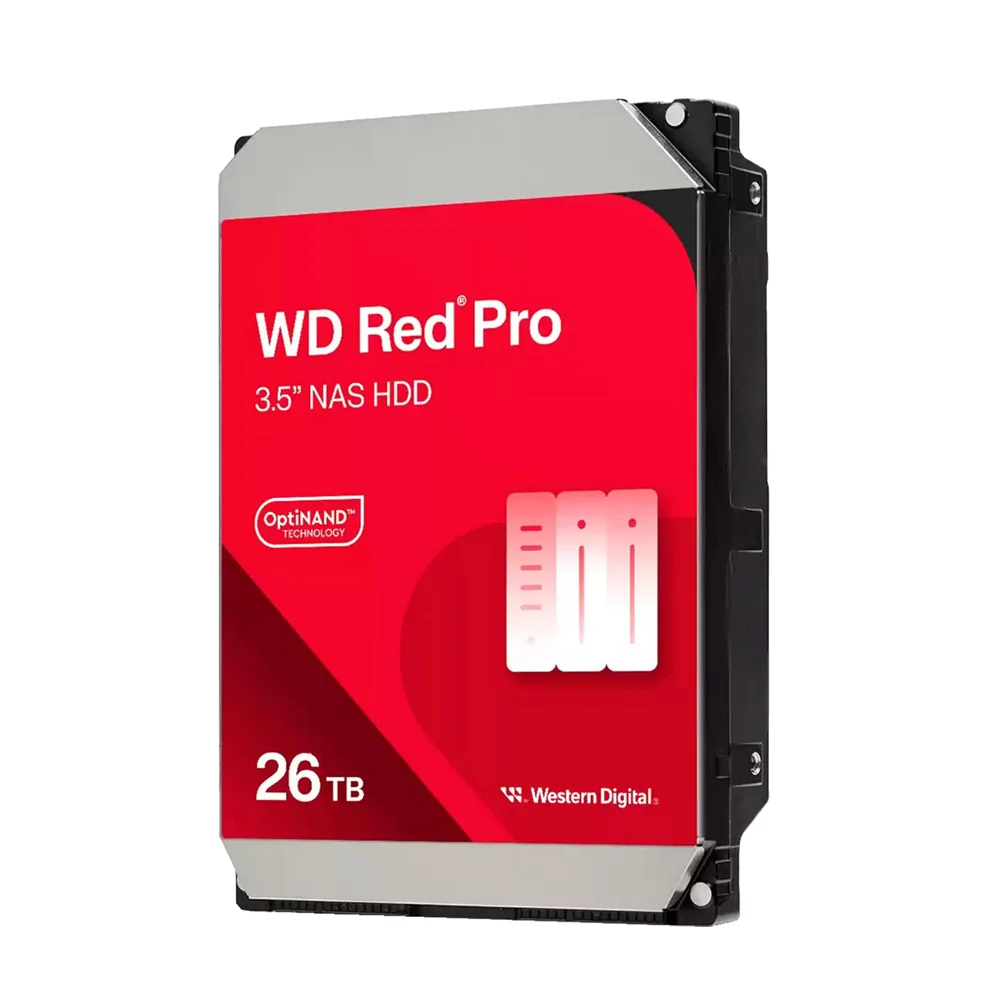
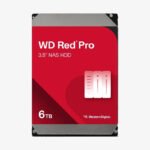

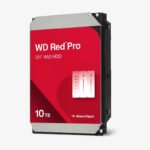
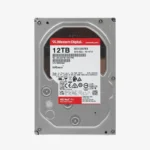
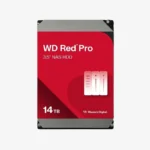
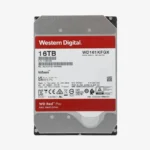
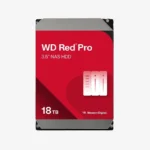
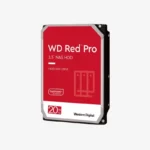
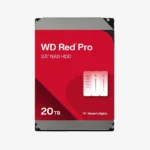
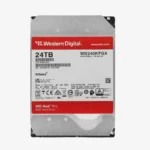
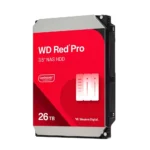
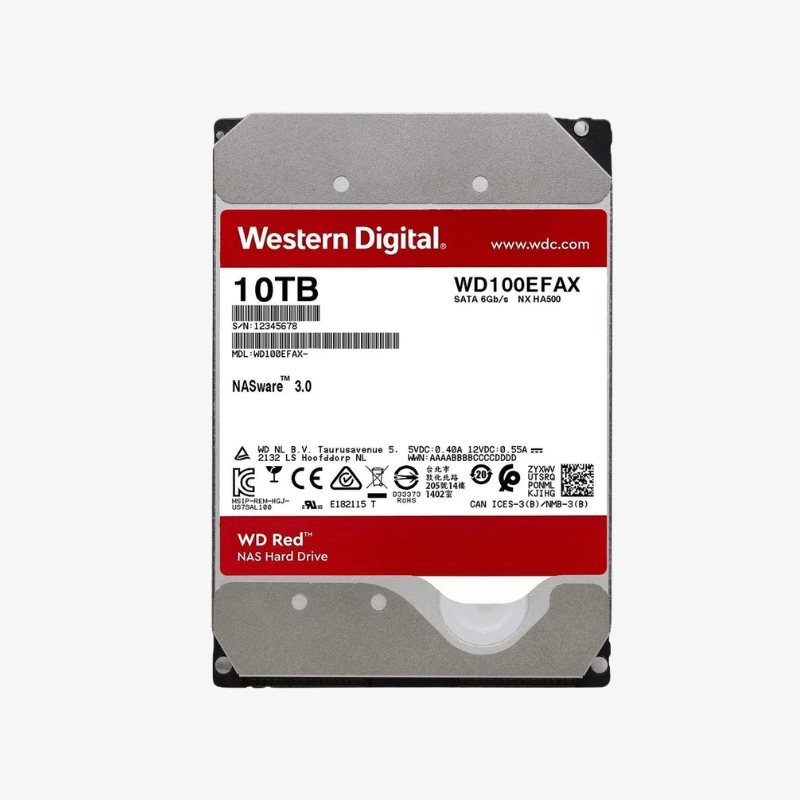
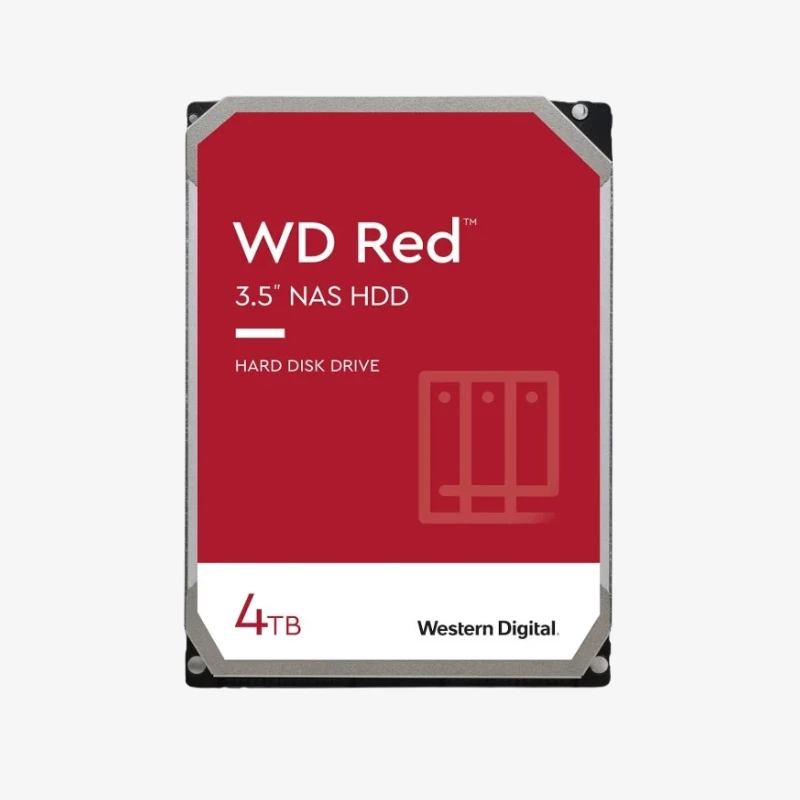
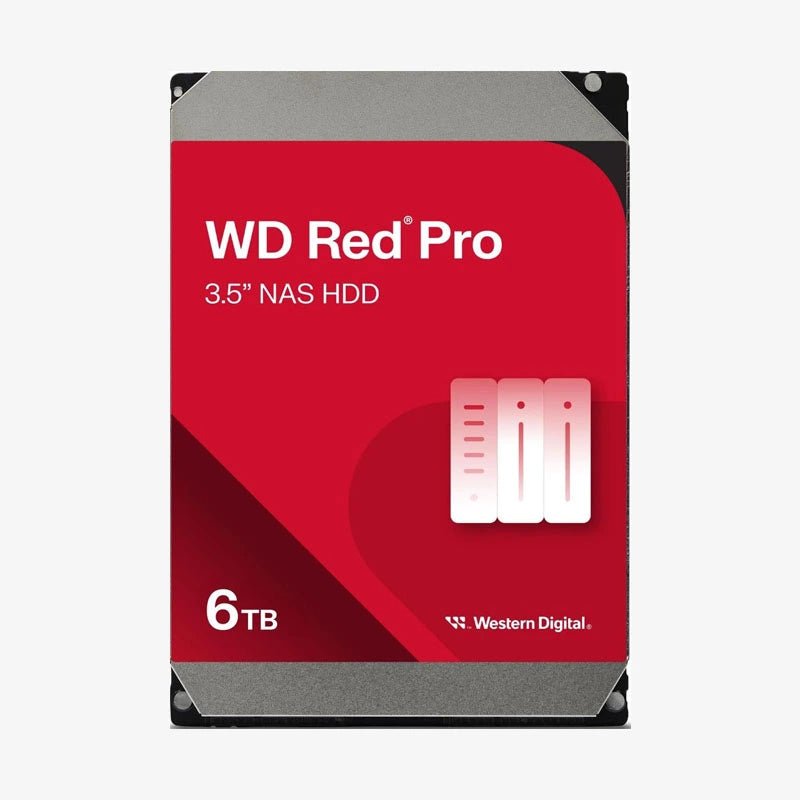
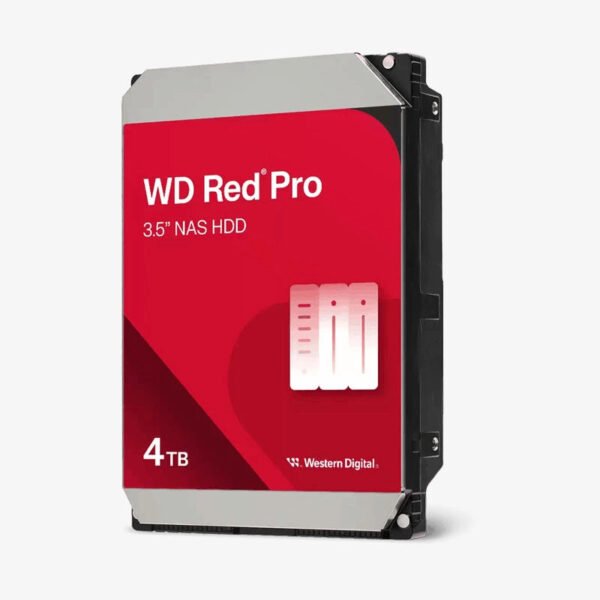
The WD Red Pro 4TB (WD4003FFBX) is a 3.5-inch, 7200 RPM CMR NAS hard drive with a 256MB cache and NASware 3.0 firmware, rated for 300TB/year workloads in NAS systems with up to 24 bays. It is built for small and mid-sized business NAS arrays that need 7200 RPM responsiveness for many simultaneous users.
Why Business NAS Arrays Need a 7200 RPM CMR Drive
The Problem With Entry-Level Drives in Larger Arrays
As a NAS grows past a handful of bays and a few users, drive demands change. Every added disk contributes vibration, every user adds random I/O, and rebuilds take longer because there is more data to reconstruct. Desktop drives and entry-level NAS drives are validated for smaller systems and lighter workloads, and they can slow down or drop out of an array under this pressure.
The WD Red Pro 4TB is built for that heavier environment. CMR recording writes every track independently, so write speed stays predictable during RAID rebuilds and ZFS resilvers, when the array is most vulnerable. Its 300TB/year workload rating and 1 million hours MTBF reflect validation for multi-user, 24/7 commercial NAS use.
7200 RPM Performance — Faster Rebuilds and Multi-User Access
The 7200 RPM spindle and 256MB cache deliver up to 217 MB/s internally, which keeps up with 10GbE-connected NAS systems when several drives work in parallel. That speed shortens backup windows, speeds up large project transfers for creative teams, and cuts rebuild time. For planning, six 4TB drives in RAID 6 give roughly 16TB of usable space while surviving two drive failures.
Shock and Vibration Protection for Up to 24-Bay NAS
The WD4003FFBX includes a multi-axis shock sensor that detects subtle shock events and dynamic fly height technology that adjusts each read and write to compensate. Western Digital’s 3D Active Balance Plus dual-plane balancing further reduces the vibration a drive passes to its neighbours. Together these protect performance in larger 1- to 24-bay NAS systems, where desktop and entry NAS drives are not designed to operate.
Setup Instructions
How to Install the WD Red Pro 4TB (WD4003FFBX) in Your NAS
- Confirm the WD4003FFBX is on your NAS or server vendor’s compatibility list, and power down the system before installing unless it supports hot-swap.
- Mount the drive in an empty bay or tray using the chassis screws or tool-less clips, keeping airflow paths clear in up to 24-bay enclosures.
- Power on the system. Synology DSM, QNAP QTS, TrueNAS, Unraid, and Windows Server detect the drive automatically.
- Add the drive to a new or existing RAID or ZFS pool, then enable scheduled S.M.A.R.T. tests, data scrubbing, and health alerts.




Reviews
There are no reviews yet.