Zebra P1037974-028 Platen Roller Kit – For ZT210, ZT220, ZT230 Industrial Label Printers
Zebra P1037974-028 Platen Roller Kit – For ZT210, ZT220, ZT230 Industrial Label Printers Price on RequestRequest a quote for volume pricing, availability and lead time.
Back to products
Zebra P1112640-061 Platen Roller Kit – 203 dpi, For ZD421D and ZD621D Direct Thermal Printers
Zebra P1112640-061 Platen Roller Kit – 203 dpi, For ZD421D and ZD621D Direct Thermal Printers Price on RequestRequest a quote for volume pricing, availability and lead time.

Zebra P1058930-080 Platen Roller Kit – For ZT410 and ZT411 Industrial Label Printers

SKU: ZEBRA-P1058930-080
  • 30-Day Hassle Free Returns
  • Secure Payment Options

Price on RequestRequest a quote for volume pricing, availability and lead time.

Key Value Highlights

  • Genuine Zebra part P1058930-080 – Built to the original ZT400 series specification.
  • Fits ZT410 and ZT411 – Designed for the 4-inch ZT400 series printers.
  • Restores consistent darkness – Removes light patches caused by roller wear.
  • Protects the printhead – Even pressure avoids running at excessive darkness.

Description

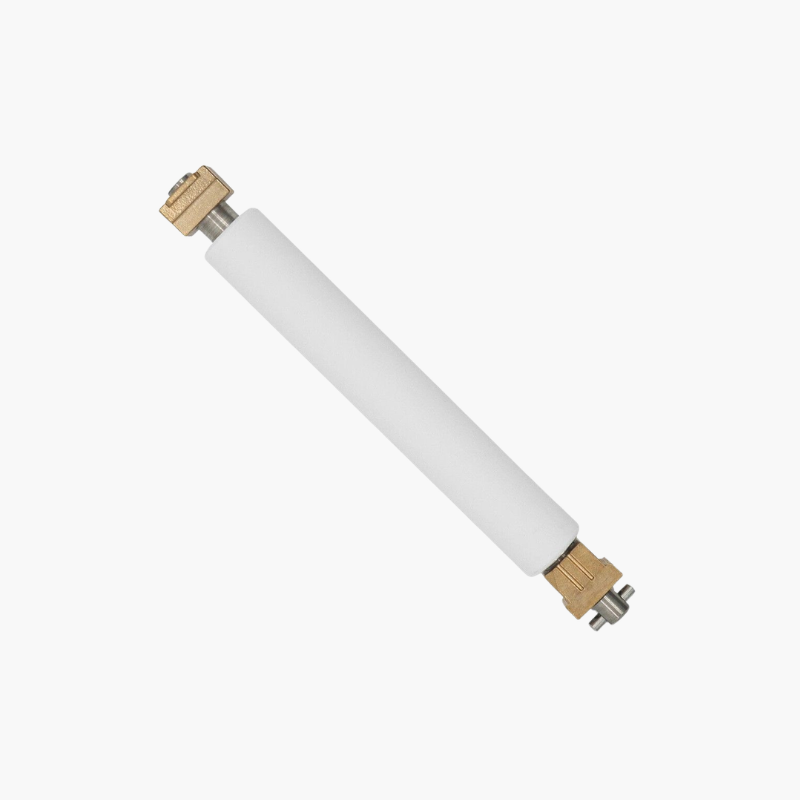
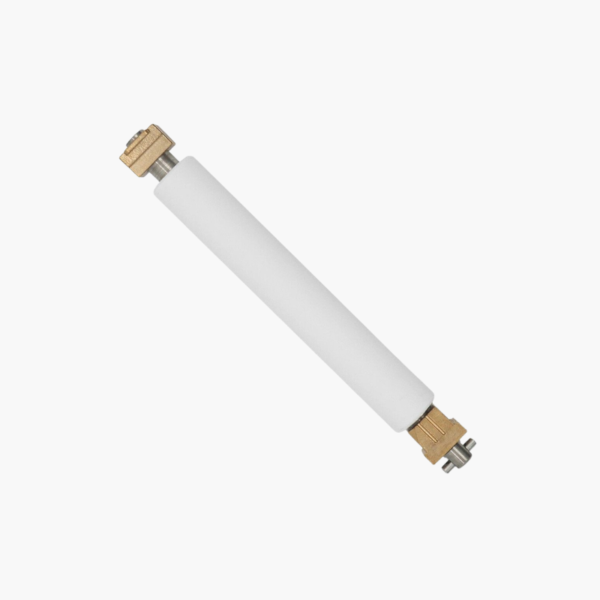
The Zebra P1058930-080 Platen Roller Kit is a replacement platen roller for Zebra ZT410 and ZT411 industrial label printers. The platen roller drives labels through the printer and supports them under the printhead, so replacing a worn roller restores consistent print darkness and accurate label registration.

Deep-Dive Story & Problem/Solution

High-Volume Label Printing Wears the Platen Before the Printer

ZT400 series printers run for long shifts in warehouses and production lines. The platen roller is a wear item, and after heavy use its rubber surface loses grip and develops grooves or flat areas.

The result is voids in barcodes, labels that wander sideways, and scanners rejecting shipments. Replacing the platen is far cheaper than replacing a printhead damaged by compensating settings.

The kit provides the correct roller for 4-inch ZT410 and ZT411 printers, so fit and print pressure match the original.

Compatible Printers

Zebra ZT410 and ZT411 with 4-inch (104 mm) print width, at 203, 300, or 600 dpi resolutions.

Quick Field Replacement

The roller can be changed on site in a few minutes, keeping printing downtime short during planned maintenance.

Setup Instructions

How to Replace the Platen Roller on a ZT410 or ZT411

  1. Power off the printer, unplug it, and remove media and ribbon.
  2. Open the printhead assembly and release the platen retainers.
  3. Remove the worn roller and fit the new roller, aligning the drive end with the gear or belt.
  4. Secure the retainers, reload media, and print a calibration and test label.

Overview

Part NumberP1058930-080
BrandZebra
Product TypePlaten roller kit
Compatible PrintersZebra ZT410, ZT411
Printer ClassIndustrial thermal label printer
Print Width Supported4 inches (104 mm)
FunctionDrives media and presses it against the printhead
Roller MaterialRubber over steel shaft
Print Methods SupportedDirect thermal, thermal transfer
Not Compatible WithZT420, ZT421 (6-inch models)
ConditionNew
Kit ContentsPlaten roller
InstallationField-replaceable
MaintenanceClean with isopropyl alcohol; inspect at each printhead cleaning

Frequently Asked Questions

Find answers to common questions about this product.

Customer Reviews

Reviews

There are no reviews yet.

Be the first to review “Zebra P1058930-080 Platen Roller Kit – For ZT410 and ZT411 Industrial Label Printers”

Your email address will not be published. Required fields are marked *