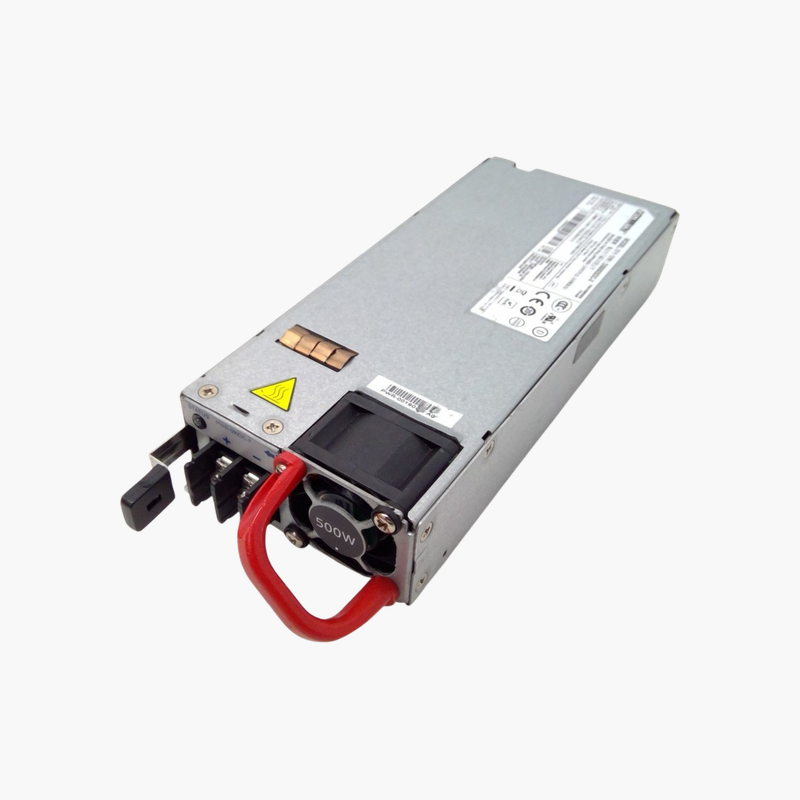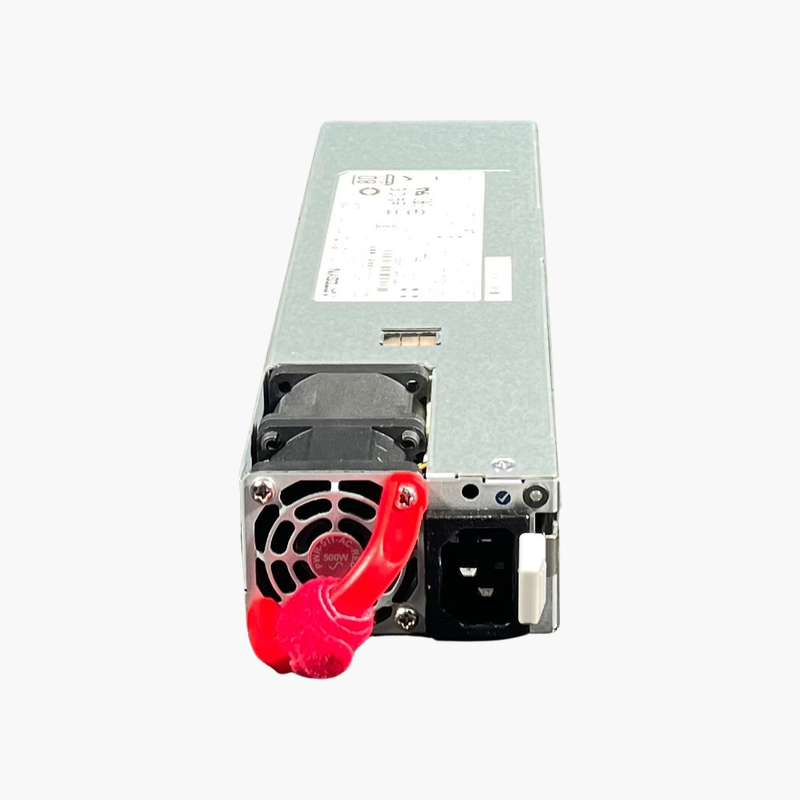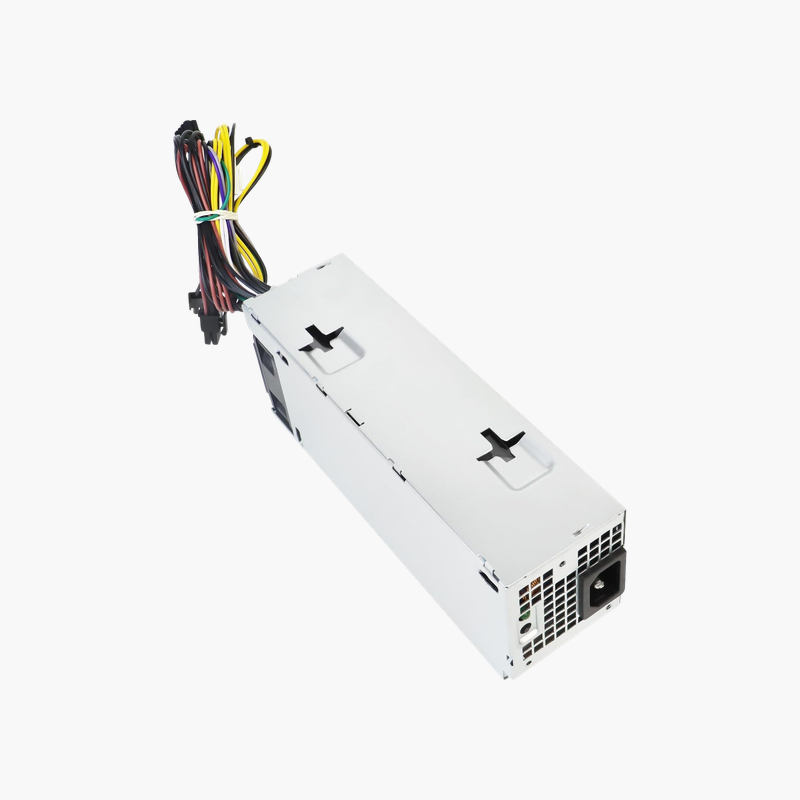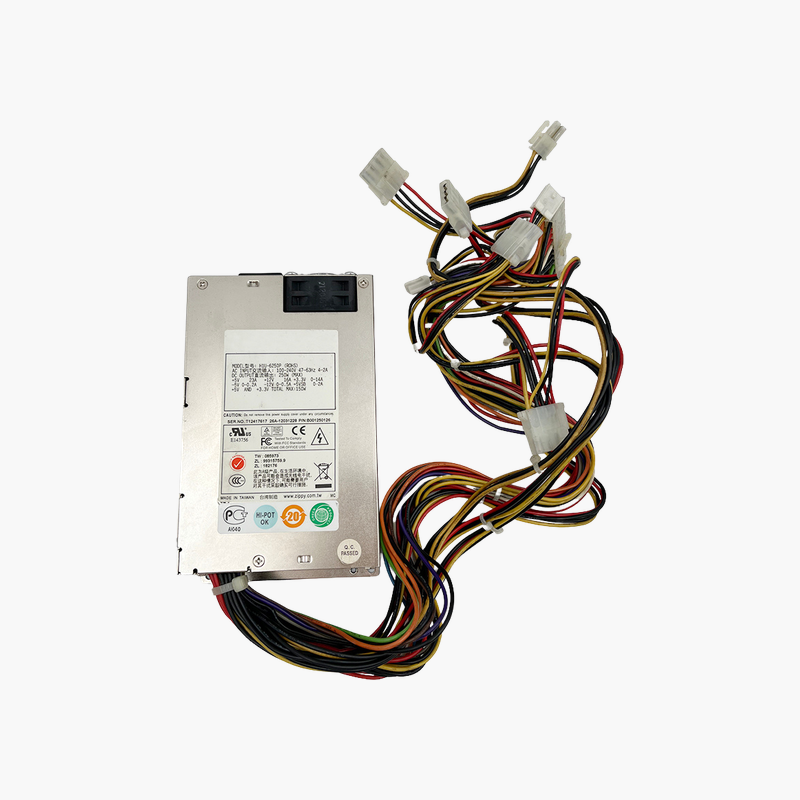
Juniper UNIV-PS-400W-AC 400W Redundant AC Power Supply for Juniper Security Appliances
Juniper UNIV-PS-400W-AC 400W Redundant AC Power Supply for Juniper Security Appliances Price on RequestRequest a quote for volume pricing, availability and lead time.
Back to products
Juniper PWR-MX480-2520-AC-S 2520W AC Power Supply — High-Capacity PSU for MX480 / MX240 Routers
Juniper PWR-MX480-2520-AC-S 2520W AC Power Supply — High-Capacity PSU for MX480 / MX240 Routers Price on RequestRequest a quote for volume pricing, availability and lead time.

Juniper JPSU-715-AC-AFO 715W AC Power Supply — Front-to-Back Airflow for EX4300 Switches

SKU: JPSU-715-AC-AFO
  • 30-Day Hassle Free Returns
  • Secure Payment Options

Price on RequestRequest a quote for volume pricing, availability and lead time.

Key Value Highlights

  • 715W AC output – Provides the PoE+ power budget needed by EX4300-24P and 48P models.
  • AFO airflow (front-to-back) – Matches EX4300 switches with front-to-back fan modules.
  • Hot-pluggable, redundant – Replace a failed PSU without interrupting traffic.
  • 100–240V AC input – Universal input for campus networks worldwide.

Description

Full PoE+ power and redundancy for Juniper EX4300 switches.

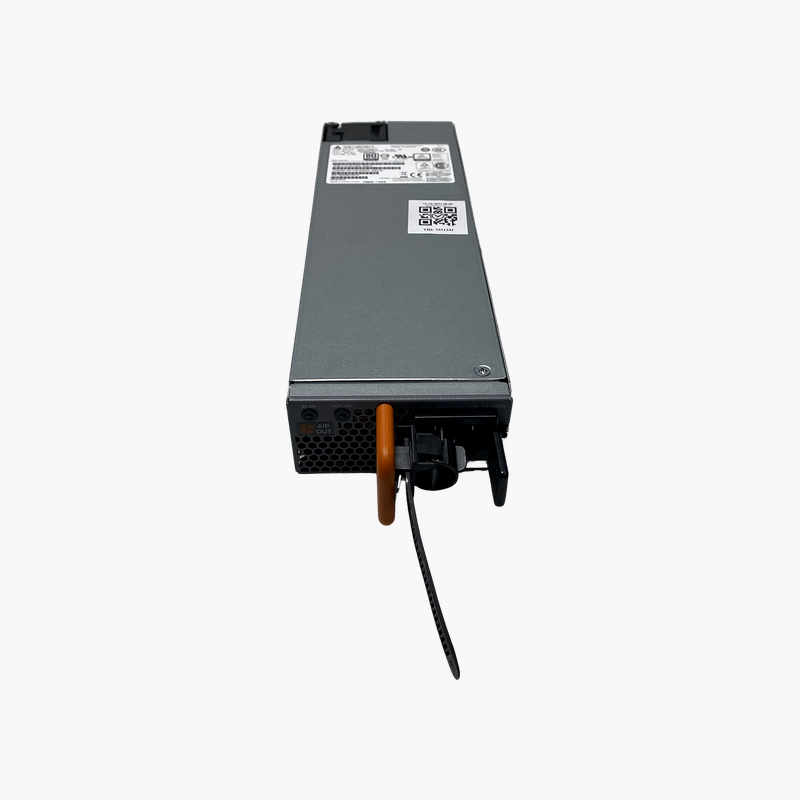
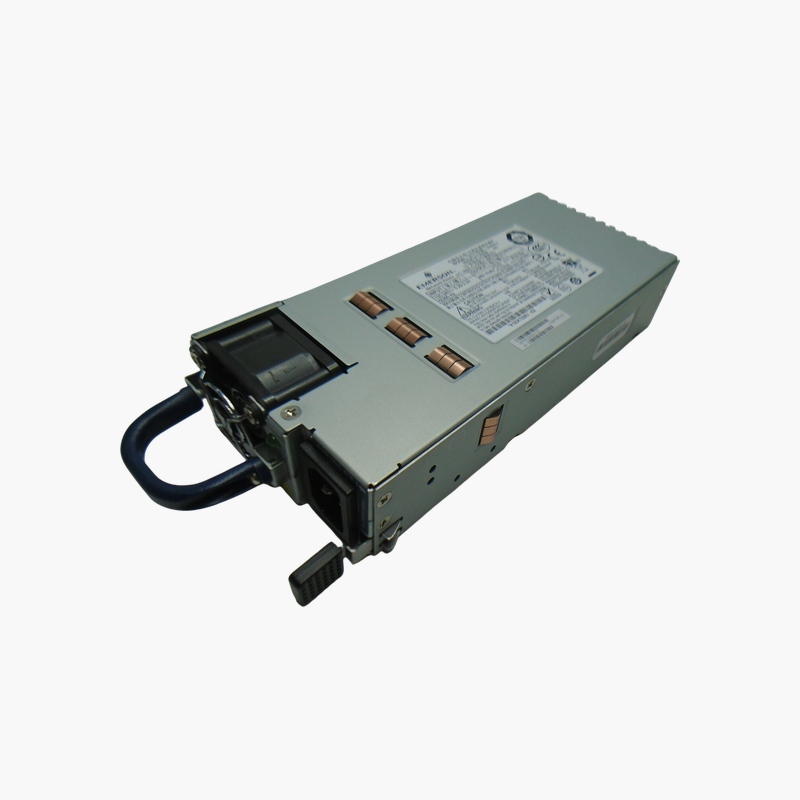
The Juniper JPSU-715-AC-AFO is a 715W AC hot-pluggable power supply for Juniper EX4300 series switches, including the EX4300-24P and 48P PoE+ models. It uses AFO (front-to-back) airflow and accepts 100–240V AC input. It suits network teams powering phones, access points and cameras over PoE+.

Delivering PoE+ Power Without Compromise

PoE+ switches power IP phones, wireless access points and cameras through the Ethernet cable. The switch’s power supply sets the total PoE budget; an undersized or failed supply means devices lose power.

The JPSU-715-AC-AFO provides 715W, enough for the PoE+ budget of EX4300 P models. Installed in pairs, it adds redundancy so endpoints stay powered if one supply fails.

Front-to-Back Airflow

AFO models move air from the port side to the PSU side. Match the PSU to EX4300 fan modules with the same airflow direction to keep cooling consistent.

Hot-Plug Redundancy

With two supplies installed, a failed unit can be swapped while the switch keeps forwarding traffic and powering PoE devices.

Setup Instructions

How to Replace the Juniper JPSU-715-AC-AFO

  1. Confirm the part number is listed as supported for your Juniper EX4300 switch, and confirm the fan modules use AFO (front-to-back) airflow.
  2. If the device has a second working power supply, leave it running; otherwise schedule a maintenance window and power the device down.
  3. Disconnect the AC or DC cord from the failed unit, release the latch and slide it out, then slide the new module into the empty bay until it locks.
  4. Connect the power cord, check that the PSU status LED turns green, and confirm in the device CLI or management interface that the supply reports OK.

Overview

Model NumberJPSU-715-AC-AFO
BrandJuniper Networks
Product TypeHot-pluggable AC power supply
Power Output715W
Input Voltage100–240V AC, 50/60 Hz
Airflow DirectionAFO (front-to-back)
Hot-PluggableYes
RedundancySupports 1+1 redundant configuration
Compatible SwitchesJuniper EX4300 series (incl. EX4300-24P, EX4300-48P)
PoE SupportProvides PoE+ power budget
ConnectorIEC AC inlet
MonitoringStatus via Junos
Use CasePoE+ campus access switching
In the Box1x power supply
ConditionNew / Refurbished

Frequently Asked Questions

Find answers to common questions about this product.

Customer Reviews

Reviews

There are no reviews yet.

Be the first to review “Juniper JPSU-715-AC-AFO 715W AC Power Supply — Front-to-Back Airflow for EX4300 Switches”

Your email address will not be published. Required fields are marked *