















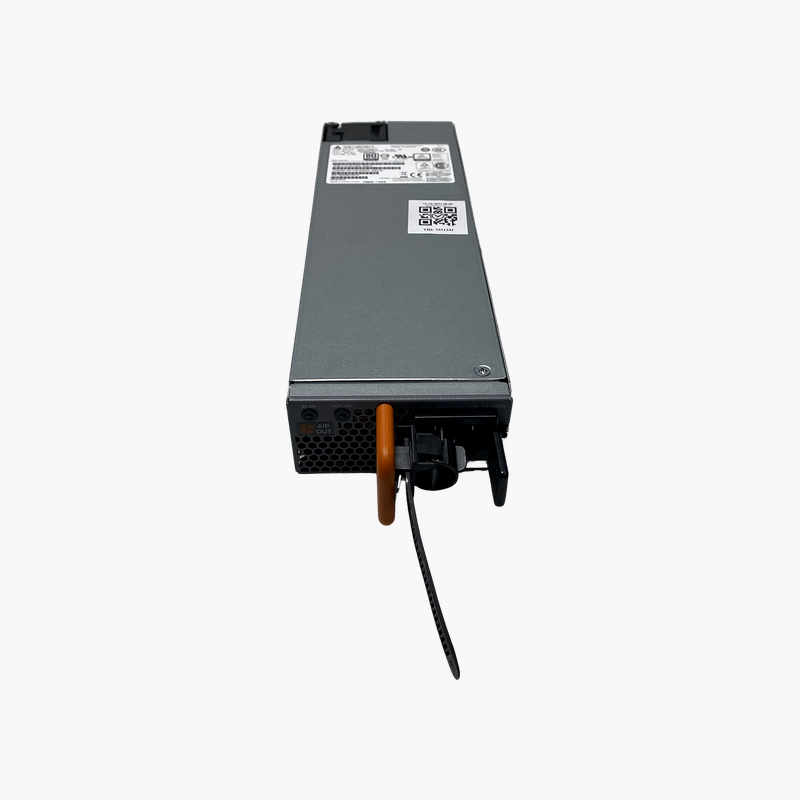
Full PoE+ power and redundancy for Juniper EX4300 switches.
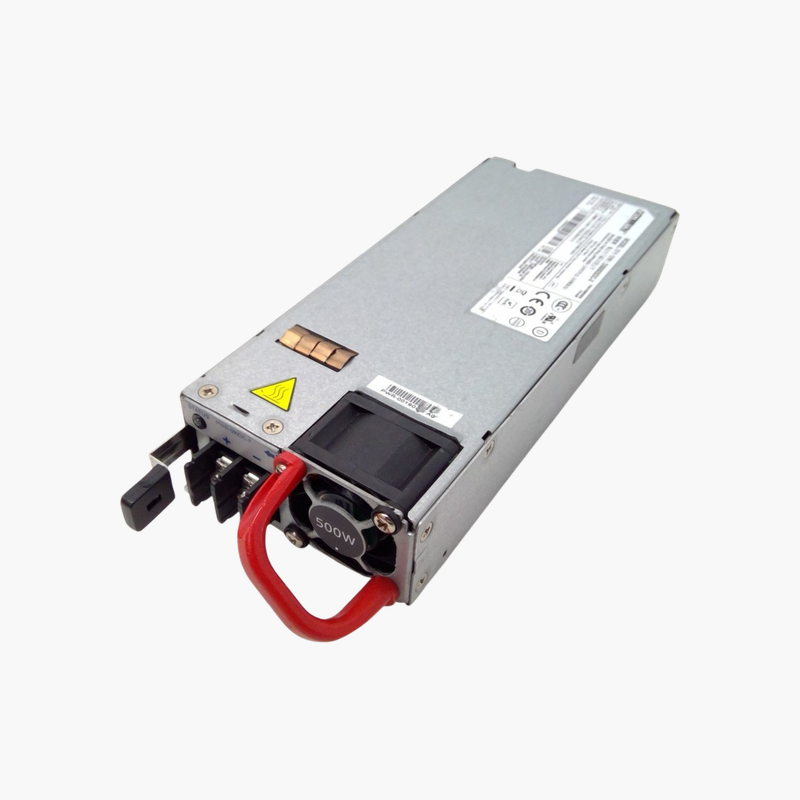
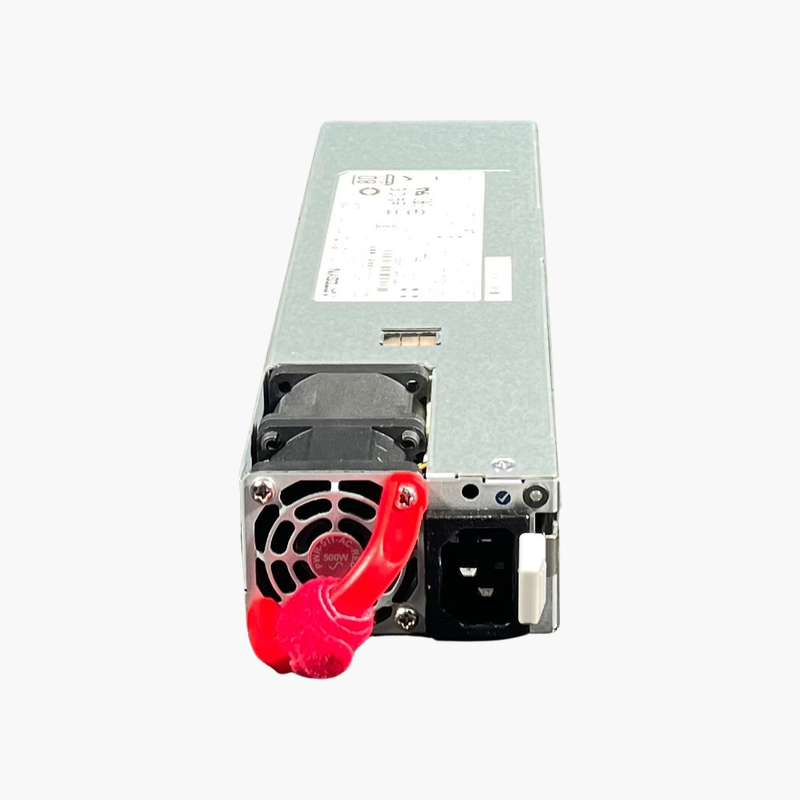
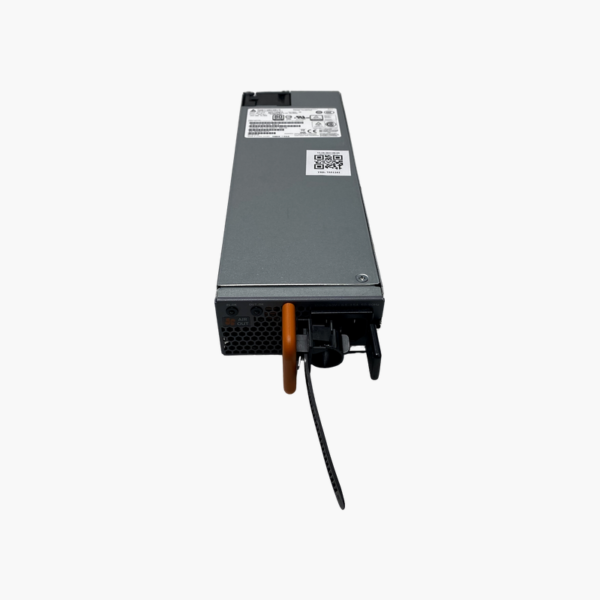
The Juniper JPSU-715-AC-AFO is a 715W AC hot-pluggable power supply for Juniper EX4300 series switches, including the EX4300-24P and 48P PoE+ models. It uses AFO (front-to-back) airflow and accepts 100–240V AC input. It suits network teams powering phones, access points and cameras over PoE+.
Delivering PoE+ Power Without Compromise
PoE+ switches power IP phones, wireless access points and cameras through the Ethernet cable. The switch’s power supply sets the total PoE budget; an undersized or failed supply means devices lose power.
The JPSU-715-AC-AFO provides 715W, enough for the PoE+ budget of EX4300 P models. Installed in pairs, it adds redundancy so endpoints stay powered if one supply fails.
Front-to-Back Airflow
AFO models move air from the port side to the PSU side. Match the PSU to EX4300 fan modules with the same airflow direction to keep cooling consistent.
Hot-Plug Redundancy
With two supplies installed, a failed unit can be swapped while the switch keeps forwarding traffic and powering PoE devices.
Setup Instructions
How to Replace the Juniper JPSU-715-AC-AFO
- Confirm the part number is listed as supported for your Juniper EX4300 switch, and confirm the fan modules use AFO (front-to-back) airflow.
- If the device has a second working power supply, leave it running; otherwise schedule a maintenance window and power the device down.
- Disconnect the AC or DC cord from the failed unit, release the latch and slide it out, then slide the new module into the empty bay until it locks.
- Connect the power cord, check that the PSU status LED turns green, and confirm in the device CLI or management interface that the supply reports OK.






Reviews
There are no reviews yet.