
















Better directional Wi-Fi coverage for point-to-multipoint wireless ISP and campus links.
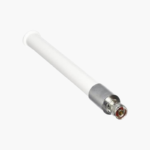
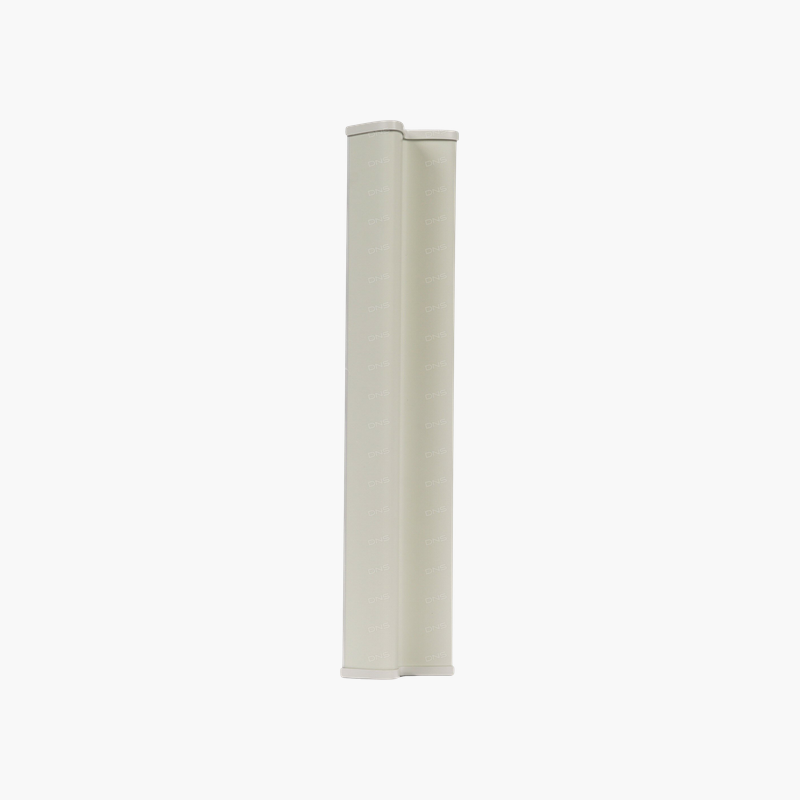
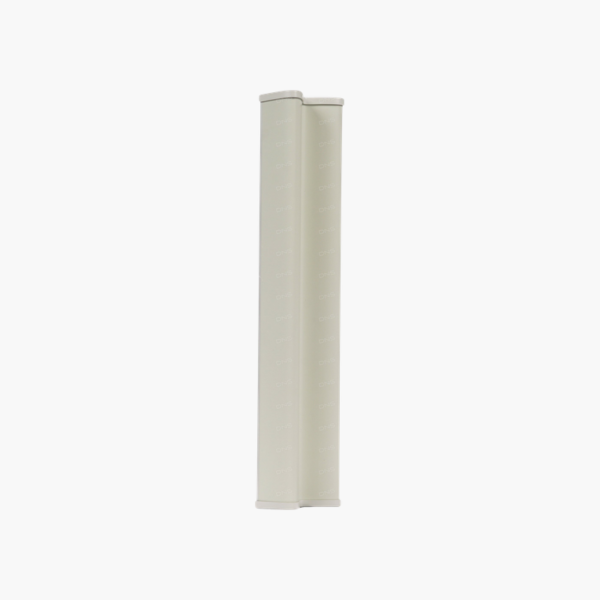
The Ubiquiti AM-2G16-90 is a 2.4 GHz airMAX sector antenna with 16 dBi gain and an RP-SMA (Rocket mount) connector, designed for Ubiquiti Rocket M2 and other airMAX 2.4 GHz radios. It suits point-to-multipoint wireless ISP and campus links.
Why the Right Antenna Matters for Wireless Coverage
An access point is only as good as its antennas. The wrong pattern sends signal where no users are, while low gain leaves weak spots at the edge of coverage. Outdoor and large indoor spaces are especially sensitive to antenna choice.
The AM-2G16-90 provides 16 dBi with a sector pattern. Sector antennas focus energy across a defined arc, extending range toward a specific area and reducing interference from other directions.
Designed for Ubiquiti Rocket M2 and other airMAX 2.4 GHz radios, it connects directly with an RP-SMA (Rocket mount) connector and is built for outdoor conditions.
Gain and Coverage Pattern
At 16 dBi, the AM-2G16-90 extends usable range compared with low-gain antennas. Plan placement using the sector beamwidth so coverage matches where users or client radios are located.
Installation Considerations
Use the matching connector type, keep cable runs short to limit signal loss, weatherproof outdoor connections, and set the correct antenna gain in the access point configuration to stay within regulatory power limits.
How to Install the Ubiquiti AM-2G16-90
- Confirm your access point or radio supports external antennas with a RP-SMA (Rocket mount) connector.
- Mount the antenna in the planned position and orientation, aiming the sector toward the coverage area.
- Connect the antenna to the access point or radio, tightening connectors by hand and weatherproofing outdoor joints.
- Set the antenna type and gain in the management interface, then verify coverage with a site survey or signal readings.













Reviews
There are no reviews yet.