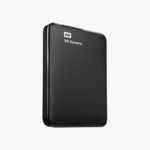
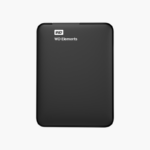
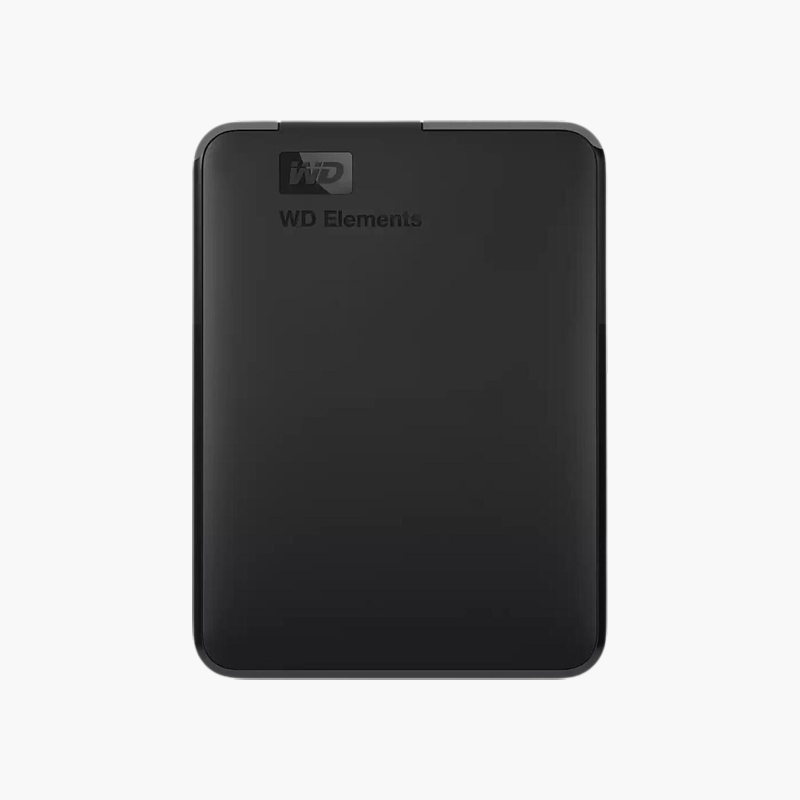
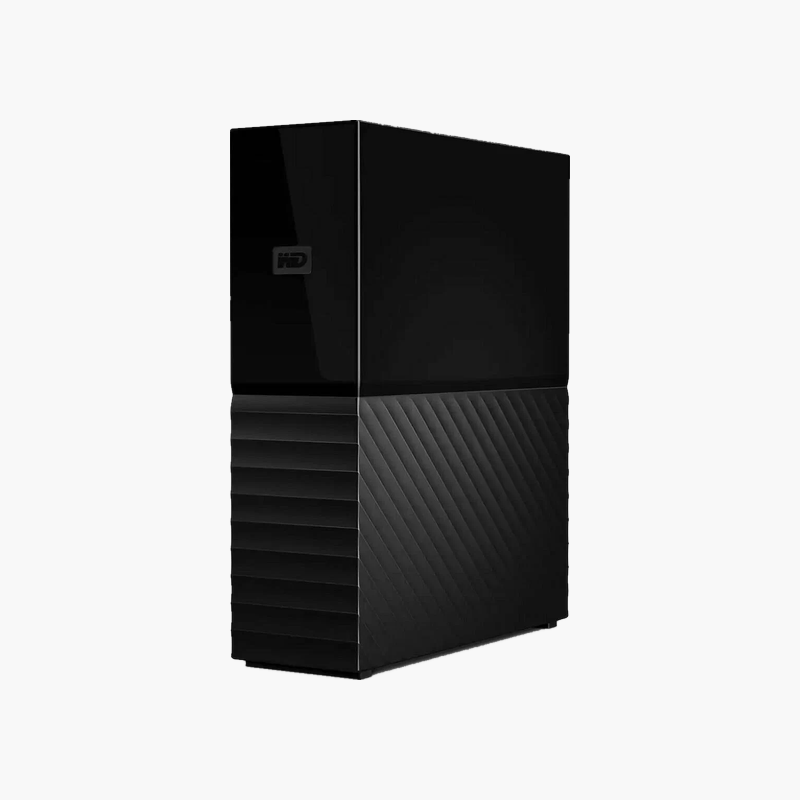
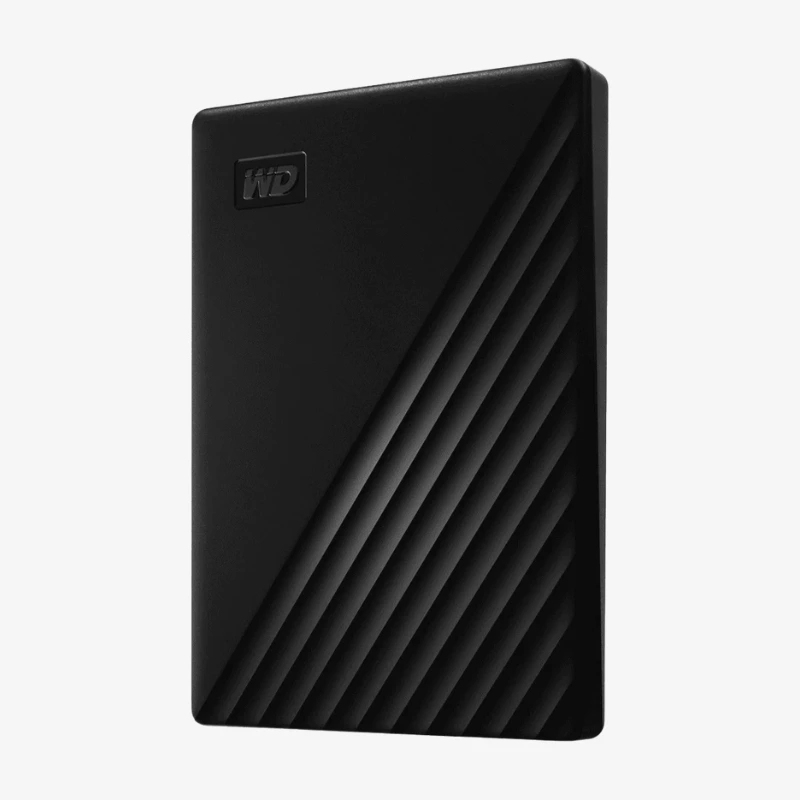
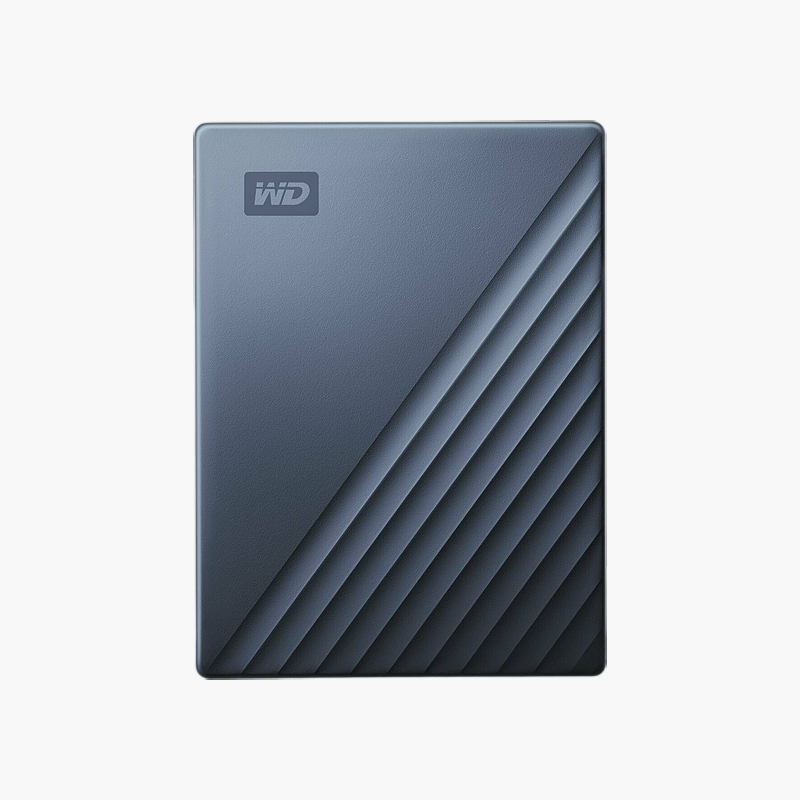
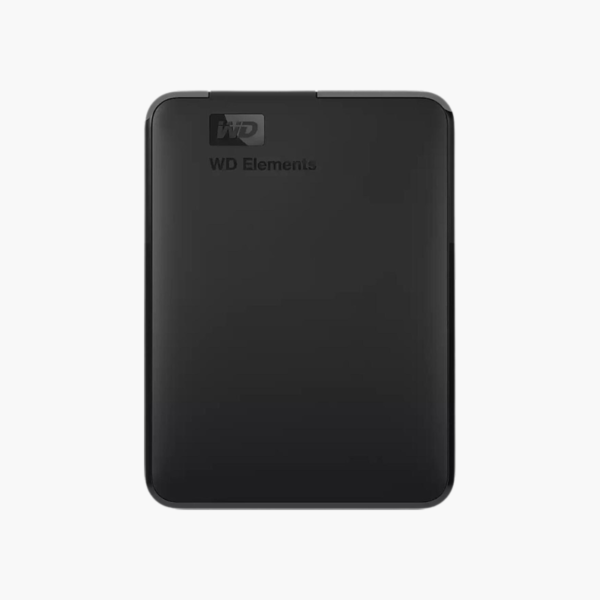
WD Elements Portable 4TB Portable External Hard Drive (WDBU6Y0040)
WD Elements Portable 4TB Portable External Hard Drive (WDBU6Y0040) – USB 3.0 (Micro-B) Price on RequestRequest a quote for volume pricing, availability and lead time.
Back to products
WD Elements Portable 1TB Portable External Hard Drive (WDBUZG0010)
WD Elements Portable 1TB Portable External Hard Drive (WDBUZG0010) – USB 3.0 (Micro-B) Price on RequestRequest a quote for volume pricing, availability and lead time.

WD Elements Portable 5TB Portable External Hard Drive (WDBU6Y0050) – USB 3.0 (Micro-B)

SKU: WDBU6Y0050
  • 30-Day Hassle Free Returns
  • Secure Payment Options

Price on RequestRequest a quote for volume pricing, availability and lead time.

Capacity: 5TB

Key Value Highlights

  • 5TB portable storage – Room for photos, videos, documents and full-system backups.
  • USB 3.0 (Micro-B) – Simple plug-and-play connection to laptops and desktops.
  • Bus-powered portable design – No power adapter needed – carry it anywhere.
  • Plug-and-play setup – Works out of the box with most PCs; reformat for Mac if needed.
  • Windows and macOS compatible – Use with Windows natively; reformat for macOS if needed.

Description

The WD Elements Portable 5TB (WDBU6Y0050) is a 5TB portable external hard drive for students, travellers and remote workers who need easy-to-carry backup and file storage. It connects over USB 3.0 (Micro-B) and works with Windows PCs and Macs, making backups and file transfers straightforward.

Simple, reliable backup storage you can plug in and use.

Why Every Computer Needs an External Backup

Laptop and desktop drives fill up quickly with photos, videos and project files, and a single failure, theft or ransomware attack can wipe out years of data. Cloud storage helps but is slow to restore and costs more over time.

The WD Elements Portable 5TB gives you 5TB of local storage for backups and overflow files. It is light enough to carry daily and powered directly over USB.

Plug-and-Play Backup

Connect over USB 3.0 (Micro-B) and start copying files, or schedule automatic backups with Windows File History, macOS Time Machine or your preferred backup software.

Large Capacity, Simple Setup

The 5TB capacity stores large media libraries, and the drive works out of the box with most Windows PCs.

Setup Instructions

How to Set Up the WD Elements Portable 5TB

  1. Connect the drive to your computer with the included USB cable.
  2. Open File Explorer (Windows) or Finder (Mac); reformat to exFAT if you need cross-platform use.
  3. Copy files or set up automatic backups with your preferred backup tool.
  4. Eject the drive safely before unplugging it.

Overview

BrandWestern Digital
Model NumberWDBU6Y0050
Product LineWD Elements Portable
Capacity5TB
Drive TypePortable External Hard Drive
Form Factor2.5-inch portable
InterfaceUSB 3.0 (Micro-B)
Optimized ForPortable backup and file transfer
PowerUSB bus-powered
OS CompatibilityWindows and macOS (exFAT/NTFS; reformat may be required for macOS)
Key FeaturesPlug-and-play USB storage
MaintenanceNo routine maintenance; eject safely before unplugging
PortabilityCompact and easy to carry
ConditionBrand New
In the BoxWD Elements Portable drive, USB cable, quick install guide

Frequently Asked Questions

Find answers to common questions about this product.

Customer Reviews

Reviews

There are no reviews yet.

Be the first to review “WD Elements Portable 5TB Portable External Hard Drive (WDBU6Y0050) – USB 3.0 (Micro-B)”

Your email address will not be published. Required fields are marked *