
Networking
Shop all 595 products
Short-reach 10G fiber links for Cisco switches and servers.
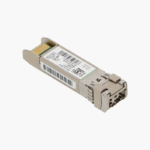
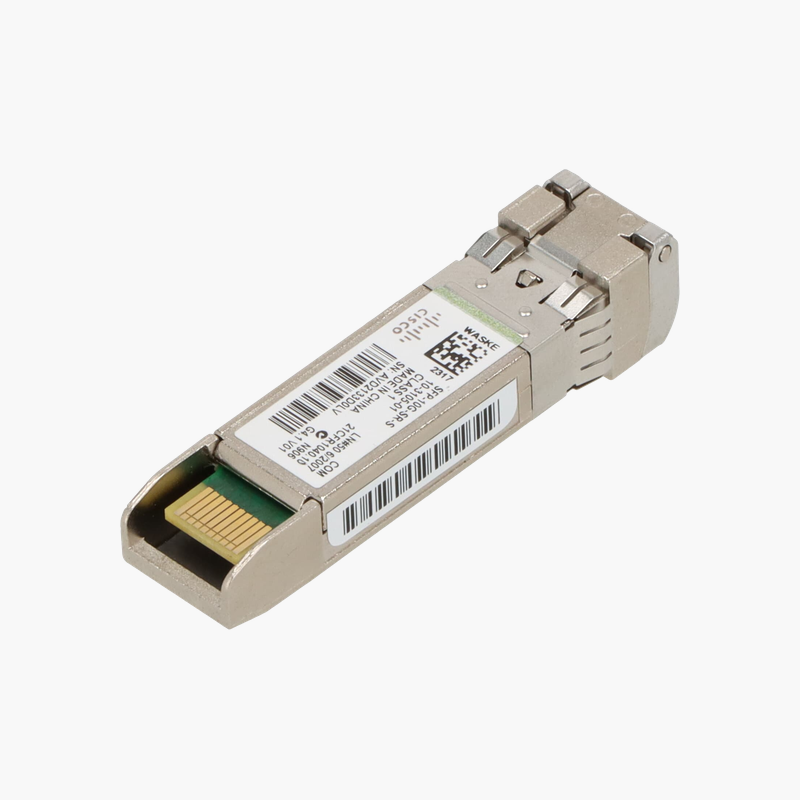
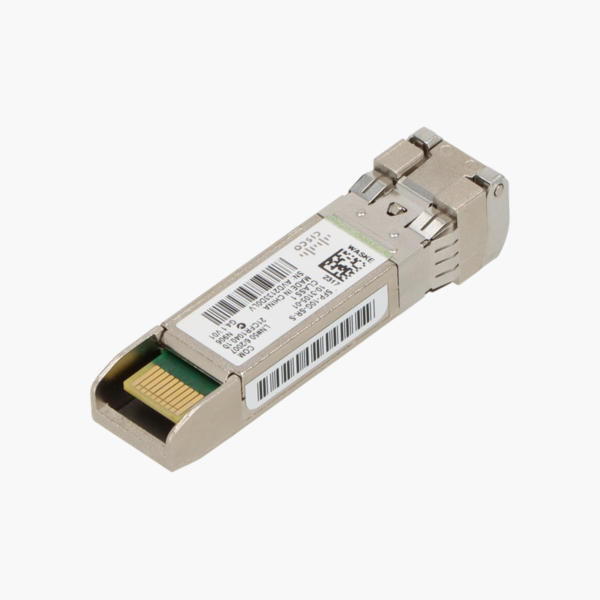
The Cisco SFP-10G-SR-S is a 10GBASE-SR SFP+ transceiver that carries 10 Gbps Ethernet over multimode fiber using an 850 nm laser and duplex LC connector. It is used for 10G links between access, aggregation and server switches up to 300 m on OM3 fiber, in Cisco S-Class enterprise form.
Choosing the Right Optic for Reliable Fiber Links
As switches and servers move to 10G, copper cabling and 1G uplinks become bottlenecks, and long copper runs are prone to interference. The wrong optic causes link errors, unsupported-transceiver warnings or links that never come up.
The SFP-10G-SR-S follows the IEEE 10GBASE-SR standard using an 850 nm laser, so it links reliably with any compliant optic at the other end. Over multimode fiber it reaches 300 m on OM3 and 400 m on OM4, covering most links inside a building or data center.
As a Cisco optic, it is recognized by Cisco IOS, IOS XE and NX-OS without needing the “service unsupported-transceiver” workaround, and digital optical monitoring reports light levels for troubleshooting.
S-Class for Enterprise Ethernet
The S-Class version is Cisco’s enterprise-focused SFP-10G-SR variant, designed for Ethernet-only use in Cisco switches. It supports the same 10GBASE-SR reach and DOM, and costs less than the multi-protocol version.
Hot-Swappable with Built-in Diagnostics
The module can be inserted or removed while the switch is running. DOM values such as transmit power, receive power and temperature are available through “show interfaces transceiver”, making it easier to find dirty connectors or damaged fiber.
How to Install the Cisco SFP-10G-SR-S
- Confirm the host port is an SFP+ port that supports 10GBASE-SR and that the other end uses a matching optic.
- Remove the dust plug and insert the transceiver into the port until it clicks into place; the latch should face the correct direction for the port.
- Clean the fiber connectors, then connect a duplex LC multimode (OM3/OM4) patch cord, crossing transmit and receive.
- Check the link with “show interfaces status” and verify optical levels with “show interfaces transceiver”.














Reviews
There are no reviews yet.