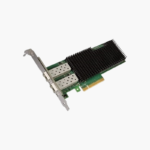
Dell Intel XXV710-DA2 Dual Port 25GbE SFP28 Network Adapter, Low Profile (540-BCCN) – PCIe low-profile adapter
Dell Intel XXV710-DA2 Dual Port 25GbE SFP28 Network Adapter, Low Profile (540-BCCN) – PCIe low-profile adapter Price on RequestRequest a quote for volume pricing, availability and lead time.
Back to products
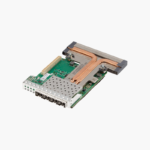
Dell Intel X710 Quad Port 10GbE SFP+ rNDC (68M95) – Rack Network Daughter Card (rNDC)
Dell Intel X710 Quad Port 10GbE SFP+ rNDC (68M95) – Rack Network Daughter Card (rNDC) Price on RequestRequest a quote for volume pricing, availability and lead time.

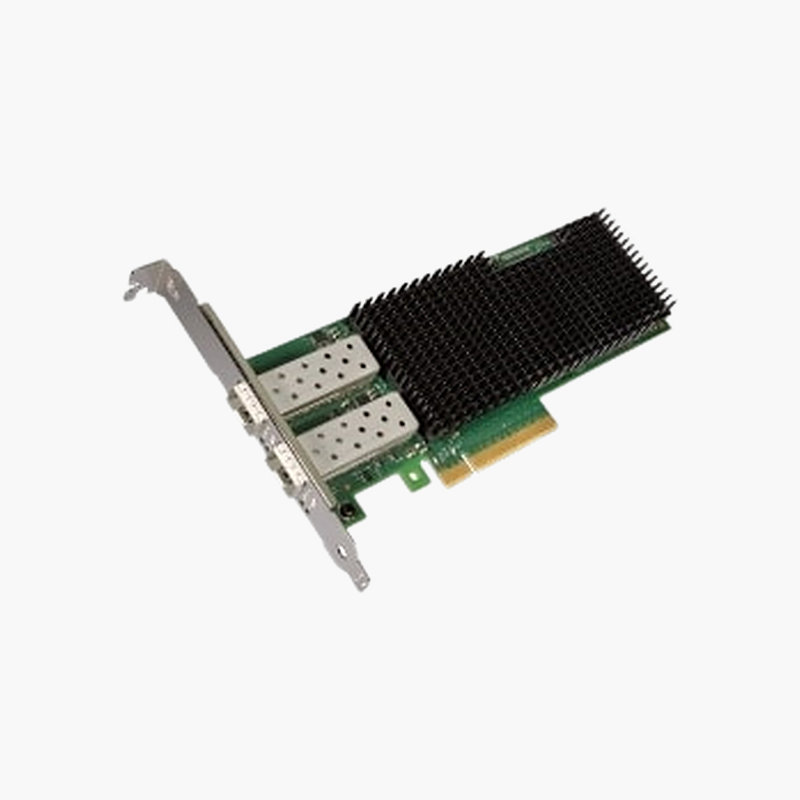
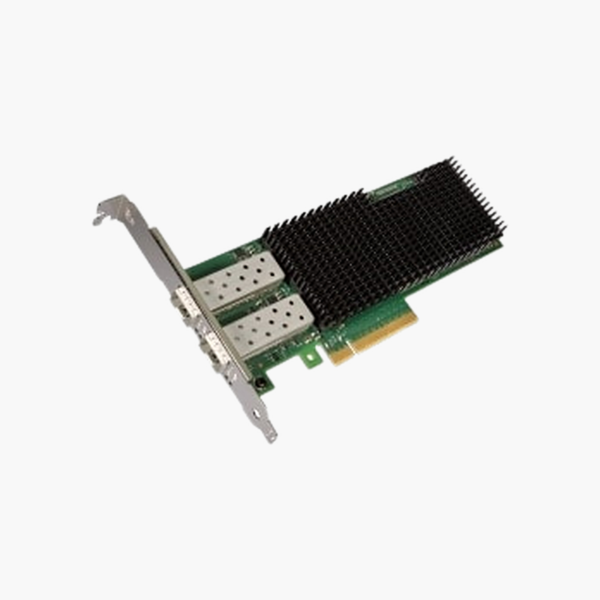
Dell Intel XXV710-DA2 Dual Port 25GbE SFP28 Network Adapter, Full Height (540-BCDG) – PCIe full-height adapter

SKU: 540-BCDG
  • 30-Day Hassle Free Returns
  • Secure Payment Options

Price on RequestRequest a quote for volume pricing, availability and lead time.

Key Value Highlights

  • 2x 25GbE SFP28 – High-throughput server connectivity for virtualisation, storage and backup traffic.
  • Intel XXV710 controller – Proven Ethernet controller with broad driver support.
  • PCIe full-height adapter – Fits the matching slot in compatible servers and systems.
  • Server-grade reliability – Built for continuous 24/7 data-centre operation.

Description

The Dell Intel XXV710-DA2 Dual Port 25GbE SFP28 Network Adapter, Full Height is a server network adapter with 2x 25GbE SFP28 ports based on the Intel XXV710 controller, in a PCIe full-height adapter format. It adds high-throughput, low-latency Ethernet for virtualisation hosts, storage networks and busy application servers.

More bandwidth for every server.

Faster Server Connectivity for Data-Heavy Workloads

Onboard network ports quickly become a bottleneck when servers host virtual machines, storage traffic and backups at the same time.

The Dell Intel XXV710-DA2 Dual Port 25GbE SFP28 Network Adapter, Full Height adds 2x 25GbE through SFP28 connections, giving each server more bandwidth and the ability to separate management, storage and application traffic.

Ports and Controller

2x 25GbE SFP28 ports on the Intel XXV710 controller. SFP-based ports need compatible transceivers or DAC cables.

Form Factor and Compatibility

PCIe full-height adapter. Confirm the server model and slot type before installing.

Setup Instructions

How to Install the Dell Intel XXV710-DA2 Dual Port 25GbE SFP28 Network Adapter, Full Height

  1. Power down the server, unplug it and use anti-static precautions.
  2. Install the adapter in the matching slot and secure it.
  3. Power on and install or update the network driver and firmware.
  4. Connect cables or transceivers and configure the interfaces in the OS or hypervisor.

Overview

BrandDell
ModelIntel XXV710-DA2 Dual Port 25GbE SFP28 Network Adapter, Full Height
Product TypeNetwork Adapter
ControllerIntel XXV710
Ports2x 25GbE
ConnectorSFP28
Form FactorPCIe full-height adapter
Network StandardIEEE 802.3 Ethernet
OS SupportWindows Server, Linux, VMware (vendor drivers)
Use CaseServers, virtualisation and storage networks
CategoryNetwork Adapters
ComplianceCE / FCC (manufacturer listed)
Part Number540-BCDG
ConditionBrand New
In the BoxNetwork adapter

Frequently Asked Questions

Find answers to common questions about this product.

Customer Reviews

Reviews

There are no reviews yet.

Be the first to review “Dell Intel XXV710-DA2 Dual Port 25GbE SFP28 Network Adapter, Full Height (540-BCDG) – PCIe full-height adapter”

Your email address will not be published. Required fields are marked *