Networking
Shop all 595 products
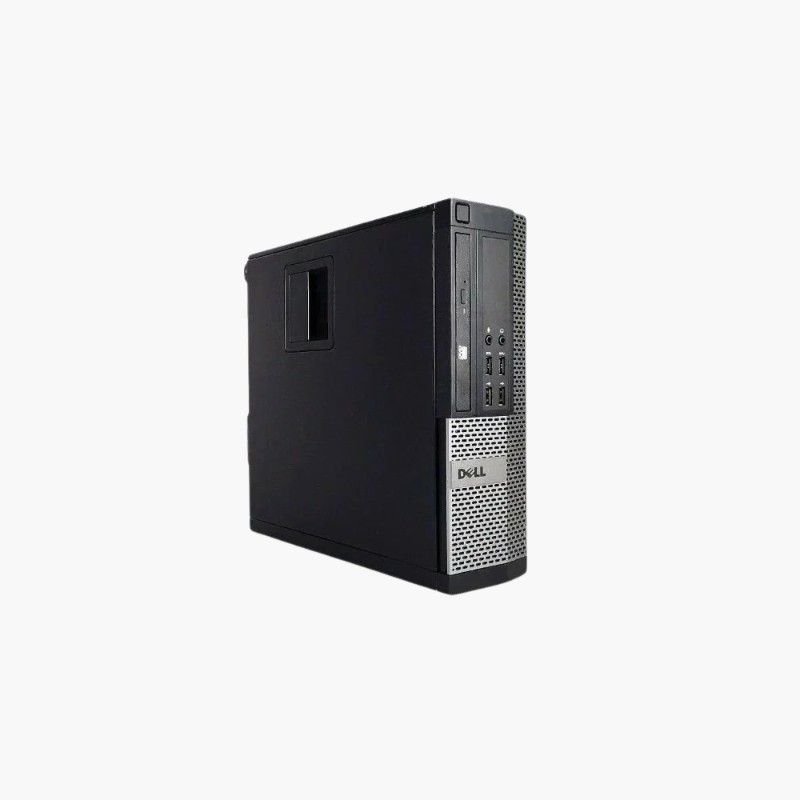
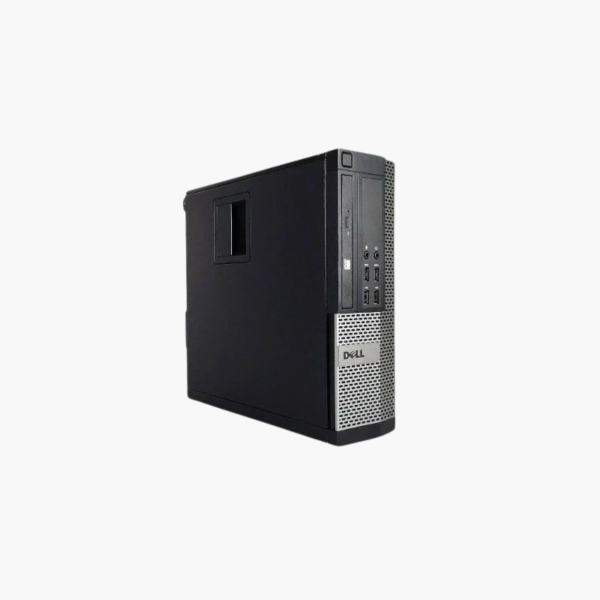
A classic OptiPlex for legacy software and basic computing.
The refurbished Dell OptiPlex 7010 features a 3rd Gen Intel Core i5, 16GB of DDR3 memory, and a 256GB SSD. It suits users who need a low-cost desktop for legacy business software, offline tasks, retro builds, or Linux, and organizations that need a spare for older OptiPlex fleets.
Keeping Legacy Software Running
Some businesses rely on older software or hardware interfaces that run best on older Windows systems. The OptiPlex 7010 provides a dependable platform for these tasks.
Its quad-core 3rd Gen Core i5, 16GB of memory, and SSD give responsive performance for basic computing.
Windows 10 has reached end of support; for internet-connected use, a supported Linux distribution is recommended.
Compatible With Older Peripherals
VGA output and legacy port options help connect older monitors and equipment.
Fleet Spare
Organizations with existing OptiPlex 7010 fleets can use it as a direct replacement or parts source.
How to Set Up Your Dell OptiPlex 7010
- Unbox the desktop and connect your monitor, keyboard, mouse, Ethernet cable, and power cord.
- Power on and complete the Windows 10 Pro setup, connecting to your network and signing in.
- Run Windows Update and Dell SupportAssist or Dell Command | Update to install the latest drivers, BIOS, and security patches.
- Set a BIOS password if required, enable BitLocker on Pro editions, and configure backups for important files.