
Networking
Shop all 595 products
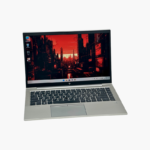
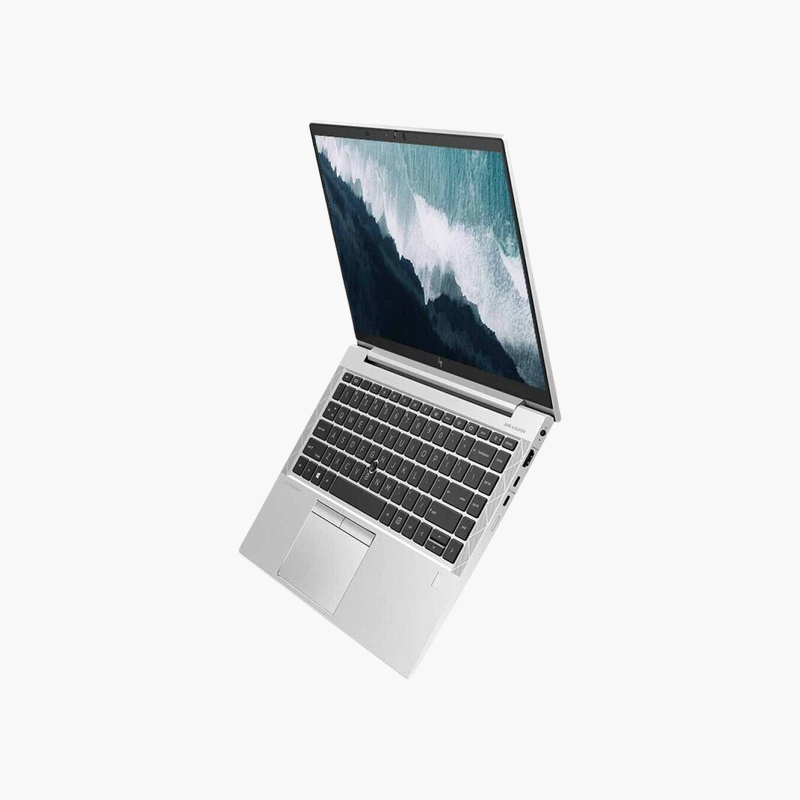
32GB of memory in a lightweight 13.3-inch travel laptop.
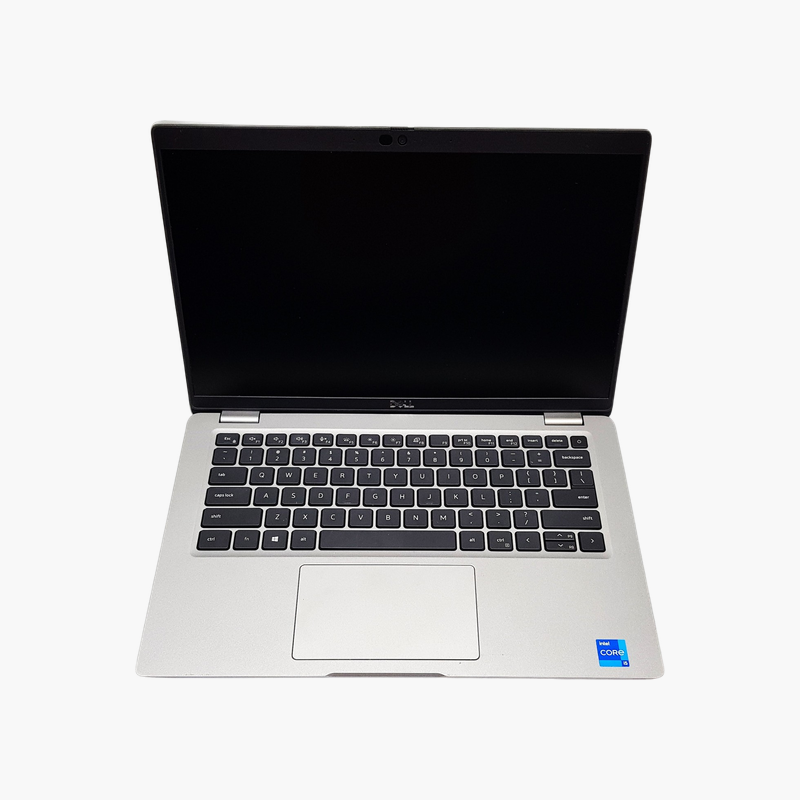
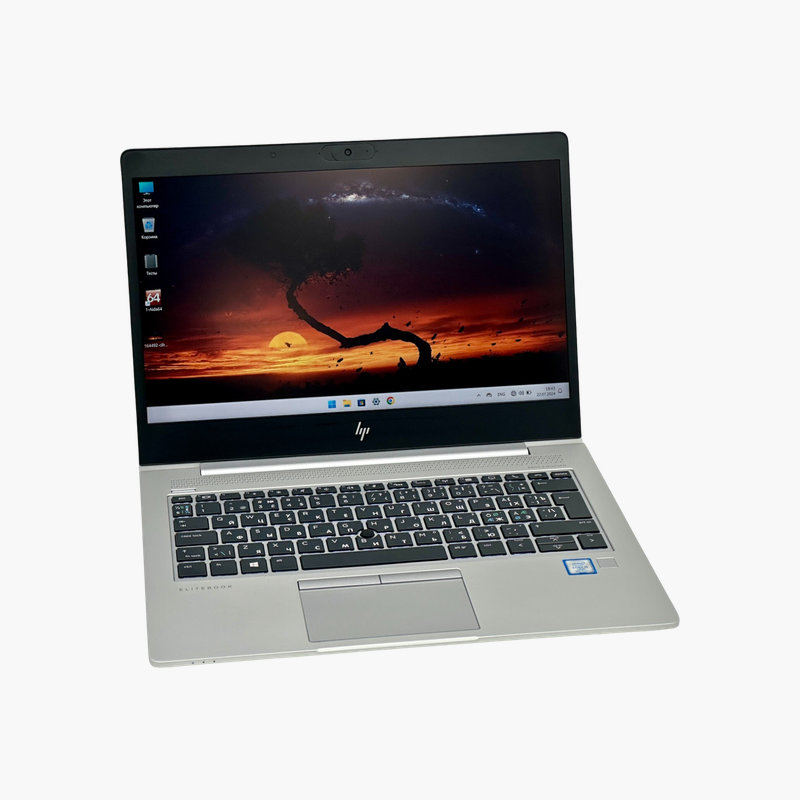
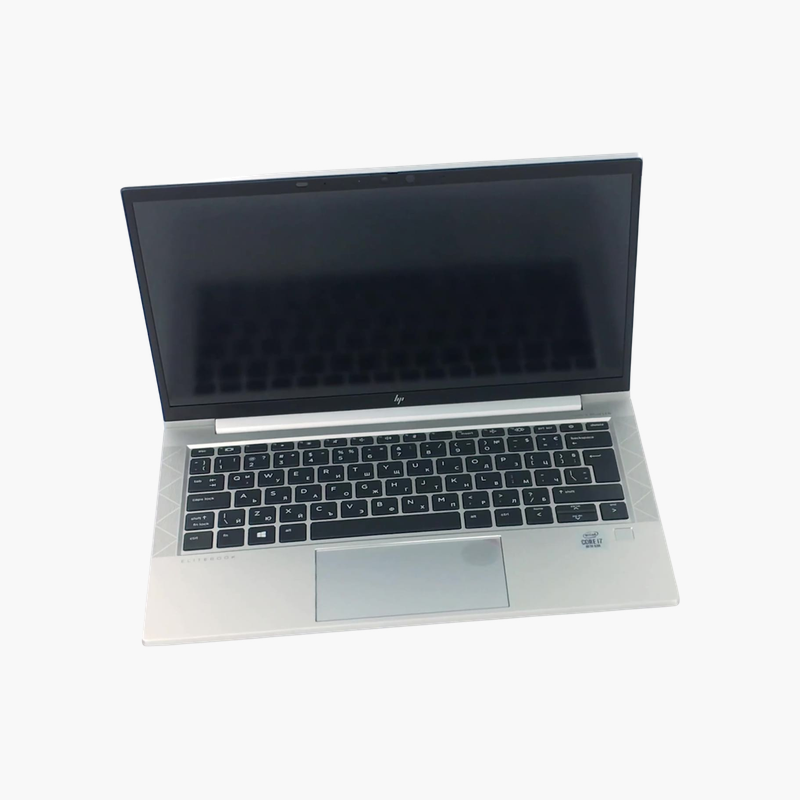
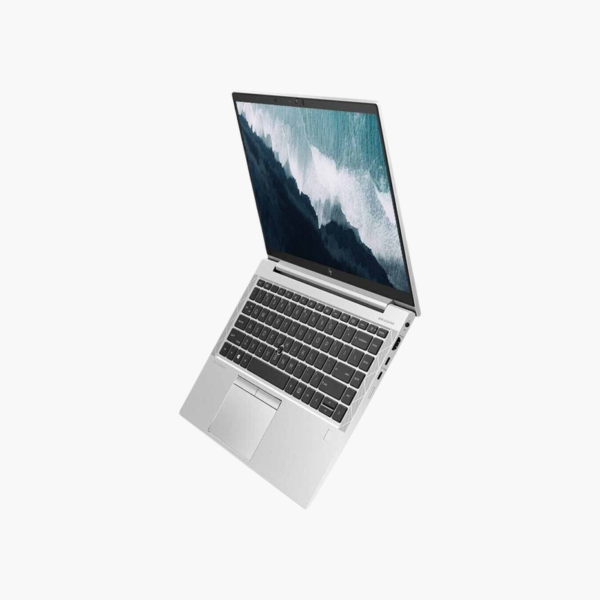
The refurbished HP EliteBook 830 G8 is a lightweight 13.3-inch Full HD business laptop with an 11th Gen Intel Core i5-1135G7, 32GB of memory, and a 256GB SSD. Windows 11 Pro is preinstalled, making it a portable, current-OS option for travelers and professionals who run many apps at once.
Why Memory Matters More Than Size in a Travel Laptop
Compact laptops often ship with 8GB of memory to keep costs down, which limits multitasking. This EliteBook 830 G8 configuration includes 32GB, so it keeps Teams, browsers, Office, and business apps open without slowdowns.
The 11th Gen Core i5-1135G7 is a quad-core processor with Intel Iris Xe graphics and Wi-Fi 6 support. The 256GB SSD keeps the system fast and pairs well with cloud storage.
Windows 11 Pro is preinstalled, with BitLocker and business management features.
Built for Travel
At around 1.3 kg, the 830 G8 fits small bags and airline tray tables, while keeping a full-size keyboard.
Business Security and Durability
HP Sure Start, TPM 2.0, and a privacy camera shutter help protect data, and the chassis is built for daily commuting.
How to Set Up Your HP EliteBook 830 G8
- Unbox the laptop, connect the charger, and power it on.
- Complete the Windows 11 Pro setup: choose your region, connect to Wi-Fi, and sign in or create a local account.
- Run Windows Update and HP Support Assistant to install the latest drivers, firmware, and security patches.
- Set up sign-in security (PIN, fingerprint, or Windows Hello where available), turn on device encryption, and configure backups.




Reviews
There are no reviews yet.