
Networking
Shop all 595 products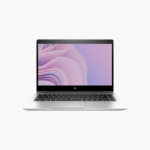

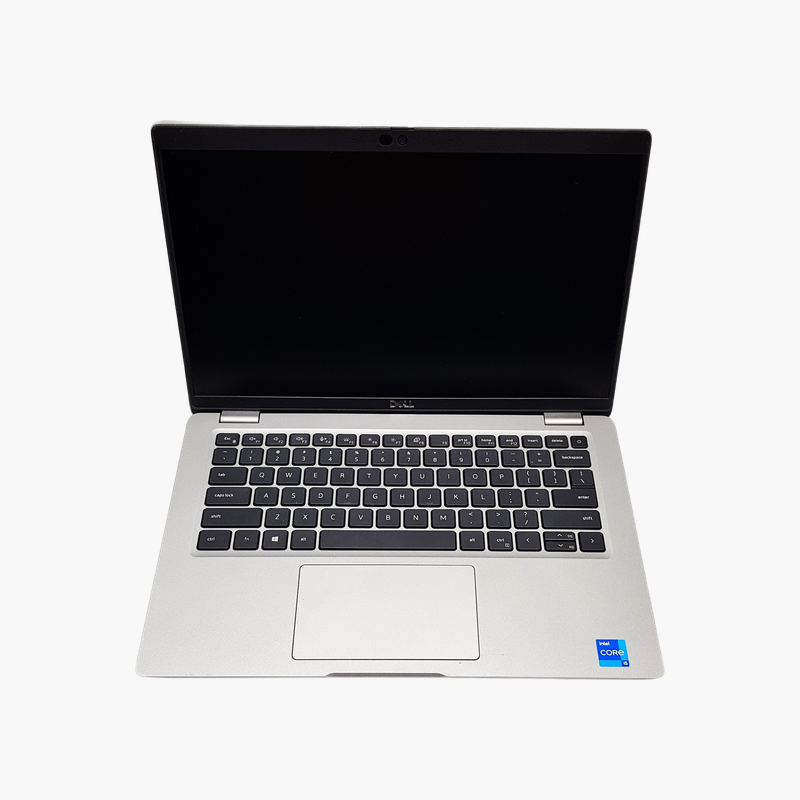
16GB of memory and a vPro i5 in HP’s slim 14-inch EliteBook.
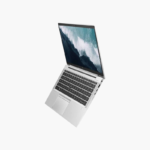
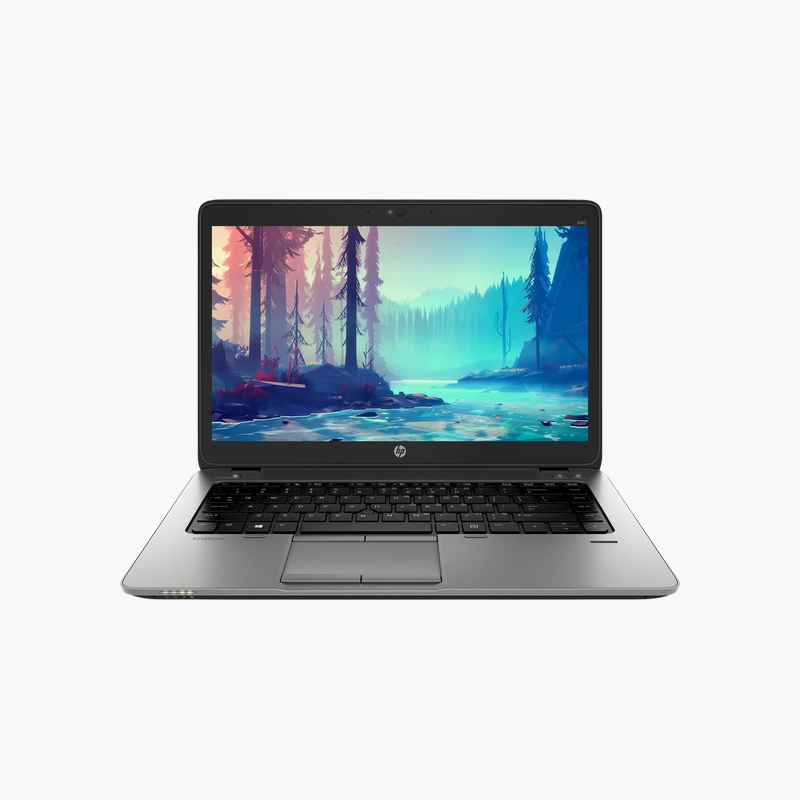
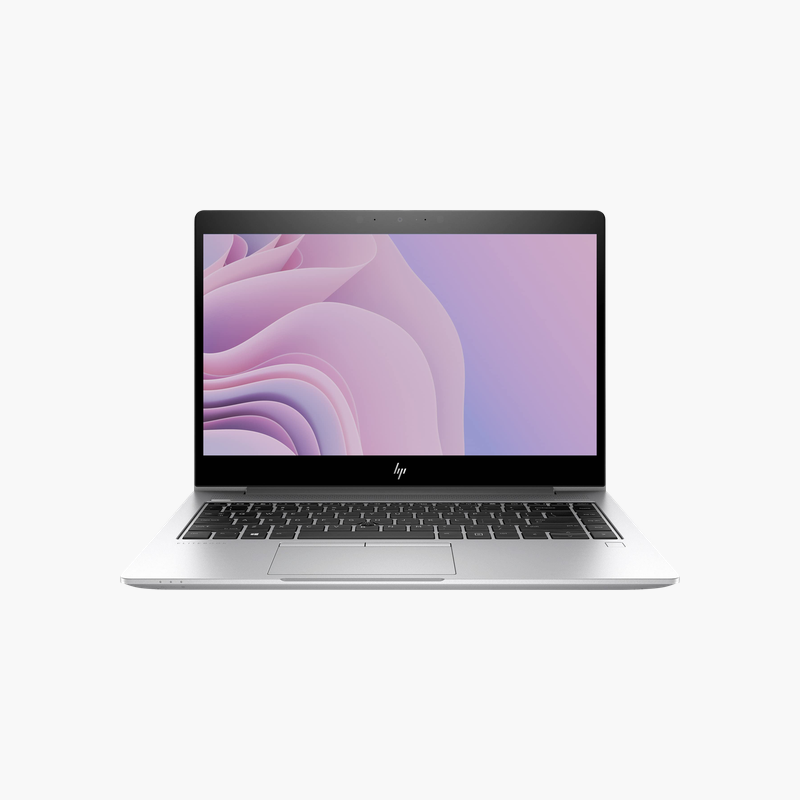
This refurbished HP EliteBook 840 G6 pairs a quad-core Intel Core i5-8365U with vPro, 16GB of DDR4 memory, and a 256GB SSD. Its 14-inch Full HD UWVA anti-glare display suits office, hybrid, and travel use, and the extra memory keeps multitasking smooth across Teams, browsers, and Office.
A Slim Business Laptop With Modern Security
The EliteBook 840 G6 was one of HP’s mainstream corporate laptops, built with an aluminum chassis, a quiet keyboard, and security features such as HP Sure Start, which detects and repairs BIOS tampering.
This unit uses an Intel Core i5-8365U (8th Gen, vPro) with Intel UHD Graphics 620, 16GB DDR4 of memory, and a 256GB SSD. That configuration handles Microsoft 365, Teams, and web apps smoothly.
USB-C with Thunderbolt 3 supports single-cable docking, and HDMI connects directly to monitors and projectors.
Wide-Angle Anti-Glare Display
The UWVA (ultra-wide viewing angle) panel keeps colors consistent from different angles, and the anti-glare finish reduces reflections in bright offices.
Business Security Built In
TPM 2.0, HP Sure Start, and optional fingerprint login help protect company data, and vPro processors add remote management for IT.
How to Set Up Your HP EliteBook 840 G6
- Unbox the laptop, connect the charger, and power it on.
- Complete the Windows 10 Pro setup: choose your region, connect to Wi-Fi, and sign in or create a local account.
- Run Windows Update and HP Support Assistant to install the latest drivers, firmware, and security patches.
- Set up sign-in security (PIN, fingerprint, or Windows Hello where available), turn on device encryption, and configure backups.




Reviews
There are no reviews yet.