
Networking
Shop all 595 products

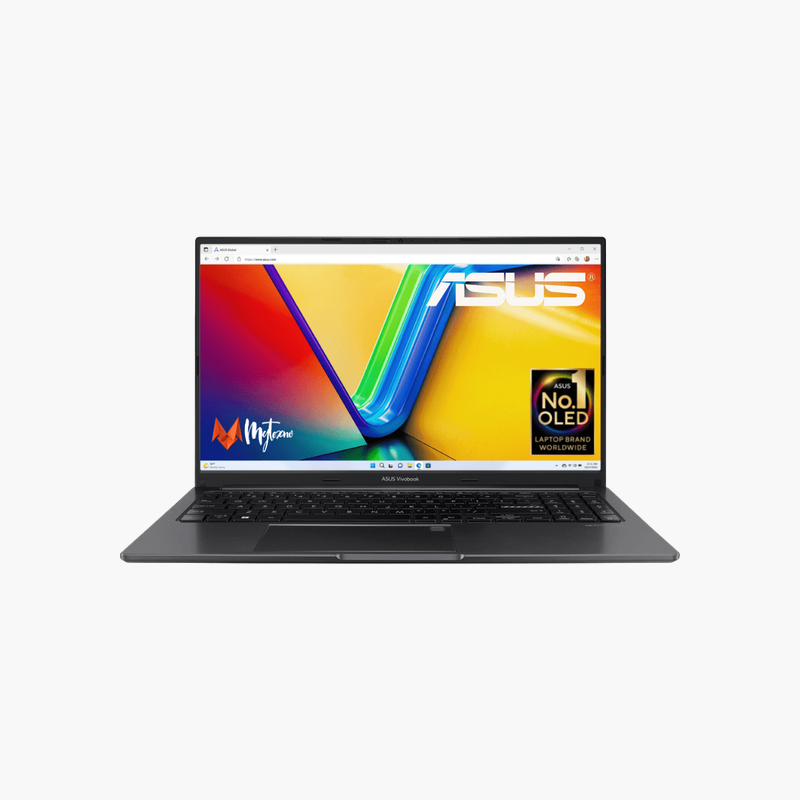
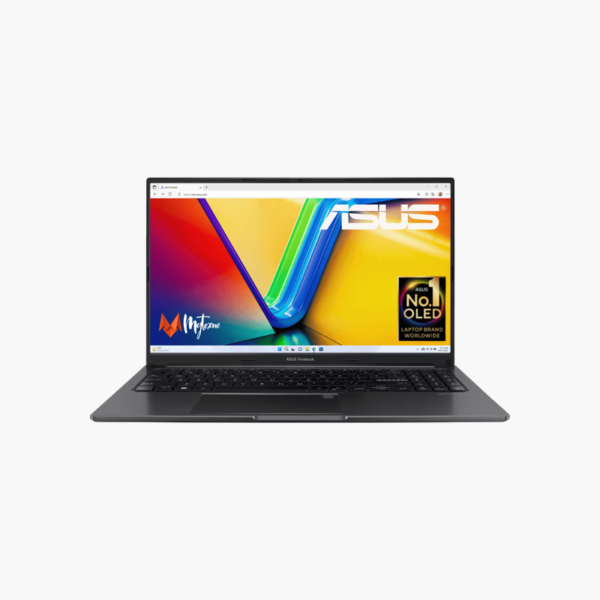
An OLED screen and a 12-core H-series processor for creators.
The ASUS Vivobook 15 OLED X1505ZA combines a 15.6-inch Full HD OLED display with a 12-core Intel Core i5-12500H, 16GB of memory, and a 1TB SSD. It suits students, photographers, and content creators who want accurate, vivid colors and strong multitasking performance in an everyday laptop.
Why OLED Displays Look Better
Standard LCD laptop screens use a backlight, so blacks look gray and colors can appear washed out. OLED pixels emit their own light, giving true blacks, high contrast, and wide color coverage.
This panel covers the DCI-P3 color space used in film and modern content, which helps photo editing and makes video look more lifelike.
The H-series Core i5-12500H with 12 cores and 16 threads handles photo and video editing, coding, and multitasking more easily than U-series chips.
Performance for Creative Apps
A 12-core processor, 16GB of memory, and a 1TB SSD support Lightroom, Photoshop, and video editing for hobbyists and students.
Care Tips for OLED Screens
Use dark mode, auto-hide the taskbar, and enable ASUS OLED care features to reduce the risk of image retention.
How to Set Up Your ASUS Vivobook 15 OLED X1505ZA
- Unbox the laptop, connect the charger, and power it on.
- Complete the Windows 11 Home setup: choose your region, connect to Wi-Fi, and sign in or create a local account.
- Run Windows Update and MyASUS to install the latest drivers, firmware, and security patches.
- Set up sign-in security (PIN, fingerprint, or Windows Hello where available), turn on device encryption, and configure backups.





Reviews
There are no reviews yet.