
Networking
Shop all 595 products
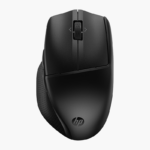

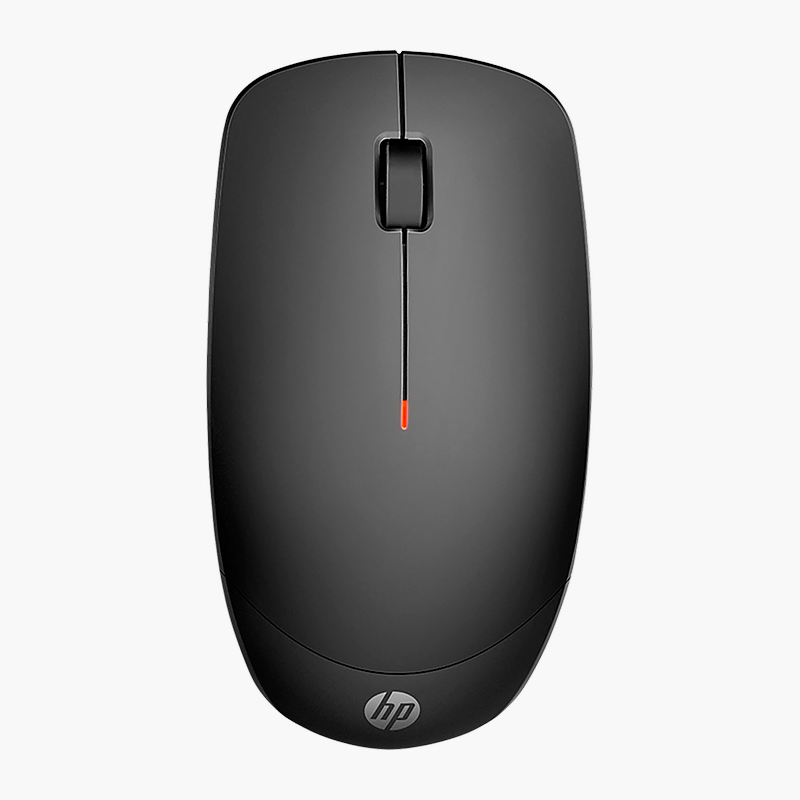
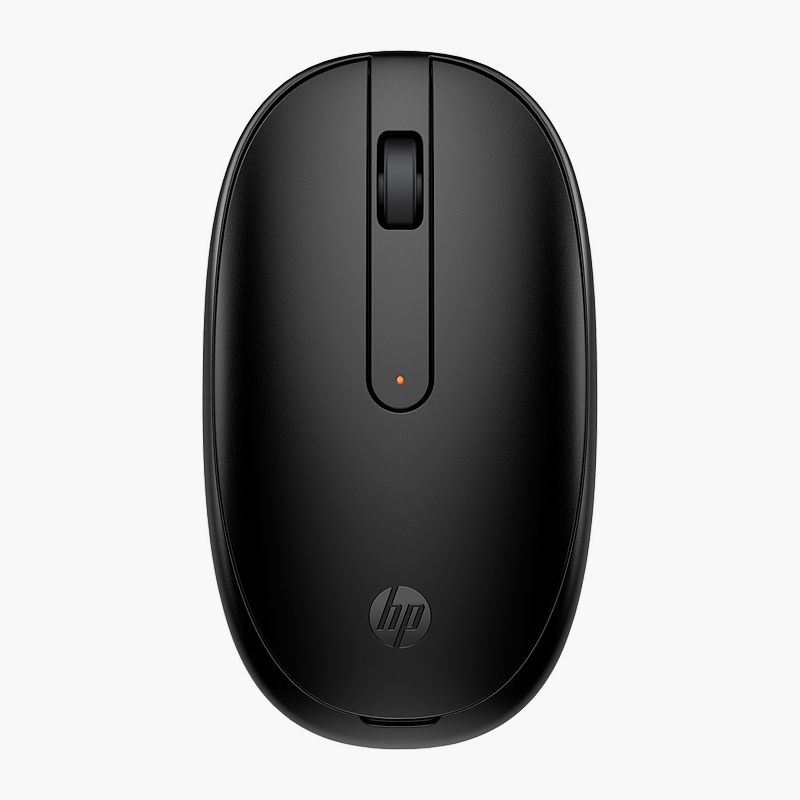
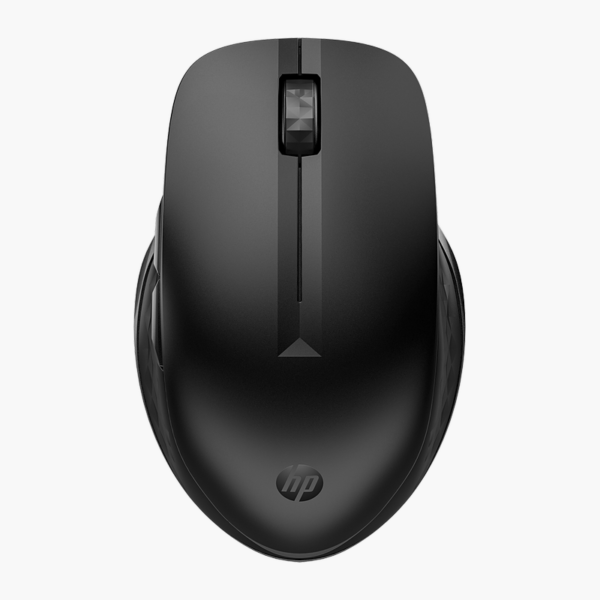
The HP 435 Multi-Device Wireless Mouse is a dual-mode wireless mouse for right-handed users with up to 4,000 DPI tracking that runs on an AA battery. It is designed for home, office and student use, with switch between devices. It works with Windows, macOS and ChromeOS.
Point, click and get more done.
Smooth Control for Everyday Tasks
A worn or cheap mouse causes cursor skipping, double clicks and dropped connections that slow down everyday work.
The HP 435 Multi-Device Wireless Mouse uses up to 4,000 DPI tracking for smooth, accurate cursor movement and connects via 2.4GHz + Bluetooth. Its right-handed shape keeps the hand relaxed, and 5 buttons give quick access to common actions.
Connection and Power
Connects via 2.4GHz + Bluetooth (multi-device). It runs on an AA battery for long periods between changes.
Comfort and Controls
The right-handed design with 5 buttons suits home, office and student use. Move between laptop, desktop and tablet at the press of a button.
Setup Instructions
How to Set Up the HP 435 Multi-Device Wireless Mouse
- Open the battery cover and insert the included battery (or batteries).
- Plug the USB receiver into a free port on your computer and switch the mouse on.
- Or, for Bluetooth, hold the pairing button until the light flashes and select the mouse in your computer’s Bluetooth settings.
- Adjust pointer speed and button settings in your operating system.




Reviews
There are no reviews yet.