
Networking
Shop all 595 products
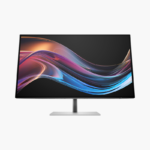
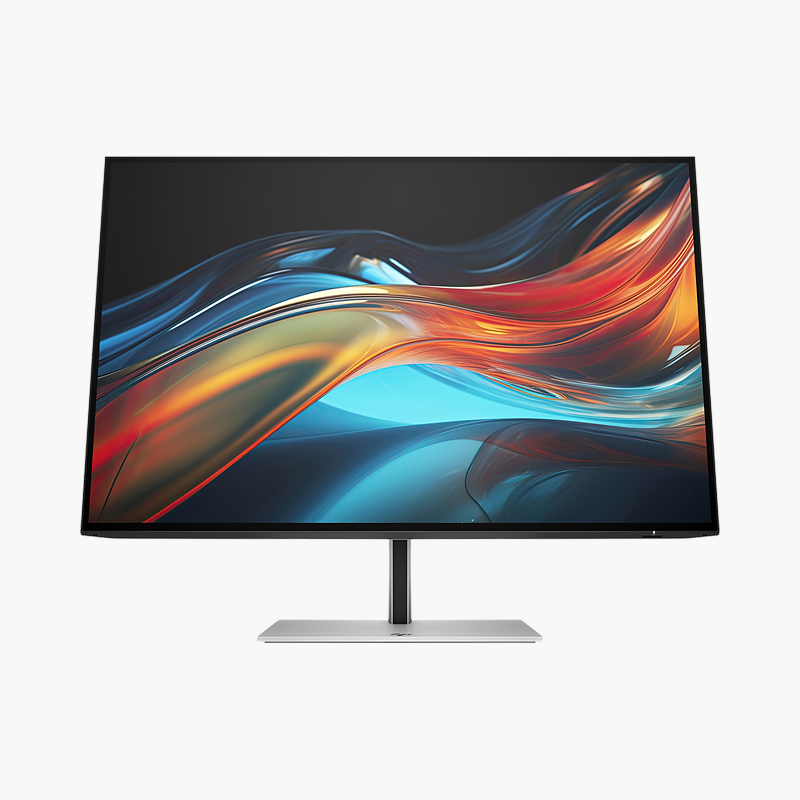
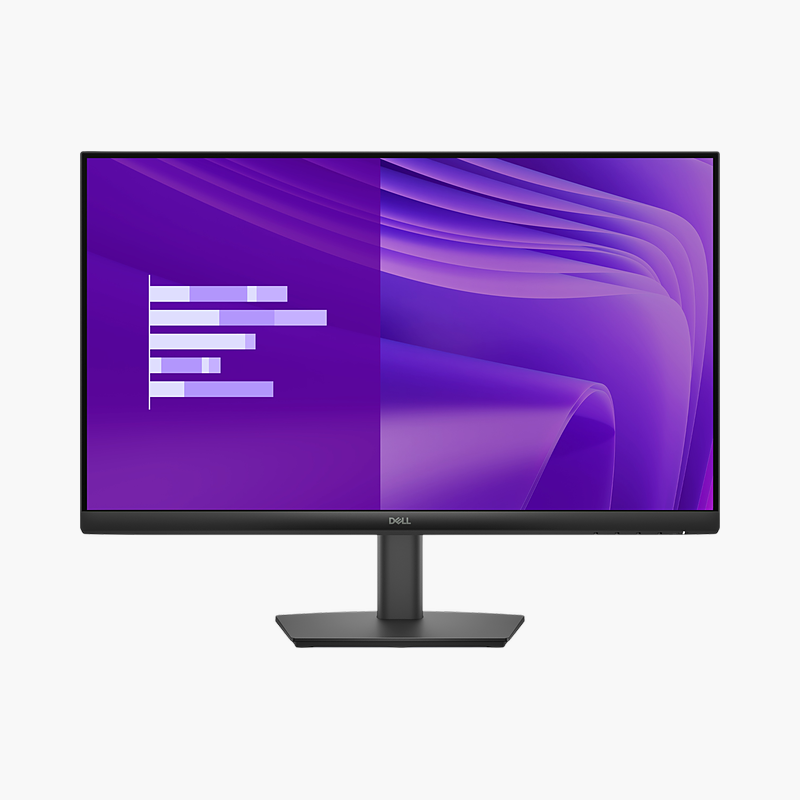
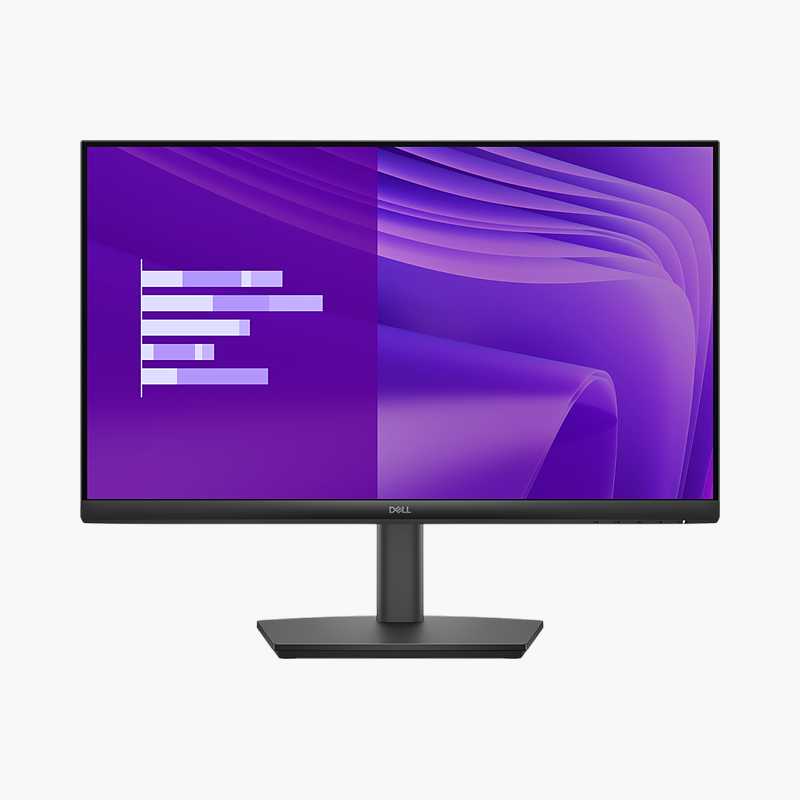
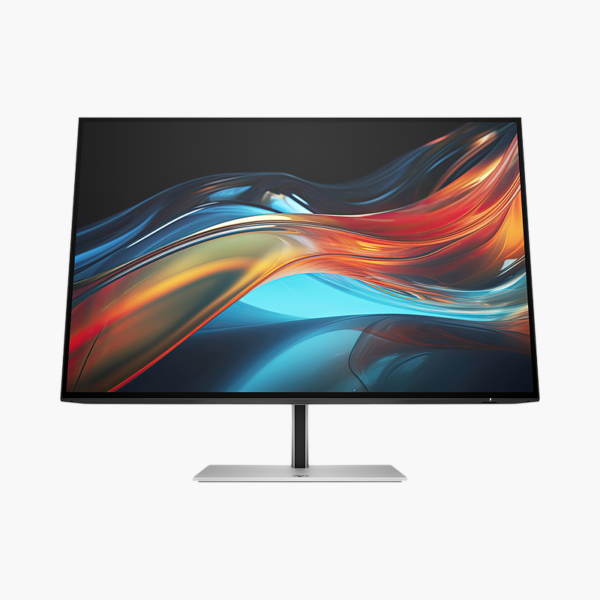
The HP Series 7 Pro 724pu is a 24″ WUXGA IPS USB-C hub monitor with a 100Hz refresh rate and 100W USB-C power delivery. It is built for laptop users who want a one-cable desk setup, giving a clear, comfortable screen and a single-cable connection to your laptop.
Plug in once and get to work.
Turn Your Laptop Into a Full Desktop Setup
Docking a laptop usually means a power brick, a video cable, a USB hub and an Ethernet adapter, and plugging them all in every morning wastes time and clutters the desk.
The HP Series 7 Pro 724pu replaces that with one USB-C cable that carries video, USB data and up to 100W of power to charge the laptop, while the built-in RJ45 port adds wired Gigabit Ethernet. The 24″ WUXGA IPS screen with 100Hz refresh rate keeps everyday work sharp and smooth.
Sharp, Comfortable Picture
The WUXGA IPS panel covers 99% sRGB and uses HP Eye Ease low blue light to reduce eye strain during long days.
Desk-Friendly Connectivity
Downstream 4x USB-A, 1x USB-C ports connect keyboards, mice and drives through the monitor, and DisplayPort output lets you daisy-chain a second monitor.
Setup Instructions
How to Set Up the HP Series 7 Pro 724pu
- Unbox the monitor, attach the stand and place it on a stable desk.
- Connect your PC or laptop with the USB-C/Thunderbolt cable for one-cable video, data and charging, then connect the power cable.
- Power on, open the on-screen menu and set the resolution to 1920 x 1200 at 100Hz in your operating system’s display settings.
- Adjust the stand height and tilt so the top of the screen sits at or slightly below eye level.






Reviews
There are no reviews yet.