
Networking
Shop all 595 products
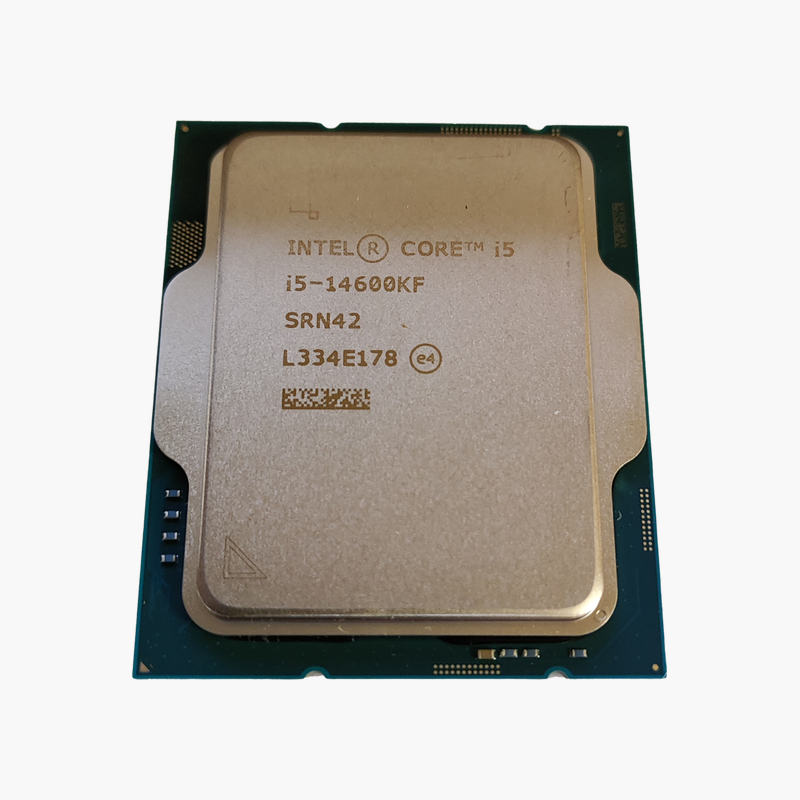
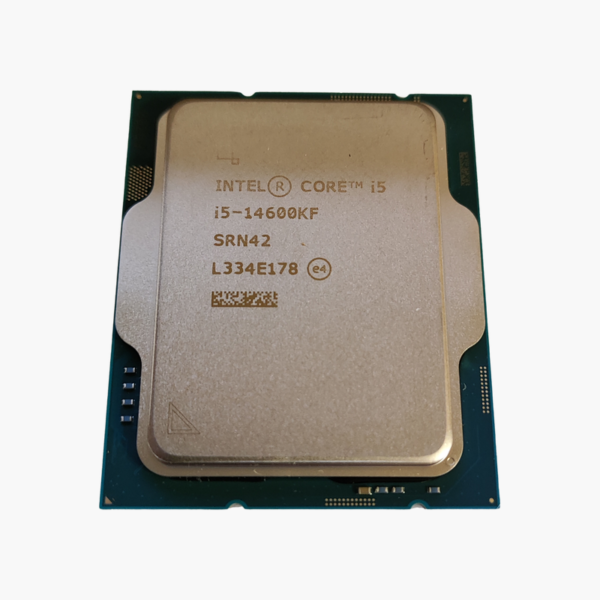
The Intel Core i5-14600KF (BX8071514600KF) is an LGA 1700 desktop processor with 14 (6P + 8E) cores, 20 threads and boost clocks up to 5.3GHz. Built on 14th Gen (Raptor Lake Refresh), with 24MB Intel Smart Cache, it is aimed at gamers and creators building a fast all-round PC.
Balanced performance for gaming, creating and everyday work.
Why Core Count and Clock Speed Both Matter
Modern PCs juggle games, browsers, voice chat, streaming software and background updates at once. A processor with only a few fast cores can stutter under that mix, while one with many slow cores feels sluggish in games.
The Intel Core i5-14600KF uses Intel’s hybrid design with 14 (6P + 8E) cores: Performance-cores handle games and foreground apps, while Efficient-cores take background tasks. Intel Thread Director helps Windows place each task on the right core, keeping frame rates steady while you multitask.
Cores, Clocks and Cache in Practice
With 14 (6P + 8E) cores, 20 threads, up to 5.3GHz and 24MB Intel Smart Cache, the Intel Core i5-14600KF handles gaming, streaming and creative apps with headroom. Power is rated at 125W base / 181W max turbo.
Platform and Connectivity
The LGA 1700 socket supports DDR5-5600 / DDR4-3200 and PCIe 5.0 and 4.0. A discrete graphics card is required for display output. The unlocked multiplier allows overclocking on supported motherboards.
Setup Instructions
How to Install the Intel Core i5-14600KF
- Check your LGA 1700 motherboard and update its BIOS to the latest version with Intel’s current microcode for 14th Gen stability.
- Open the socket retention mechanism, align the CPU’s markings with the socket and lower it in without force.
- Apply thermal paste if needed and install a capable air or liquid cooler – no cooler is included.
- Install a discrete graphics card, boot into BIOS, enable your memory’s EXPO/XMP profile and install the latest chipset drivers.






Reviews
There are no reviews yet.