
Networking
Shop all 595 products
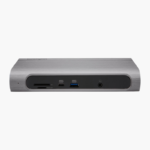

The Kensington SD5010T5 EQ Thunderbolt 5 Triple 4K Docking Station connects to your laptop over Thunderbolt 5 and adds HDMI, USB-A, Thunderbolt 5, USB-C, 2.5GbE, SD card and audio ports. It charges your laptop at up to 140W and drives triple 4K 144Hz or dual 8K 60Hz displays on Windows.
Plug in once and get straight to work.
Turn Your Laptop Into a Full Workstation
Plugging a charger, monitor cables, a network cable and several USB devices into a laptop every time you sit down wastes time and wears out its ports.
The Kensington SD5010T5 EQ Thunderbolt 5 Triple 4K Docking Station connects through Thunderbolt 5, charges your laptop at up to 140W, drives triple 4K 144Hz or dual 8K 60Hz displays on Windows and adds HDMI, USB-A, Thunderbolt 5, USB-C, 2.5GbE, SD card and audio ports. Unplug one cable and the laptop is ready to go.
Multi-Display Support
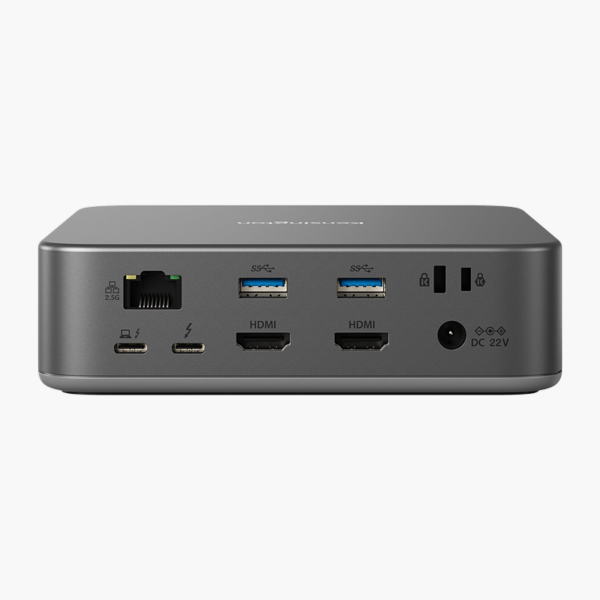
Display support: Windows: triple 4K 144Hz or dual 8K 60Hz; macOS: dual 4K 60Hz. Video outputs: 2x HDMI 2.1, 1x Thunderbolt 5 video. Display count and resolution depend on your laptop’s graphics and connection.
Ports for Every Peripheral
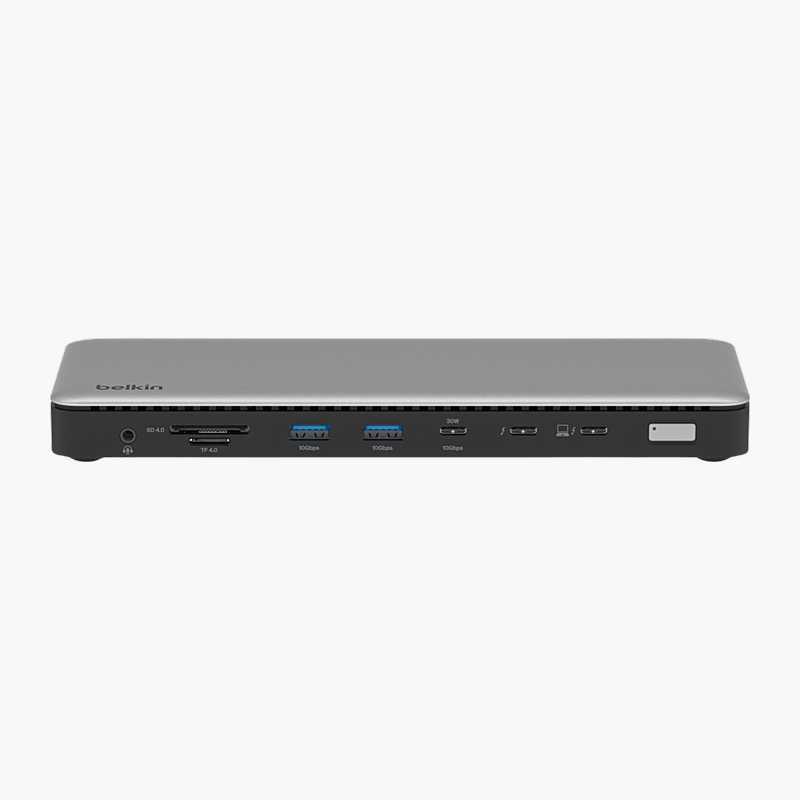
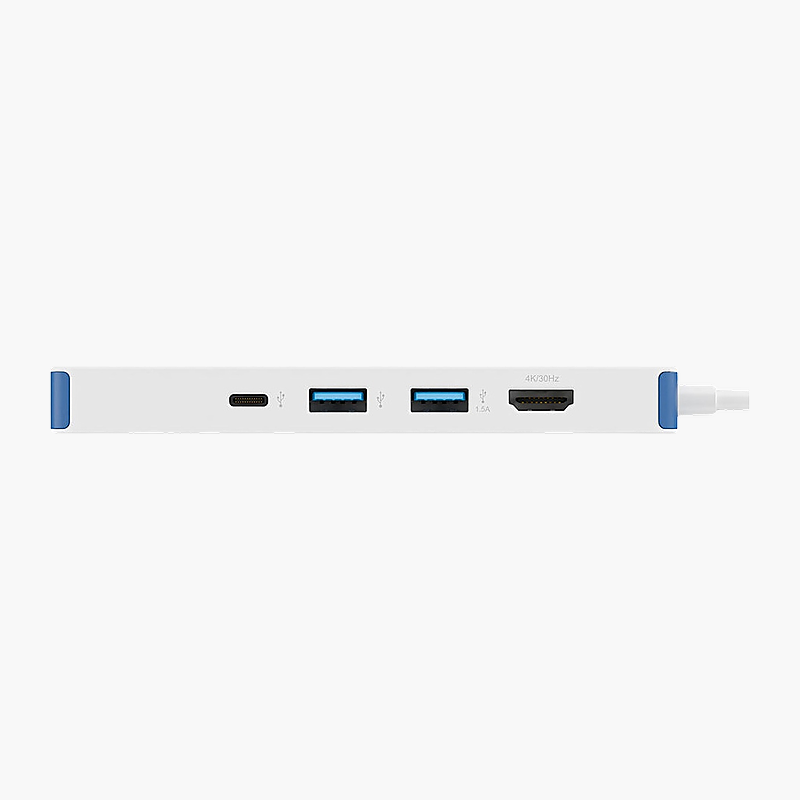
USB connectivity: 3x USB-A (1x 10Gbps, 2x 5Gbps); 2x Thunderbolt 5, 2x USB-C 10Gbps. It also includes 2.5GbE for wired networking, 3.5mm combo jack audio and SD + microSD 4.0 card slots.
Setup Instructions
How to Set Up the Kensington SD5010T5 EQ Thunderbolt 5 Triple 4K Docking Station
- Connect the power adapter to the dock and a wall outlet.
- Connect your monitors to the dock’s video outputs (2x HDMI 2.1, 1x Thunderbolt 5 video).
- Plug in your keyboard, mouse, Ethernet cable and other USB devices.
- Connect the dock to your laptop’s Thunderbolt 5 (or Thunderbolt 4 / USB4) port with the included cable.
- Open your display settings to arrange and extend your monitors.







Reviews
There are no reviews yet.