
Networking
Shop all 595 products
One dock for every laptop in a mixed fleet, old or new.
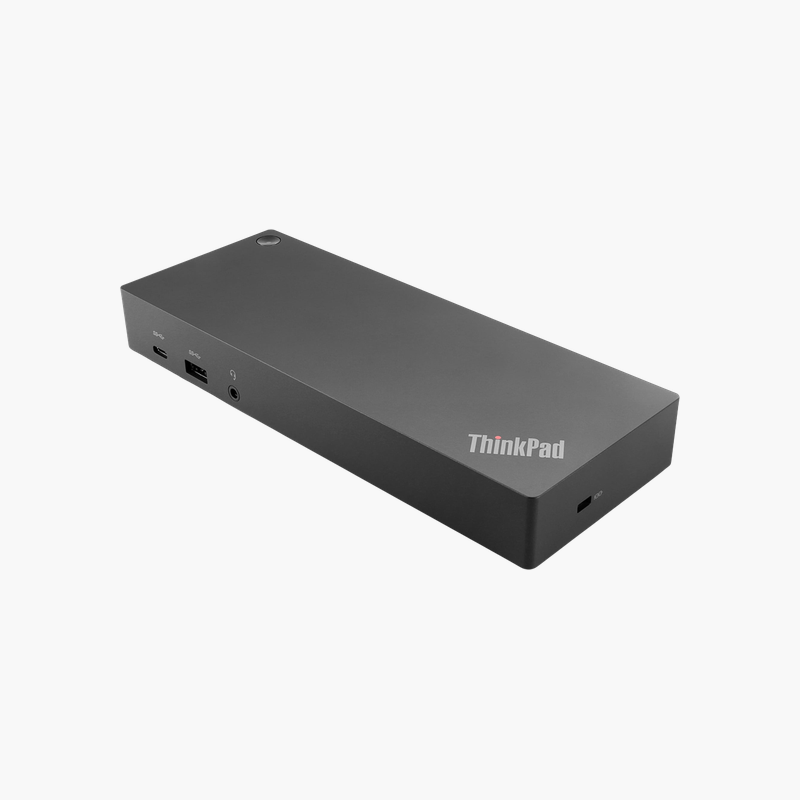
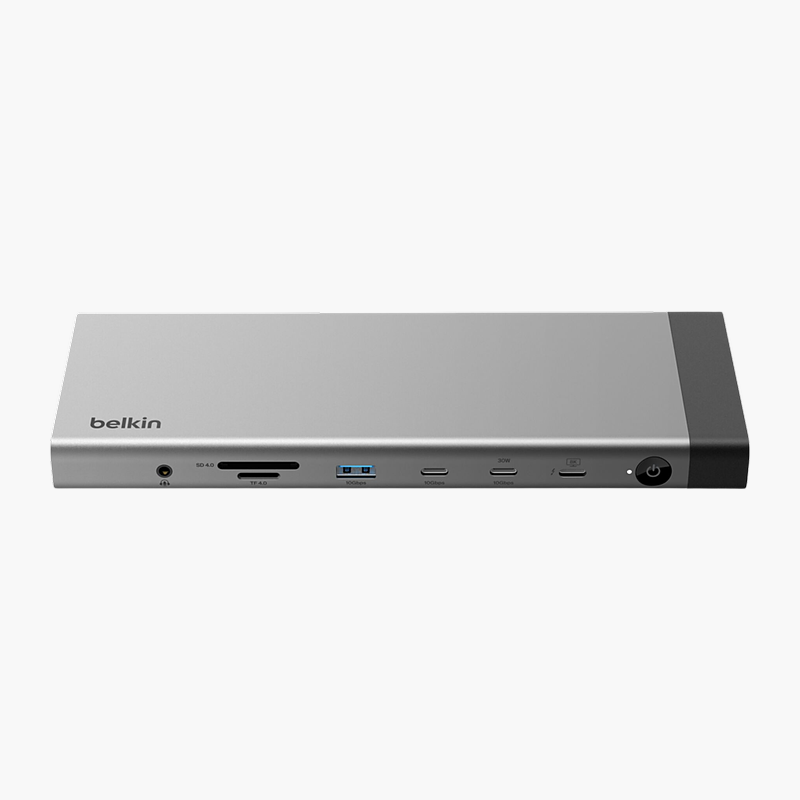
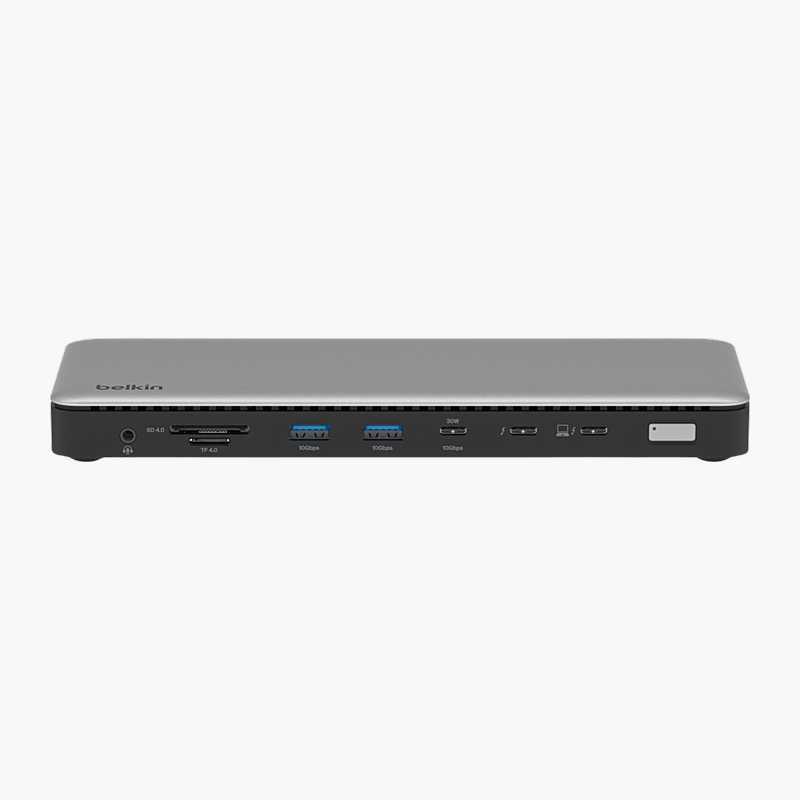
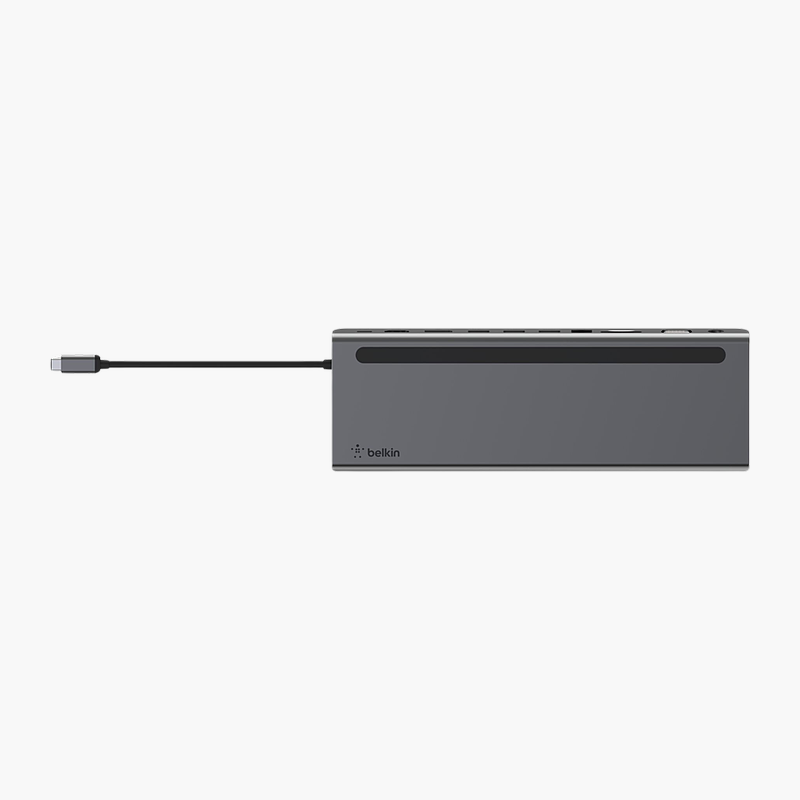
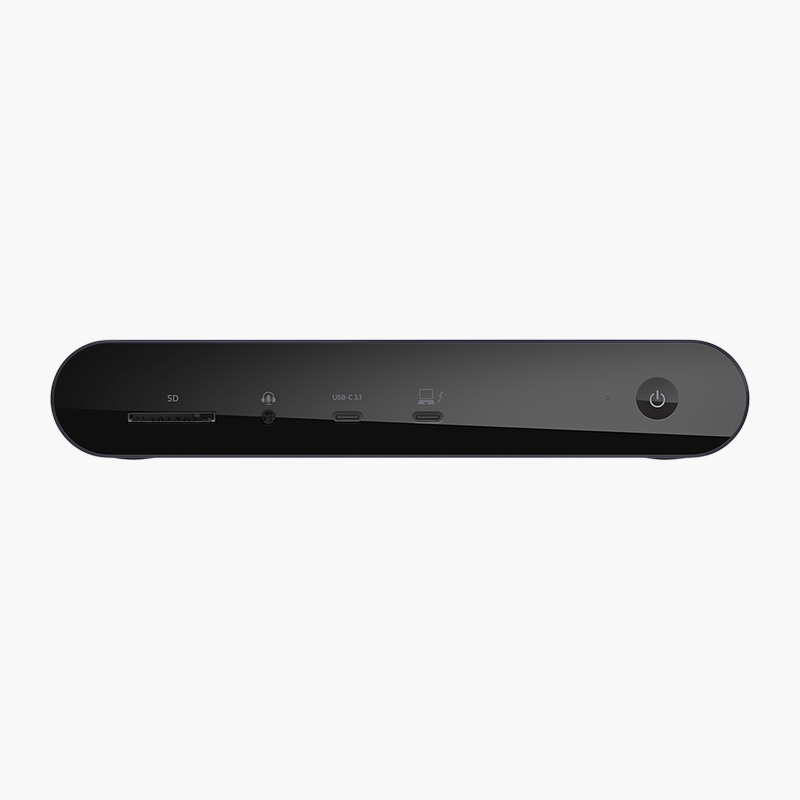
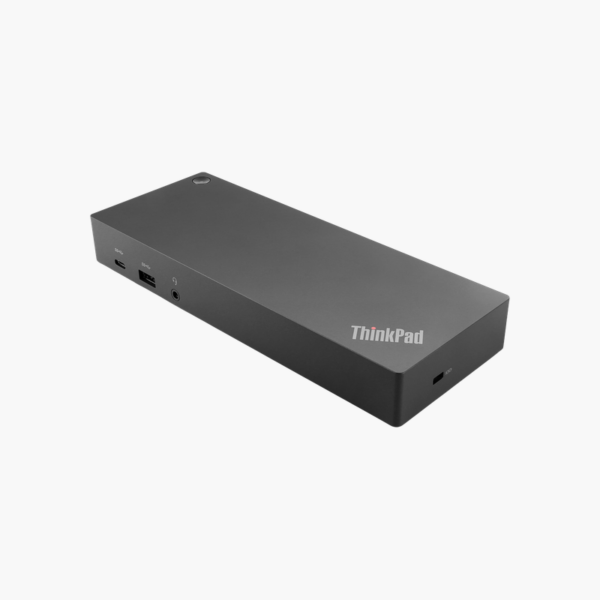
The Lenovo ThinkPad Hybrid USB-C with USB-A Dock (40AF0135EU) connects both USB-C and USB-A laptops to two 4K displays, Gigabit Ethernet and up to six USB devices. It includes a 135W EU power adapter and suits offices with mixed laptop generations and hot-desking spaces.
Why Mixed Laptop Fleets Need a Hybrid Dock
Many organizations run a mix of new USB-C laptops and older models with only USB-A ports. Buying different docks for each generation complicates hot-desking and IT support.
The Hybrid Dock connects to USB-C laptops directly and to USB-A laptops through the included adapter, using DisplayLink technology for video on systems without DisplayPort over USB-C. One dock model can therefore serve the whole fleet.
Dual 4K display support, USB 3.1 Gen 2 ports and Gigabit Ethernet turn any connected laptop into a productive desktop setup.
Dual 4K Display Support
Two DisplayPort and two HDMI outputs support up to two 4K displays, giving users more screen space for spreadsheets, design and communication apps.
ThinkPad Integration
On supported ThinkPad laptops, the dock supports RapidCharge, MAC address pass-through and PXE boot for managed deployments.
How to Set Up the Lenovo ThinkPad Hybrid USB-C with USB-A Dock
- Connect the 135W power adapter to the dock and an EU outlet.
- Install the DisplayLink driver from Lenovo support if your laptop connects through USB-A or does not support DisplayPort Alt Mode.
- Connect monitors, Ethernet and peripherals to the dock.
- Connect the dock cable to your laptop (using the USB-C to USB-A adapter for USB-A laptops) and configure your displays.







Reviews
There are no reviews yet.