
Networking
Shop all 595 products
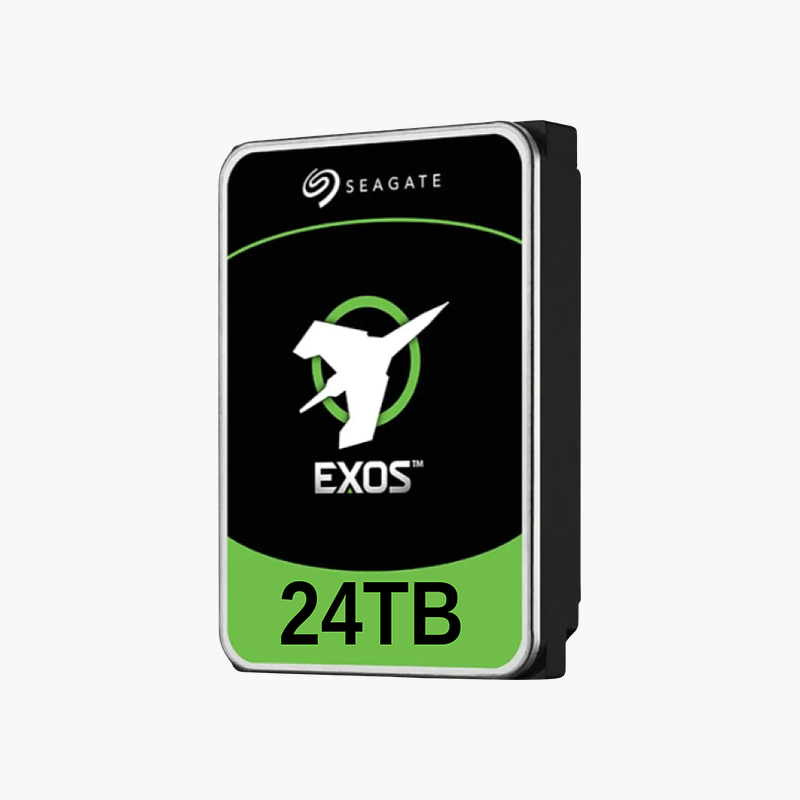
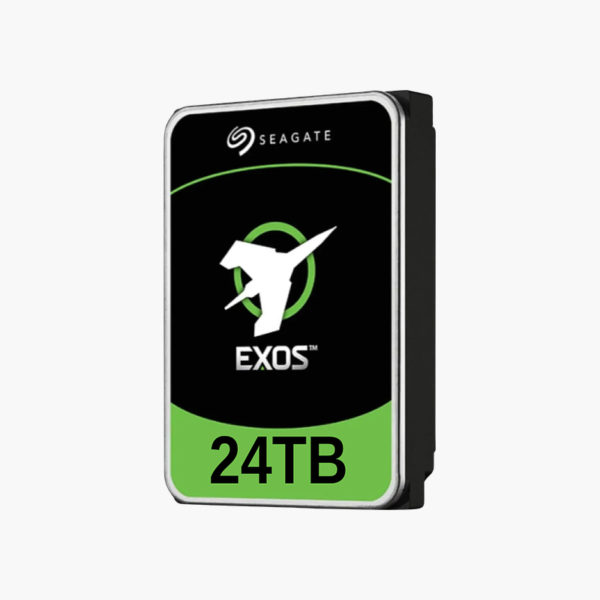
The Seagate Exos 24TB (ST24000NM001C) is a 3.5-inch factory recertified enterprise hard drive for servers, data centers, large NAS arrays and homelab builders. 7200 RPM operation, SATA 6Gb/s connectivity and a 550TB/year workload rating deliver dependable 24/7 capacity at a lower cost per terabyte. It is a strong fit for backup targets, virtualization hosts and scale-out storage.
Enterprise capacity at a recertified price per terabyte.
Why Enterprise Workloads Need Enterprise-Rated Drives
Servers, backup targets and large NAS arrays run 24/7, with drives sharing vibration and heat in dense chassis. Desktop and entry NAS drives are not rated for that duty cycle, which leads to timeouts, degraded arrays and costly downtime.
The Seagate Exos 24TB is designed for enterprise workloads, with a 550TB/year rating and firmware tuned for RAID controllers. At 24TB per drive, it delivers some of the highest capacity per bay available, so enterprise storage pools reach large usable sizes with fewer drives and less power per terabyte. The SATA 6Gb/s interface is backward compatible with SATA 3Gb/s ports and works with standard SATA controllers, NAS bays and server backplanes.
Factory recertified Exos drives are returned units that Seagate has tested and restored to specification, giving homelabs and backup servers large capacity at a lower price.
High Capacity per Bay
At 24TB, the drive reduces the number of bays and spindles needed for the same usable capacity, lowering power and cooling per terabyte.
Enterprise Reliability and Monitoring
Rated for 24/7 operation with enterprise workload figures, the drive reports detailed S.M.A.R.T. data for proactive replacement in servers and arrays.
Setup Instructions
How to Install the Seagate Exos 24TB
- Verify your server, NAS or HBA supports 3.5-inch SATA 6Gb/s drives at this capacity.
- Mount the drive in the correct carrier or tray.
- Insert into the bay (hot-swap if supported) and confirm it appears in the controller or OS.
- Add it to a RAID group, ZFS pool or storage volume and enable health monitoring.



Reviews
There are no reviews yet.