
Networking
Shop all 595 products
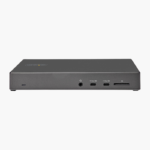
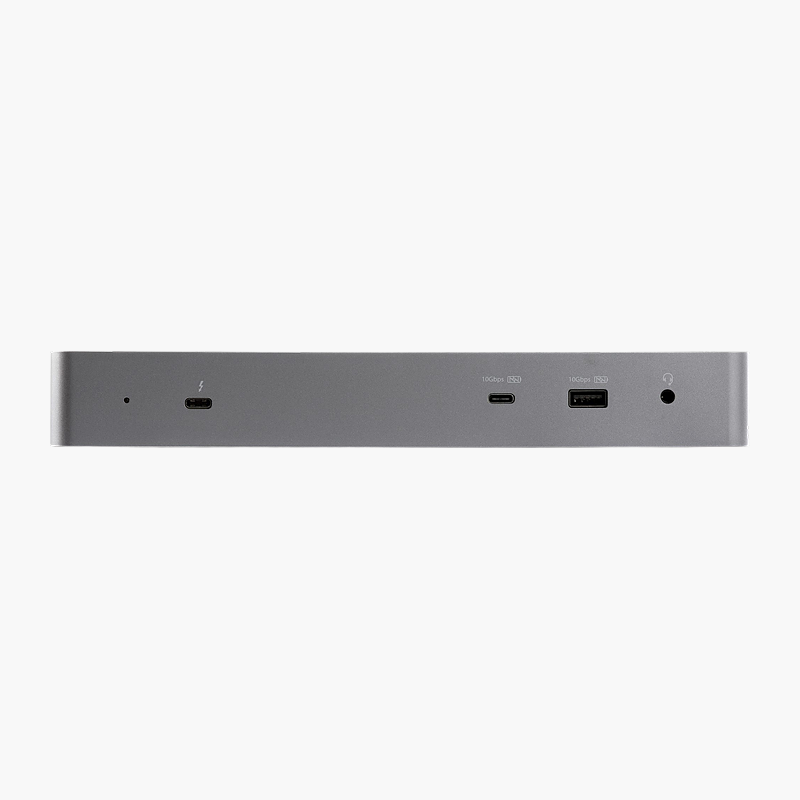
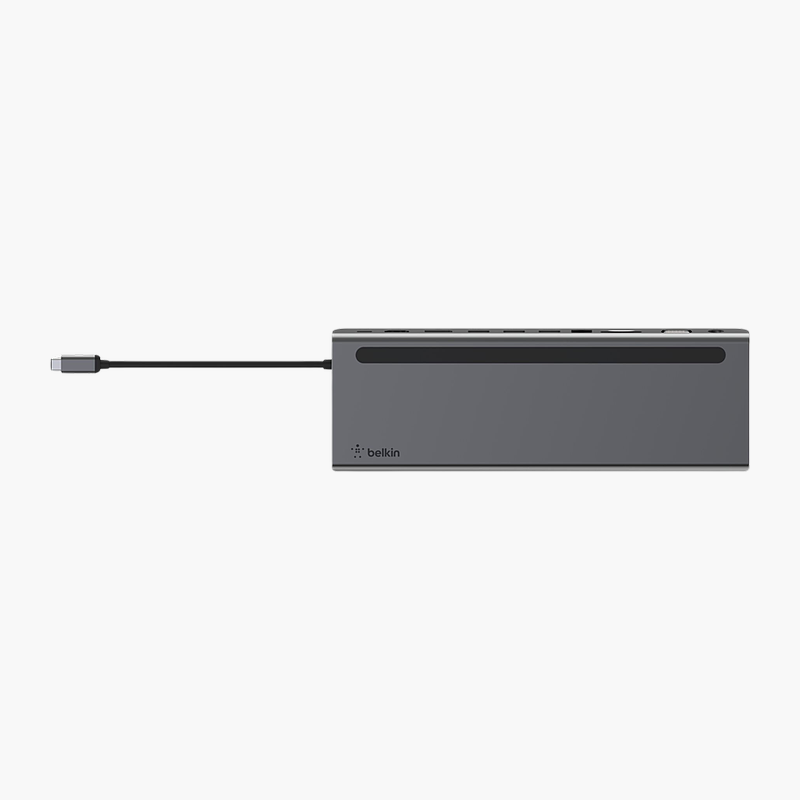
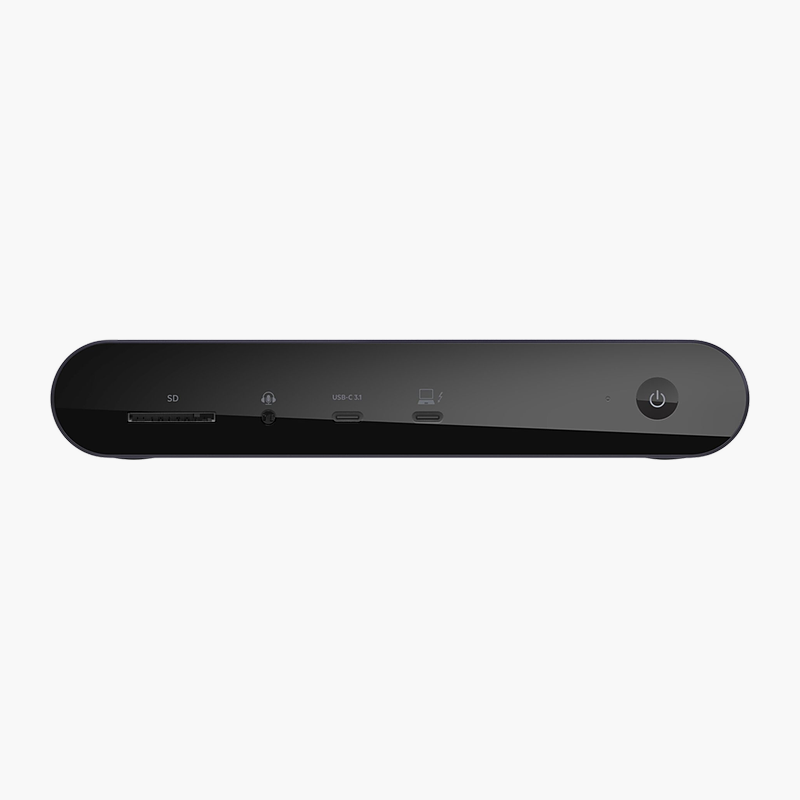
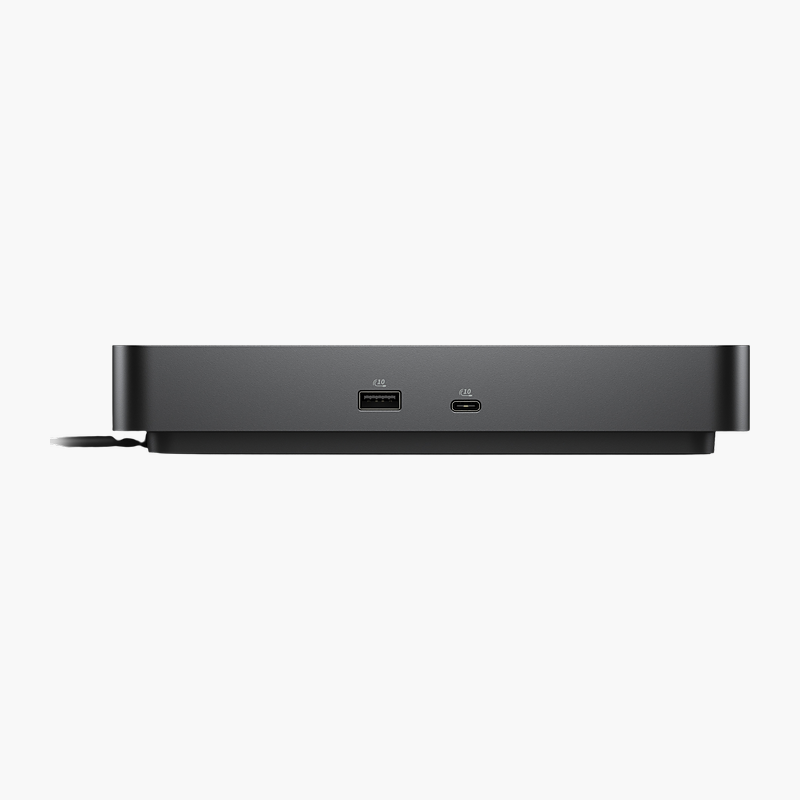
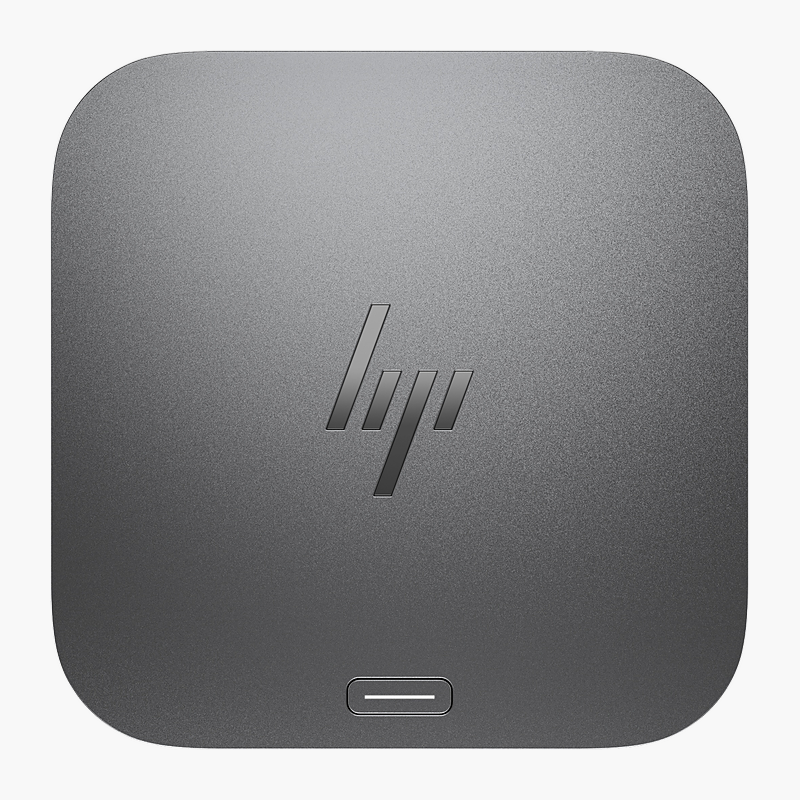
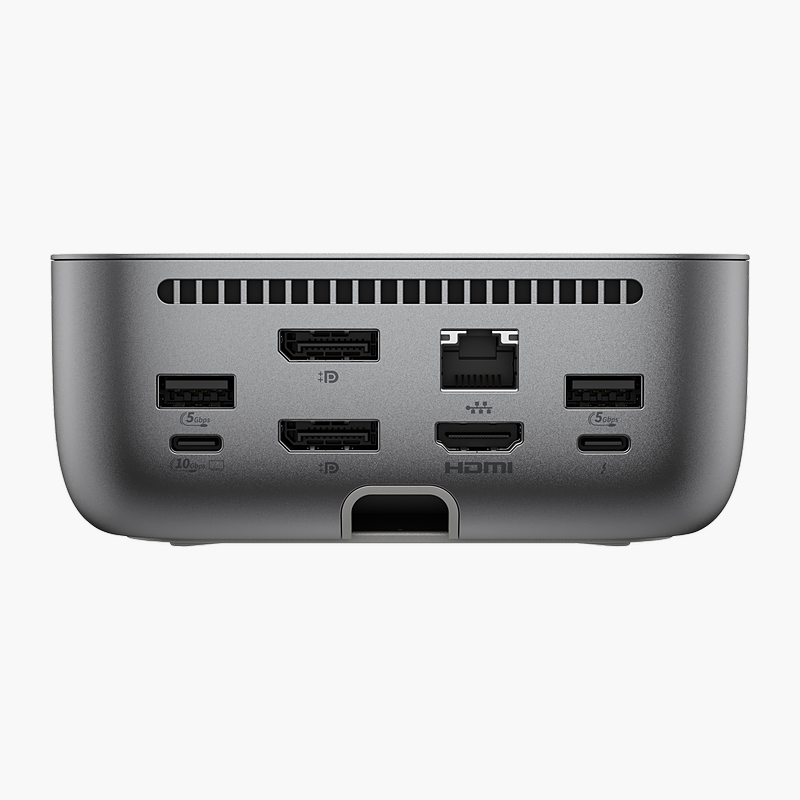
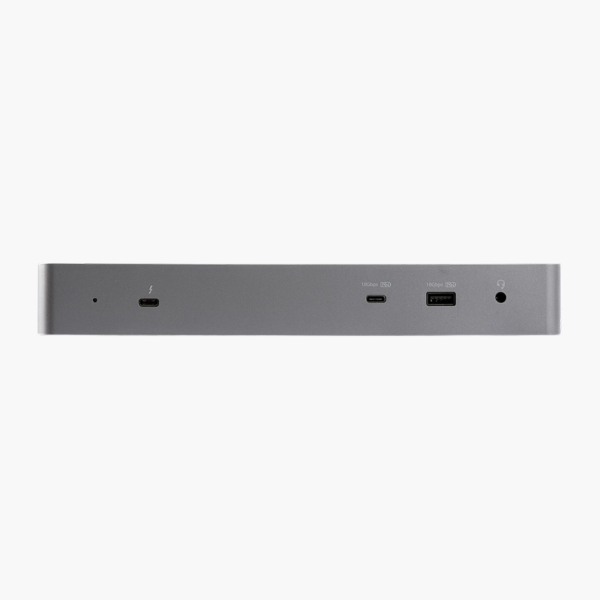
The StarTech USB-C Dual Monitor Docking Station for MacBook connects to your laptop over USB-C and adds HDMI, DisplayPort, USB-A, USB-C and Gigabit Ethernet ports. It charges your laptop at up to 96W and drives dual monitors. It is built for home offices, hot desks and hybrid teams.
Fewer cables, more connections.
Connect Monitors, Network and Peripherals With a Single Cable
Plugging a charger, monitor cables, a network cable and several USB devices into a laptop every time you sit down wastes time and wears out its ports.
The StarTech USB-C Dual Monitor Docking Station for MacBook connects through USB-C, charges your laptop at up to 96W, drives dual monitors and adds HDMI, DisplayPort, USB-A, USB-C and Gigabit Ethernet ports. Unplug one cable and the laptop is ready to go.
Multi-Display Support
Display support: Dual monitors. Video outputs: Dual HDMI / DisplayPort. Display count and resolution depend on your laptop’s graphics and connection.
Ports for Every Peripheral
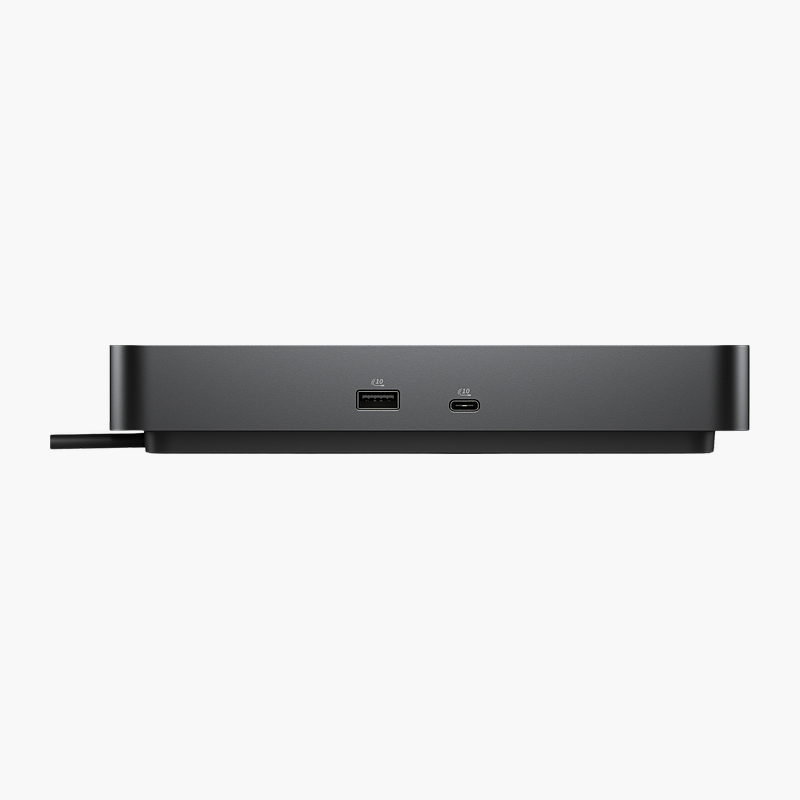
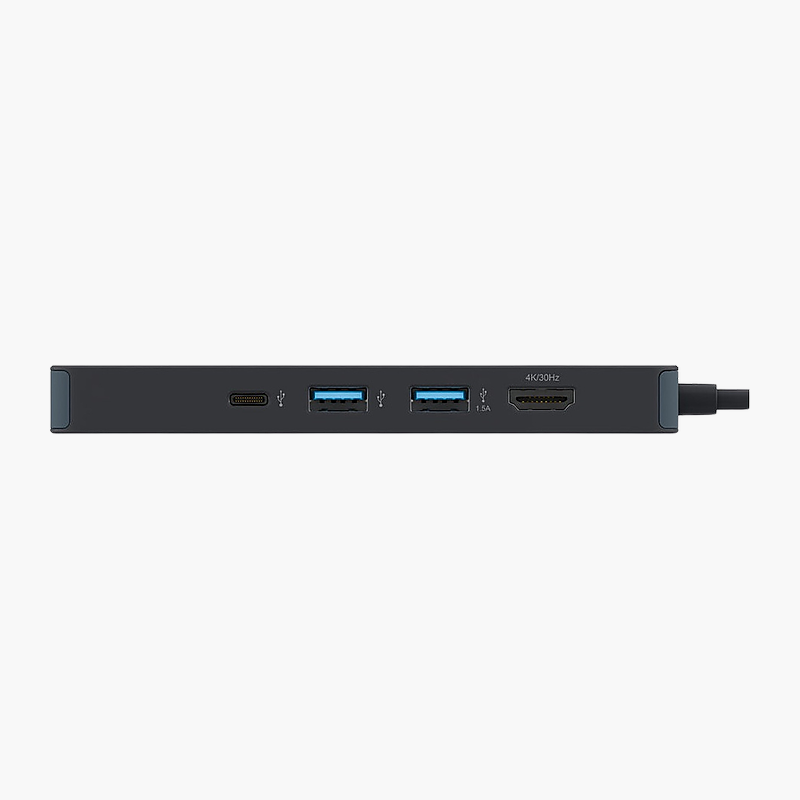
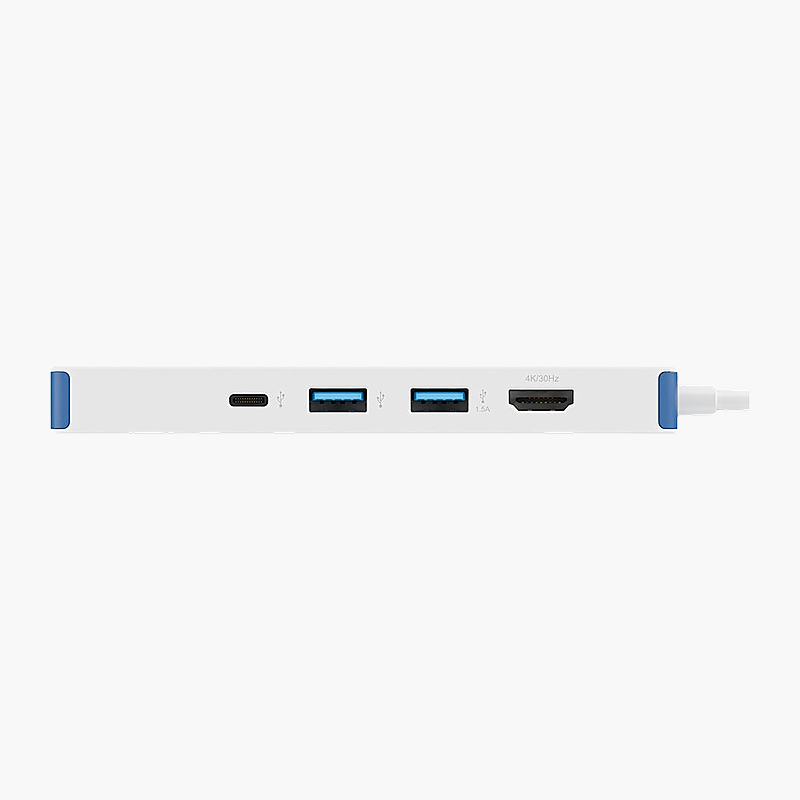
USB connectivity: USB-A ports; USB-C. It also includes Gigabit Ethernet for wired networking.
Setup Instructions
How to Set Up the StarTech USB-C Dual Monitor Docking Station for MacBook
- Connect the power adapter to the dock and a wall outlet.
- Connect your monitors to the dock’s video outputs (Dual HDMI / DisplayPort).
- Plug in your keyboard, mouse, Ethernet cable and other USB devices.
- Connect the dock to your laptop’s USB-C port with the included cable.
- Open your display settings to arrange and extend your monitors.






Reviews
There are no reviews yet.