
Networking
Shop all 595 products
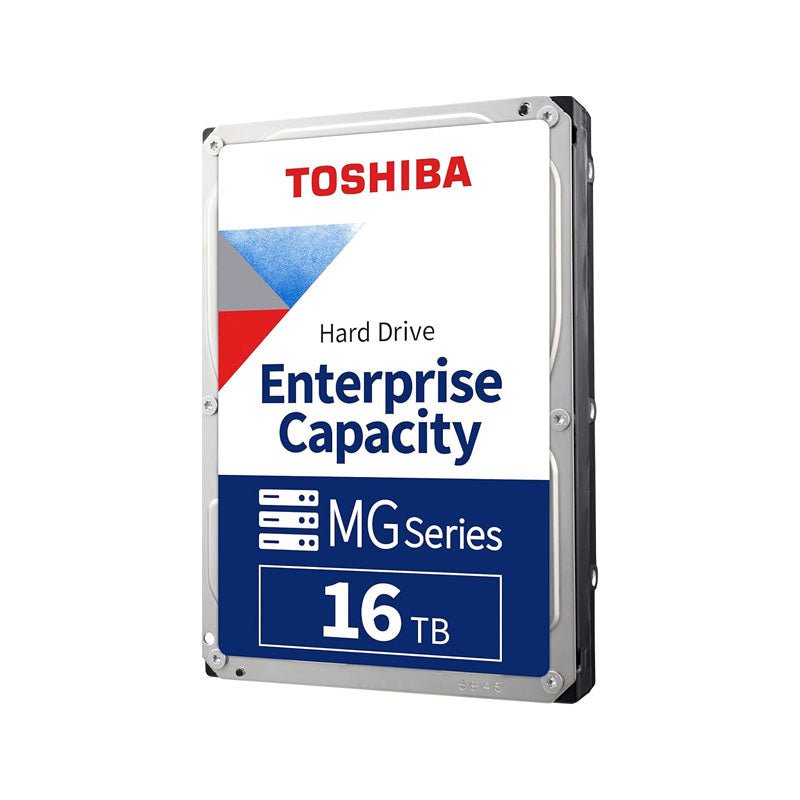
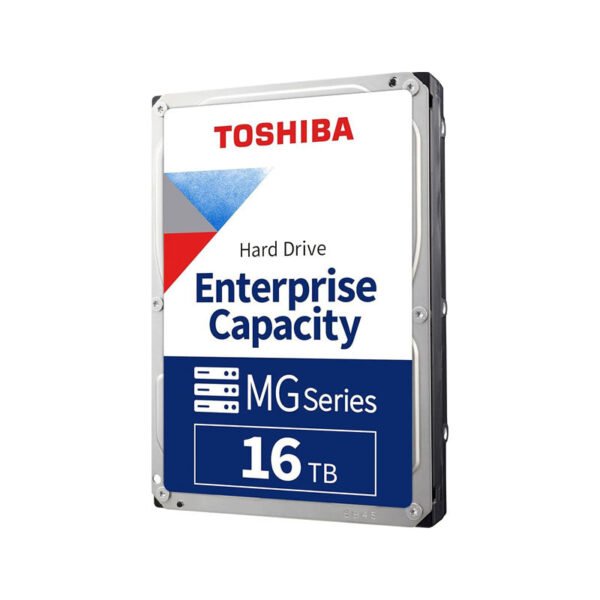
16TB of enterprise CMR capacity in a power-efficient, helium-sealed design.
The Toshiba MG08ACA16TE is a 16TB, 3.5-inch enterprise capacity SATA hard drive for servers, cloud storage, file and object platforms, and backup infrastructure. A 9-disk helium-sealed design, CMR recording, 7200 RPM spindle and 512MB cache deliver high density with a 550 TB/year rating and 2.5 million hours MTTF.
Why Business-Critical Storage Needs an Enterprise-Class Drive
Growing data sets push businesses to store more in fewer bays, but density cannot come at the cost of reliability. Consumer and NAS drives lack the workload rating for constant server traffic, and some high-capacity drives rely on SMR recording that can complicate RAID and ZFS rebuilds.
The MG08ACA16TE delivers 16TB with conventional magnetic recording (CMR) for broad application compatibility and predictable write performance. Toshiba rates it at 550 TB per year, 2,500,000 hours MTTF and an annualised failure rate of 0.35%.
Its nine platters sit inside a helium-sealed enclosure, closed with Toshiba’s laser welding, which reduces drag and lowers power to about 4.00 W at active idle. That improves watts per terabyte, an important cost factor when dozens of drives run around the clock.
High-Density Performance for Data Center Workloads
A 7200 RPM spindle and 512MB cache deliver up to 262 MiB/s sustained transfer. Rotational vibration (RV) sensors help maintain performance in dense multi-drive chassis where vibration from neighbouring drives is constant.
Data Protection Built In
The 512e model includes Toshiba Persistent Write Cache, which helps protect data in the drive’s cache during sudden power loss, and presents 512-byte logical sectors for compatibility with existing operating systems and controllers.
Setup Instructions
How to Install the Toshiba MG08 16TB in a Server or Storage System
- Power down the server or storage enclosure, or confirm the backplane supports hot-plug before removing a drive carrier.
- Fit the Toshiba MG08 16TB into the server’s 3.5-inch drive carrier and secure it with the carrier screws.
- Slide the carrier into a SATA-capable backplane slot, or connect it to a SATA port or SAS HBA, then power on the system.
- Confirm the drive in your RAID controller, HBA utility or OS storage manager, then add it to an array, ZFS pool or volume and enable S.M.A.R.T. monitoring.






Reviews
There are no reviews yet.