
Networking
Shop all 595 products

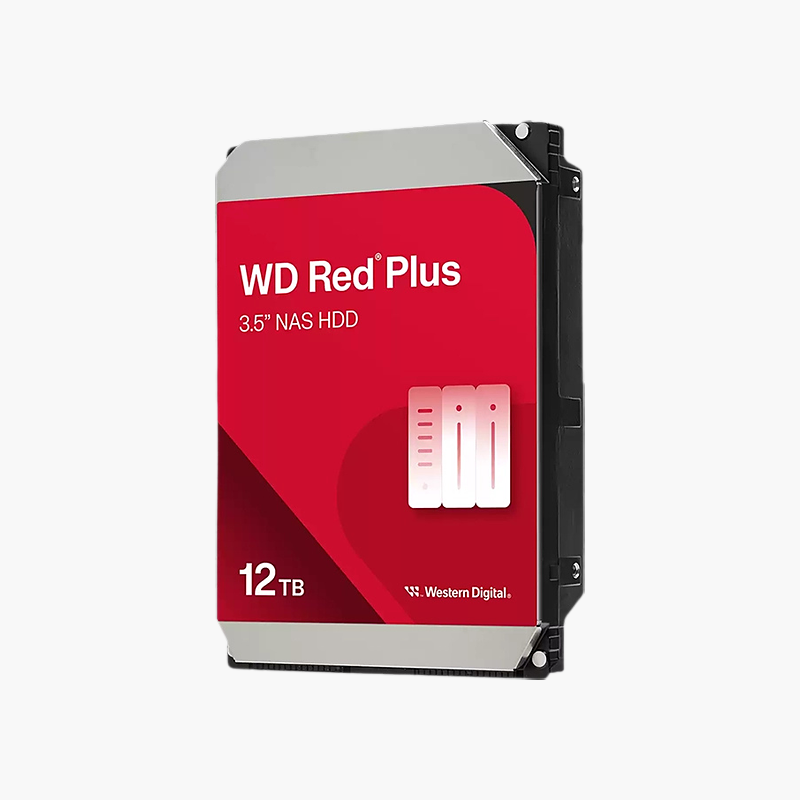
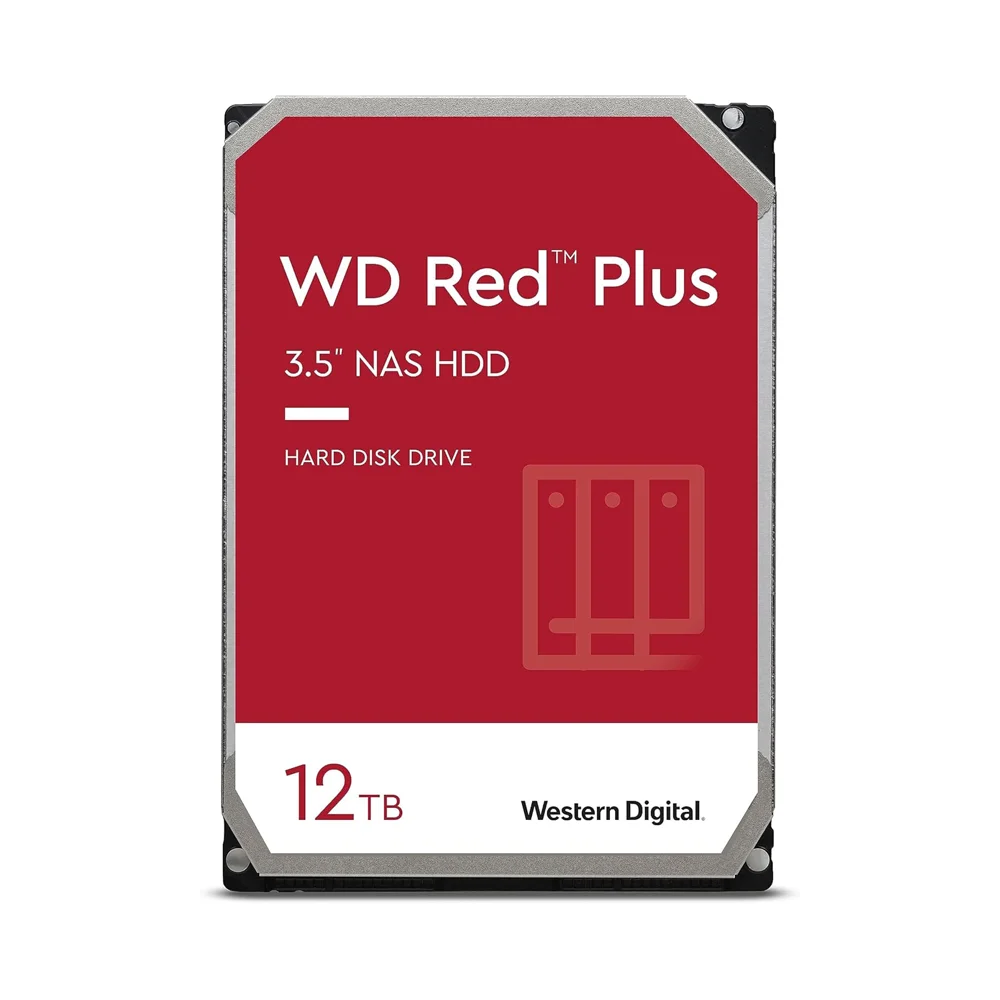
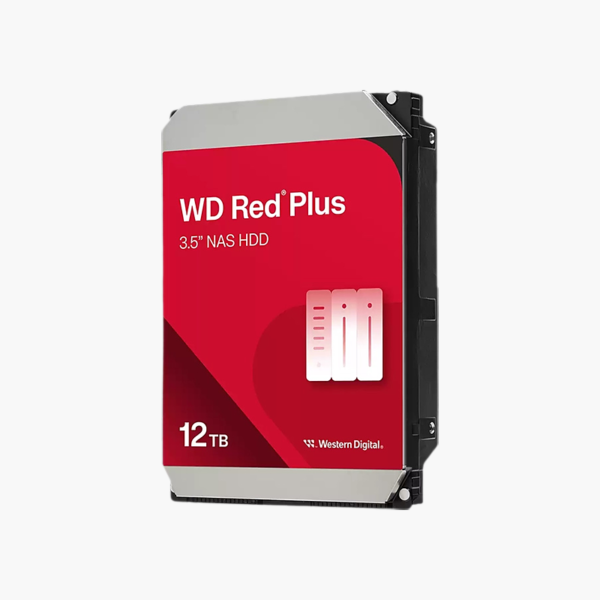
The WD Red Plus 12TB (WD120EFGX) is a 3.5-inch CMR NAS hard drive for home NAS users, homelabs and small offices running 1–8 bay systems. NASware 3.0 firmware, a 512MB cache and 7200 RPM operation deliver predictable RAID performance and reliable 24/7 storage for growing files.
CMR NAS storage that keeps RAID rebuilds predictable.
Why a Desktop or SMR Drive Doesn’t Belong in Your NAS
Most NAS problems start with the wrong drive. Desktop drives are designed for a few hours of use per day, while a NAS runs around the clock with several drives sharing heat and vibration. SMR drives add a second risk: they overlap tracks, so sustained writes – like a RAID rebuild – can slow dramatically and stretch the time your array is unprotected.
The WD Red Plus 12TB avoids both problems. It uses CMR, so each track is written independently and rebuild speeds stay consistent, and NASware 3.0 limits error-recovery time so a hard-to-read sector doesn’t get the drive ejected from the array. At 12TB, it gives growing NAS deployments room for several years of data growth per bay.
CMR Recording – Predictable Performance Under Load
Write performance stays steady whether you are copying a single large file or rebuilding after a drive failure. With a 512MB cache and SATA 6Gb/s, the drive handles backups, media streaming and shared folders for several users at once.
Built for Always-On Multi-Bay Enclosures
The drive is rated for a 180TB/year workload and 1 million hours MTBF in 24/7 operation, and is designed for the vibration of multi-bay chassis with up to 8 drives. Its 7200 RPM spindle adds speed for multi-user workloads.
Setup Instructions
How to Install the WD Red Plus 12TB in Your NAS
- Check your NAS model’s compatibility list and power the unit down unless it supports hot-swap.
- Mount the drive in an empty tray or bay using the enclosure’s screws or tool-less clips.
- Power on – Synology DSM, QNAP QTS, TrueNAS and Unraid will detect the new drive automatically.
- Create a new storage pool or add the drive to an existing RAID volume, then enable scheduled S.M.A.R.T. tests.





Reviews
There are no reviews yet.