Networking
Shop all 590 products
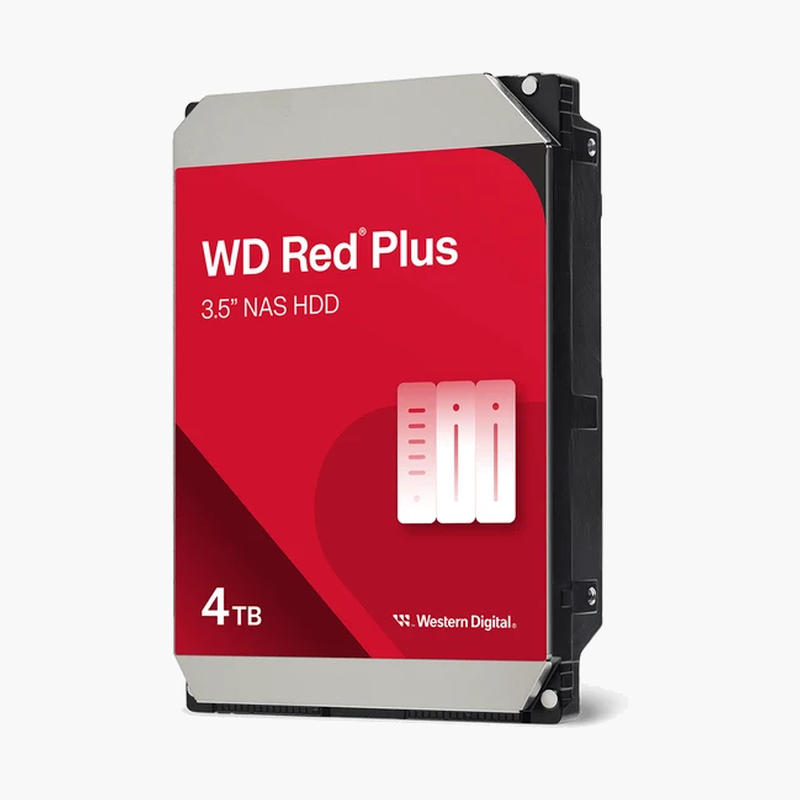
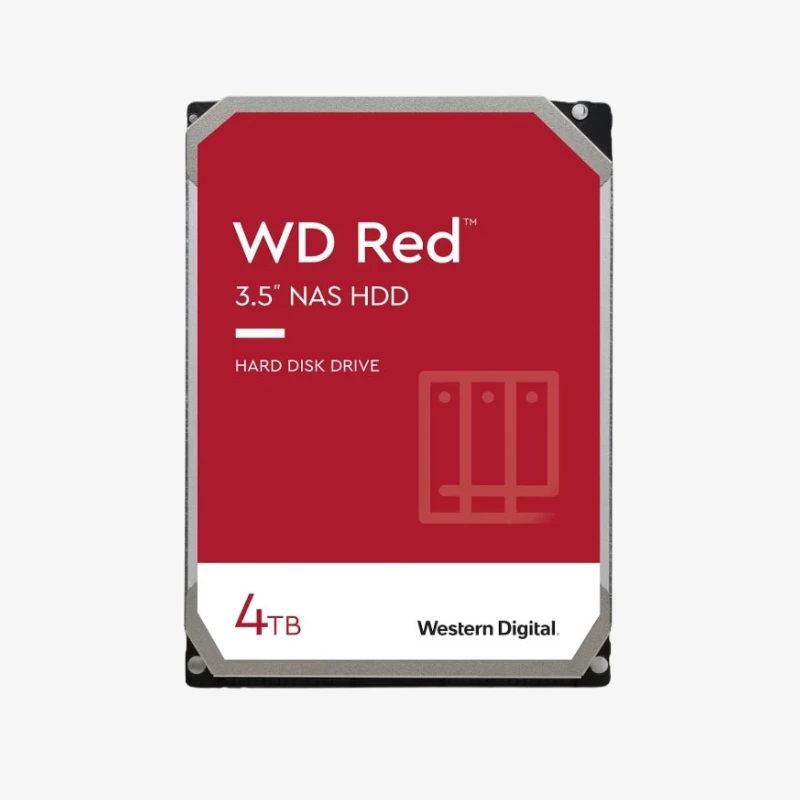
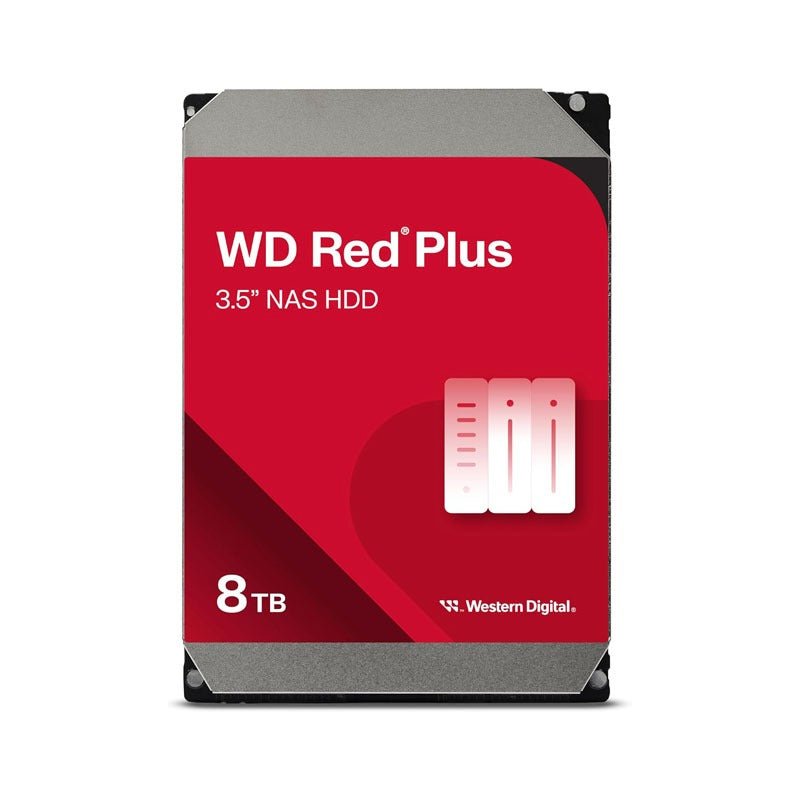
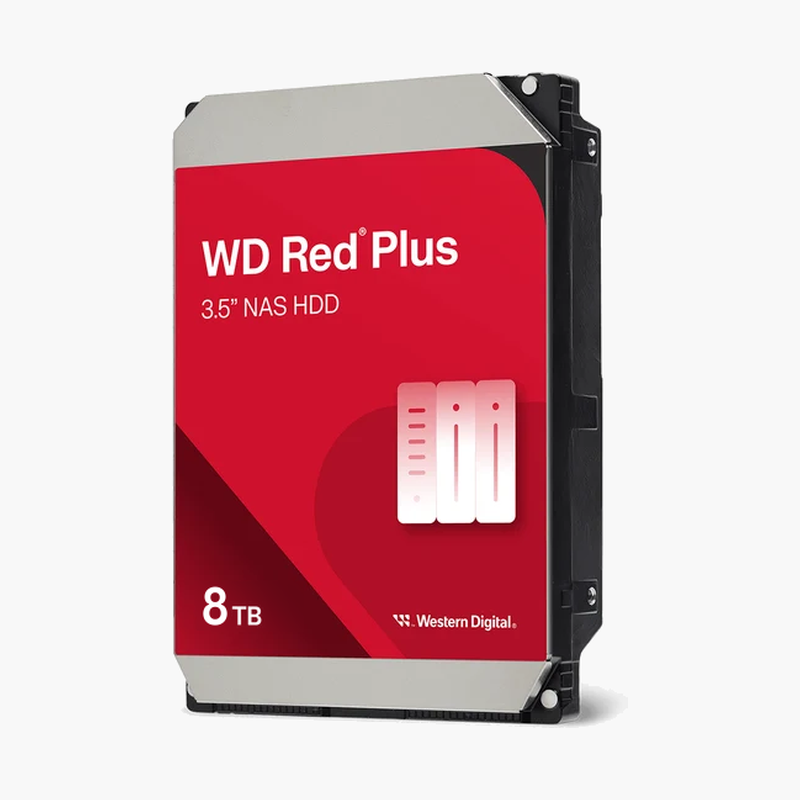
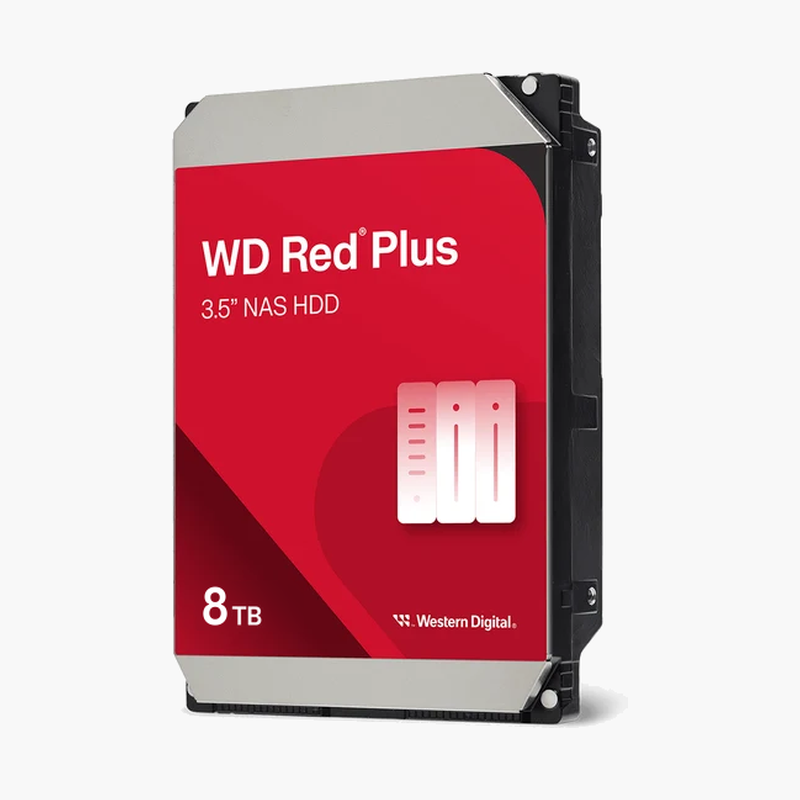
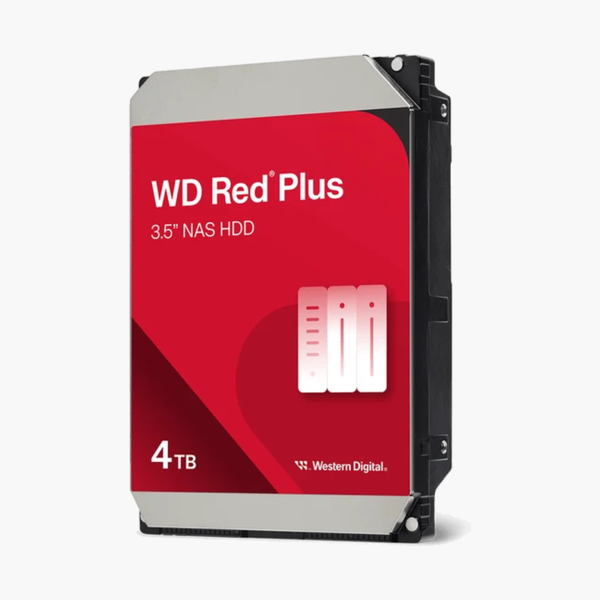
The WD Red Plus 4TB is a 3.5-inch internal hard drive engineered specifically for NAS enclosures. It uses CMR recording technology and NASware 3.0 firmware, and is validated for continuous operation in systems with up to 8 drive bays — the setup most home and small-office NAS users actually run.
Deep-Dive Story & Problem/Solution
Why a Desktop Hard Drive Doesn’t Belong in Your NAS
Most drive failures in home NAS setups don’t come from bad luck — they come from using the wrong drive. Desktop hard drives are built and validated for a few hours of intermittent use per day. A NAS drive runs continuously, often alongside three, five, or eight other drives spinning in the same enclosure, generating heat and vibration the desktop drive was never tested against.
The WD Red Plus 4TB is validated by Western Digital for that exact environment. It’s built for always-on operation and for the vibration load of multi-bay NAS chassis — the conditions that cause desktop drives to fail early or drop out of a RAID array.
There’s a second trap buyers run into: SMR (shingled magnetic recording) drives. Some budget NAS drives — including certain WD Red models without “Plus” in the name — use SMR, which writes data in overlapping tracks. That’s fine for cold storage, but it causes serious slowdowns during RAID rebuilds and sustained writes. The WD Red Plus 4TB uses CMR, where each track is written independently, giving predictable performance when you need it most — during a rebuild after a drive failure.
CMR Technology — Predictable Performance Under Load
CMR means write speeds stay consistent whether you’re copying a single large file or rebuilding a RAID array after replacing a failed disk. This matters most in the moment your NAS is most vulnerable: mid-rebuild, when a slow, inconsistent drive extends your exposure window.
NASware 3.0 — Built for Multi-Drive Systems
NASware 3.0 is Western Digital’s firmware tuned specifically for NAS use, addressing compatibility, error recovery, and vibration tolerance across popular NAS platforms. It’s part of what separates this drive from a repurposed desktop HDD.
Setup Instructions
How to Install the WD Red Plus 4TB in Your NAS
- Power down your NAS enclosure completely before opening any drive bay, to avoid damage to the drive or controller.
- Insert the drive into an empty bay or drive tray, and secure it using your NAS manufacturer’s mounting screws or tool-less tray system.
- Reconnect and power on the NAS. Most platforms (Synology, QNAP, etc.) will detect the new drive automatically.
- Initialize the drive through your NAS software — format it and add it to a new or existing RAID volume following your NAS manufacturer’s setup wizard.