
Networking
Shop all 595 products

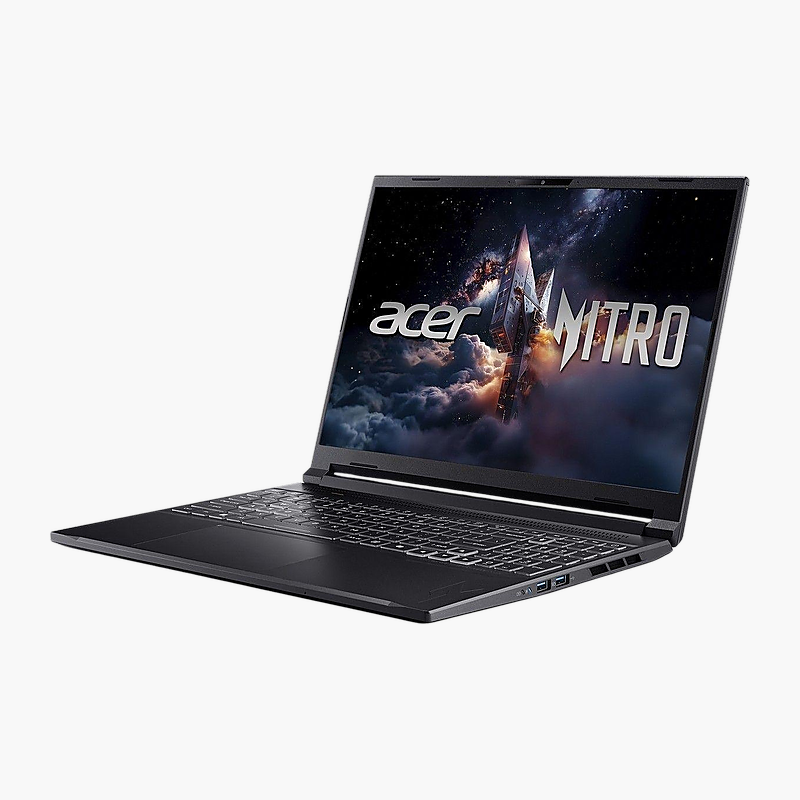
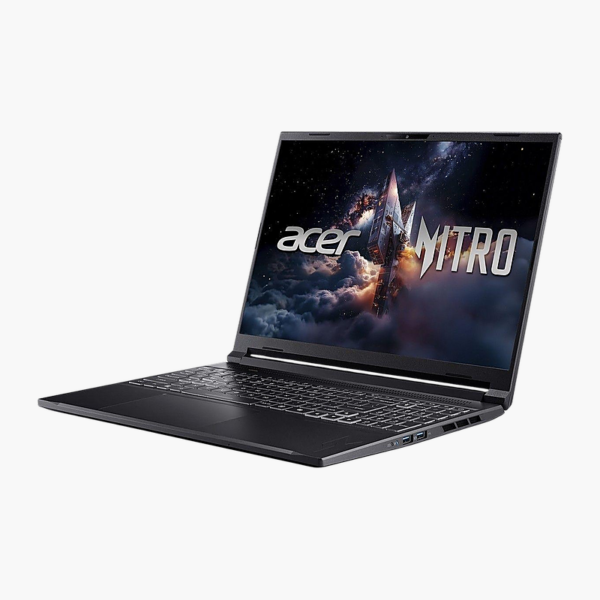
The Acer Nitro V 16S is a 16-inch gaming laptop powered by the Intel Core 7 240H, with 16GB of memory and a 1TB SSD. Its 16-inch 2560 x 1600 IPS display and NVIDIA GeForce RTX laptop GPU make it a strong fit for gamers and streamers who want high frame rates. It runs Windows 11 Home.
High frame rates, fewer compromises.
Smooth Gameplay at High Refresh Rates
Older or entry-level laptops struggle to keep frame rates stable in modern games, and slow storage means long load times between matches.
The Acer Nitro V 16S pairs the Intel Core 7 240H with NVIDIA GeForce RTX laptop GPU, 16GB of memory and a 1TB SSD, driving its 16-inch 2560 x 1600 IPS display for smooth, responsive gameplay.
Graphics and Display
The NVIDIA GeForce RTX laptop GPU drives the 16-inch 2560 x 1600 IPS display (2560 x 1600 IPS, 180Hz, matte) for fluid motion in fast-paced titles.
Performance and Storage
The Intel Core 7 240H and 16GB DDR5 (max 32GB) memory handle gaming, streaming and multitasking, while the 1TB PCIe NVMe SSD shortens load times.
Setup Instructions
How to Set Up the Acer Nitro V 16S
- Connect the included power adapter and charge the laptop.
- Press the power button and follow the Windows setup screens.
- Connect to Wi-Fi and sign in with your Microsoft or work account.
- Run Windows Update and Acer Care Center to install the latest drivers and firmware.
- Install your game launcher and graphics driver updates, then select the high-performance power mode.








Reviews
There are no reviews yet.