
Networking
Shop all 595 products

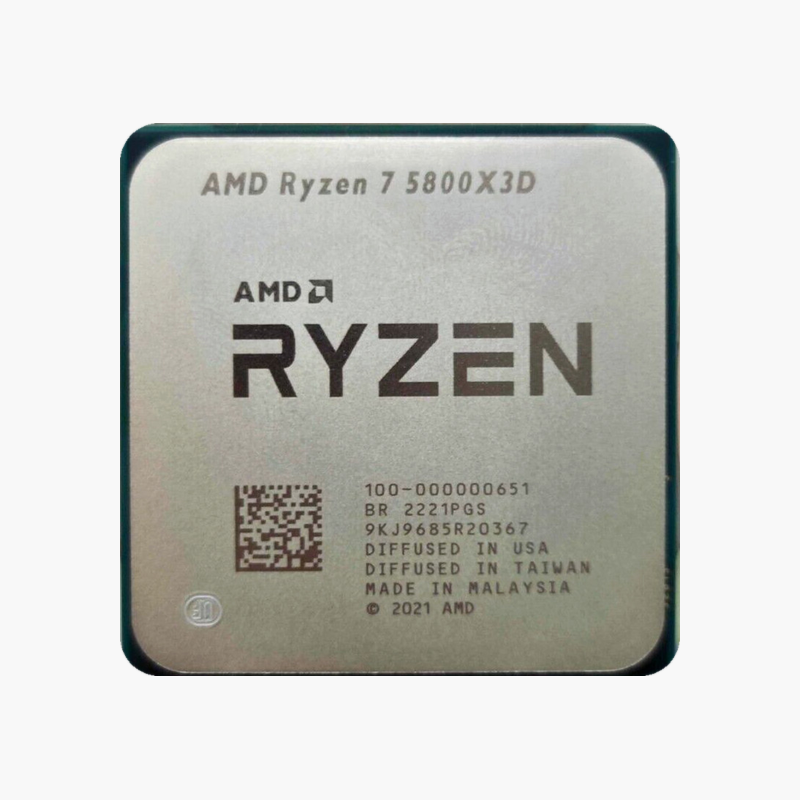
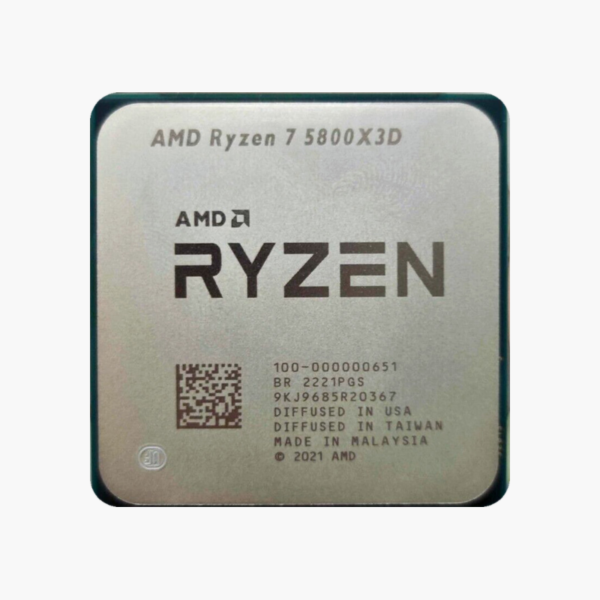
The AMD Ryzen 7 5800X3D (100-100000651POF) is an AM4 gaming desktop processor with 8 cores, 16 threads and boost clocks up to 4.5GHz. Built on Zen 3 with 3D V-Cache, with 96MB L3 (3D V-Cache), it is aimed at gamers and streamers chasing maximum frame rates.
3D V-Cache built for high-refresh gaming.
Why 3D V-Cache Raises Gaming Frame Rates
In many modern games the CPU, not the graphics card, limits frame rates – especially at 1080p and 1440p with high-refresh monitors. The bottleneck is often memory latency: every time game data has to be fetched from system RAM, the cores wait.
The AMD Ryzen 7 5800X3D stacks AMD 3D V-Cache on top of the processor die, giving it 96MB L3 (3D V-Cache). More of the game’s working set stays on-chip, so the cores spend less time waiting and more time rendering frames. The result is higher average and minimum frame rates in cache-sensitive titles, with smoother frame pacing.
The AM4 platform uses affordable DDR4 memory and a large range of motherboards, making it a cost-effective upgrade path for existing AM4 systems.
Cores, Clocks and Cache in Practice
With 8 cores, 16 threads, up to 4.5GHz and 96MB L3 (3D V-Cache), the AMD Ryzen 7 5800X3D handles high-refresh gaming at 1080p and 1440p with headroom. Power is rated at 105W TDP.
Platform and Connectivity
The AM4 socket supports DDR4-3200, dual-channel and PCIe 4.0. A discrete graphics card is required for display output.
Setup Instructions
How to Install the AMD Ryzen 7 5800X3D
- Check your motherboard uses the AM4 socket and update its BIOS to a version that supports the Ryzen 7 5800X3D.
- Open the socket retention mechanism, align the CPU’s markings with the socket and lower it in without force.
- Apply thermal paste if needed and install a capable air or liquid cooler – no cooler is included.
- Install a discrete graphics card, boot into BIOS, enable your memory’s EXPO/XMP profile and install the latest chipset drivers.



Reviews
There are no reviews yet.