
Networking
Shop all 595 products

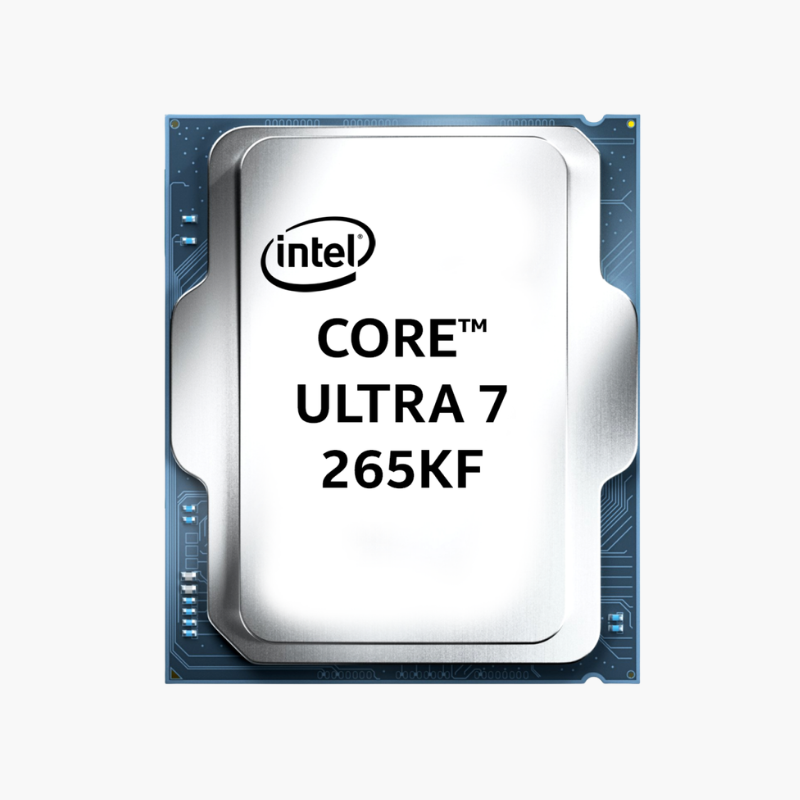
The Intel Core Ultra 7 265KF is an Intel Core Ultra Series 2 (200S) desktop processor (Arrow Lake-S) with 20 cores (8 Performance + 12 Efficient), 20 threads and a maximum turbo frequency of 5.5 GHz. It uses the LGA1851 socket, supports DDR5-6400 memory, and is aimed at high-refresh gaming, streaming and content creation builds.
Why High-Refresh Gaming and Streaming Need More Than Clock Speed – Intel Core Ultra 7 265KF
High-refresh gaming exposes weak processors quickly. When a game, an encoder, Discord, a browser and monitoring tools all compete for the same few cores, frame times spike and 1% lows drop, even if average FPS looks fine on paper.
The Core Ultra 7 265KF separates that work. Its 8 performance cores run up to 5.5 GHz for the game thread and other latency-sensitive tasks, while 12 efficient cores take on encoding, background apps and system tasks. With 20 threads in total, you can game, stream and record without the processor becoming the limit.
Arrow Lake also moves to the LGA1851 platform with DDR5-6400 support, PCIe 5.0 and an integrated NPU, and it draws noticeably less power under load than the previous generation, which makes it easier to cool quietly.
Redesigned Hybrid Architecture – 8 P-Cores and 12 E-Cores Working Together
Intel Thread Director works with Windows 11 to place each task on the right type of core. Demanding foreground work goes to the 8 performance cores, while background and highly parallel work spreads across the 12 efficient cores. Arrow Lake removes Hyper-Threading in favor of larger, faster cores, so each of its threads runs on a full physical core.
Unlocked for Overclocking and Tuning
The K-series multiplier is unlocked, so you can raise core, cache and memory clocks on a Z890 motherboard. Many owners also undervolt to lower temperatures and fan noise while keeping stock performance. As a KF model it has no integrated graphics, so a discrete graphics card is required.
Setup Instructions
How to Install the Intel Core Ultra 7 265KF
- Confirm your motherboard uses the LGA1851 socket with an Intel 800-series chipset. Update the BIOS to the latest version before installing the processor.
- Lift the socket load plate, align the triangle marker and the notches on the Core Ultra 7 265KF with the socket, and lower it straight down without pressure. Close the load plate and lever; the plastic socket cover will pop off.
- Apply a thin layer of thermal paste and mount an LGA1851-compatible cooler. Use at least a 360mm AIO liquid cooler or a top-tier dual-tower air cooler for this chip’s 125W base and 250W maximum turbo power.
- Connect your monitor to the graphics card (this model has no integrated graphics), power on, enter the BIOS to confirm the processor is detected and enable the XMP memory profile, then install Windows 11 and the latest chipset drivers.





Reviews
There are no reviews yet.