
Networking
Shop all 595 products
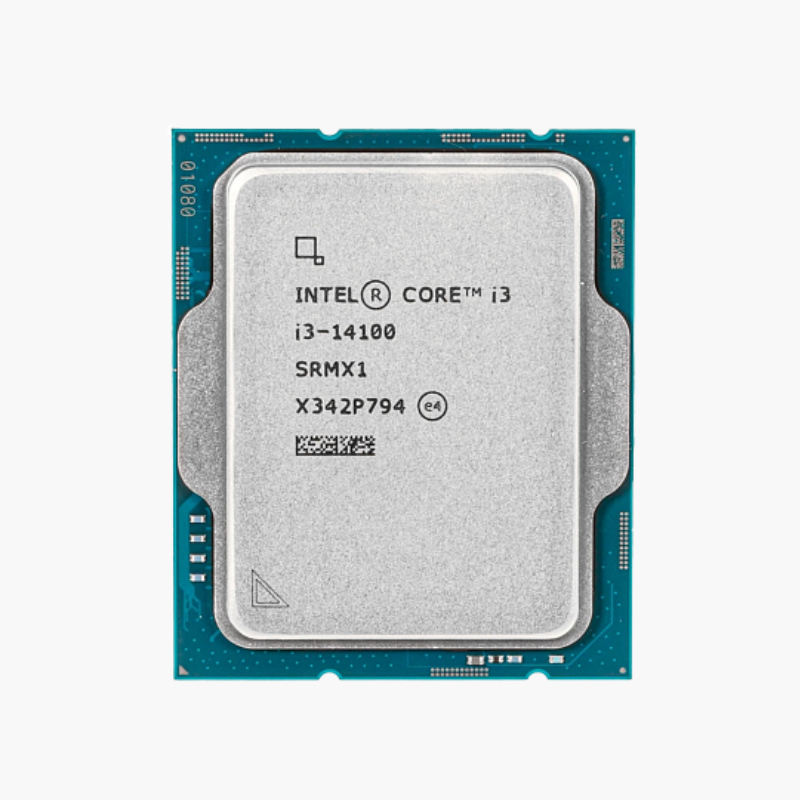
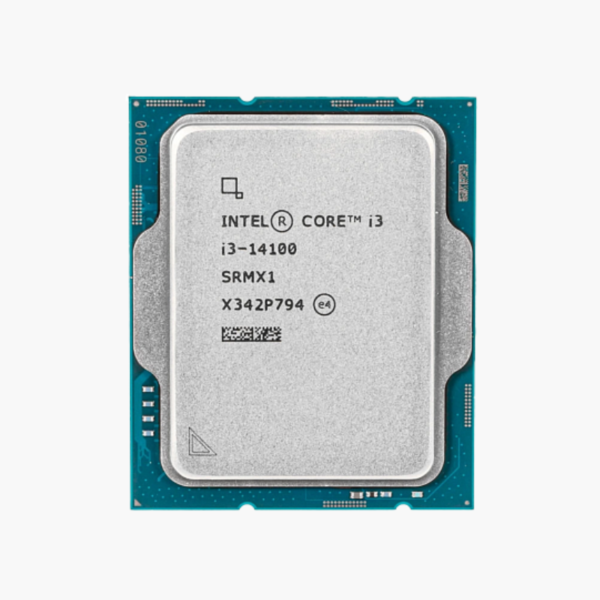
The Intel Core i3-14100 is a 14th Gen Intel Core desktop processor (Raptor Lake Refresh) with 4 cores, 8 threads and a maximum turbo frequency of 4.7 GHz. It uses the LGA1700 socket, supports DDR5-4800 and DDR4-3200 memory, and is aimed at budget gaming PCs, home office systems and everyday desktops.
Why Budget PCs Stutter – and How the i3-14100 Fixes It
Most budget desktops struggle for one reason: an aging dual-core or early quad-core processor that maxes out the moment a game, a browser and a chat app run together. The result is stutter, slow app launches and a PC that feels old long before it should.
The i3-14100 uses four modern performance cores with Hyper-Threading, giving you 8 threads at up to 4.7 GHz. That is enough for esports titles, 1080p gaming with a mid-range graphics card, office suites, schoolwork and video streaming at the same time, without the processor becoming the bottleneck.
Because it sits on the LGA1700 socket, the i3-14100 also protects your investment. You can start with an affordable H610, B660 or B760 board and later drop in a 12th, 13th or 14th Gen Core i5, i7 or i9 without replacing the motherboard.
4 Full-Speed Performance Cores With Hyper-Threading
The i3-14100 uses 4 Raptor Cove-class performance cores, each with Hyper-Threading for 8 threads in total. With 12MB of shared cache and turbo speeds up to 4.7 GHz, it delivers strong per-core performance for games and everyday applications, and behaves the same on Windows 10, Windows 11 and Linux.
Intel UHD Graphics 730 for GPU-Free Builds
The integrated Intel UHD Graphics 730 can drive multiple displays on its own, which makes the i3-14100 a good fit for office, school and home PCs that do not need a graphics card. Intel Quick Sync Video accelerates encoding and decoding in apps like HandBrake, Plex and video editors, and the iGPU is also a useful backup if a graphics card ever fails.
Setup Instructions
How to Install the Intel Core i3-14100
- Confirm your motherboard uses the LGA1700 socket with an Intel 600-series or 700-series chipset. If you are using a 600-series board, update the BIOS first so it recognizes this processor. Install the latest BIOS with Intel microcode 0x12B or newer, which Intel released to address voltage-related instability on 13th and 14th Gen desktop processors.
- Lift the socket load plate, align the triangle marker and the notches on the i3-14100 with the socket, and lower it straight down without pressure. Close the load plate and lever; the plastic socket cover will pop off.
- Apply a thin layer of thermal paste and mount an LGA1700-compatible cooler. Use at least a mid-range single-tower air cooler for this chip’s 60W base and 110W maximum turbo power.
- Connect your monitor to the graphics card or to the motherboard video output, power on, enter the BIOS to confirm the processor is detected and enable the XMP memory profile, then install Windows 11 and the latest chipset drivers.





Reviews
There are no reviews yet.