
Networking
Shop all 595 products
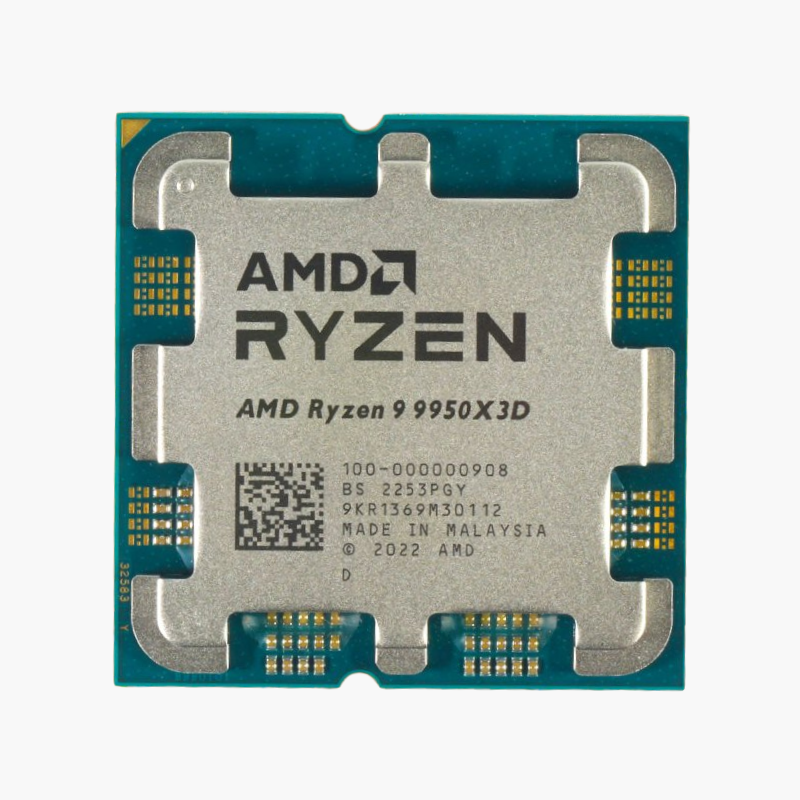
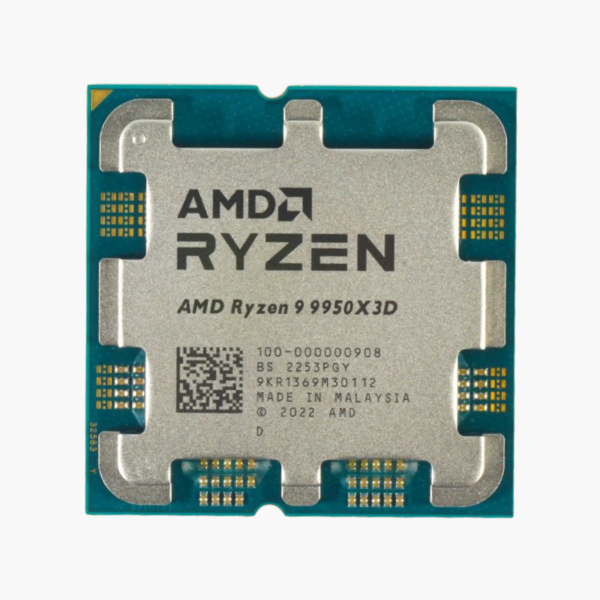
The AMD Ryzen 9 9950X3D is a Ryzen 9000 Series desktop processor based on Zen 5 with 2nd Gen 3D V-Cache (Granite Ridge), featuring 16 cores, 32 threads and boost clocks up to 5.7 GHz. It uses the AM5 socket, supports DDR5-5600 memory and PCIe 5.0, and is aimed at gamers who want the highest possible frame rates.
Why Games Stall on Memory Latency – and How 3D V-Cache Fixes It in the Ryzen 9 9950X3D
Modern games constantly shuffle large amounts of data such as world geometry, AI states and physics. When that data does not fit in the processor’s cache, the CPU has to wait on system memory, and those waits show up as lower frame rates and uneven frame times, especially in simulation and open-world titles.
The Ryzen 9 9950X3D stacks extra cache directly onto the processor using AMD 3D V-Cache, for a total of 128MB of L3 cache. Far more of a game’s working data stays on the chip, so the cores spend less time waiting and more time preparing frames.
Its 16 cores are split across two chiplets, one carrying the extra cache for games and one tuned for higher clocks, and AMD’s chipset driver steers games to the cache-equipped cores automatically.
Zen 5 Architecture – Higher IPC and Full AVX-512
Zen 5 improves instructions per clock with a wider core design and full 512-bit AVX-512 data paths, accelerating AI, scientific and media workloads. The Ryzen 9 9950X3D supports DDR5-5600 with EXPO profiles and PCIe 5.0.
Tuning and Cooling the X3D
The Zen 5 3D V-Cache design allows full manual overclocking and Precision Boost Overdrive, a first for X3D processors. Pair it with a quality tower air cooler or a 240mm to 360mm AIO for sustained boost.
Setup Instructions
How to Install the AMD Ryzen 9 9950X3D
- Confirm your motherboard uses the AM5 socket with an AMD 600-series or 800-series chipset. Update a 600-series board to a BIOS with Ryzen 9000 support before installing the processor.
- Open the socket retention frame, align the triangle on the Ryzen 9 9950X3D with the triangle on the socket, and lower it straight down. AM5 is an LGA socket, so the pins are on the motherboard; avoid touching them. Close the frame and lever.
- Apply a thin layer of thermal paste and mount an AM5-compatible cooler; a high-end dual-tower air cooler or a 280mm to 360mm AIO liquid cooler suits this 170W processor.
- Power on (the first boot can take a few minutes while memory training runs), enter the BIOS, enable the EXPO memory profile, then install Windows and the latest AMD chipset drivers.






Reviews
There are no reviews yet.